Troubleshooting
Problem Root cause / Corrective action
The detector will not turn on
-Check if power cable is connected
-The power cable has not been switched on at the
power plug. Make sure the red light at power
plug is lit.
Display is not turning on
-Power cable is disconnected or switch has not
been turned on
-Display is set to “Dark” Mode
The detector alerts visually but there are no voice
or audio alerts
-The alert volume is turned down. Increase
volume
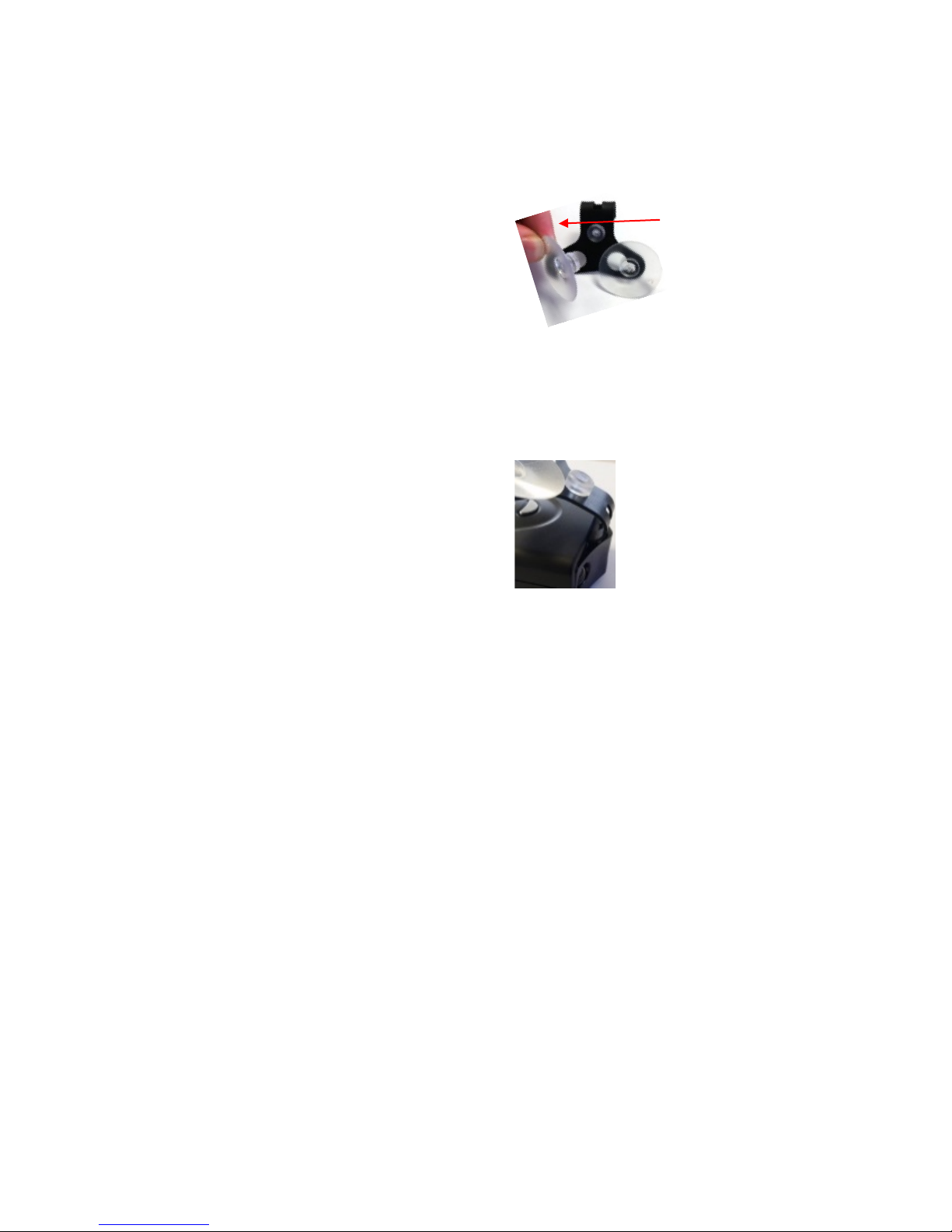
The windshield mount does not adhere to the
windshield
-Clean the suction cups and windshield
The detector alerts to a signal but no police radar
trap can be located
The detector could have received a false signal
from a motion sensor. Lockout the known false
locations by pressing the middle button during the
The unit suddenly alerts with high intensity while
driving on the Interstate although there is no
-SpeedInfo Traffic sensors are in place along your
road. Turn on the Traffic Sensor Rejection filter in
The detector starts alerting with low intensity
following another vehicle
-The vehicle in front of you is equipped with Blind
Spot Mirror or Lane Assist feature. Turn on the K
Radenso Pro did not alert to approaching police
vehicle
-The officer is not operating radar equipment
-One or more radar bands have been deactivated.
Check in the Menu if all radar bands used in your
area are turned on
-You may have activated a speed limit in the menu
and you were traveling below the set speed limit
-You activated SpeedMeter Mode, which disables
the radar antenna. See page 8 for reactivation.
Radenso Pro never alerts to radar or the alarm
turns on after passing the radar source
-Your vehicle might be equipped with a metal
coated windshield that prevents the reception of
radio waves. Check with your local dealer
-The speed limit setting in the Menu has been set
above normal travel speed. Turn off speed limit
setting or set to a low speed
The unit did not alert to a Redlight or Speed
camera
-GPS detection has been turned Off in the Menu.
Turn GPS detection On
-The location is not yet stored in the database.
Check if a database update is available for upload
The detector alerts to a SpeedCam or Redlight
camera but no camera can be found
-The location used to have a speed or redlight
camera but it was disassembled
-The camera is located on the other side of the
road in opposite travel direction
Page 9