manuals.online logo
Brands
  1. Home
  2. •
  3. Brands
  4. •
  5. Ranger
  6. •
  7. Measuring Instrument
  8. •
  9. Ranger LS010A User manual

Ranger LS010A User manual

Other Ranger Measuring Instrument manuals

Ranger 2150 User manual

Ranger

Ranger 2150 User manual

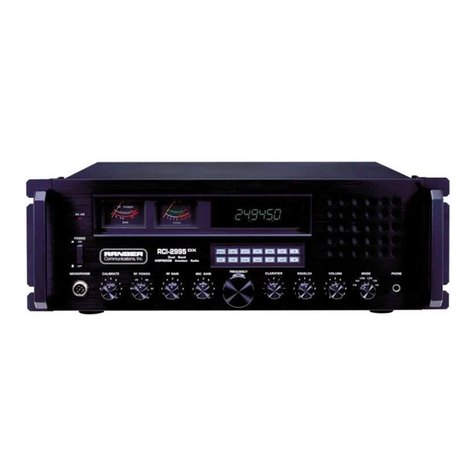
Ranger RCI-2985DX User manual

Ranger

Ranger RCI-2985DX User manual

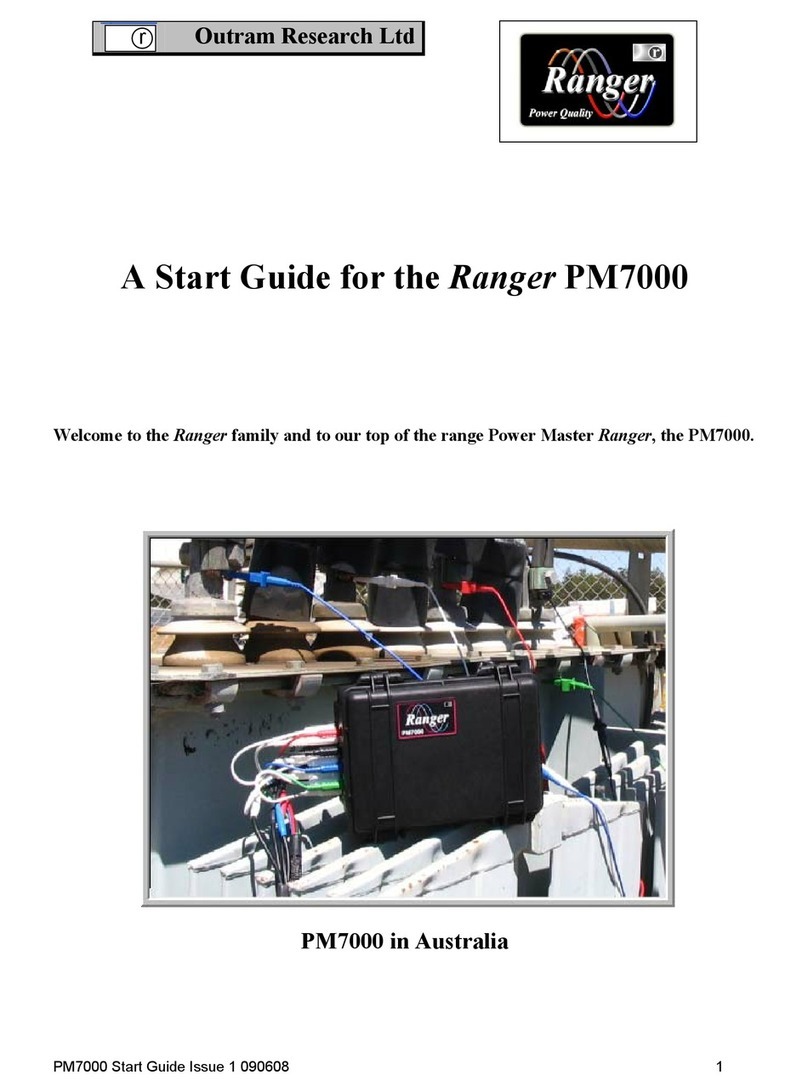
Ranger PM7000 Guide

Ranger

Ranger PM7000 Guide

Popular Measuring Instrument manuals by other brands

Powerfix Profi 278296 Operation and safety notes

Powerfix Profi

Powerfix Profi 278296 Operation and safety notes

Test Equipment Depot GVT-427B user manual

Test Equipment Depot

Test Equipment Depot GVT-427B user manual

Fieldpiece ACH Operator's manual

Fieldpiece

Fieldpiece ACH Operator's manual

FLYSURFER VIRON3 user manual

FLYSURFER

FLYSURFER VIRON3 user manual

GMW TG uni 1 operating manual

GMW

GMW TG uni 1 operating manual

Downeaster Wind & Weather Medallion Series instruction manual

Downeaster

Downeaster Wind & Weather Medallion Series instruction manual

Hanna Instruments HI96725C instruction manual

Hanna Instruments

Hanna Instruments HI96725C instruction manual

Nokeval KMR260 quick guide

Nokeval

Nokeval KMR260 quick guide

HOKUYO AUTOMATIC UBG-05LN instruction manual

HOKUYO AUTOMATIC

HOKUYO AUTOMATIC UBG-05LN instruction manual

Fluke 96000 Series Operator's manual

Fluke

Fluke 96000 Series Operator's manual

Test Products International SP565 user manual

Test Products International

Test Products International SP565 user manual

General Sleep Zmachine Insight+ DT-200 Service manual

General Sleep

General Sleep Zmachine Insight+ DT-200 Service manual

Sensa Core Lacto Spark user manual

Sensa Core

Sensa Core Lacto Spark user manual

VOLTCRAFT UTS-1980 operating instructions

VOLTCRAFT

VOLTCRAFT UTS-1980 operating instructions

EBCHQ 94915 Operation manual

EBCHQ

EBCHQ 94915 Operation manual

Balluff BIP LD2-T017-01-EP-S4 Series user guide

Balluff

Balluff BIP LD2-T017-01-EP-S4 Series user guide

Pulsar IMP Lite Series instruction manual

Pulsar

Pulsar IMP Lite Series instruction manual

ETCR 6800 user manual

ETCR

ETCR 6800 user manual

manuals.online logo
manuals.online logoBrands
  • About & Mission
  • Contact us
  • Privacy Policy
  • Terms and Conditions

Copyright 2025 Manuals.Online. All Rights Reserved.

- 1 -
La s e r ra n g e Fi n d e r Ls010a
Us a g e
Laser range nders use a low-intensity eye-safe laser to measure the
distance to a target object. Apart from regular operation Ranger LS010A
features a special mode that ignores interference from close-by objects
such as foliage and fencing, and two additional modes to ensure accurate
readings in the rain or under foggy conditions.
Pa r t s L i s t
Eyepiece1.
Objective lens / laser emitter2.
Laser receiver3.
Mode button4.
Trigger button5.
Battery lid6.
- 2 -
sP e c i F i c a t i o n s
Measurement range 5 to 600 metres
Measurement method Eye-safe laser
Margin of error for ranging ±1m or ±0.1%
Display LCD display
Objective lens aperture 25mm
Lens coating Multi coated
Exit pupil diameter 3.8mm
Eye-relief 12mm
Dioptre focussing Yes
Optical magnication 6x
Field of view 122m @ 1000m (7°)
Four modes of measurement eliminate false
readings from rain, fog and interference
from close-lying foliage and fencing.
• Standard
• RAIN
• REFL
• >150
Power 1 x CR2 3V lithium battery
Dimensions 40 × 99 × 68mm
Weight 180g
Waterproof No
di s P L a y
Aiming cross-hair with centre circle.1.
Distance readout. A display with three 2.
dashes “- - -” means no distance has
been measured.
Distance unit, metres or yards.3.
- 3 -
Mode:4.
<a. blank> - standard mode.
“RAIN” - for rainy conditions to measure distance to objects more b.
than 60 metres away.
“REFL” – for conditions of thin fog or heavy humidity.c.
“>150” – ignore interference by close-by (closer than 150 metres) d.
small objects such as branches, fence wires etc., that lie between
you and the target you are ranging.
The number of arrows following the word “QUALITY” shows the quality 5.
of the ranging signal. 6 or more arrows means a good enough return
signal for a distance reading.
The word “LASER” ashes when the range nder is emitting the range-6.
nding beam.
“BATT” battery low indicator.7.
oP e r a t i o n
Look through the eyepiece and rotate it to adjust the image so that it is 1.
sharp and clear.
Press and release the trigger button to activate the LCD screen.2.
Place the target object under the centre circle and press and hold the 3.
trigger button to read the range.
The display remains active for 15 seconds before shutting-off.4.
It is recommended that the object is ranged at least twice for best 5.
accuracy by depressing the trigger button a second time for three
seconds while the display is still active.
A bad reading is indicated by three short lines “- - -” if a distance reading is
not obtained after three seconds.
You can use the “mode” button to change the operation mode from standard
to “>150”, “RAIN” or “REFL” to a) ignore interference from close-by objects
such as foliage and fencing, b) ensure accurate readings in the rain, or c)
when using the laser under foggy conditions. When switched on the unit
reverts to the mode last used.
To change the distance unit (metres / yards), press and hold the “mode”
button down for three seconds.
The maximum range a target distance can be measured is affected by the
following four variables:

- 4 -
The size of the object being measured,1.
the angle of the surface being measured with respect to the laser 2.
beam,
weather conditions, and3.
reectivity of the surface being measured.4.
Generally speaking you can range targets further on a clear day, with larger
targets that are highly reective and with surfaces perpendicular to the laser
beam than you can with small light-absorbent targets standing at an angle
in misty or rainy weather.
PL e a s e n o t e
Do not attempt to disassemble the device.•
Lens surfaces should be kept clean with a soft cloth, used gently to •
avoid scratching the lens coating.
Make sure the battery is inserted with correct polarity. An inverted •
battery can damage the electronics.
Remove the battery for long-term storage.•
Store in a cool dry place.•
Operating temperature is -20°C to 40°C.•
Do not depress both MODE and TRIGGER buttons simultaneously.•
This device can only be repaired by qualied professionals. Please do •
not attempt repair yourself. If your laser range nder becomes faulty
package it and return it to your dealer, or return to the service centre
directly at the postal address below:
Pa c k a g e c o n t e n t s
1 x Laser range nder LS010A
1 x Carry case
1 x Strap
1 x Lens cleaning cloth
1 x Instructions
Distributed by:
Lynx Optics (Pty) Ltd
PO Box 98078, Sloane Park, South Africa, 2152
tel: +27 (0)11 792 6644 | [email protected] | www.lynx.co.za
Purchase date:..................................................
Dealer name
and signature or
dealer stamp