4
Specifications
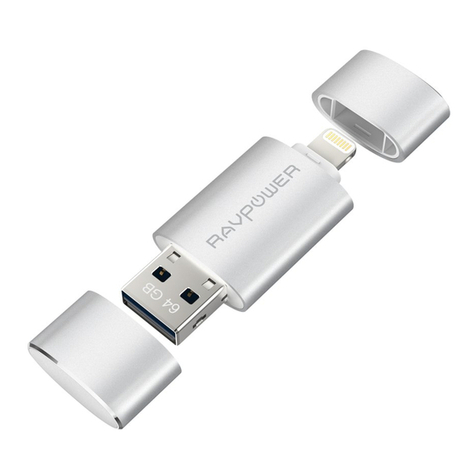
USB 3.0 Port
Plug into a computer to use as external storage and
charging cable. The computer is now able to access the
flash drive while charging an Apple device.
Lightning Port Plug the lightning port into an Apple device to transfer
data. Once connected, the USB port will be disabled.
Built-in Memory 128GB
App Function Description
App Installation
You can download the iPlugmate app from the Apple App Store. Just search
for “iPlugmate”.
Description
Photos Access photos on the flash drive and your Apple device,
transfer to and from both devices
Videos
Access videos on the flash drive and your Apple device,
transfer to and from both devices
Music
Access music on the flash drive and your Apple device,
transfer to and from both devices
Backup Backup files in your Apple device onto the flash drive
File/Folder
Access files/folders on the flash drive and your Apple
device, transfer to and from both devices
Camera Access and activate the Microphone and Camera of