COMFORT
Here are some tips to ensure that you are comfortable while using your mouse. Research has shown that
long periods of repetitive motion, improper positioning of your computer peripherals, incorrect body position,
and poor habits may be associated with physical discomfort and injury to nerves, tendons, and muscles.
Please follow these guidelines to ensure comfortable use of your mouse and avoid injury.
1. Position your keyboard and monitor directly in front of you with your mouse next to it. Place your elbows
next to your side, not too far away and your mouse within easy reach.
2. Adjust the height of your chair and table so that the keyboard and mouse are at or below elbow height.
3. Keep your feet well supported, posture straight and your shoulders relaxed.
4. During gameplay, relax your wrist and keep it straight. If you do the same tasks with your hands
repeatedly, try not to bend, extend or twist your hands for long periods.
5. Do not rest your wrists on hard surfaces for long periods. Use a wrist support such as Razer’s gel-filled
eXactRest™ to support your wrist while gaming.
6. Customize the buttons on your mouse to suit your style of gaming in order to minimize repetitive or
awkward motions while gaming.
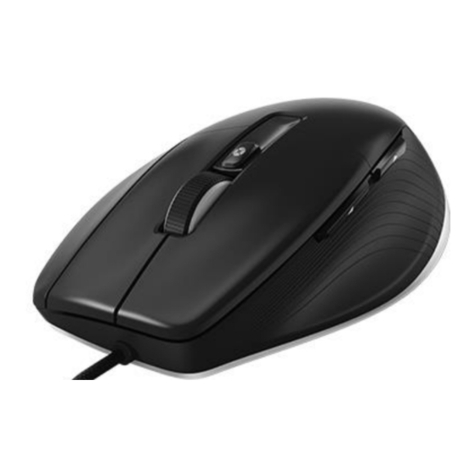
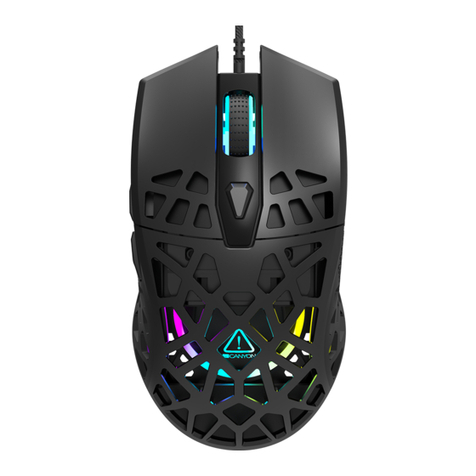
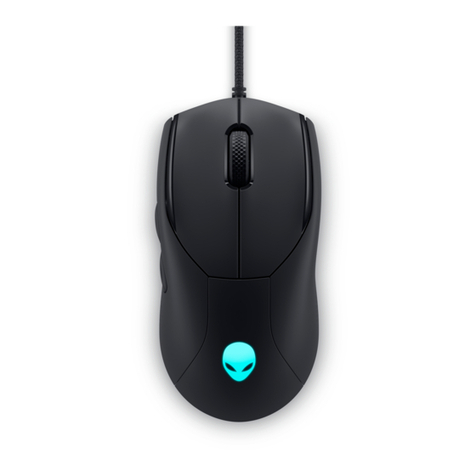
7. Make sure that your mouse fits comfortably in your hands.
8. Do not sit in the same position all day. Get up, step away from your desk and do exercises to stretch
your arms, shoulders, neck and legs.
9. If you should experience any physical discomfort while using your mouse, such as pain, numbness, or
tingling in your hands, wrists, elbows, shoulders, neck or back, please consult a qualified medical doctor
immediately.
MAINTENANCE AND USE
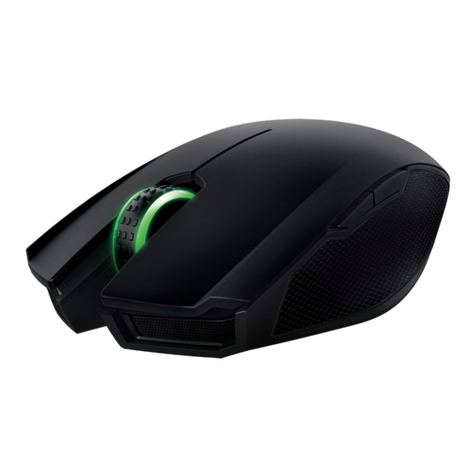
The Razer Naga is equipped with a laser sensor, which has a tracking beam that is invisible to the naked
human eye. There is a little regular maintenance to keep the Razer Naga in optimum condition. Once a
month we recommend you unplug the mouse from the USB port and clean the lens below the Razer Naga
with a soft cloth or cotton swab. Use a little warm water but no soap or harsh cleaning agents.
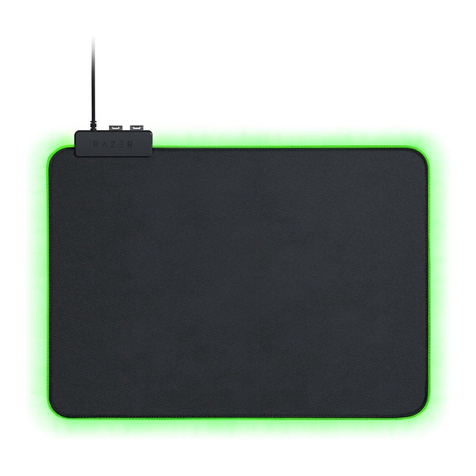
To get the ultimate experience in movement and control, we highly recommend a premium mousing surface
from Razer. Some surfaces will cause undue wear on the feet requiring constant care and eventual
replacement.
Do note that the sensor of the Razer Naga is ‘tuned’ or optimized especially for the Razer mousing surfaces.
This means that the sensor has been tested extensively to confirm that the Razer Naga reads and tracks
best on Razer mousing surfaces. Other premium mousing surfaces from companies like Everglide™ may
work just as well.
Class 1M laser products
International standards and safety.
INVISIBLE LASER RADIATION: DO NOT VIEW DIRECTLY WITH OPTICAL INSTRUMENTS.
Class 1m laser products comply with International Standard IEC 60825-1 Ed 2: 2007, Class 1M Laser
Product Invisible and also complies with 21
CFR 1040.10 and 1040.11 except for deviations
pursuant to Laser Notice No. 50, dated June 24, 2007.