SETUP AND CONNECTIONS ....................................... 5
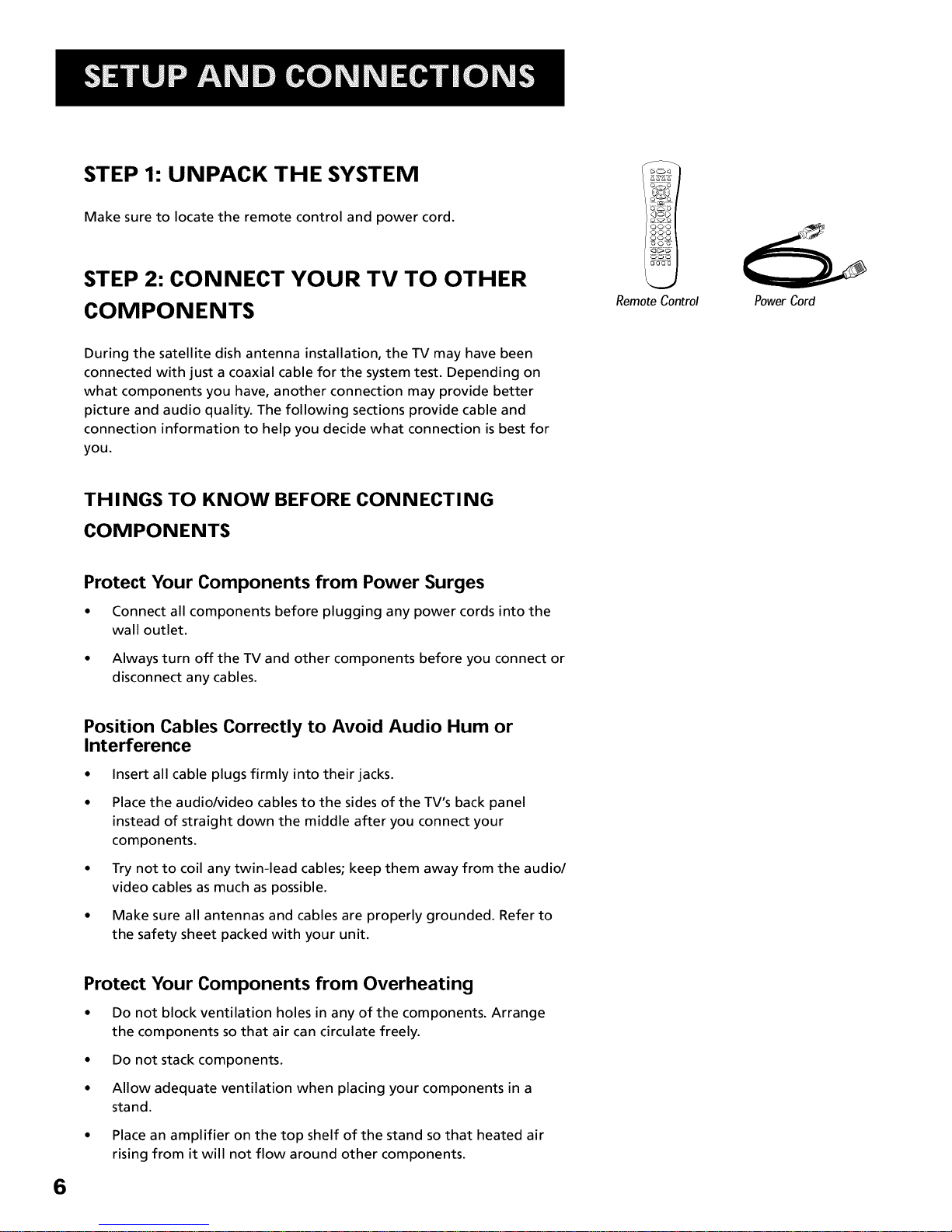
Step 1: Unpack the System .............................................................. 6
Step 2: Connect Your TV to Other Components ............................. 6
Jacks and Cables ......................................................................... 7
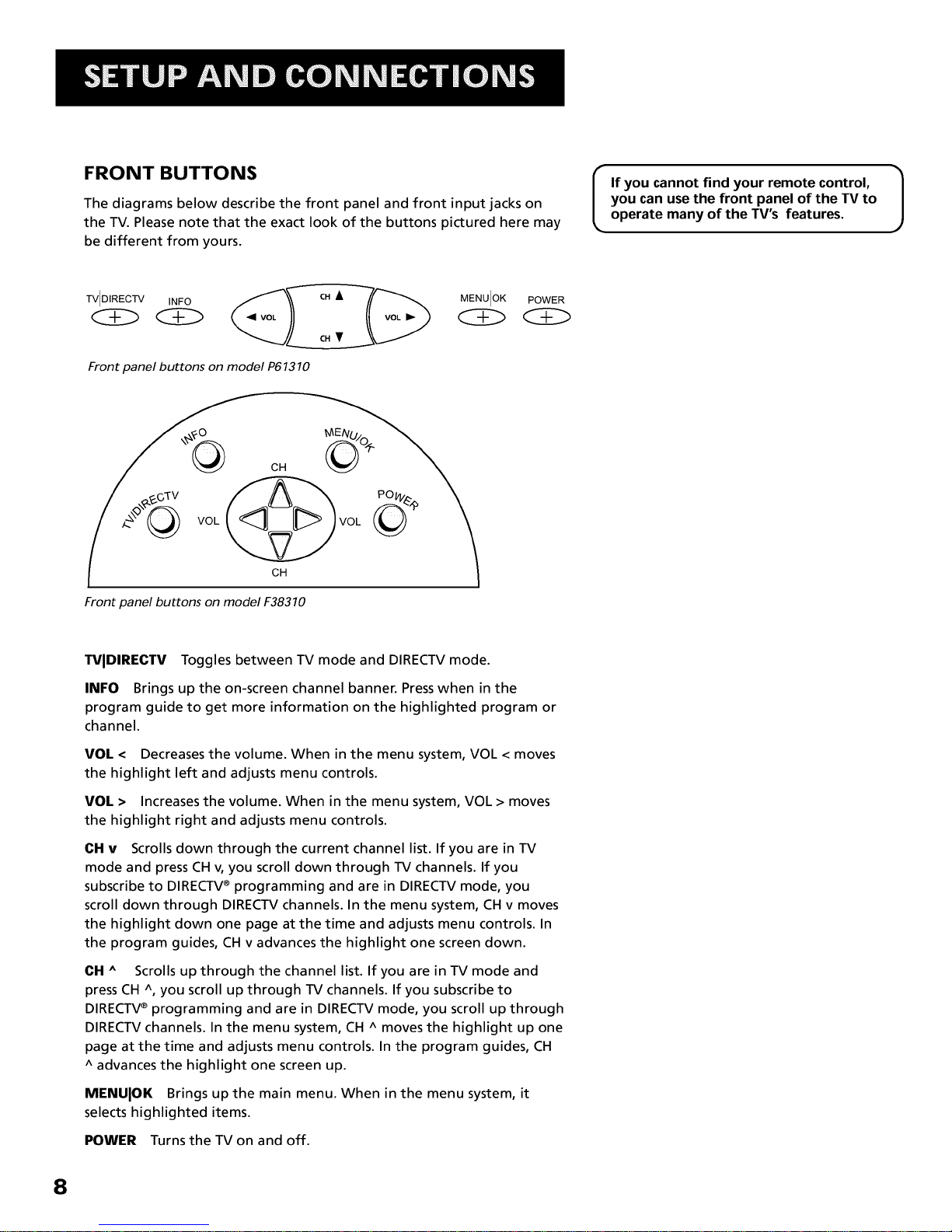
Front Buttons ............................................................................. 8
Back of the TV .......................................................................... 10
The Basic Connection ............................................................... 12
The Advanced Connection ...................................................... 13
Connecting Speakers to the TV ............................................... 14
Connecting aStereo Amplifier ............................................... 15
Step 3: Place Batteries in the Remote Control ............................. 16
Step 4: Plug in and Turn on the System ........................................ 16
Step 5: Complete the Interactive Setup ........................................ 16
Step 6: Order Programming .......................................................... 16
USING THE REMOTE ................................................... 17
Remote Control Buttons ................................................................ 18
Programming the Remote Control ............................................... 20
Using the Remote to Control aComponent ................................. 21
Remote Control Codes ................................................................... 22
BASIC TV OPERATION ............................................... 23
About the Channel Banner ............................................................ 24
Changing Between DIRECTV and TV Mode .................................. 26
Changing Channels ........................................................................ 27
PIP(Picture-in-Picture) Operation ................................................. 28
PIPButtons ............................................................................... 28
Using the PIPFeature .............................................................. 28
PIPProblems? ........................................................................... 29
Using the INPUT Button ................................................................. 30
USING THE PROGRAM GUIDES ................................ 31
Bringing Up the Program Guides .................................................. 32
Anatomy of the TV Program Guide .............................................. 33
Anatomy of the DIRECTV® Programming Guide ......................... 34
Tuning to a Program ...................................................................... 35
Getting Around in the Guides ....................................................... 35
Using the GUIDE Button ................................................................ 36
The Other Guides Icon ................................................................... 36
Exiting A Program Guide ............................................................... 37