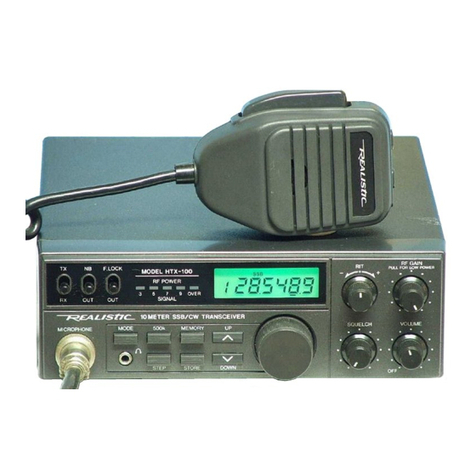
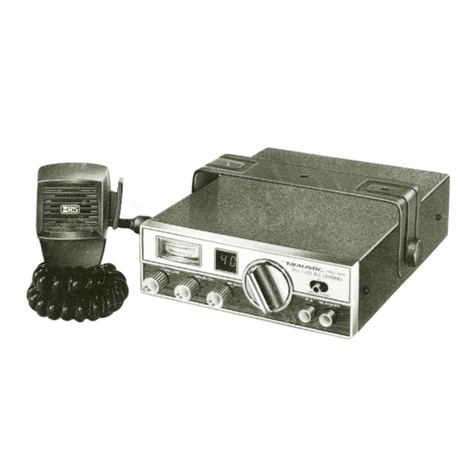
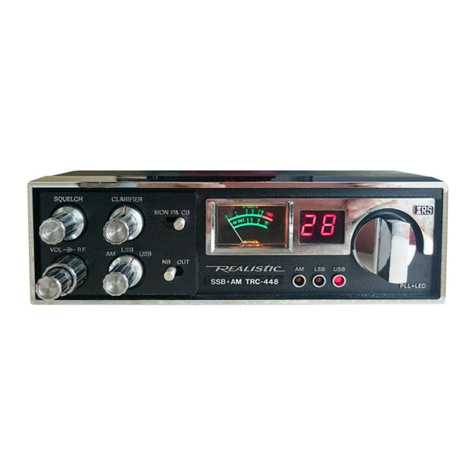
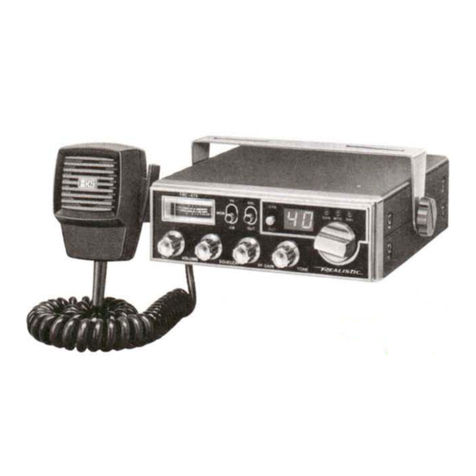
CONTROLS AND THEIR FUNCTIONS
This short description of the function of each control and jack supplies background information for
proper operation. For actual Operating Instructions, refer to Using Your Transceiver.
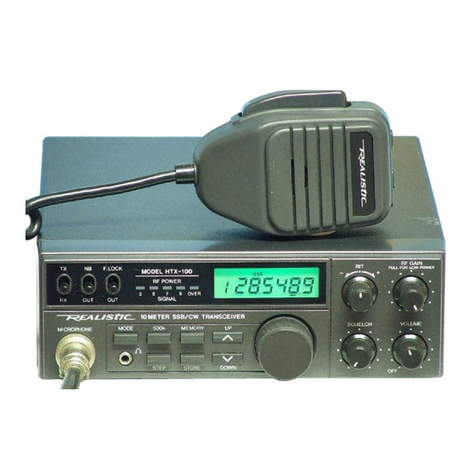
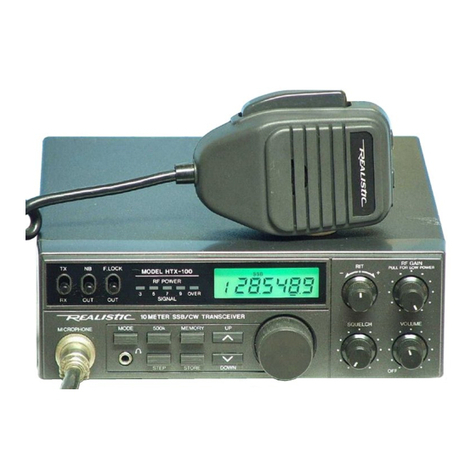
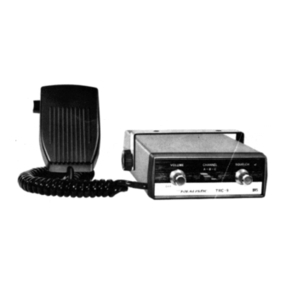
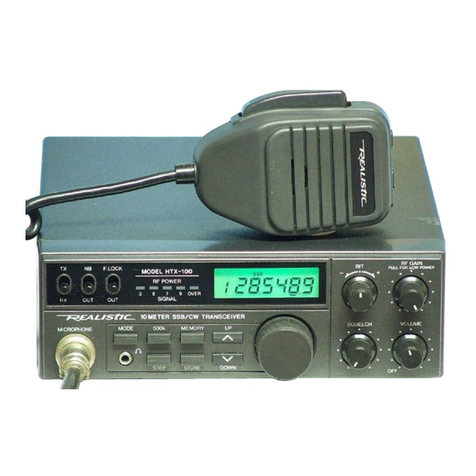
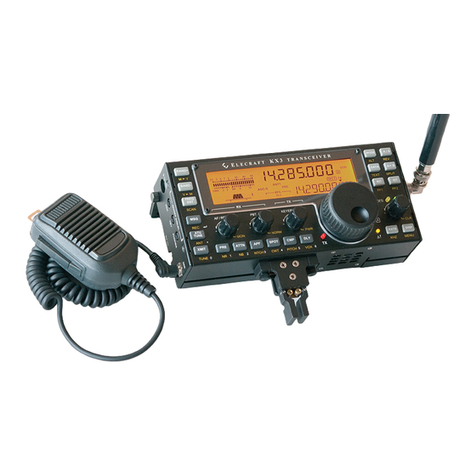
MICrophone ... The dynamic microphone must be connected to this jack. To Transmit, press the button
on the mic and talk into the mic. To Receive, release the button.
When transmitting, hold the microphone at an angle, two or three inches (5-7.5 cm) from your mouth
and speak clearly in a normal voice. Your Transceiver features a new locking type microphone connector.
This insures that you won't accidentally pull out or loosen the plug connection (when extending the
MIC cable while moving about). To release the MIC connector, you must press the small Tab (see
illustration above) on the Top and then pull out.
PHONES . . . Plug in communications type headphones for private listening, or in areas where back-
ground noise is excessive (factories, at the scene of an accident or fire, etc.). When you plug in the head-
phones, it automatically disconnects the internal speaker (or an external speaker).
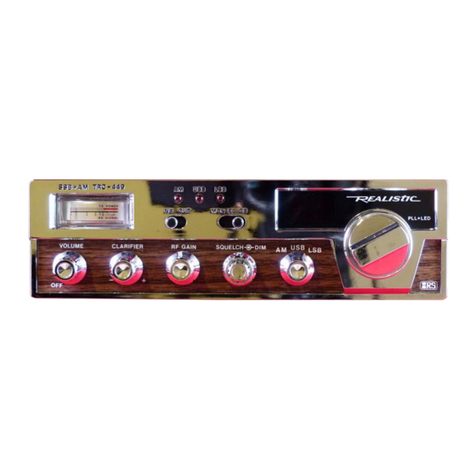
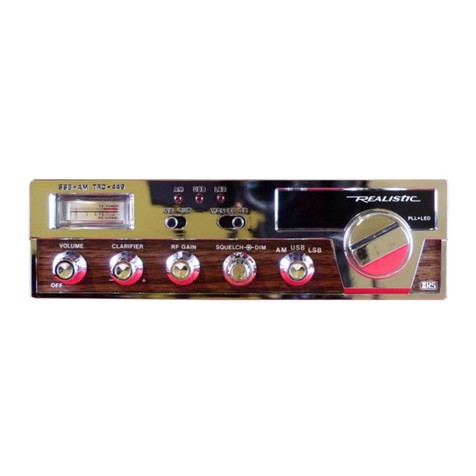
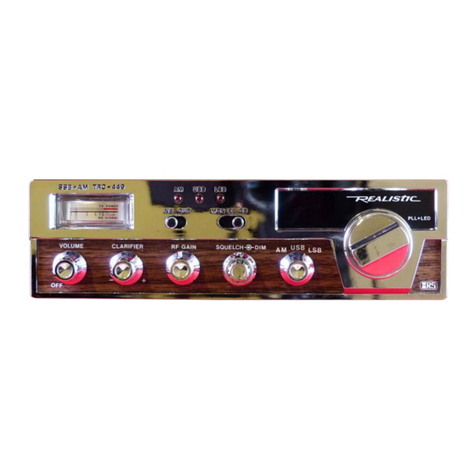
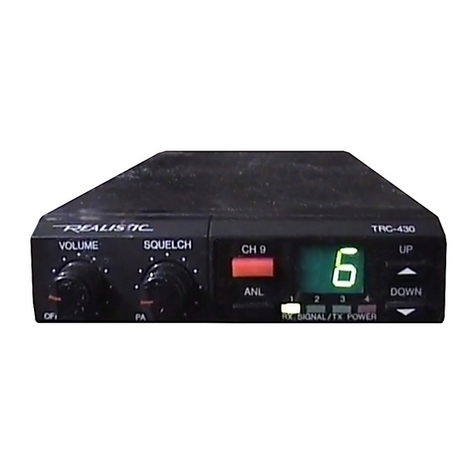
Channel Selector... use to select any one of the standard 18 CB channels.
VOLUME with "ON/OFF" switch ... Turn clockwise to apply power to the unit and then adjust for the
desired level of sound from the speaker. When using PA, it controls the level of the PA output.
SQUELCH . . . Sets the level of the internal Squelch circuitry to cut out the background noise when no
signal is being received. When properly set, it allows signals to come through, but cuts off the receiver
sound when no signal is being received, thus eliminating annoying background/atmospheric noise during
standby and monitoring conditions.
If set too high, you may miss some of the weaker signals. Operating conditions will determine the best
setting.
RF GAIN . . . Varies the sensitivity of the RF amplifier stages of the Receiver circuitry. For normal
operation, set RF GAIN to maximum and adjust VOLUME for a suitable listening level. Under high-
signal conditions, you may want to turn RF GAIN down a little and raise VOLUME as required.
CLARIFIER ... Functions as a "fine tuning" (or "delta" tuning) for reception of Single Sideband and
AM signals when the Mode switch is set to either LSB or USB. This permits you to tune your receiver to
exactly the same frequency of any other station or stations which you are communicating with.
AM-USB-LSB Mode Switch . . . set this switch to the desired mode of operation for both transmit and
receive. When in the AM position, both transmitter and receiver sections are operative for AM. When set
to the LSB position, the Receiver operates to receive only the lower sideband portion of a signal; the
Transmitter will transmit only the lower sideband of the modulated wavefOrm. In the USB position, the
Receiver operates only to receive the upper sideband portion of a signal; the Transmitter will transmit
only the upper sideband of the modulated waveform.