M003 Issue: 1.6 Created by: Technical Dept. 6 January 2024
5.2 Alley Lights –‘Permanent on’ or ‘Flash’
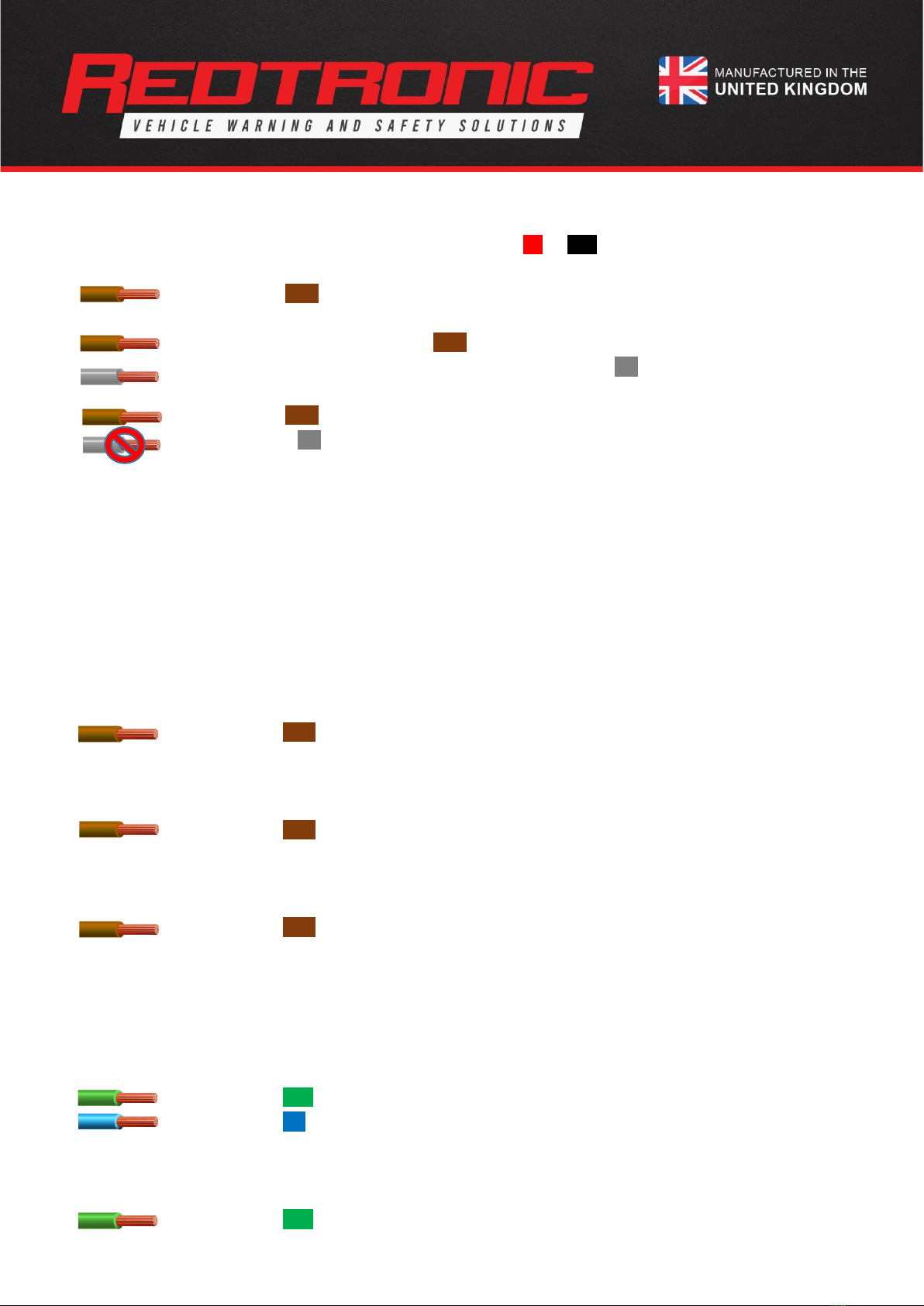
a) Ensure the Lightbar is in ‘Standby’ mode by connecting Red +ve Black -ve
b) Apply the Alley Left & Alley Right input wires to +ve permanently
c) Apply the brown
(Pattern Select)
wire to +ve momentarily
d) The Alley Lights will now flash inan alternating pattern
e) To Revert to ‘Permanent on’ apply the brown
(Pattern Select)
wire to +ve momentarily
f) If wanting to use more than ‘alley light’ for illumination, simply Apply the grey
(Config)
wire to +ve
permanently
g) Apply the brown
(Pattern Select)
wire to +ve momentarily
h) Release the grey wire
Note: Changing Alley Lights to ‘Flash’ will not affect the pattern of the lightbar when it is not selected
6.0 CAP168 / ICAO / CAA / ACAA (whilst in 360/1, 360/2, Cruise Mode, Rotate patterns) -
(61fpm)
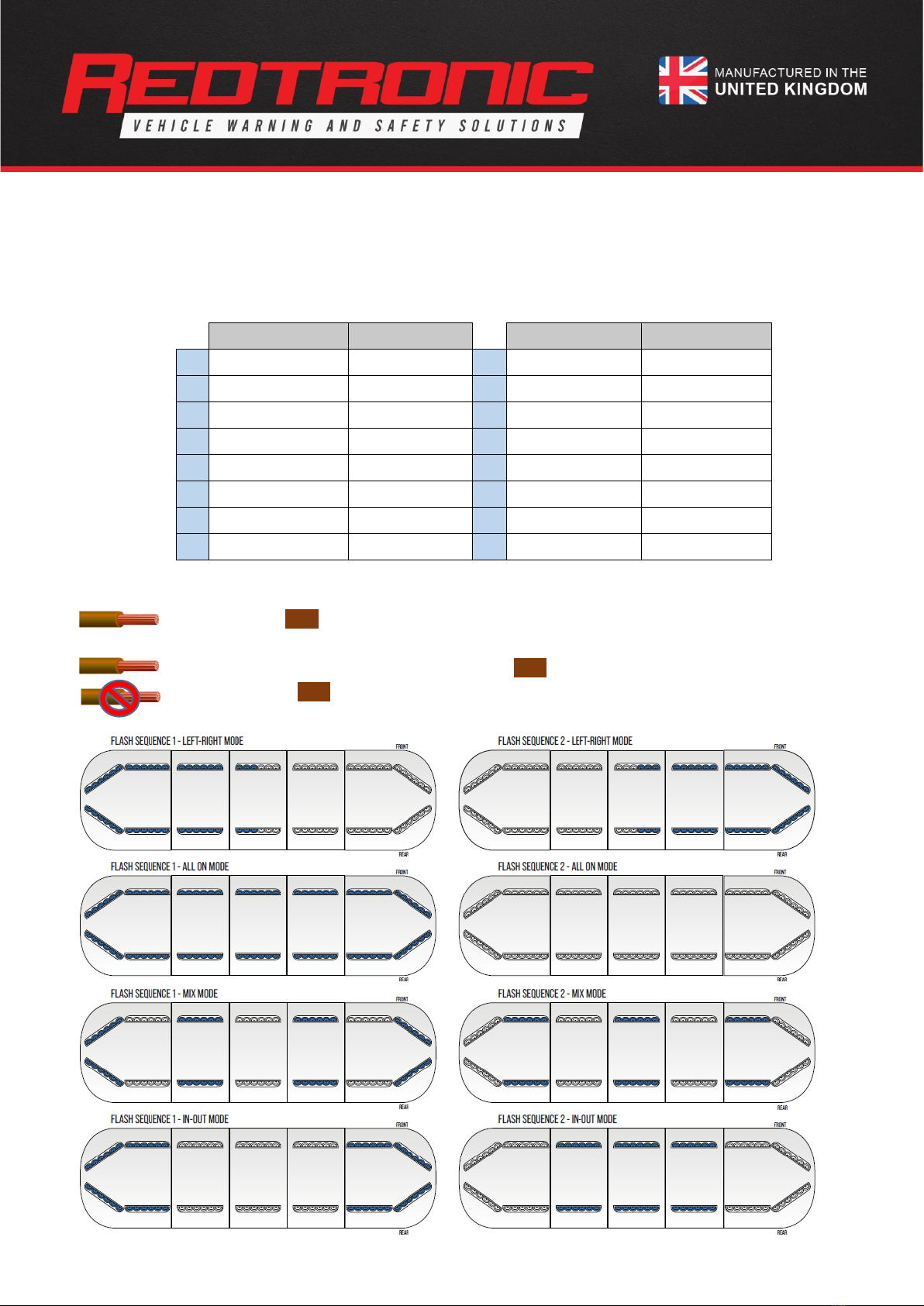
This function is built-in to the Cruise and Rotate flash patterns as standard. If you require it on another wire, setting Dil Switch 2
to ‘ON’ gives the addition of CAP168 pattern
(Airport Mode)
to the 360/1, 360/2 flash pattern options –in all 4 different flash
modes (
left-right, all-on, mix, in-out
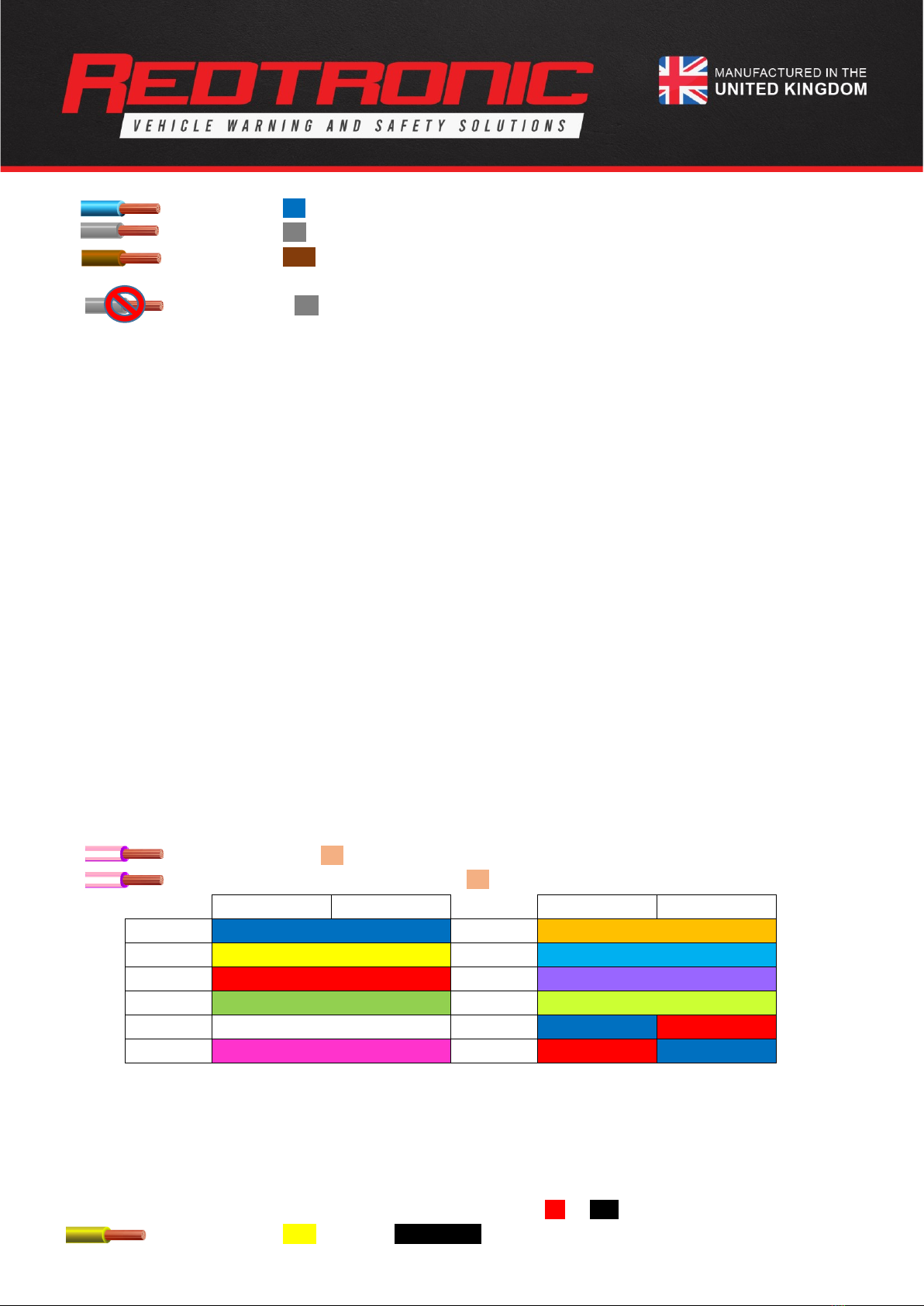
). In addition, the colour can be individually set to each output
(refer to 9.0 Setting the
Colour)
6.1 360/1 & 360/2 Outputs
a) Ensure the Lightbar is in ‘Standby’ mode, set Dil Switch 2 to ‘ON’
b) Apply the input wire programmed as ‘360/2’ to +ve permanently
c) Apply the brown
(Pattern Select)
wire to +ve momentarily until CAP168 is enabled
6.2 Cruise Mode
a) Apply the input wire programmed as ‘Cruise Mode’ to +ve permanently
b) Apply the brown
(Pattern Select)
wire to +ve momentarily until CAP168 is enabled
6.3 Rotate
a) Apply the input wire programmed as ‘Rotate’ to +ve permanently
b) Apply the brown
(Pattern Select)
wire to +ve momentarily until CAP168 is enabled
7.0 Setting Dim Mode
There are two modes available with the Lightbar; 25% brightness and 50% of full brightness
(default)
. Dim does not apply to
Stop/Tail/Indicator, Alley Lights, Worklamps or Front Floods.
a) Ensure the Lightbar is in ‘Standby’ mode
b) Apply the green
(360/1)
wire to +ve permanently
c) Apply the blue
(Dim)
wire to +ve permanently
d) Dim is now enabled at 50% of full brightness on all inputs
To decrease to 25% of full brightness: -
a) Apply the green
(360/1)
wire to +ve permanently