
Remote Control Systems ALPHA-3 User manual

P.O Box 578 Casino, NSW, 2470 Australia
Phone: International ++614 2902 9083
Australia (04) 2902 9083
Website: http://rcs-rc.com
E mail: [email protected]
ALPHA-3
(DELTANG DSM2 R/C Rx65-2).
Electronic Speed Controller
Supplied as:
Version “A” Ch # 5 triggers pad # 3.
Ch # 4 (low) triggers pad # 4.
Version “B” Ch # 2 (low) triggers pad # 3.
Ch # 4 (low) triggers pad # 4.
TABLE OF CONTENTS
PROVIDED IN INSTRUCTIONS.
Page # 1 Introduction.
Page # 2 Installing the # ALPHA-3 ESC.
Page # 3 Operating the # ALPHA-3 ESC.
Page # 4 Setting up the system. Binding the RX.
PLEASE NOTE. PDF WIRING INSTRUCTIONS ARE HERE:
http://www.rcs-rc.com/pages/instructions
INSTRUCTIONS.
Thank you for purchasing this Microprocessor based Electronic Speed Control (ESC) R/C system.
THIS NEW SYSTEM CAN USE ANY DSM2 R/C WITH 4 OR MORE CHANNELS.
THE RCS # ALPHA-3 SYSTEM IS IN ONE PART. THERE IS A BUILT IN 2.4 Ghz RX.
SERVO LEADS ARE NOT NEEDED.
THE # ALPHA-3 IS A REPRAMMED DELTANG R/C Rx65-2.
THE SYSTEM IS READY TO USE AS IS, ONCE THE RX IS “BOUND” TO THE TX.
THE # ALPHA-3 USES A “LOW OFF” CONTROL METHOD. THIS CAN BE CHANGED TO “CENTRE OFF”.
THIS IS ONE OF THE MANY FEATURES WITHIN THE SYSTEM WHICH CAN BE RE-PROGRAMMED.
USERS CONTEMPLATING ALTERING THE OPERATING CHARACTERISTICTS SHOULD THOROUGHLY
READ UP ON HOW TO DO SO BEFORE ATTEMPTING TO MAKE CHANGES:
http://www.deltang.co.uk/rx65a-v610-p.htm
IF YOU MESS IT UP WE CAN FIX IT FOR THE COST OF POSTAGE.
DO NOT CONNECT TO MAINS POWER (110 – 240V AC).
THE # ALPHA-3 CAN BE USED WITH BATTERY POWER ONLY.
THEY HAVE CONSTANT BRIGHTNESS DIRECTIONAL LIGHTS & 2 x SOUND TRIGGERS.
USE 5v – 18v ABSOLUTE MAXIMUM FOR THE # ALPHA-3.
TAKE INTO ACCOUNT FULLY CHARGED BATTERIES CAN & DO EXCEED THE NOMINAL VOLTAGE.
VOLTAGE DROP FROM IN – OUT IS ABOUT ½ A VOLT UNDER A LIGHT LOAD.
We tested this system three times during manufacture. It was working normally when it left the factory.
If damage in transit has occurred, please return to place of purchase for attention.
THIS ESC IS GUARANTEED FOR ONE YEAR.
You will supply the DSM2 2.4 Ghz 4 channel (or more) Digital Proportional R/C TX handpiece.
You will also supply a locomotive or trail car, the 5 – 18 volt traction batteries, a fuse,
ON-OFF switch and wires where necessary, to connect the ESC to the battery and motor(s).
Where soldering is necessary, we recommend a low wattage soldering iron and resin core solder.
WE SUGGEST YOU MARK THE TX TO SHOW WHICH LOCO IT OPERATES.
CAUTION
DO NOT ATTEMPT TO ALTER THE TUNING OF THE RADIO EQUIPMENT.
DO NOT USE RADIO CONTROL EQUIPMENT IN THUNDERSTORMS.
CHILDREN UNDER 12: ADULT SUPERVISION RECOMMENDED DURING USE.

- 2 -
INSTALLING THE # ALPHA-3 ESC.
The # ALPHA-3 ESC uses DSM2/DSMX 2.4 Ghz digital proportional R/C’s only with four (4) or more servo channels.
We use, recommend and prefer our own TX-3, TX-5 and TX-7 DSM2 TX handpieces.
Please note the TX-3 can control but not program this ESC.
You can use regular stick radios instead. Either Mode # 1 & Mode # 2 systems. They both work equally well.
These have sprung Elevator & non sprung Throttle controls which are used to control the locomotive.
The L to R Aileron & Rudder sticks are used to trigger 2 x sound effects or control accessories.
LOCOMOTIVE SEPARATION.
2.4 GHz R/C systems are not separated with crystals. Every TX has a unique identifier code. They are all legal for air &
ground use. The # ALPHA-3 has a built in 2.4 Ghz RX and can be bound to any DSM2/DSMX TX.
You can bind as many # ALPHA-3 ESC’s to one TX hand piece as you wish.
“BINDING” must be done before the system can be used. See below for the “BINDING” procedure. There is no binding
plug used and binding is fully automatic. Once bound to a TX the RX/ESC will stay bound to that particular TX.
It is possible to bind the RX’s inside a loco from the outside. The front headlight output is also tied to the RX/ESC LED
and will give a visual indication that binding is taking place and when binding is complete.
MOUNTING THE ESC.
You can mount the # ALPHA-3 PCB with double stick tape or non-conductive silicone. Do not allow metal objects to
touch the PCB. Damage to the PCB may result.
PLACING RX ANTENNA.
After some years of using 2.4 Ghz we are now confident that it does not matter where you place the RX and antenna.
We have at least 150’ + range with the system in plastic locos. There is NO “glitching” or “Rusty Bolt Effect”.
2.4 GHz RX’s have been successfully used for some years with the RX & antenna inside a dummy water tank of a live
steam loco and inside expensive brass electric locos. In these instances range may be slightly reduced.
If you turn the 2.4 Ghz TX OFF to save the batteries the loco will go into “Fail Safe” mode and slow down then stop after a
few seconds. See page # 4 for how to turn OFF the “Fail safe.” Once the Fail Safe is turned OFF you can “Cruise” along
until the TX is turned ON again & manual control resumed. The operating program ignores DSM2 TX Fail safe.
POWER SOURCES.
As is, the # ALPHA-3 ESC can only be used with battery power. Ensure the battery pack is fully charged before use.
Connect the traction battery, which MUST BE FUSED, as per the wiring diagram.
If a full wave bridge rectifier with adequate filtering is employed, it is possible to use a constant track voltage as power.
RCS R/C offers a variety of installation kits for on board use such as the # BIK-U3/6 which has screw terminals to simplify
installations. For trail car installations we also have the # BIK-TC2/3 and # BIK-TC5.
MOTOR CONNECTION.
With # ALPHA-3 connect the motor(s) as per the wiring diagrams to M & M. The M + motor output is positive (+) in a
forward direction. Our extensive testing has shown the system doesn’t need any motor “Noise” suppression.
SHORT CIRCUIT & OVERLOAD PROTECTION.
RCS ESC’s have some self protection. It is essential the battery supply be fused for overall system protection. See the
wiring diagram pages.
LOCOMOTIVE LIGHTING.
The RCS # ALPHA-3 ESC’s have a logic high 3.1 volt directional lighting outputs. Please note: Maximum current is 20
ma per terminal. A suitable resistor must be used in conjunction with the LED you will be using.
N.B. Any larger load than 20 ma will kill the switching IC pins which are not covered by warranty.
Do not try and run multiple LED’s or incandescent bulbs with the outputs.
If you do wish to run more lights or a relay then you must use our plug in # LT-SW3 or # LT-SW4 pcb’s. These have
three or four open collector transistors that can handle up to 100 ma each. Front light is WHITE. Rear light is YELLOW.
IT IS MOST IMPORTANT THAT THE LED LIGHTS BE COMPLETELY ISOLATED FROM ANY OTHER WIRING.
Instead of rewiring some locos, sometimes it is much simpler to control the regular loco wiring by simply reversing the
traction battery voltage. You can use the # RELAY-1v2 to do this as it can save a lot of wiring in many locos. It is
especially useful in USA Trains® locos to control incandescent bulbs or LED’s up to 1 amp & smoke features.
Please note: If the # RELAY-1v2 has been used, the lights will flash alternately, not together as with transistor outputs.
When the speed control knob is in neutral only one set of lights will be lit.
The instructions assume the operator has used the available front & rear transistor lighting outputs or # RELAY-1v2.
If you do not have any lighting outputs connected you MUST be able to observe the LED on the ESC.

- 3 -
“BINDING” THE ALPHA-3 ESC.
Prior to using this system Binding must be carried out by the operator. Unless already bound.
The loco front headlight is set up internally to follow what the RX/ESC LED is doing.
HOW TO “BIND”.
1. Turn on the RX/Loco. The RX LED & headlight will blink slowly waiting to go into “BINDING” mode. Wait 20 seconds
until the RX LED & headlight flicker rapidly indicating the RX is ready to be bound. Then:
2. Press & hold the Binding button (Above hexagon symbol) & turn the TX power switch to ON. When RX flashes
release both buttons.
3. The TX button and RX LED & headlight will blink slowly a few times & then both will go solid ON. The headlight will
flash once and then go out.
4. Binding is complete.
OPERATING THE ALPHA-3 ESC.
N.B. If fitted, the TX “RATE” switch must be set to HI.
THE THROTTLE KNOB OR STICK MUST BE TURNED FULLY CCW (LEFT) BEFORE TURNING THE SYSTEM ON.
SERVO REVERSING MUST BE SET TO NORMAL.
The # ALPHA-3 comes set up using the following channels.
RCS DSM2 TX-3, TX-5 & TX-7
DSM2 STICK RADIOS
Big Knob = Throttle = Ch # 1 (Speed) Non sprung throttle stick = Ch # 1.
Small knob = Channel # 3 (Direction) Sprung Elevator stick = Ch # 3
TX-7 only LH Buttons=Top (High) & Bottom (Low). Rudder stick (Left 1/2 ) = Ch # 2 (High & Low)
TX-7 only RH Buttons = Top (High) & Bottom (Low). Aileron Stick (Left 1/2 ) = Ch # 4 (High & Low)
Bind Button (Hexagon) = Ch # 5 (Default pad # 3) Ch # 5 switch. Full Travel
The above set up for stick radios may not suit. If you want the throttle on the Elevator channel you will need to re-assign
the motor drive output to Channel # 3 instead of the default Channel # 1.
The following directions refer to the RCS TX series hand pieces.
When operating always turn the TX on first. (Not binding) Then turn the loco ON. The ESC & loco lights will stay OFF.
After between 1 - 2 seconds the RX will recognise the TX. The RX LED on ESC will come ON & not blink. Both front &
rear loco lights (if fitted) will stay OFF until a direction is selected.
FORWARDS. To select forwards direction twist the small knob clockwise (CW) to the right and leave it there.
SPEEDING UP. Turn the large knob gently to the right (CW). The Front LED will come on just as the loco speeds up
following the knob setting.
If the # ALPHA-3 ESC default motor and/or lights direction are backwards, reverse the wiring.
The speed is proportional to the knob position with a very small amount of momentum built in to prevent sudden jerky
movements. Let the knob go once the desired speed has been reached. The speed will stay the same until the Throttle
knob is turned left (CCW) to decrease speed.
Do not turn the TX OFF to save the batteries. The fail safe will start after 1 second and then take three seconds to slow
to zero motor output. This feature can be turned off in programming. See page # 4.
SLOWING DOWN. Turn the Throttle knob back to the left (CCW) to set desired speed.
REVERSE. You must completely stop the loco first. The Throttle knob must be fully to the left (CCW).
To select reverse direction twist the small knob gently to the left (CCW) and leave it there.
The rear LED will come on as the loco speeds up following the knob setting.
SPEEDING UP. Turn the large knob gently to the right (CW). The rear LED will come on just as the loco speeds up
following the knob setting.
SLOWING DOWN. Turn the Throttle knob back to the left (CW) to set desired speed.
SHUTTING DOWN. When you have finished operating, turn off the loco before the TX. If you leave the loco turned on
the headlight will start blinking to indicate the loco is not receiving a TX signal.
SOUND SYSTEM TRIGGERS.
The # ALPHA-3a ESC has 1 x sound trigger preset on pad # 3 to be controlled by the Ch # 5 button on all TX’s.
A second sound trigger use Ch # 4 button (low) to trigger pad # 4.
The # ALPHA-3b ESC has 1 x sound trigger preset on pad # 3 to be controlled by the Ch # 2 button (low).
A second sound trigger use Ch # 4 button (low) to trigger pad # 4.
There are a maximum of 2 x sound triggers See programming on page # 4 for how to reset them for the TX-5 & TX-7.
Using with Phoenix P8 – PB11. Set triggers in sound system to High only.
The outputs are not useable with MyLocosound (Current version). You will require a # LT-SW3. CH # 5 = GREEN.
OR: a # LT-SW4, F1= GREEN. F2 = PURPLE. Connect either to H1.

- 4 -
PROGRAMMING THE ALPHA-3 ESC.
We have set up the # ALPHA-3 with features we think will be the most useful for average Large Scalers.
The system is infinitely programmable but the instructions are too detailed to publish here in their entirety.
Please visit http://www.deltang.co.uk/rx65a-v610-p.htm for information on how to invoke programming mode and how to
actually change the various features. To give you some idea of what you can do.
N.B. Programming mode cannot be invoked with the TX-3 handpiece.
Once programming mode has been invoked here are some examples of what you might like to change.
We supply the ESC set to “LOW OFF” operation which has 300º speed control on the large throttle knob.
OR:
You can re-program it to “CENTRE OFF” which has 150º speed control from neutral to full speed each way.
To do this, use the following: 1,1,1,1. To go back to “LOW OFF” use 1, 1, 2, 1, 3.
“Fail Safe”. This can be turned OFF if you want the loco to continue running with the TX turned OFF:
To disable the fail safe use 5, 4, 5. and then sleep mode use 5, 3, 7.
If you want to reactivate fail safe use 5, 4, 1 and then sleep mode use 5, 3, 1 depending on the settings you wish to use.
You might like to reverse the default start direction so you can add a loco back to back with another.
To do so use 1, 1, 6, 2. To go back to the default use: 1, 1, 6, 1.
Maybe you want to switch a cab light ON and OFF. You can use Ch # 2 (LOW) for this, so to change from momentary to
latch ON - OFF. Use 3, 4, 2, 4, 1. Back to momentary use: 3, 4, 1, 4, 1.
“Ch # 5” Bind button: This is the default for a sound trigger on pad # 3.
You can change this to Ch # 2 (LOW) to pad # 3, use: 3, 3, 1, 3, 1. For Ch # 2 (HIGH) use: 3, 3, 1, 3, 2
You can add Ch # 4 (LOW) to pad # 4 by using: 3, 4, 1, 4, 1. For Ch # 4 (HIGH) use: 3, 4, 1, 4, 2
Take assigned function for pad # 3 back to the Ch 5 button by using: 3, 3, 1, 5, 1.
Contact RCS if you have any other requests and we can send you the programming codes for the particular feature you
wish to change.
If you have trouble programming please call RCS and we will walk you through the steps.
Instructions on how to wire the # LT-SW3 & # LT-SW4 are included with those optional extra parts.
Pictures below show the ALPHA-3 which is the updated name for the # BASIC-3.
TROUBLE SHOOTING.
PLEASE ADVISE US OF ANY PROBLEMS ENCOUNTERED & WE WILL INCLUDE THEM HERE.


Table of contents
Other Remote Control Systems Controllers manuals

Remote Control Systems
Remote Control Systems OMEGA-3v9k User manual
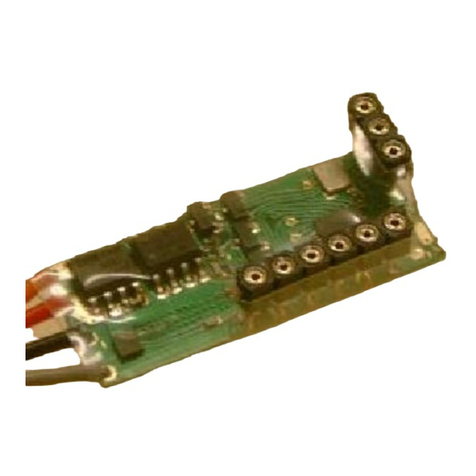
Remote Control Systems
Remote Control Systems ALPHA-3-LO User manual
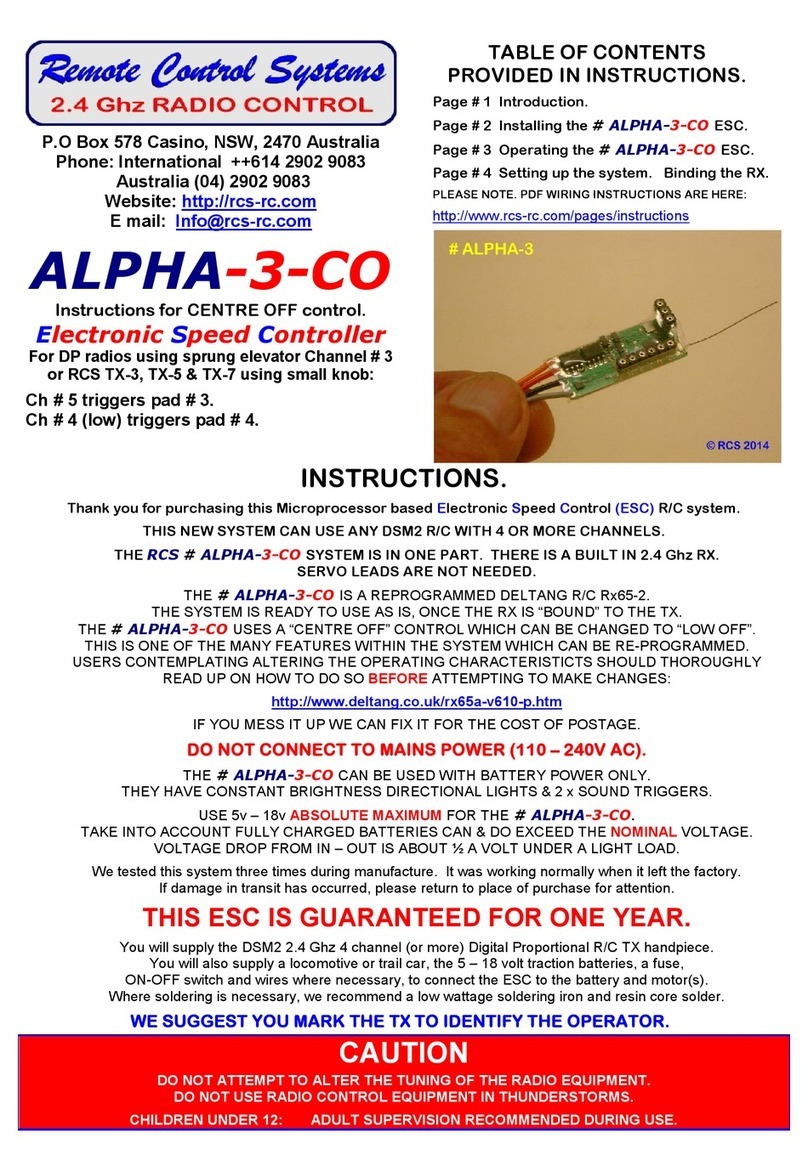
Remote Control Systems
Remote Control Systems ALPHA-3-CO User manual
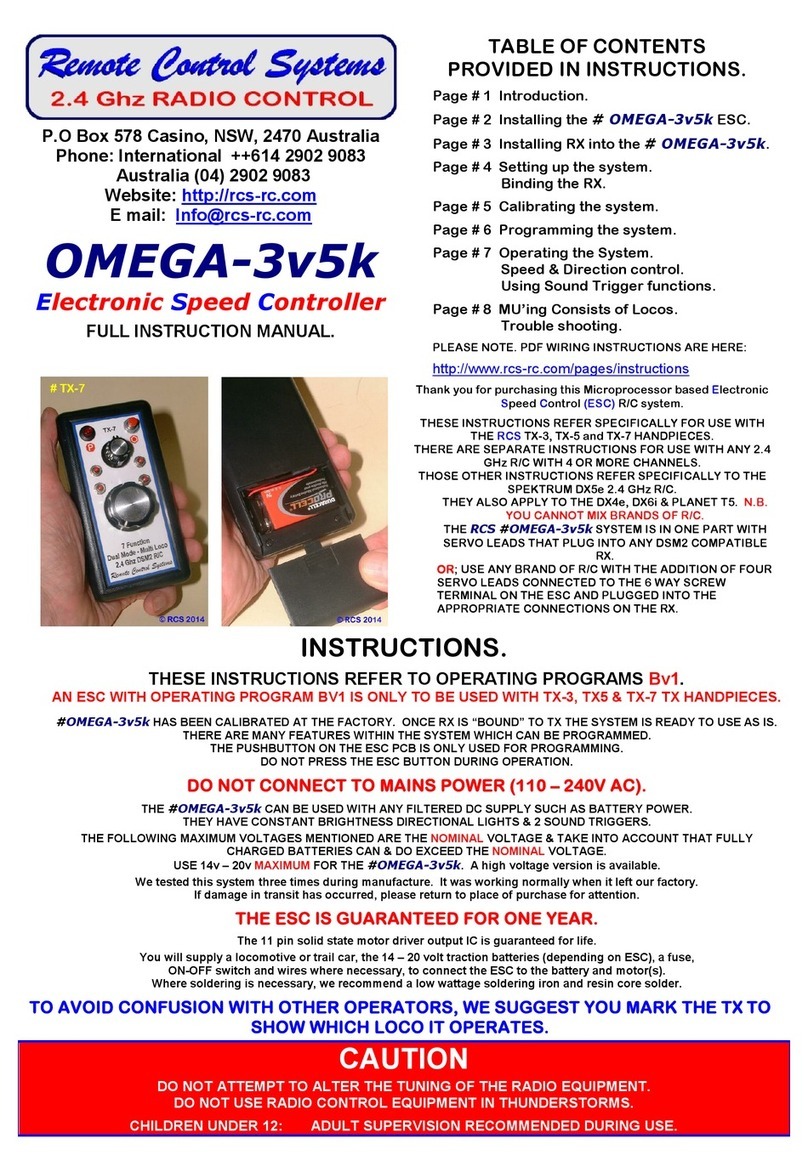
Remote Control Systems
Remote Control Systems OMEGA-3v5k User manual
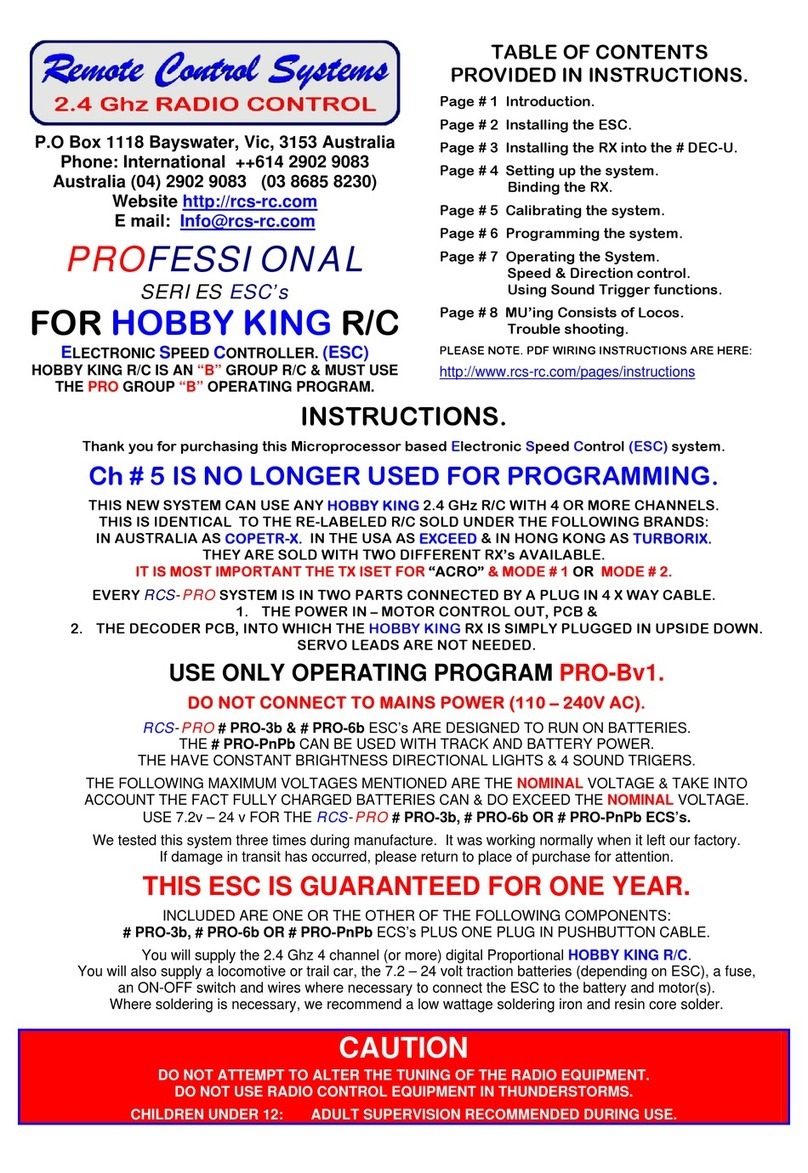
Remote Control Systems
Remote Control Systems PROFESSIONAL ESC's Series User manual
Popular Controllers manuals by other brands

Digiplex
Digiplex DGP-848 Programming guide

YASKAWA
YASKAWA SGM series user manual

Sinope
Sinope Calypso RM3500ZB installation guide

Isimet
Isimet DLA Series Style 2 Installation, Operations, Start-up and Maintenance Instructions

LSIS
LSIS sv-ip5a user manual

Rockwell Automation
Rockwell Automation 1769-L31 installation instructions










