manuals.online logo
Brands
  1. Home
  2. •
  3. Brands
  4. •
  5. Remote King
  6. •
  7. Garage Door Opener
  8. •
  9. Remote King RCR10 User manual

Remote King RCR10 User manual

Popular Garage Door Opener manuals by other brands
ATA GDO-6 EasyRoller instruction manual
ATA

ATA GDO-6 EasyRoller instruction manual

CAME F4000 Series installation manual

CAME

CAME F4000 Series installation manual
Garaga SECURITY+ 3265GCM 1HP owner's manual
Garaga

Garaga SECURITY+ 3265GCM 1HP owner's manual

Chamberlain Whisper Drive SECURITY+ WD822K Series owner's manual

Chamberlain

Chamberlain Whisper Drive SECURITY+ WD822K Series owner's manual

Chase Doors DuraShield installation manual
Chase Doors

Chase Doors DuraShield installation manual

CSI Classic installation instructions

CSI

CSI Classic installation instructions
Chamberlain Elite 3575S owner's manual
Chamberlain

Chamberlain Elite 3575S owner's manual

Richmond GTR156 user manual

Richmond

Richmond GTR156 user manual
B&D Controll-A-Door 5 instruction manual
B&D

B&D Controll-A-Door 5 instruction manual

Chamberlain MyQ 940ESTD owner's manual
Chamberlain

Chamberlain MyQ 940ESTD owner's manual

Automatic Technology GDO-9V1 SecuraLift installation instructions

Automatic Technology

Automatic Technology GDO-9V1 SecuraLift installation instructions

Westfalia 19 36 07 instruction manual

Westfalia

Westfalia 19 36 07 instruction manual

Chamberlain HD520EVP manual

Chamberlain

Chamberlain HD520EVP manual
Cardin BL Series instruction manual

Cardin

Cardin BL Series instruction manual

Chamberlain 8355 - 1/2 hp installation instructions
Chamberlain

Chamberlain 8355 - 1/2 hp installation instructions

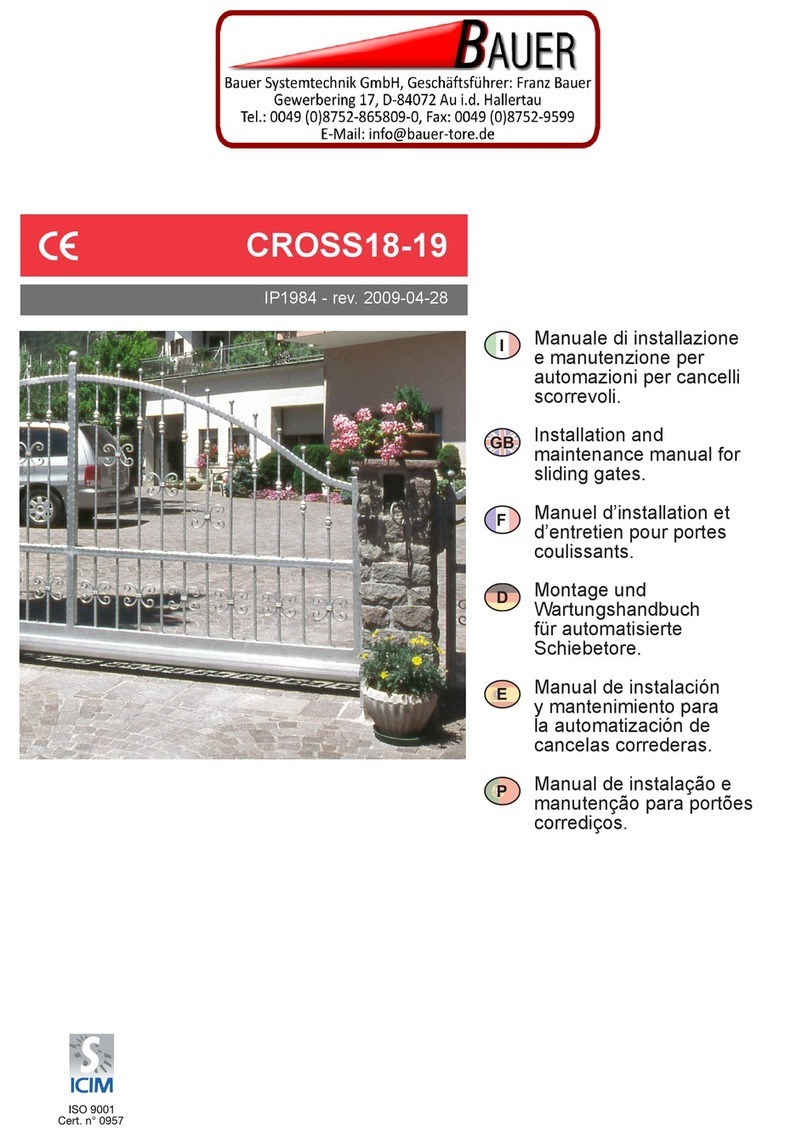
Bauer CROSS18 Application. Installation and Maintenance Manual

Bauer

Bauer CROSS18 Application. Installation and Maintenance Manual

Dorma ES 90 manual

Dorma

Dorma ES 90 manual

Wayne-Dalton 8124 Installation instructions and owner's manual

Wayne-Dalton

Wayne-Dalton 8124 Installation instructions and owner's manual

manuals.online logo
manuals.online logoBrands
  • About & Mission
  • Contact us
  • Privacy Policy
  • Terms and Conditions

Copyright 2025 Manuals.Online. All Rights Reserved.

(SSPUMVYTH[PVUJVU[HPULKVU[OPZZOLL[PZ[OLWYVWLY[`VM9LTV[L2PUN7;@3;+
<UH\[OVYPZLK\ZLVYYLWYVK\J[PVUPZWYVOPIP[LK
1. Press the ‘On’ button on the
cloning machine.
2. Place the original remote,
where it is marked “Place
remote here”.
3. Press any button on the origi-
nal remote while it is still placed
in the correct position. You now
know the correct frequency that
this remote operates at. Please
note this frequency down.
4. Remove the cover from
WKH ¿[HG FRGH FORQLQJ UHPRWH
(RCR10) you are going to use.
9,46;,4(*/05,*36505.05:;9<*;065:
:;(5+(9+-9,8<,5*@
(SSPUMVYTH[PVUJVU[HPULKVU[OPZZOLL[PZ[OLWYVWLY[`VM9LTV[L2PUN7;@3;+
<UH\[OVYPZLK\ZLVYYLWYVK\J[PVUPZWYVOPIP[LK
5. Replace the original remote,
with an RCR10 in the position
that is marked “Place remote
here”.
 :KLOH KROGLQJ GRZQ DQ\
button on the RCR10, adjust
the frequency by turning the
frequency tuner. Tune the
RCR10 to match the frequency
you noted down from the origi-
QDOUHPRWHRQO\WKH¿UVWQXP-
bers are required.
7. Replace the RCR10, with the
original remote once again.
8. Press button 1 on the clon-
ing machine to begin the clon-
ing process.
9,46;,4(*/05,*36505.05:;9<*;065:
:;(5+(9+-9,8<,5*@
(SSPUMVYTH[PVUJVU[HPULKVU[OPZZOLL[PZ[OLWYVWLY[`VM9LTV[L2PUN7;@3;+
<UH\[OVYPZLK\ZLVYYLWYVK\J[PVUPZWYVOPIP[LK
9. On the screen should be dis-
SOD\HG³U´+ROGWKH¿UVWEXW-
ton on the original remote, un-
WLOµ¶µ$¶RUµ3¶EULHÀ\
appears on the screen. If there
LVDQHUURUDPHVVDJHZLOOÀDVK
RQVFUHHQDQ\ÀDVKLQJRQWKH
screen is an error). In this case,
press button 1 on the cloning
machine and try the button on
the remote again.
10.Onthescreenshouldbedis-
played “r--2”. Press the second
button on the original remote. If
it only has 1 button, skip to step
13.
11. On the screen should be
displayed “r--3”. Press the third
button on the original remote.
If it only has 2 buttons, skip to
step 13.
12.Onthescreenshouldbedis-
played “r--4”. Press the fourth
button on the original remote. If
it only has 3 buttons, just ignore
this step.
13. Connect the data link ca-
ble (as pictured) to the RCR10
cloning remote. Press button
‘2’ on the cloning machine. If it
LVVXFFHVVIXO³3´RU³3´
willbedisplayedonscreen.You
have now successfully cloned
a remote.
Note: In order for the RCR10
to reach 434MHz, it is required
for the ‘jumper’ to be moved
acrosstotheothersetofprongs
(as pictured). They are situated
next to the blue tuner dial.
9,46;,4(*/05,*36505.05:;9<*;065:
:;(5+(9+-9,8<,5*@