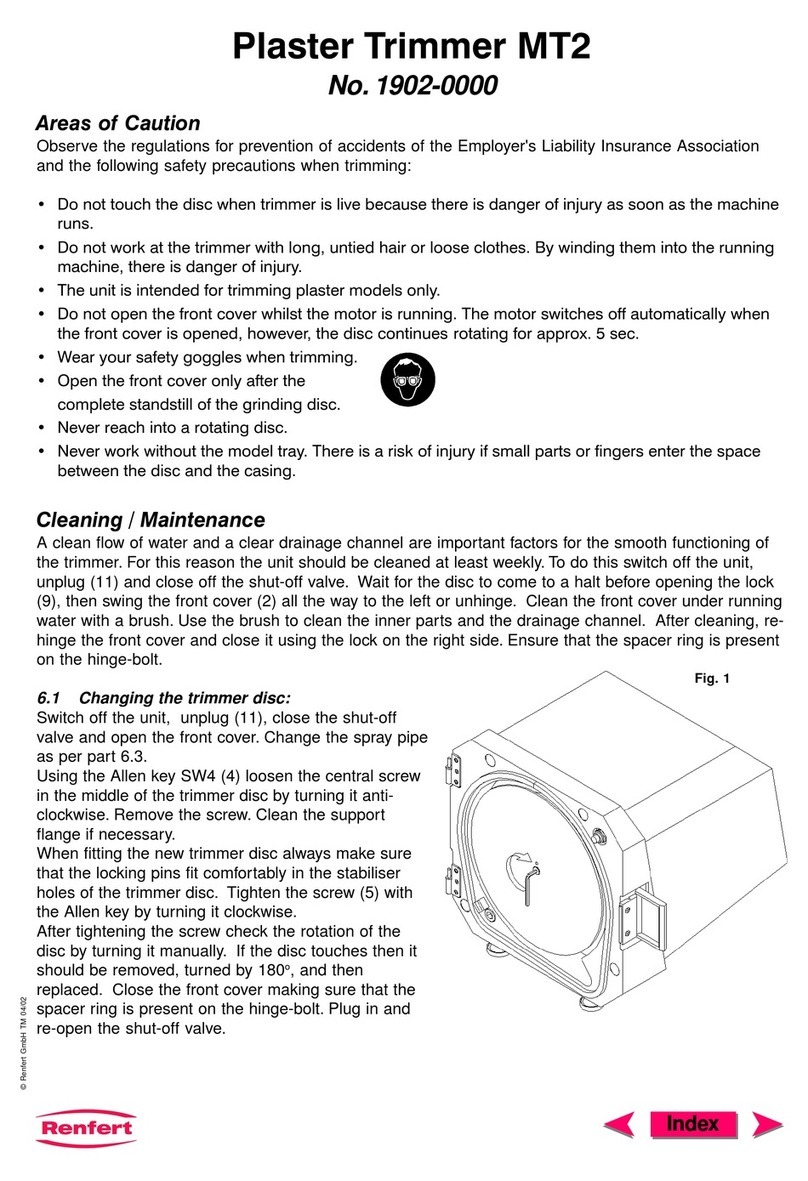
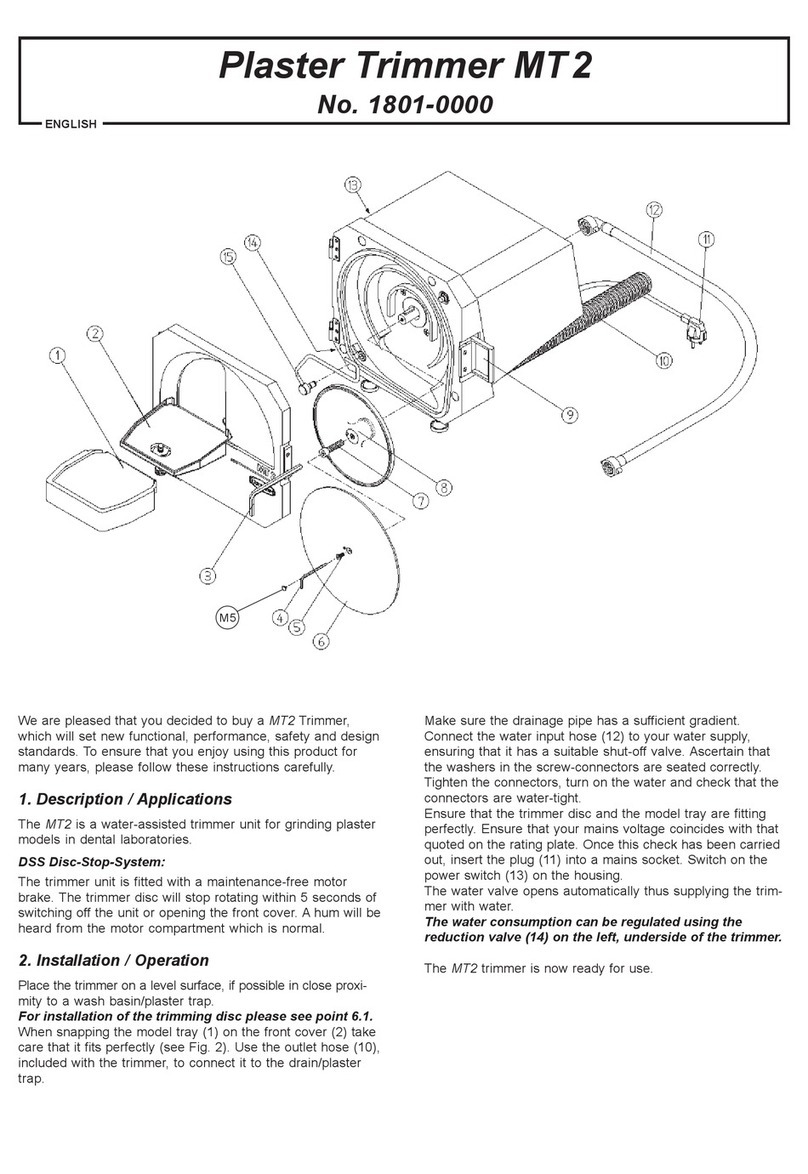
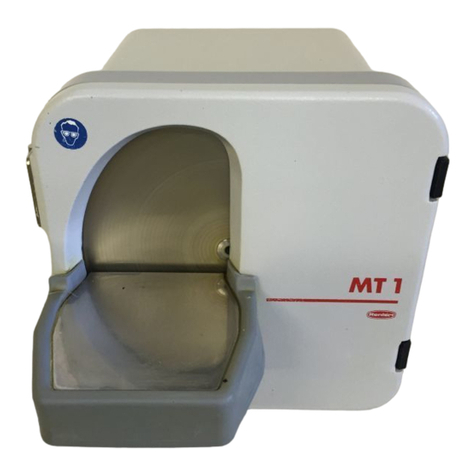
4.7 Grinding Angle Adjustment (89°-99°)
1. Loosen the knurled nut (Fig. 17).
2. Adjust the grinding angle with the adjusting screw
(Fig. 18).
2a. Adjust the grinding angle roughly with the
adjusting screw (Fig. 18).
If the adjusting screw is turned to the top, the
angle between model table and trimmer disc is of
89°. If the adjusting screw is completely turned
out,the angle between model table and trimmer
disc is of 99°.
2b. Adjustment of the model table roughly with the
adjustingscrew (Fig. 18).The lower borderof the
modeltable should coincidewith the upperborder
of the model-table support (Fig. 19 + 20).
2c. Fine adjustment of the model table at 90° with the
adjusting screw (Fig. 18) and set square out of the
hardwareset (Fig.21).
3. Retightenthe knurled nut (Fig. 17).
4.8 Operation / Trimming
Using both hands, securely set the model on the
trimmer table and press it against the disc (Fig. 22).
5. Cleaning / Maintenance
Attention: A raising of plaster dust in
aerodynamic dead areas when dry trimming
is normal and has no negative influence on
the function or grinding power of the MTplus.
1. Disconnect the unit from the power supply
(Fig. 7 or 14).
2. If necessary, shut off the water supply (Fig. 6).
3. Open and unhook the front cover (Fig. 11 + 23).
4a. For wet trimmer: If necessary, remove the table
(Fig. 30 + 40) and clean with a brush under
runningwater (Fig.24).
Do not remove the grinding table if the front
cover is closed otherwise the trimmer disc
will be damaged !
4b. For dry trimmer: Clean using a vacuum and
brush (Fig. 26). Clean the drain tube and tube
connection(Fig. 27).
5. Reinstall and close the front cover (Fig. 23 + 11).
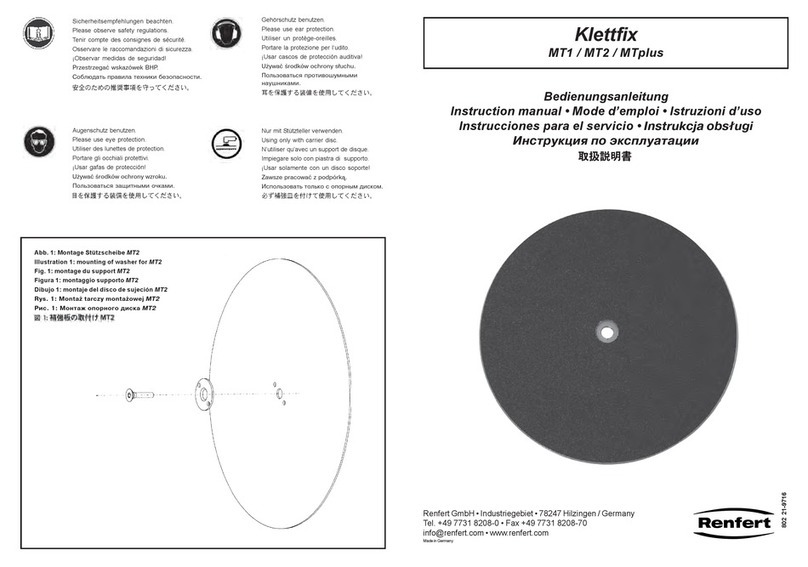
5.1 Trimmer Disc Replacement
1. Switch the unit off (Fig. 8).
2. Disconnect the unit from the power supply
(Fig. 7 or 14).
3. If necessary, shut off the water supply (Fig. 6a).
4. Openthe frontcover (Fig. 11).
5. Ifnecessary, remove the rinse tube (Fig. 12).
6. Remove theSW4Allenkeyfrom itsholder(Fig. 28).
7. Removethe threadcover, loosenthe centring
screw, and remove the disc (Fig. 31 + 29).
8. Ifnecessary,cleanthe flange(refertoSection 5.2).
9. Place a new disc on the lock pin (Fig. 30).
10. Retighten the centring screw with theAllen key
(Fig. 29).
11. Place the thread cover back on the centring screw
(Fig. 31).
12. Return theAllen key to its holder (Fig. 28).
13. If necessary, replace the rinse tube (Fig. 12).
14. Close thefront cover (Fig.11).
15. If necessary, open the water supply (Fig. 6a).
16. Plug the power cord into the wall outlet
(Fig. 7 or 14).
5.2 Flange Replacement / Cleaning
1. Remove the disc (refer to Section 6.1, steps 1-7).
2. Have the pulling screw andAllen key at hand
>>> see tool kit enclosed (Fig. 32).
3. Screw the pulling screw into the flange (Fig. 33)
>>> The flange may not be removed by hand.
Always use the pulling screw to remove the
flange!
4. Removethe flange(Fig. 34).
5. Removethe pulling screw from theflange.
6. Cleanthe flange and the inside ofthe housing
>>> do not damage the seals !
Recommendationfor cleaning the flange:
RenfertPlaster solvent GO-2011 No.2011-0000
7. Lightly coat the motor shaft and seal with Vaseline.
8. Replacethe flange
>>> Note the engagement groove (Fig. 35).
9. Replace the flange by hand on the shaft (Fig. 36).
10. Reinstall the grinding disc (refer to Section 5.1,
steps9-16).
5.3 Spray Tube Replacement / Cleaning
(Wet Trimmer)
1. Removethe rinse tube (refer to Section5.1,
steps 1-5).
2. Removethe gaskets (Fig. 37).
3. Allow the rinse tube to soak in decalcifying agent
overnight(Fig.38).
4. Reinstall the gaskets and coat them lightly with
Vaseline (Fig. 37).
5. Replace the rinse tube (Fig. 12).
6. Closethe frontcover (Fig. 11).
7. If necessary, open the water supply (Fig. 6a).
8. Plug the power cord into the wall outlet
(Fig. 7 or 14).
5.4 Grinding Table Replacement / Cleaning
1. Switch the unit off (Fig. 8).
2. Disconnect the unit from the power supply
(Fig. 7 or 14).
3. Openthe frontcover (Fig. 11).
Do not remove the grinding table if the front
cover is closed otherwise the trimmer disc
will be damaged !
4. Unlatchandremovethegrindingtable (Fig. 39 +40).
5. Removethe frontcover (Fig. 23).
6. Cleanthe grindingtable and frontcover wit a brush
underrunning water(Fig. 24).
7. Replace and close the front cover (Fig. 23 + 11).
8. Reinstallthe grinding table (Fig. 40).
Make sure the retainers are completely free
of all plaster residue! Make sure the work
table is properly seated on the front cover!
9. Plug the power cord into the wall outlet
(Fig. 7 or 14).