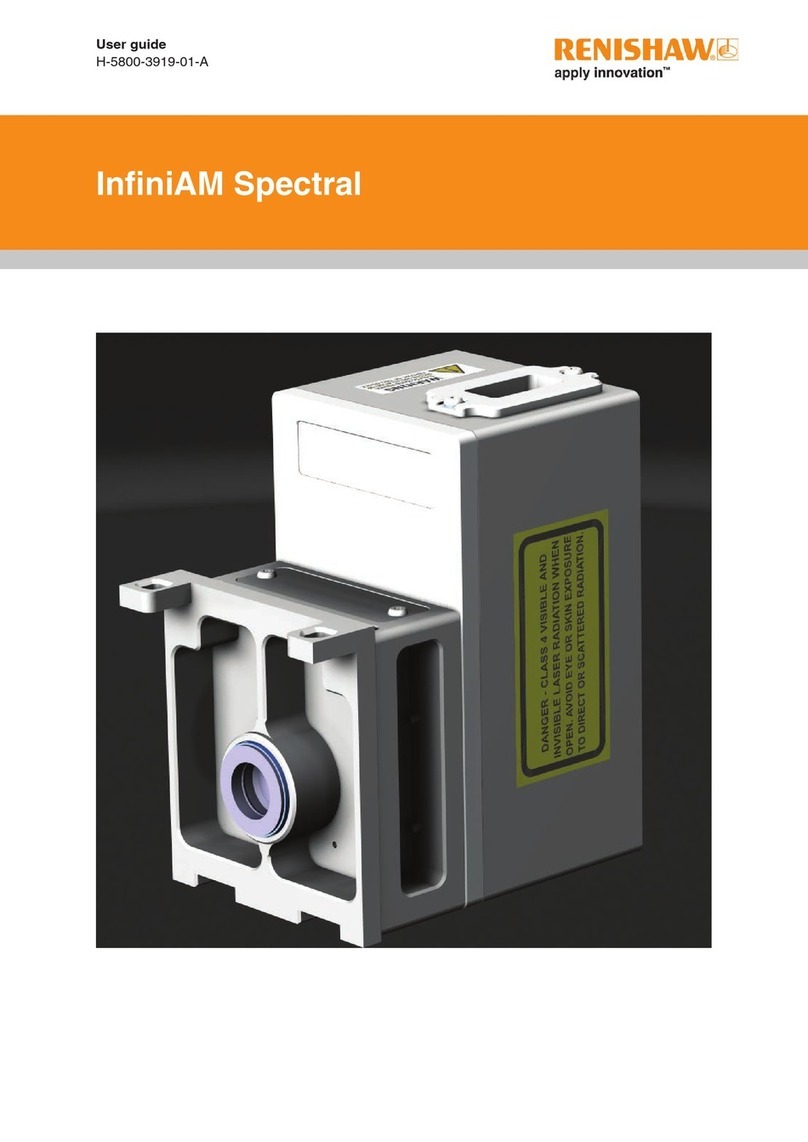
InfiniAM™ Spectral
iiii
Contents
6 Specification ...............................................................6.1
6.1 InfiniAM™ specification..................................................6.1
6.2 Hardware specification ..................................................6.1
6.3 PC hardware specification ...............................................6.2
6.3.1 Data Collection PC hardware specification (customer supplied) ............6.2
6.3.2 InfiniAM™ viewing PC specification (customer supplied) .................6.2
6.3.3 Data storage/back-up server (customer supplied) .......................6.2
7 Description ................................................................7.1
7.1 Introduction ...........................................................7.1
7.1.1 MeltVIEW......................................................7.2
7.1.2 LaserVIEW.....................................................7.3
7.1.3 Operating principle...............................................7.3
8 Commissioning and decommissioning ...........................................8.1
8.1 Commissioning ........................................................8.1
8.2 Decommissioning ......................................................8.1
9 Software installation .........................................................9.1
9.1 InfiniAM™ Spectral software pre-installation questionnaire ......................9.1
9.2 InfiniAM™ Spectral installation and activation ................................9.2
10 Operation.................................................................10.1
10.1 Introduction ..........................................................10.1
10.2 Viewing volume files using InfiniAM™ software ..............................10.1
10.2.1 InfiniAM™ Spectral basic navigation controls .........................10.3
10.2.2 Spectral toolbar controls .........................................10.5
10.2.2.1 Home button ........................................10.5
10.2.2.2 Manage volumes button ...............................10.6
10.2.2.3 Control displayed data button ...........................10.6
10.2.2.4 Compare volumes button ..............................10.8
10.2.2.5 Orthographic/Perspective view button ....................10.8
10.2.2.6 Selected volume dropdown ............................10.8
10.2.2.7 View reset..........................................10.8
10.2.2.8 Sync current volume button ............................10.9
10.2.2.9 Interpolated/Pixellated button ...........................10.9
10.2.2.10 Change displayed data region button .....................10.9
10.2.2.11 Close window button ................................10.10
10.2.3 Volume view controls ...........................................10.11
10.2.3.1 X, Y and Z cut plane controls ..........................10.12
10.2.3.2 Multiplanar view controls .............................10.16