English 9
Travelling by plane
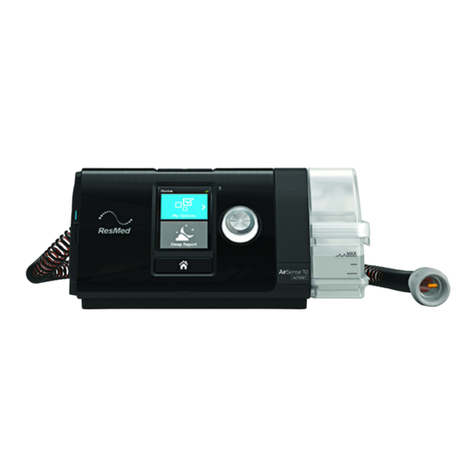
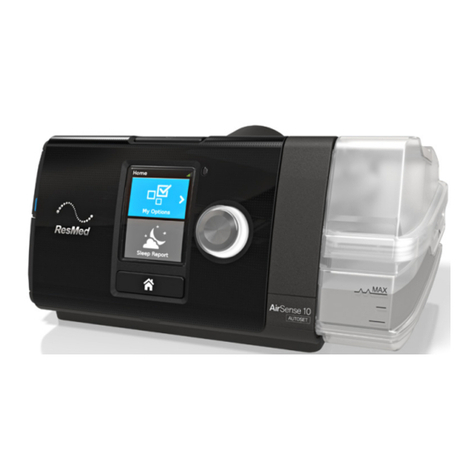
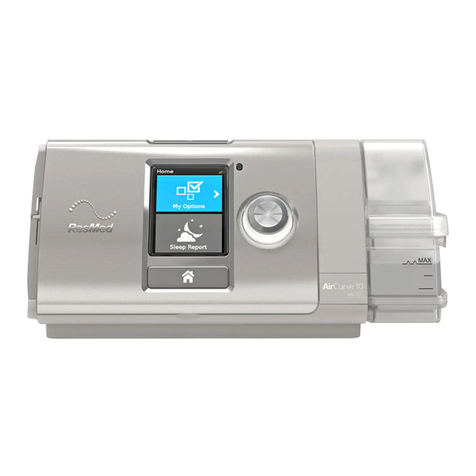
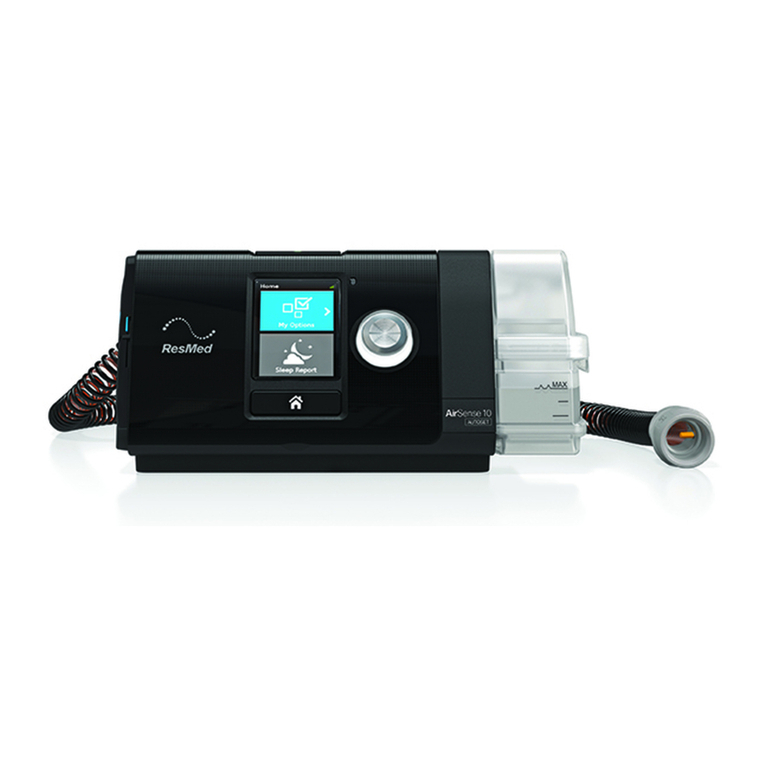
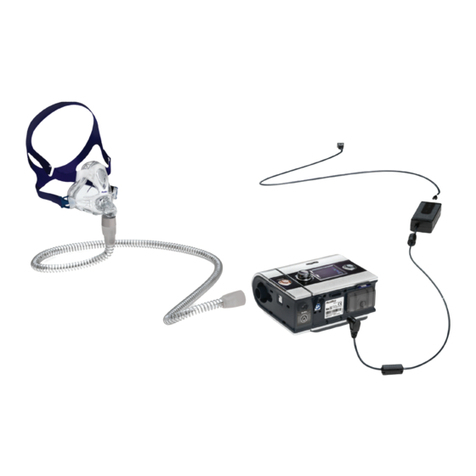
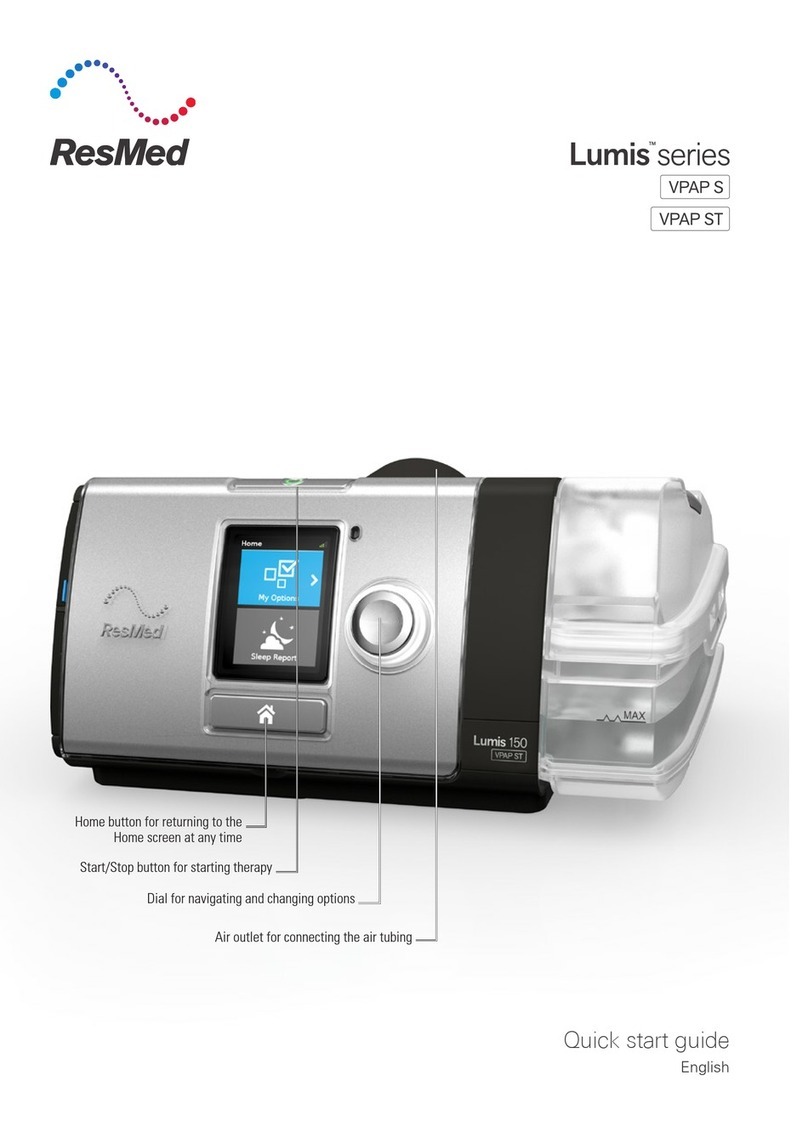
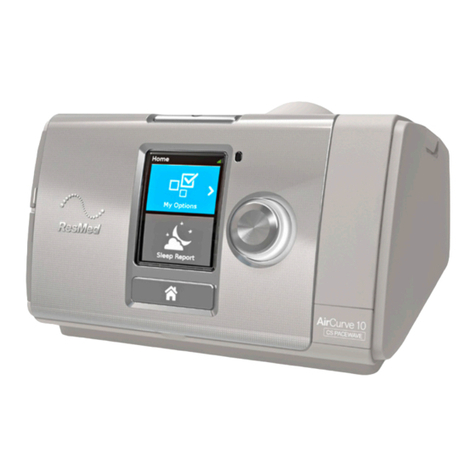
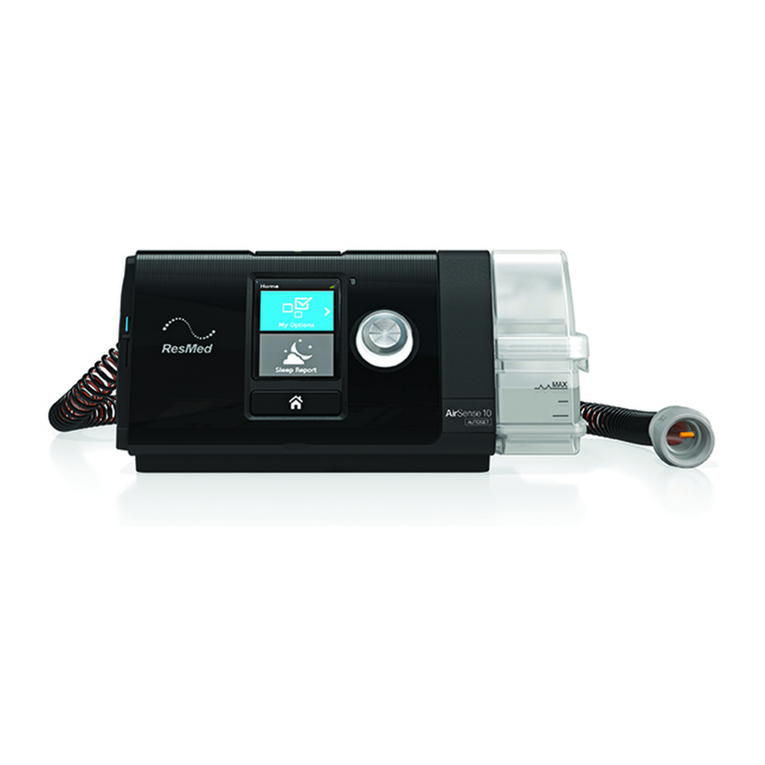
Your AirCurve 10 device may be taken on board as carry-on luggage. Medical devices do not count
toward your carry-on luggage limit.
You can use your AirCurve 10 device on a plane as it meets the Federal Aviation Administration
(FAA) requirements. Air travel compliance letters can be downloaded and printed from
www.resmed.com.
When using the device on a plane turn on Airplane Mode.
To turn on Airplane Mode:
1. In My Options, turn the dial to highlight Airplane
Mode and then press the dial.
2. Turn the dial to select On and then press the dial to
save the change.
The Airplane Mode icon is displayed at the top
right of the screen.
Troubleshooting
If you have any problems, have a look at the following troubleshooting topics. If you are not able to
fix the problem, contact your care provider or ResMed. Do not try to open the device.
General troubleshooting
Problem/possible cause Solution
Air is leaking from around my mask
Mask may be fitted incorrectly. Make sure your mask is fitted correctly. See your mask user
guide for fitting instructions or use the Mask Fit function to
check your mask fit and seal.
Air pressure in my mask seems too high (it feels like I am getting too much air)
Ramp may be turned off. Use the Ramp Time option.
Air pressure in my mask seems too low (it feels like I am not getting enough air)
Ramp may be in progress. Wait for air pressure to build up or turn Ramp Time off.
My screen is black
Backlight on the screen may have turned off. It turns off
automatically after a short period of time.
Press Home or the dial to turn it back on.
Power may not be connected. Connect the power supply and make sure the plug is fully
inserted.
My therapy data has not been sent to my care provider
Wireless coverage may be poor. Make sure that the device is placed where there is coverage
(ie, on your bedside table, not in a drawer or on the floor).
The Wireless signal strength icon indicates good
coverage when all bars are displayed, and poor coverage
when fewer bars are displayed.