manuals.online logo
Brands
  1. Home
  2. •
  3. Brands
  4. •
  5. Response
  6. •
  7. Touch Terminal
  8. •
  9. Response QM-3771 User manual

Response QM-3771 User manual

Popular Touch Terminal manuals by other brands

Omron NT11S Operation manual

Omron

Omron NT11S Operation manual

Partner SP-820 user manual

Partner

Partner SP-820 user manual

BBPOS WisePad 2 instruction manual

BBPOS

BBPOS WisePad 2 instruction manual

Anywire ASLINKAMP L-A1AW Series Product guide

Anywire

Anywire ASLINKAMP L-A1AW Series Product guide

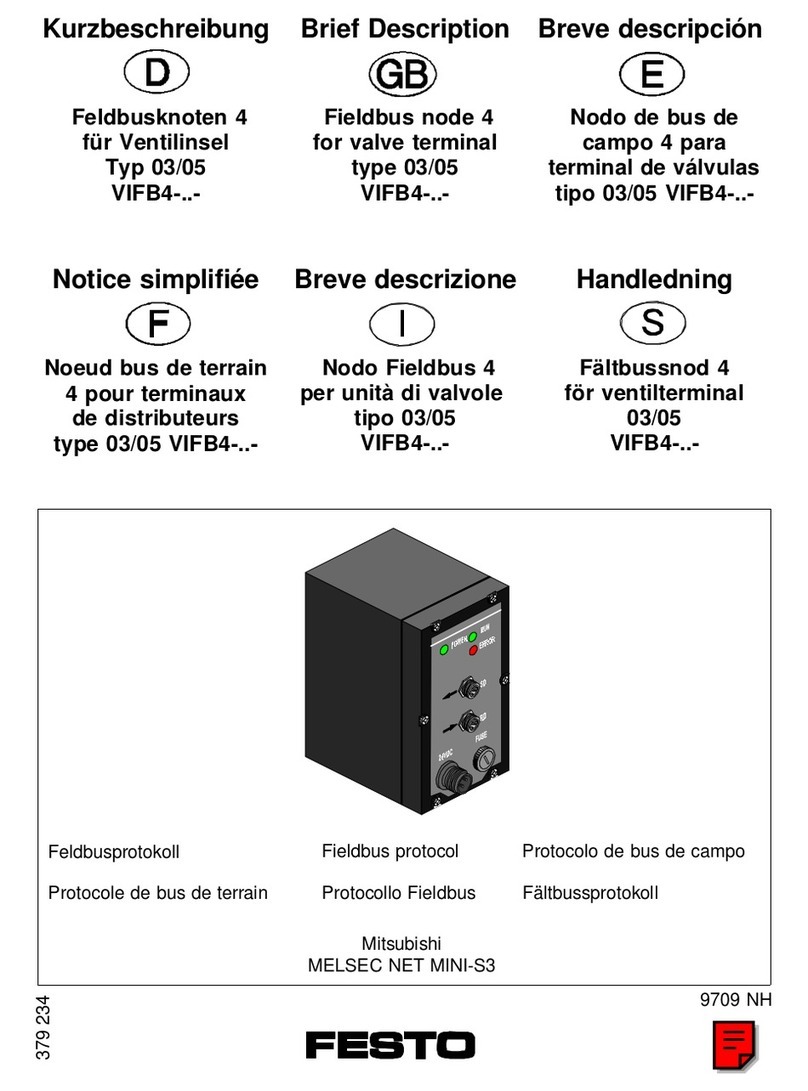
Festo VIFB4 Series Brief description

Festo

Festo VIFB4 Series Brief description

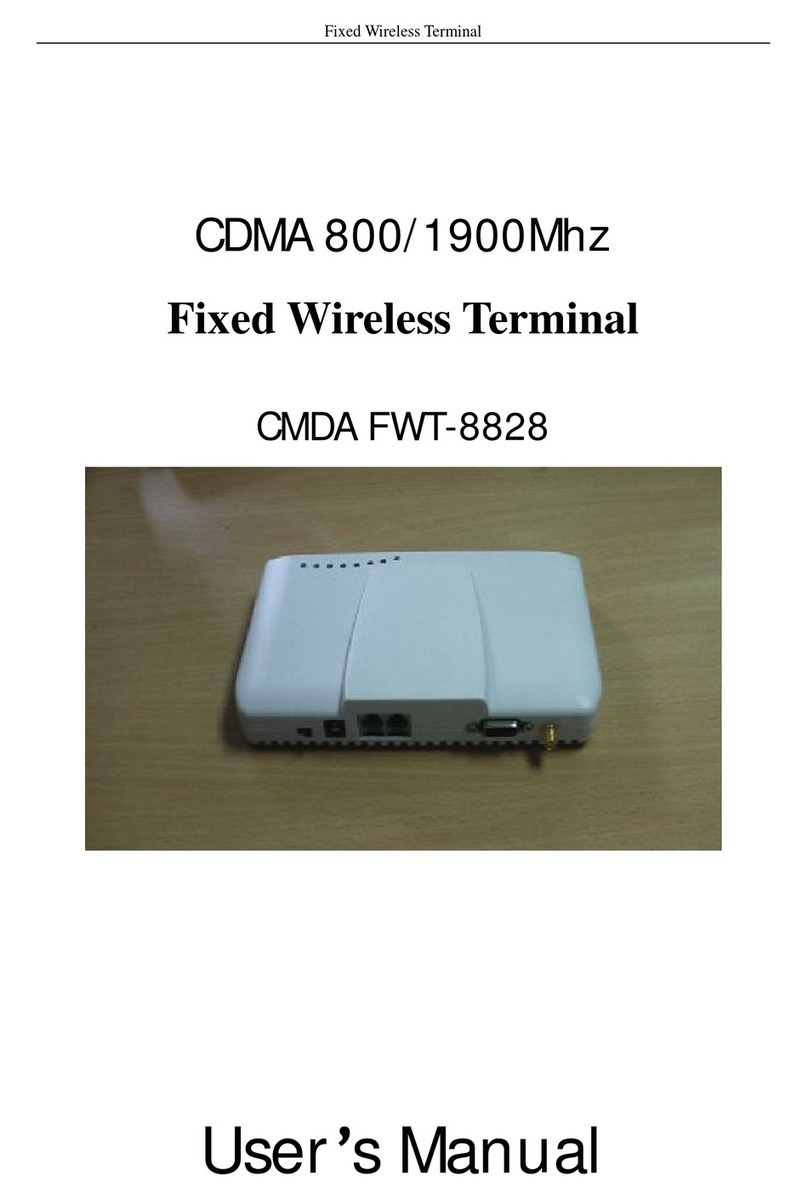
Linksz CMDA FWT-8828 user manual

Linksz

Linksz CMDA FWT-8828 user manual

Heisei Electronics Q-POS 815 user guide

Heisei Electronics

Heisei Electronics Q-POS 815 user guide

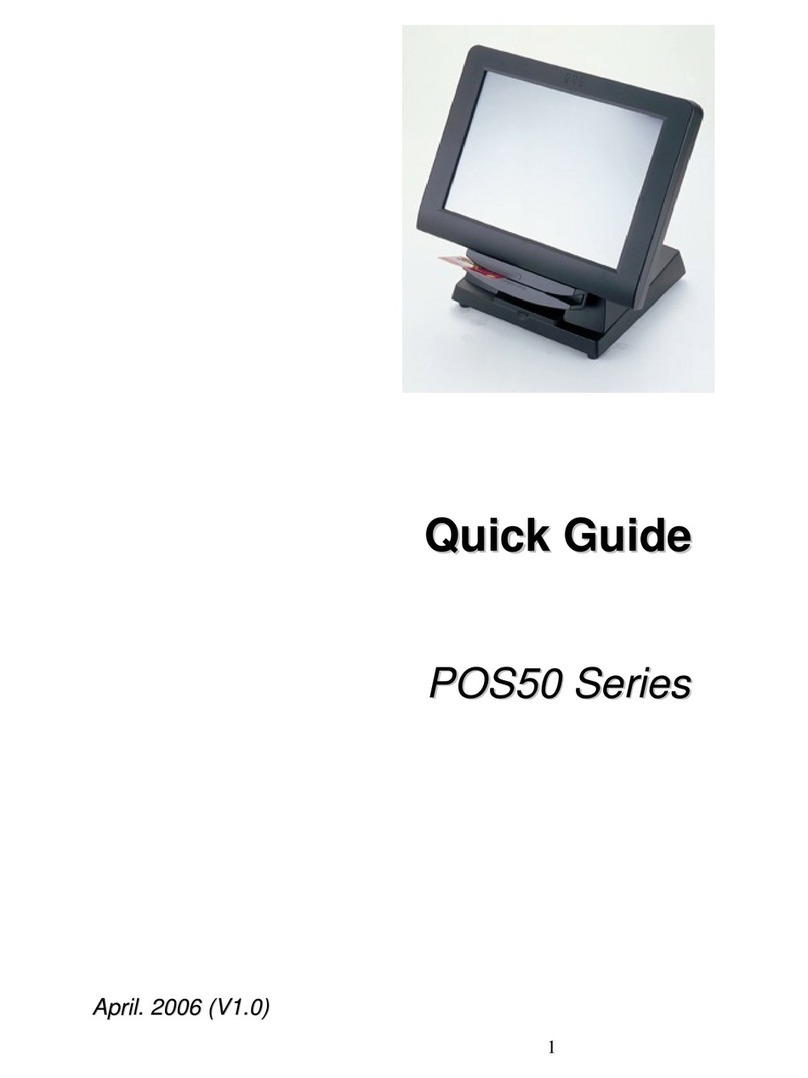
ANUBIS POS50 Series quick guide

ANUBIS

ANUBIS POS50 Series quick guide

Amano MTX-15 installation guide

Amano

Amano MTX-15 installation guide

FLOWBIRD CWT Compact Touch manual

FLOWBIRD

FLOWBIRD CWT Compact Touch manual

Demco SP7 installation guide

Demco

Demco SP7 installation guide

Lathem PC600 Series user guide

Lathem

Lathem PC600 Series user guide

Partner MF-2352 user manual

Partner

Partner MF-2352 user manual

NCR RealPOS 7460-2 supplementary guide

NCR

NCR RealPOS 7460-2 supplementary guide

Simrad MS50 Manual guide

Simrad

Simrad MS50 Manual guide

Unitech MR350 MKII Software guide

Unitech

Unitech MR350 MKII Software guide

Jungheinrich WMT 210 Service manual

Jungheinrich

Jungheinrich WMT 210 Service manual

Motorola MTP850 user guide

Motorola

Motorola MTP850 user guide

manuals.online logo
manuals.online logoBrands
  • About & Mission
  • Contact us
  • Privacy Policy
  • Terms and Conditions

Copyright 2025 Manuals.Online. All Rights Reserved.

3.5” Pop-up High-Reso LCD Monitor Operation Manual
Thank you for purchasing our Dash-Mount TFT LCD color monitor, it delivers high
resolution and crisp clear picture, this monitor has 2 video inputs, can connect to your in-
car entertainment sources or do rearview camera connection, the video 2 defaults to
rearview camera when gear attaches..
To enjoy the features of the unit and ensure years of trouble-free operation, make sure to
read this manual thoroughly and keep it for future reference.
I. Specifications:
Model No.: QM-3771
-- 3.5” Digital Pop-up High Resolution TFT LCD Color Monitor
-- PAL / NTSC System Auto Switching
-- High Resolution, Crisp clear picture display
-- Video System: Color PAL (4.43 MHz) / NTSC (3.58 MHz)
-- Display Method: TFT Active Matrix System
-- Power Supply: DC 12V / 8W
-- 2 x Video Inputs
-- Automatic open up and fold down by manual
II. Product Picture
With anti-dust cover, automatic open by press front button,
and fold down manually
3.5” Pop-up High-Reso LCD Monitor Operation Manual
III. Cables Diagram:
RCA Video Cables
1. Video Cable, Yellow (1) (DVD/VCD)
2. Video Cable, Yellow (2) (Video RearVision Camera)
Remark: AV2 is default to rearvision camera as gear attaches
Power Cables
3. Black (- ) Negative 12V- (GND)
4. Red (+) Positive 12V +
Accessories
AV RCA cable, Power Cord, 3M sticker