Version 1.2
8
CONFIGURING AS A MULTI-TURN ACTUATOR (Continued)
The Android Device will need to be able to connect to the Internet to retrieve the requested
feature informaon.
The RIFT Actuators factory or authorized distribuon centre is authorised to purchase these
features. Once Mul-Turn is enabled the span can be adjusted beyond the default of <360⁰ up to
the required unlimited upper value, e.g. 70 complete turns (360⁰ x 70) = a span in degrees of
25,200
When congured as a mul turn electric actuator, a three wire supply system with a switchable
live/+v must be connected as, in this conguraon, the RIFT® 400 will not reverse if only 2 wires are
connected.
CONFIGURATION AND CONNECTION WITH AN-
DROID
A suitable Android Device (Tablet or Mobile) will be required to congure
and set-up the RIFT® 400 Electric Actuator. Internet access to download
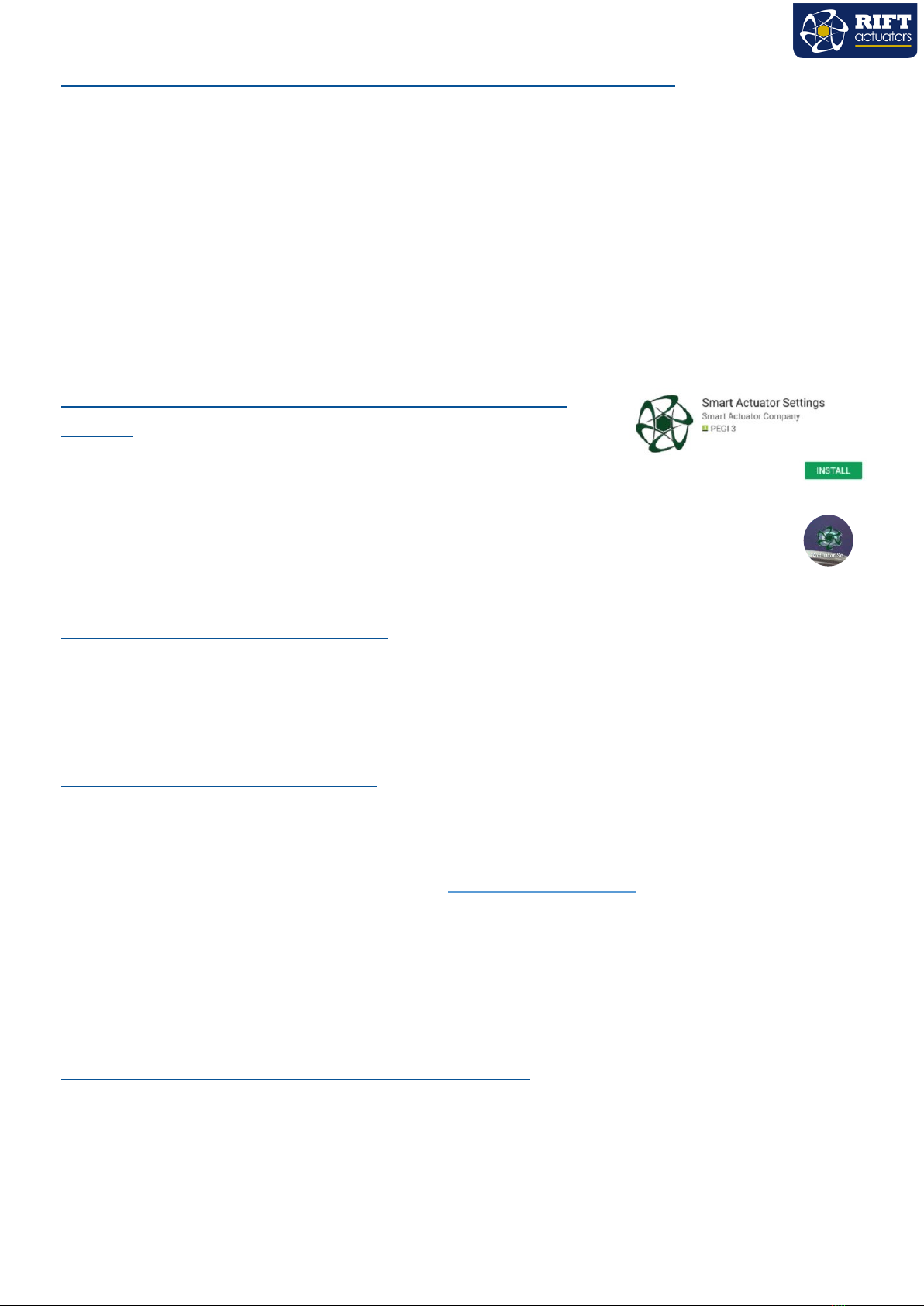
the RIFT App will be needed to install the App and update the features for the actuator. Search
the Google Play Store for the RIFT Actuators App. Install the App and the Icon will be placed on
the front screen of the device.
PAIRING RIFT WITH ANDROID
Select Sengs, Bluetooth, idenfy under “Available Devices” (e.g. SACO4 070317 1177) select the
Actuator you wish to pair with. Enter the default pairing code “1234” the actuator should be displayed
under the Paired Devices list.
RUNNING THE ANDROID APP
Open the App, this will take you to the Log-In page. You will need to enter your registered User Name
(usually the registered email address) and the Password. You will not be able to proceed and interact with
the actuator, if you are not registered. To register and create an account you need to click on the register
buon, complete the registraon form. Or contact sales@riactuators.com or directly on
+44 (0) 1684 565709 during normal working hours.
On compleon of logging into the App, You will be taken to the “Connect to Actuator” page this will
display the unconnected and connected devices. Select the desired Smart Actuator. This will give access
to the Control, Sengs, Calibraon and Features for this unit.
UPDATING RIFT FEATURES WITH ANDROID
When the Smart Act app is open and connected to the internet it will automacally sync all enabled
features. When you connect your Android Device to the RIFT® 400 Actuator, the Features are updated
automacally. You do not need Internet connecon to complete this transfer, however you will need to
establish a Bluetooth connecon with the RIFT® 400 for this transfer to complete. Please note
requirements for Bluetooth capabilies and restricons.