manuals.online logo
Brands
  1. Home
  2. •
  3. Brands
  4. •
  5. ring
  6. •
  7. Lantern
  8. •
  9. ring Solar Pathlight Smart Lighting User manual

ring Solar Pathlight Smart Lighting User manual

Popular Lantern manuals by other brands
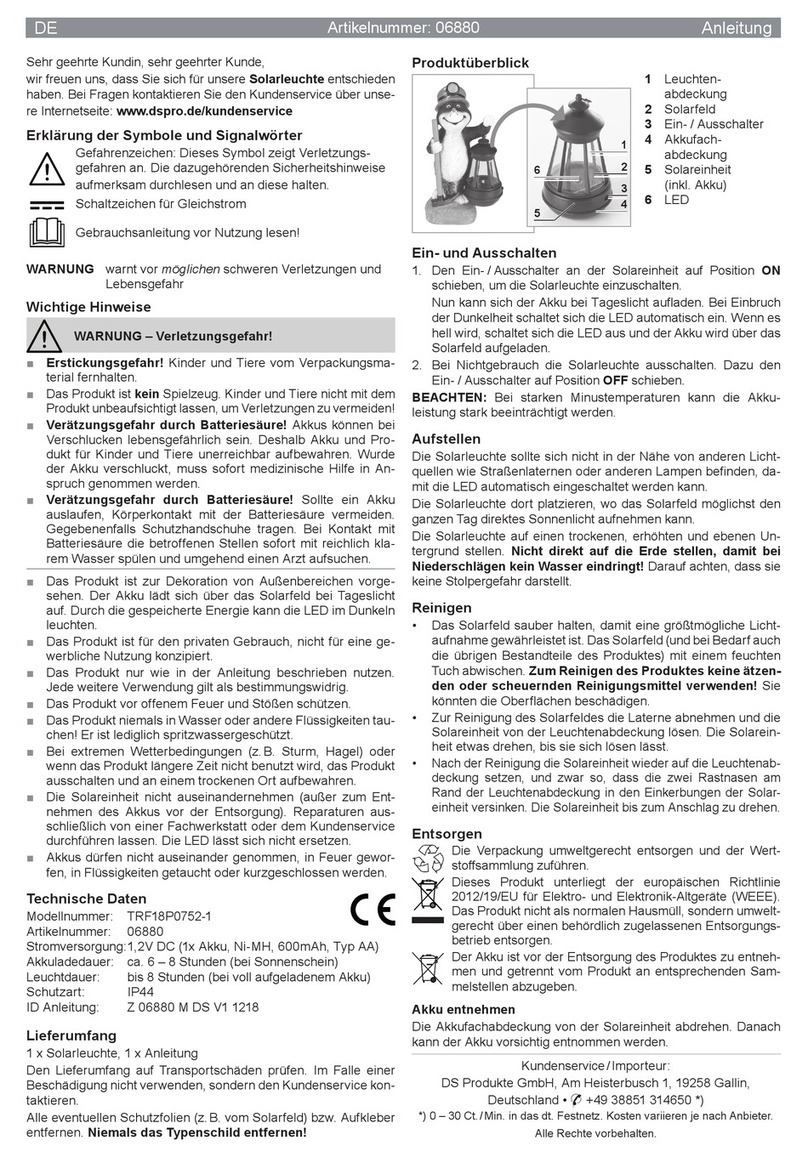
DS Produkte TRF18P0752-1 instructions

DS Produkte

DS Produkte TRF18P0752-1 instructions

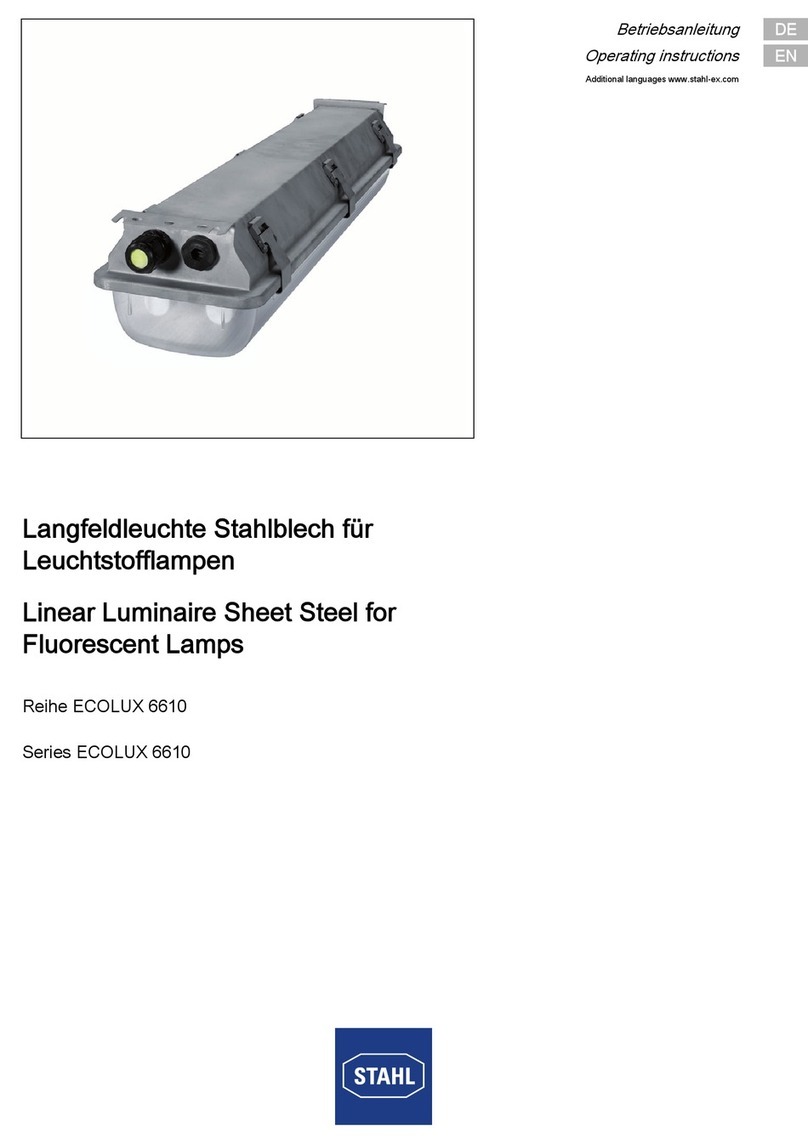
Stahl ECOLUX 6610 Series operating instructions

Stahl

Stahl ECOLUX 6610 Series operating instructions

SNOWJOE SUNJOE 24V-LGT500-CT Operator's manual

SNOWJOE

SNOWJOE SUNJOE 24V-LGT500-CT Operator's manual

PRG VARI LITE VL5 Service manual

PRG

PRG VARI LITE VL5 Service manual

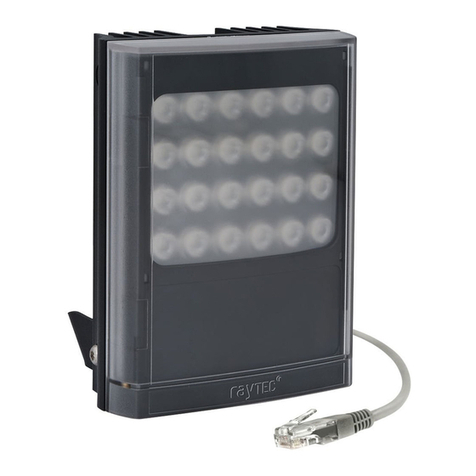
Raytec VARIO2 series installation guide

Raytec

Raytec VARIO2 series installation guide

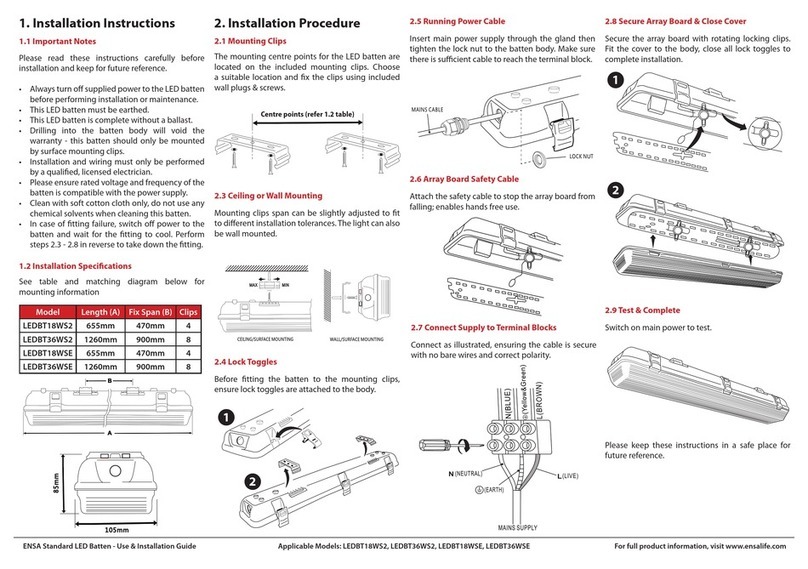
ENSA LEDBT18WS2 installation instructions

ENSA

ENSA LEDBT18WS2 installation instructions

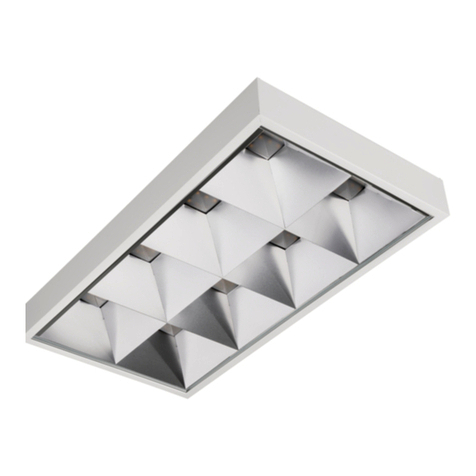
LUG OFFICE LB LED N/T Installation instruction

LUG

LUG OFFICE LB LED N/T Installation instruction

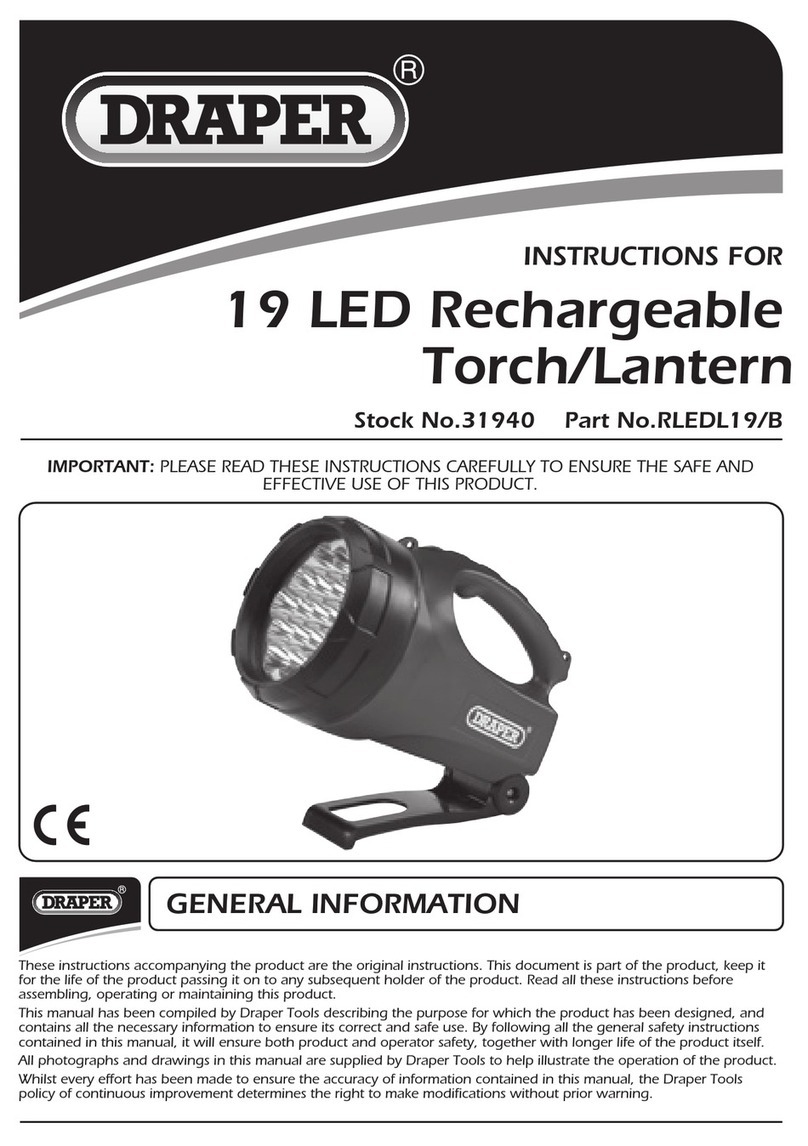
Draper RLEDL19/B instructions

Draper

Draper RLEDL19/B instructions

Green Lighting TRI-SENSOR GL4612LU Assembly & fitting instructions

Green Lighting

Green Lighting TRI-SENSOR GL4612LU Assembly & fitting instructions

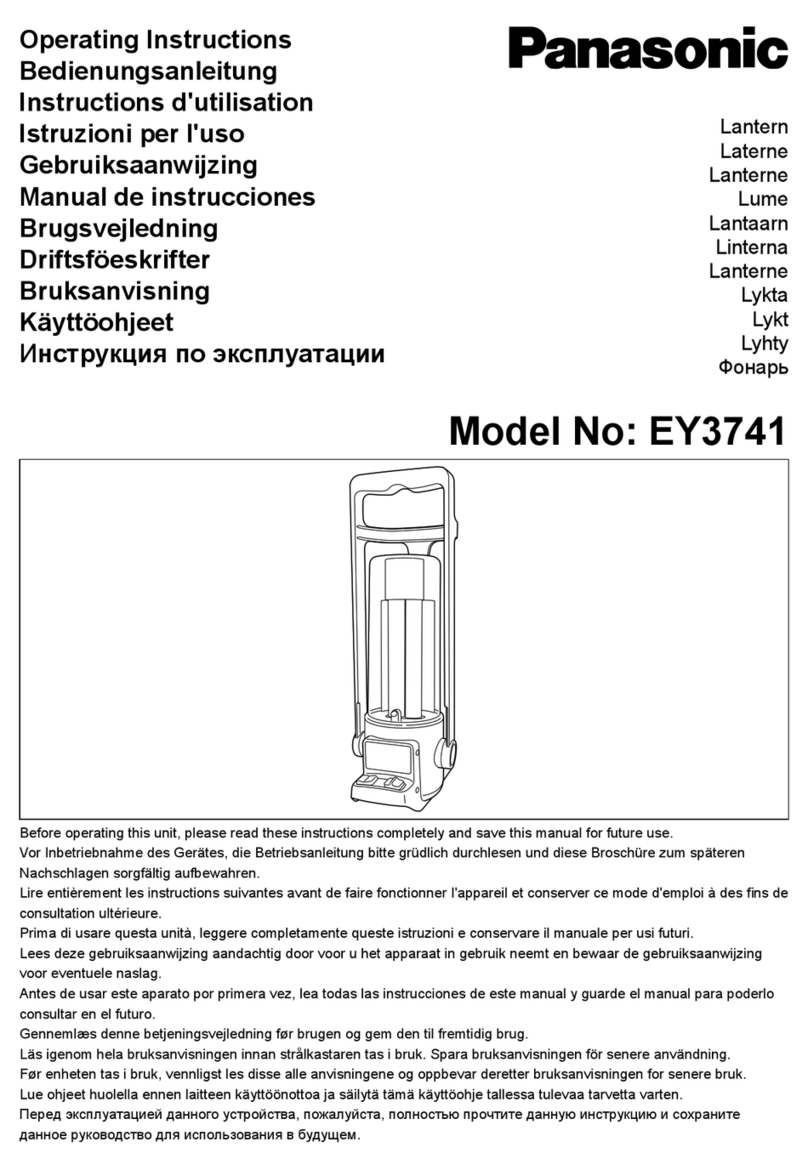
Panasonic EY3741B57 operating instructions

Panasonic

Panasonic EY3741B57 operating instructions

Clas Ohlson LCC8T instruction manual

Clas Ohlson

Clas Ohlson LCC8T instruction manual

Coolon WDN-140 manual

Coolon

Coolon WDN-140 manual

shada 1000436 instruction manual

shada

shada 1000436 instruction manual
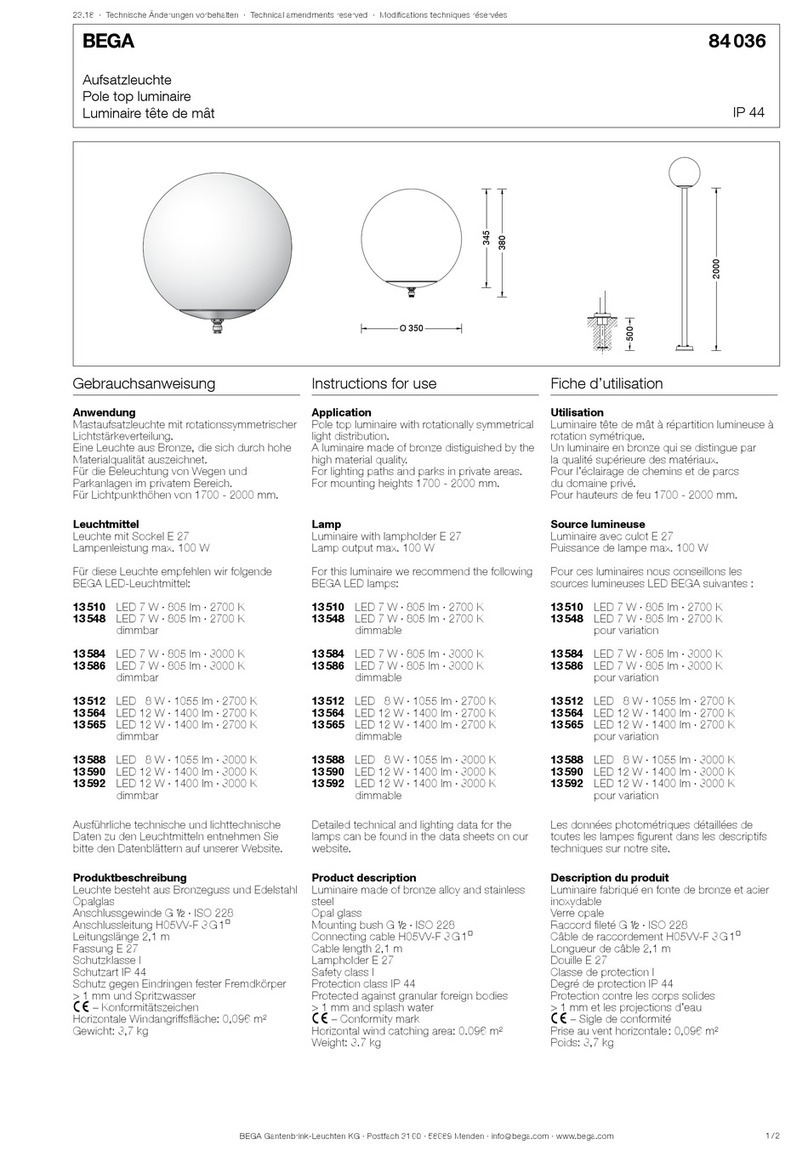
BEGA 84 036 Instructions for use

BEGA

BEGA 84 036 Instructions for use
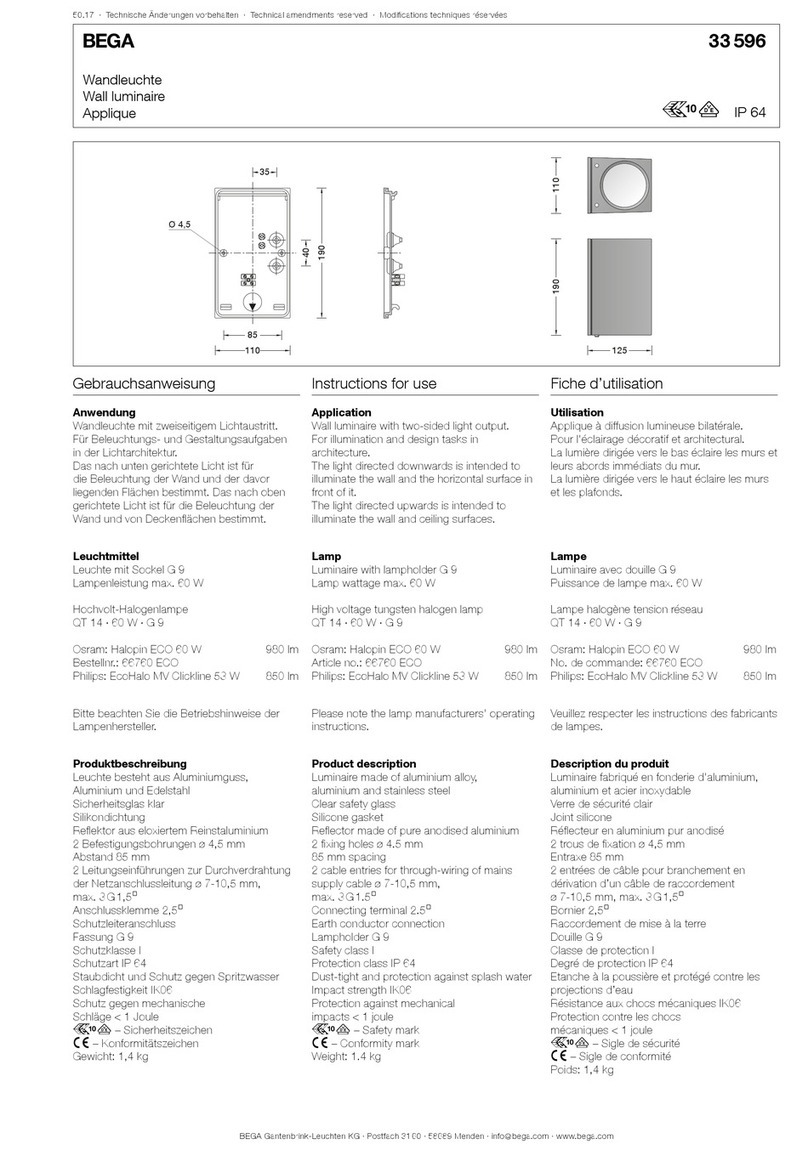
BEGA 33 596 Instructions for use

BEGA

BEGA 33 596 Instructions for use

Dale Tiffany GT701162 Assembly instructions
Dale Tiffany

Dale Tiffany GT701162 Assembly instructions

Wagan Brite Nite Pop-Up USB Lantern user manual

Wagan

Wagan Brite Nite Pop-Up USB Lantern user manual

Eaton Crouse-Hinds Pauluhn DLLA M2 Series Installation & maintenance information

Eaton

Eaton Crouse-Hinds Pauluhn DLLA M2 Series Installation & maintenance information

manuals.online logo
manuals.online logoBrands
  • About & Mission
  • Contact us
  • Privacy Policy
  • Terms and Conditions

Copyright 2025 Manuals.Online. All Rights Reserved.

Solar Pathlight
Smart Lighting
Download the Ring app.
The app walks you through setting up and
managing your Pathlight.
Search for “Ring” in one of these app stores,
or visit: ring.com/app
Set up your Ring Bridge.
The Bridge is required to connect your Ring
Smart Lights to the Ring app and other
compatible Ring devices.
To set up your Bridge, follow the instructions
in the Ring app or the Bridge user manual.
Download from
Windows Store
3
Remove the top cap.
While holding the bottom securely, twist
the top cap counterclockwise to unlock it,
then remove it from the base.
Remove the battery pull-tab.
Once removed, the included lithium-ion
battery will be activated and your Pathlight
will flash twice to indicate its powered on.
Risk of fire, explosion, or burn. Do not
short circuit, crush, heat above 60°C,
incinerate, or disassemble the battery.
54
Charge your Pathlight.
Plug the provided micro USB cable into a USB
power supply (not included), then connect it
to your Pathlight to charge its battery.
The light will slowly turn on and o while
charging. When it glows continuously, it’s fully
charged and you can unplug the USB cable.
Set up your Pathlight in the
Ring app.
In the app, tap Set Up a Device.
When prompted, select Smart Lighting and
follow the in-app instructions.
Once setup is complete, place the top cover
back onto your Pathlight. Turn it clockwise
to the “lock” position to secure it. Ensure
the arrow and lock on back of unit line up.
If you can’t wait
to play with your
Pathlight, go ahead
and set it up. But
we recommend
you fully charging it
before installation.
76
Attach
the light.
Carefully join the light
housing and the pole,
and push until they fit
together snugly.
Align the
guide rib.
Guide the channel
in the bottom of the
light onto the rib
inside the pole.
98
Attach your Pathlight.
Lower your Pathlight onto the stake and twist
clockwise until it clicks to lock it into place.
Drive the stake.
Gently drive the stake
into the ground at your
chosen location that
gets direct sunlight.
Make sure the “Sensor
Direction” arrow is
pointing toward the
area you want to
monitor for motion.
If you’re installing multiple Pathlights, space them
5-7 feet apart for the best motion sensing performance.
1110
For additional help, visit: ring.com/help
Or give us a call…
US 1 800 656 1918
Canada 1 855 300 7289
Worldwide +1 310 929 7085
© 2019 Ring LLC or its aliates.
Ring and all related logos are trademarks of Ring LLC or its aliates.
For a list of all our customer support numbers,
visit: ring.com/callus