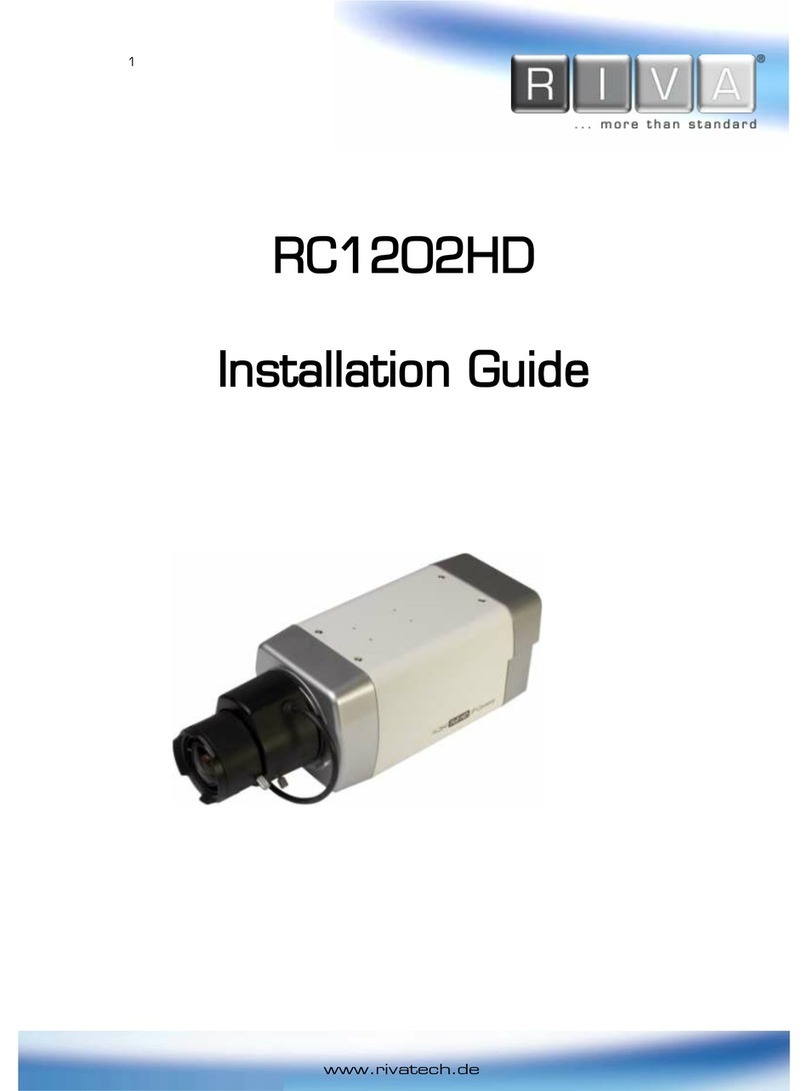
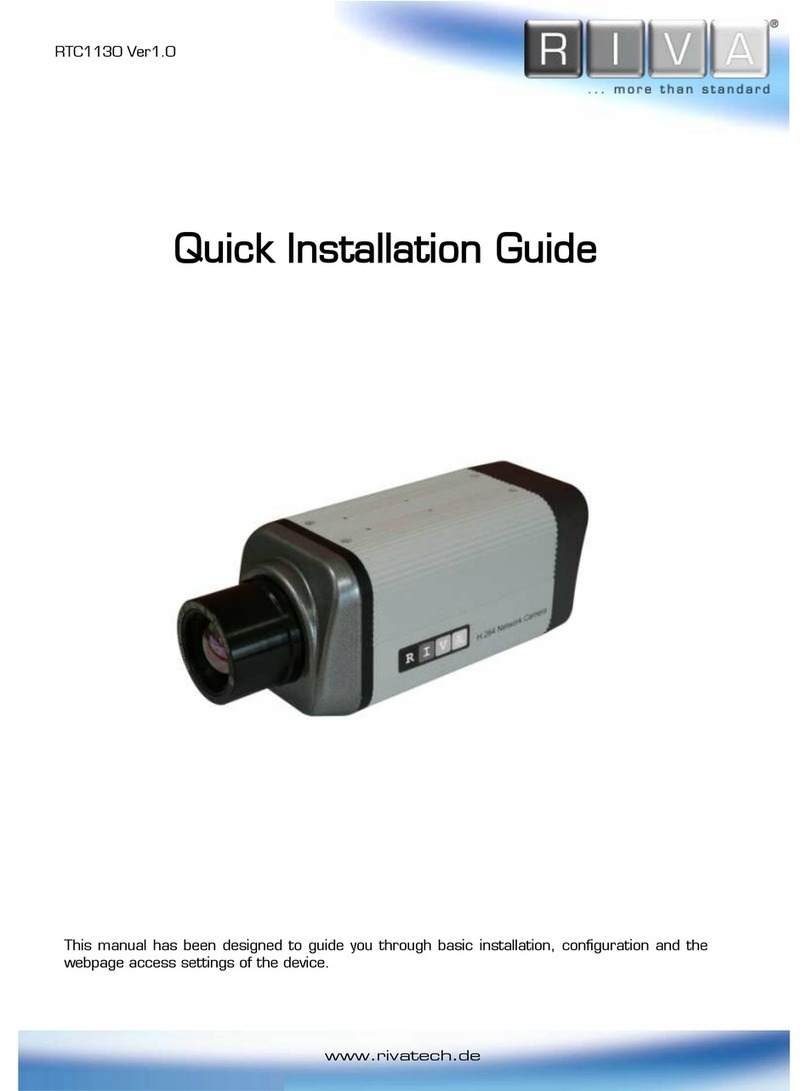
Riva RTC series User manual

www.rivatech.de
RTC series
Installation Guide

RTC Series RTC Installation Guide
01A.04 2
INFORMATION TO USER
CAUTION
RISK OF ELECTRIC SHOCK,
DO NOT OPEN
CAUTION: TO REDUCE THE RISK OF ELECTRIC SHOCK,
DO NOT REMOVE THE DEVICE COVER (OR BACK).
CONTACT QUALIFIED SERVICE PERSONNEL FOR INTERNAL
PART SERVICES.
This symbol is intended to alert the user the presence of un-
insulated “dangerous voltage”within the product’s enclosure,
which may be sufficient magnitude to constitute an electric shock
risk to persons.
This symbol is intended to alert the user the presence of
important operating and maintenance (servicing) instructions
within the guide manual
!
!

RTC Series RTC Installation Guide
01A.04 3
Table of Contents
1. FEATURES ..............................................................................4
2. PACKAGE CONTENTS................................................................5
3. PART NAMES..........................................................................6
3.1. Rear View.................................................................................... 6
3.2. Bottom View ................................................................................ 6
4. CONNECTIONS ........................................................................8
4.1.Connectors ................................................................................... 9
5. CONFIGURATION....................................................................12
5.1.Set up network environment .......................................................... 12
5.1.1. Generic IP Environment .......................................................... 12
5.1.2. Custom IP Environment .......................................................... 13
5.2. View video on web page ............................................................... 14
5.2.1. View video using IPAdmin Tool ................................................. 15
5.3. Reset........................................................................................ 16
5.4. Factory Default ........................................................................... 16
APPENDIX (A): SPECIFICATIONS ....................................................17
Summary.......................................................................................... 17
Environment Condition ........................................................................ 18
Mechanical Condition.......................................................................... 18
APPENDIX (B): THEORATICAL DISTANCE ........................................19
APPENDIX (C): POWER OVER ETHERNET ........................................20
PoE compatibility................................................................................ 20
Power classification............................................................................ 20
APPENDIX (D): DIMENSIONS ........................................................21
APPENDIX [E]: CAMERA HOUSING.................................................23
Housing Overview............................................................................... 23
Positioning of Camera Mount by Lens.................................................... 23
Camera Installation ............................................................................ 24
To connect cables.............................................................................. 27
APPENDIX (F): HEXADECIMAL-DECIMAL CONVERSION TABLE .............28
REVISION HISTORY .....................................................................30

RTC Series RTC Installation Guide
01A.04 4
1. FEATURES
Camera
17 ㎛Next Generation Mirobolometer Technology
320x240 pixels
42, 19,12, 9 or 6 degrees field of view (Other lenses available upon
request)
Streaming
Dual streaming mode (such as different codec/resolution/bit rate and so
on.)
Burnt-in text supported
Unicast/Multicast supported
Video/Audio
Video compression: H.264/MPEG-4/MJPEG,
Audio compression: G.711(µLaw, aLaw)/PCM
Analog video out for external monitors
Video Motion Detection supported
Two-way mono audio supported
Network
RTSP/ HTTP protocol supported
10/100 Base-T Ethernet
Additional Features
RS-485 support
USB 2.0 support (Local storage)
Micro SD card support
PoE supported
Built-in Video Content Analysis
OSD support
SDK (Software Development Kit) provided
VCA (Video Content Analysis)
VCA Presence (Included as basic)
VCA Surveillance (Optional)

RTC Series RTC Installation Guide
01A.04 5
2. PACKAGE CONTENTS
The package contains main camera, DC power adaptor, DC jack adaptor cable,
hex wrench driver, 9 pin terminal block, mounting adaptor, screws, and quick
installation guide. Unpack carefully and handle the equipment with care.
Camera
DC power adaptor
Hex wrench driver
9 Pin terminal block
Mounting Adaptor
Screws
Quick Installation Guide
DC Jack Adaptor Cable
The above contents are subject to change without prior notice.
Note
i

RTC Series RTC Installation Guide
01A.04 6
3. PART NAMES
3.1. Rear View
3.2. Bottom View
⑥
⑤
③
①
①
②
④
①
⑦
ETHERNET
Micro SD
RESET
LOOP OUT
DC 12V
RS-485 DO DI AUDIO
_+C 1 C 1 Out In
Intelligent Thermal Camera
⑧

RTC Series RTC Installation Guide
01A.04 7
1Analog video out
It is an analog video output port.
2Reset
Reset switch is used for restarting or resetting the camera as Factory Default
(FD). Refer to the section “5.3.Reset”for more specific information.
3USB connector
Insert a USB storage device
49 pin terminal block for D/I, D/O, audio, and serial communication
Refer to the section “4.1.Connectors”for more specific information.
5Power Adaptor Connector (DC 12V)
The camera needs a DC12V for power supply. Refer to the section “Power
Adapter Connector (DC 12V)”for more specific information.
The device is polarity sensitive. Incorrect power connection may cause
malfunction or damage to the IP device
6Micro SD Card socket
It is a memory card slot for local storage.
7LAN Connector (Ethernet)
This is a RJ45 LAN connector for 10/100 Base-T Ethernet.
When the device is powered on, the orange LED lights up first, and then the
green LED.
LED operation setting:
Both LEDs are off when the device is disconnected from a network. When it is
connected, the orange LED turns into solid light, whereas the green LED
continues to blink. To change the setting, refer to the section
4.5.12. LED
Setting
of the
NVC Web Page User’s Manual.
8Adaptor for mounting the camera
Mounting adaptor is provided to mount the camera on a bracket or tripod.
Orange LED
Green LED
+
-
Caution
!

RTC Series RTC Installation Guide
01A.04 8
4. CONNECTIONS
The device is polarity sensitive. Incorrect power connection may
cause the device to malfunction or damage the equipment.
Caution
!
DC Jack Adaptor
Cabl
LAN Cable
Analog Video Out
ETHERNET
Micro SD
RESET
LOOP OUT
DC 12V
RS-485 DO DI AUDIO
_+C 1 C 1 Out In
Intelligent Thermal Camera
Power Adaptor

RTC Series RTC Installation Guide
01A.04 9
4.1.Connectors
19 pin terminal block
2RS-485
The RS-485 serial port consists of TRX+(RX+) and TRX-(RX-) as following the
following image.
RS-485 Connection
3Sensor (DI) connection
The camera provides 1 channel D/I. It can be connected to either a voltage type
sensor or a relay type sensor as the following figures. It can be selected by
software.
Input voltage range: 0VDC minimum to 5VDC maximum, Max 50mA
Input voltage threshold: 1.5V
Do not exceed the maximum input voltage or relay rate.
Caution
!
TRX+(RX+)
<RS-485 Application>
+
-
TRX-(RX-)
TX+
TX-
PTZ Device
485 Devices
ETHERNET
Micro SD
RESET
LOOP OUT
DC 12V
RS-485 DO DI AUDIO
_+C 1 C 1 Out In
Intelligent Thermal Camera

RTC Series RTC Installation Guide
01A.04 10
4Alarm (DO) connection
Only the relay type is supported.
Relay Rating: Max 24VDC 50mA
Do not exceed the maximum relay rating.
5Audio connection
The camera has a mono audio input and a mono audio output. As the output
power for the audio is low, amplifier speaker is needed. (Do not use a headphone
or earphone directly to the camera.)
Caution
!
Mic
Ain
Speaker
Aout
DO
COM
Relay Type
Device
Internal
+5V
DI
COM
DI 1
COM
+
-
Relay Type
Voltage Type
+
-
Output of
Sensor
Output of
Sensor
Internal
Internal
+
-
Table of contents
Other Riva IP Camera manuals

Riva
Riva RC2102HD-5511 User manual

Riva
Riva RTC1130 User manual

Riva
Riva RC2102HD-5511 User manual

Riva
Riva RC2103HD-6611 User manual

Riva
Riva RC6802HD-6211 User manual

Riva
Riva RC6702HD-6311 User manual

Riva
Riva RC2103HD-6611 User manual

Riva
Riva RC1100M User manual

Riva
Riva RC1202HD User manual

Riva
Riva RC1202HD-5241 User manual