This user manual will guide you through the functions and usage of your RolliBot Rapido
Vacuum. It is important that you follow all instructions and regard all notes that appear
throughout this manual. Consult this manual before you attempt to use your RolliBot Rapido.
If you have questions not answered by this manual or are in need of repair or non-routine
service, contact RolliBot customer service at 1-844-585-6295. Before contacting customer
service, please have your purchase information ready as this may be needed during the call.
This information may be recorded below.
Date of Purchase:
Place of Purchase:
Overall Usage
Section 1. Safety Warnings & Guidelines
Notes with this icon MUST be read, understood, and obeyed to prevent injury or
damage etc.
Notes with this icon include relevant information.
Always turn the Rapido off before transporting or storing.
Clean the outside with dry, non-abrasive cloth only. Do not spray water or liquids onto the Rapido.
Do not insert objects into the Rapido or allow the Rapido to clean up near any part of your body.
Do not block the exhaust vents. Obstructing ventilation may cause overheating and malfunctions.
The Rapido is not a toy. Do not leave children or animals unsupervised around the vacuum.
Do not place the Rapido near any source of significant heat or combustible materials.
Do not use the vacuum to clean up anything that is burning or smoking.
Do not use the vacuum to clean up bleach, paint, or other chemicals, or anything wet.
Remove all objects which may cause damage easily if cleaned up by the Rapido or entangled in its brushes
including but not limited to small metal objects like nails and screws, and cords/wires.
The vacuum may only be used on dry, indoor surfaces. Do not use outdoors.
Use extra care when cleaning on stairs.
Do not use the vacuum without the Canister attached.
Always connect or disconnect attachments while the vacuum is off.
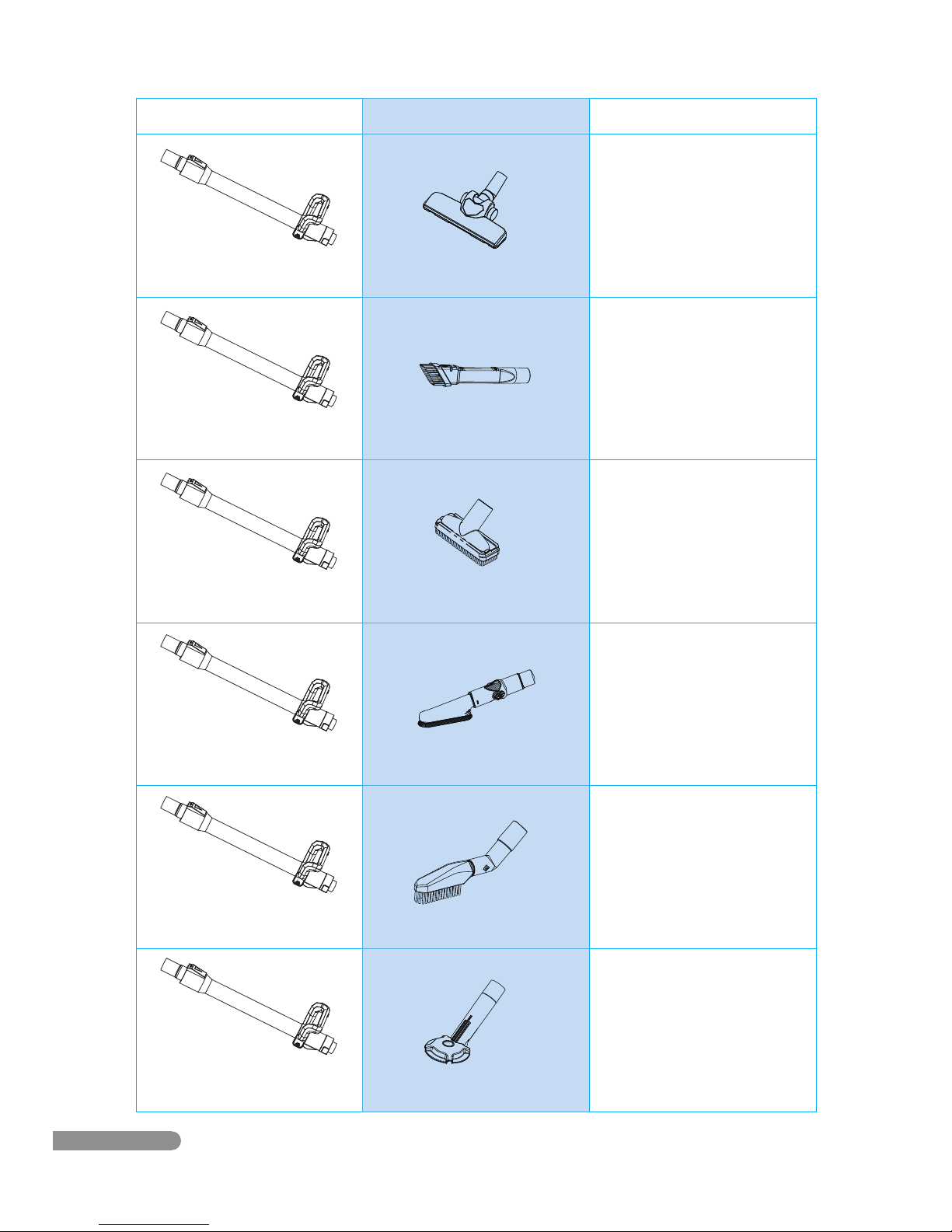
Use only the attachments included in the original packaging or received from RolliBot.
Do not use the vacuum for any purpose other than described in this user manual.
•
•
•
•
•
•
•
•
•
•
•
•
•
•
•
When reading this manual, note these icons:
1.1– Safety Warnings
01