7
English
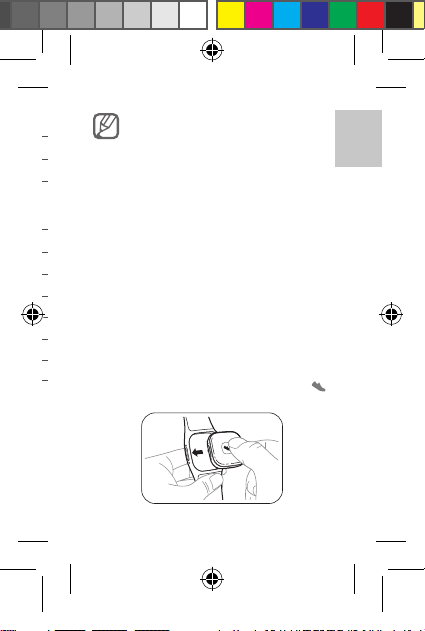
Detaching the device
From the band
Twist the slot of the band to protrude the device.
Then, pull the device from the slot.
From the clip
Twist the slot of the clip to protrude the device.
Then, pull the device from the slot.
Do not pull or stretch out the band or clip
excessively. Doing so may damage the
band or clip.
Pairing and connecting with a
mobile device
To use the device, you may need to install the
Activity tracker application on your mobile device.
Use Samsung Apps or Play Store to install the
Activity tracker.
1 On the mobile device, launch the
Activity tracker application.
2 Tap Next.
3 Check the help screen and tap Close.
4 Enter the profile and tap Next.
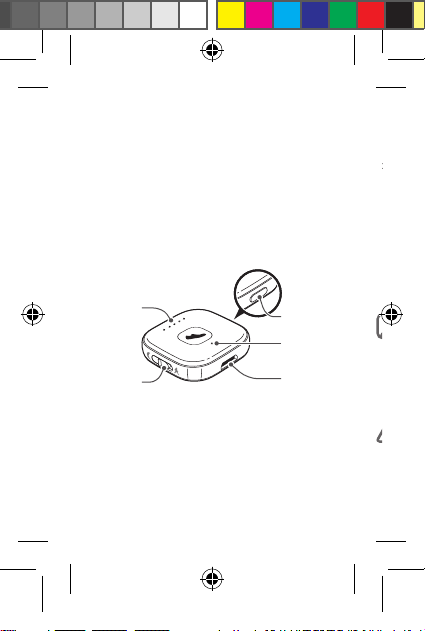
5 Press and hold the Confirm button on the
device for two seconds to enter Pairing mode.
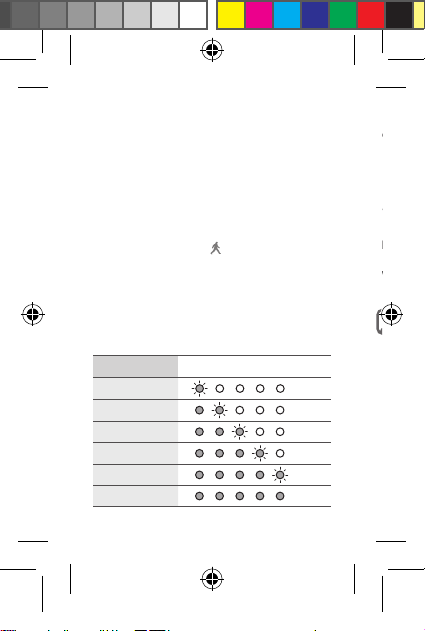
The indicator lights flash for approximately
30 seconds.
6 On the mobile device, tap Scan.
7 Tap Activity tracker on the search list. When
connected, the notification light flashes blue
three times.
•
Make sure to activate the mobile
device's Bluetooth feature.
•
After initial pairing, the device
automatically connects with the
mobile device when they are within the
Bluetooth connection range.
•
Data stored on the device can be
checked from the mobile device.
•
Data stored on the device will be reset
if the date and time are changed on the
mobile device.
•
More compatible applications may be
available at www.samsung.com.
EI-AN900_UM_E.indb 7 2014-02-25 오후 6:04:29