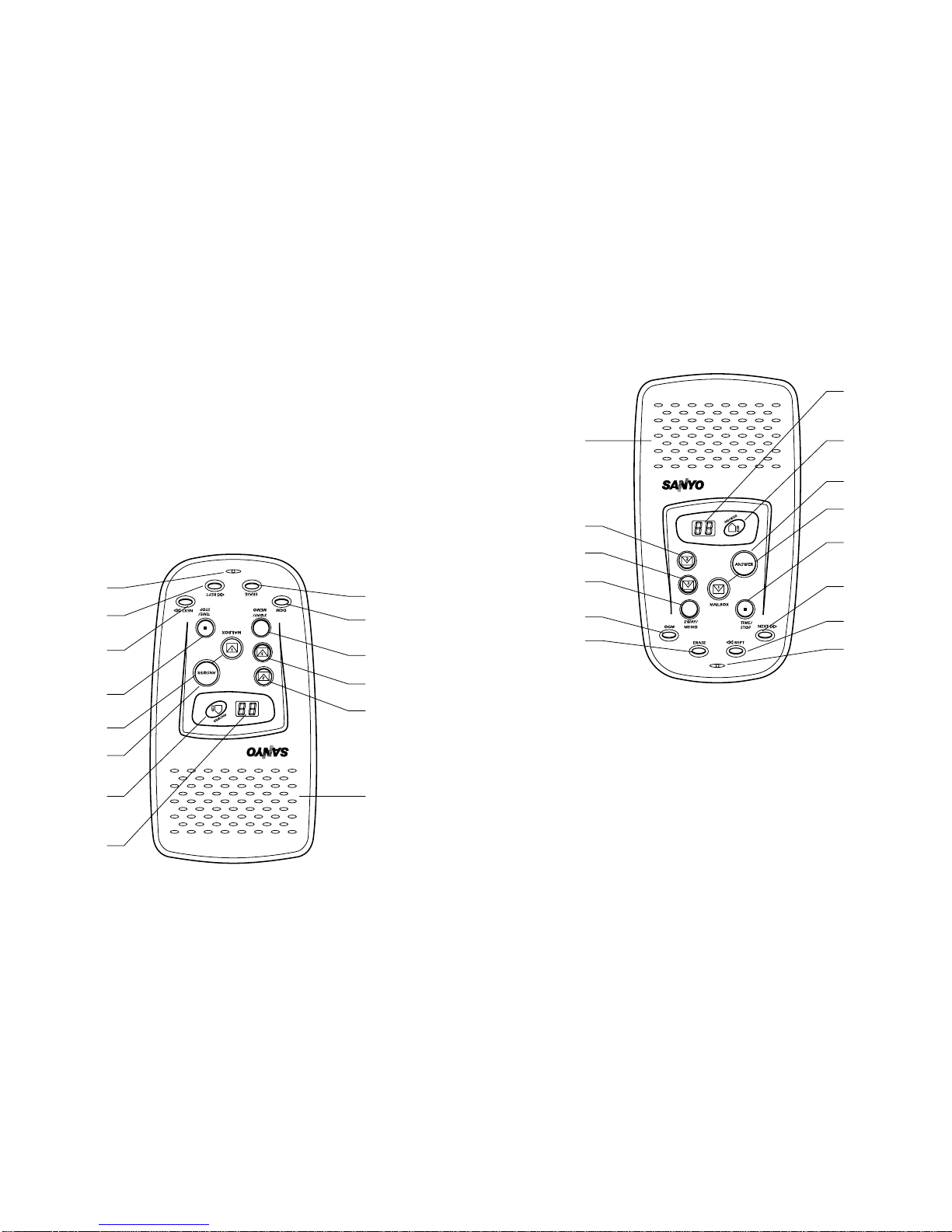
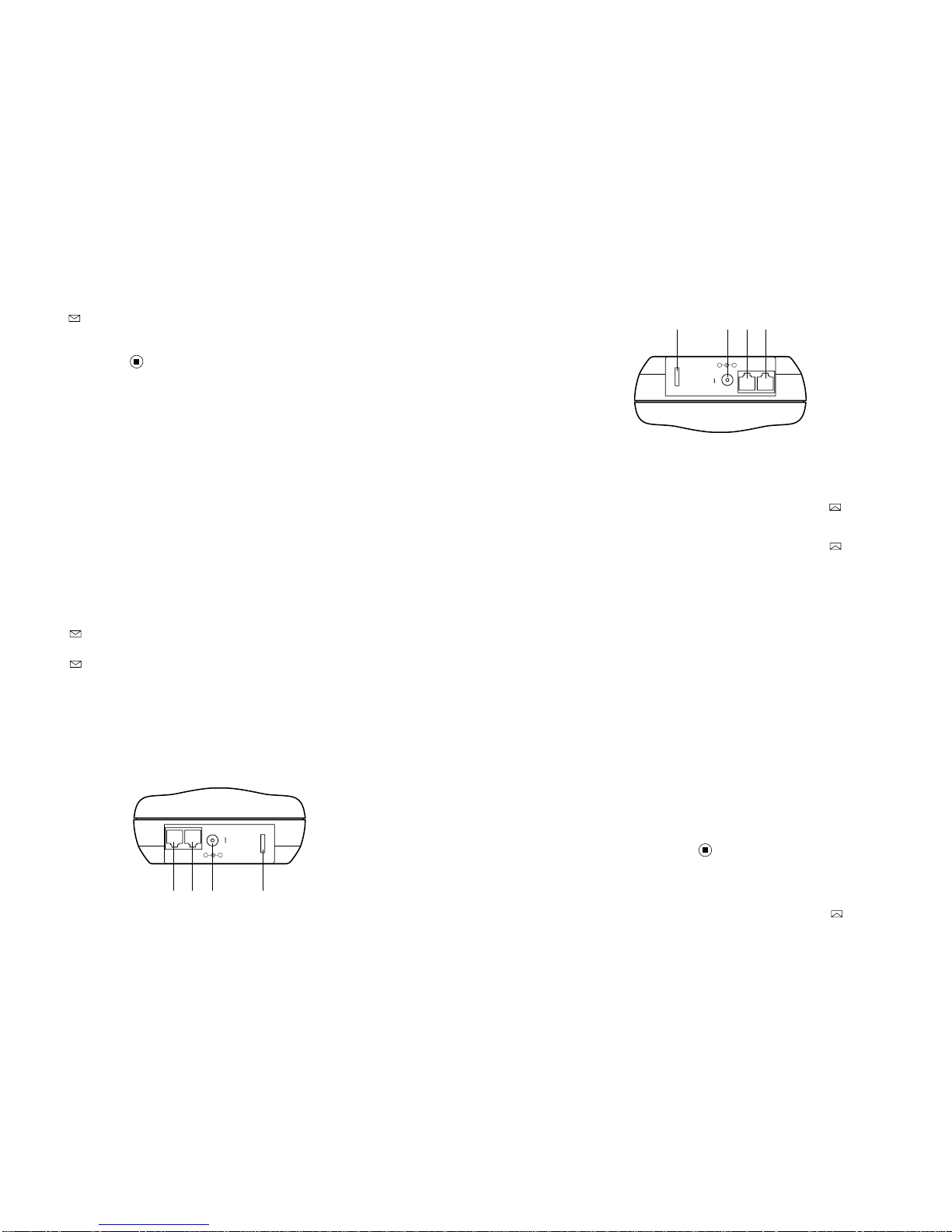
Complete the following steps to record your messages:
1. Press the ANSWER key and hold for approximately 2 seconds and
release. The display will indicate A1 or A2. If the other OGM is preferred,
press TIME/STOP, then ANSWER for approximatey 2 seconds.
2. Once the desired outgoing message is selected, press OGM for
approximately 2 seconds. A1 or A2 is displayed followed by a long beep.
3. Speak in a clear voice directly in the microphone located in the bottom
center area of the DAS203. The LED display shows time count down in
seconds.
4. When you have completed your recording, press TIME/STOP, and your
message will playback.
5. If you are satisfied with your recording, press TIME/STOP. If you are not,
press OGM for 2 seconds and repeat this process.
D. Playing Outgoing Messages (OGM)
Press OGM key. The answering system will play the recorded
message (OGM1 or OGM2) according to the existing mode of the DAS203
and return to normal mode after the message is played.
E. Recording a Memo
The Memo function allows you to leave a message for another member of
your business or household. Complete the following steps to record your
Memo message:
1. Press the MEMO/2WAY key and hold it for approximately 2 seconds. A
short beep will sound, and the 00 will flash in the display. All mailbox
keys will flash.
2. Press the desired mailbox key. Memo will start recording after a long
beep. The corresponding mailbox key lights.
3. Stop recording by pressing TIME/STOP key. The unit stops automatically
after 1 minute.
F. Recording a Two-way conversation
The 2-Way Record function allows you to record conversations you have
on the telephone. Complete the following steps to use the 2-Way
Record function:
1. Press the MEMO/2WAY key for approximately 4 seconds until 2R flashes
in the LED display. Release the key, then all mailbox LEDs will flash.
2. Press the desired mailbox key. Two-way recording will begin. The
corresponding mailbox LED will light.
3. Recording is ended by pressing TIME/STOP key.
G. Playing Memos and 2-Way conversations
To play memos, press the flashing Mailbox key. Memos (and messages)
will be sequentially played from the mailbox.
8
8
Marche àsuivre pour l’enregistrement d’un message :
1. Maintenez la touche ANSWER enfoncée durant environ 2 secondes et
relâchez-la. A1 ou A2 apparaît àl’afficheur. Si vous préférez l’autre annonce,
appuyez sur TIME/STOP, puis sur ANSWER durant environ
2 secondes.
2. Après avoir sélectionnél’annonce désirée, appuyez sur OGM durant environ
2 secondes. A1 ou A2 apparaît àl’afficheur, suivi d’un long bip sonore.
3. Parlez d’une voix claire près du microphone situéau bas du DAS203.
L’afficheur indique le temps qui reste en secondes.
4. Lorsque vous avez terminévotre enregistrement, appuyez sur TIME/STOP
pour faire lire votre message.
5. Si vous êtes satisfait de votre enregistrement, appuyez sur TIME/STOP.
Sinon, maintenez la touche OGM enfoncée durant 2 secondes et répétez les
opérations ci-dessus.
D. Lecture des annonces
Appuyez sur la touche OGM. Le répondeur lit alors l’annonce enregistrée, A1
ou A2, selon le mode courant de l’appareil et revient au mode normal.
E. Enregistrement d’un mémo
Cette fonction vous permet de laisser un message àl’intention d’un autre
membre de votre entreprise ou de votre foyer lorsque vous devez vous
absenter. Employez la marche àsuivre ci-dessous pour enregistrer votre
mémol :
1. Maintenez la touche MEMO/2WAY enfoncée durant environ 2 secondes. Un
court bip sonore se fait entendre et 00 clignote àl’afficheur. Toutes les
touches de boîte vocale clignotent.
2. Appuyez sur la touche de boîte vocale désirée. L’enregistrement du mémo
commence après l’émission d’un long bip. La touche de boîte vocale corres-
pondante s’allume.
3. Arrêtez l’enregistrement en appuyant sur la touche TIME/STOP. L’appareil
s’arrête automatiquement après 1 minute.
F. Enregistrement d’une conversation àdouble sens
La fonction d’enregistrement de conversation àdouble sens vous permet
d’enregistrer vos conversations téléphoniques. Employez la marche àsuivre
ci-dessous pour utiliser la fonction d’enregistrement de conversation àdouble
sens :
1. Maintenez la touche MEMO/2WAY enfoncée durant environ 4 secondes,
jusqu’à ce que 2R clignote àl’afficheur et relâchez la touche. Toutes les
touches des boîtes vocales clignotent.
2. Appuyez sur la touche de boîte vocale désirée. L’enregistrement de conver-
sation àdouble sens commence. La touche de boîte vocale correspondante
s’allume.
3. Vous pouvez arrêter l’enregistrement en appuyant sur TIME/STOP.
G. Lecture des mémos et des conversations àdouble sens
Pour la lecture des mémos, appuyez sur la touche de boîte vocale qui clignote.
Les mémos (et les messages ordinaires) de la boîte vocale seront alors lus en
séquence.