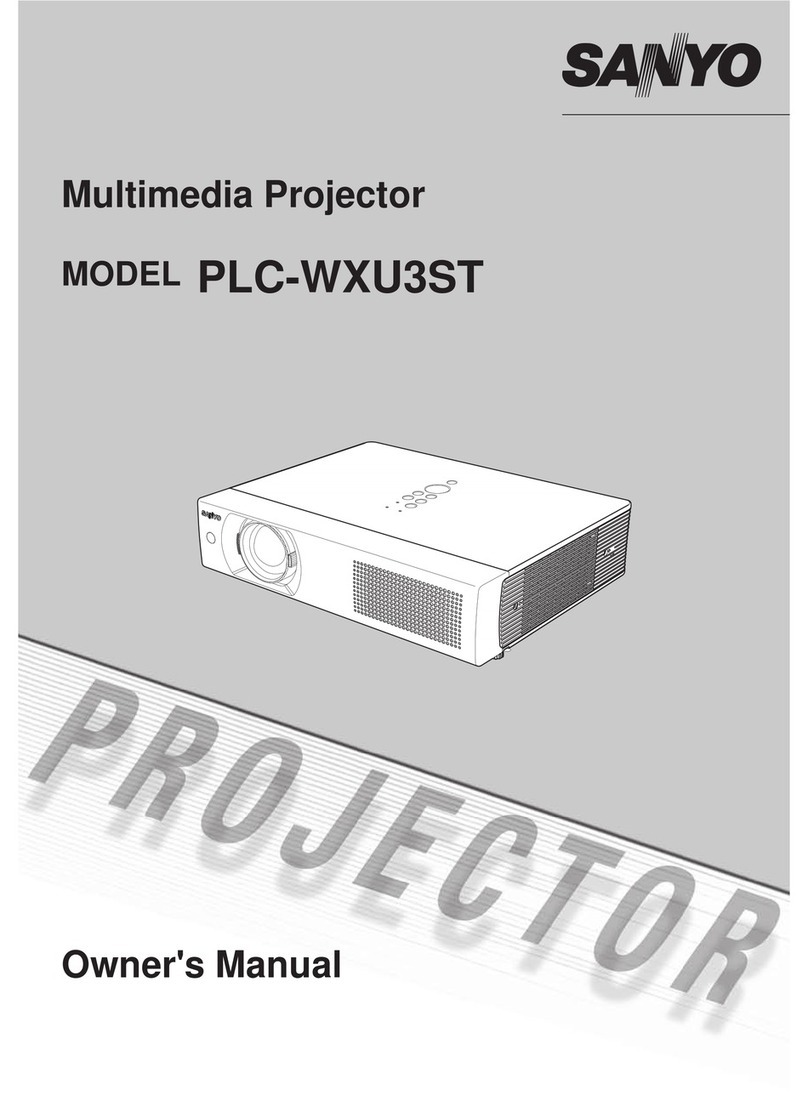
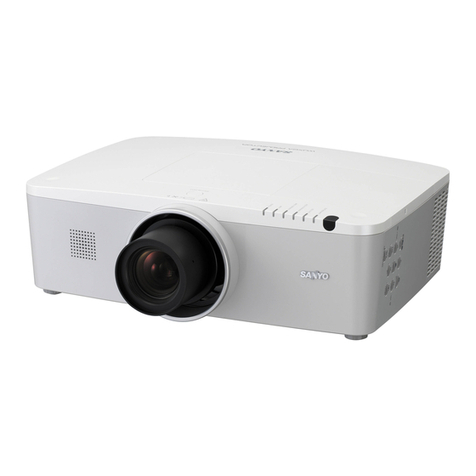
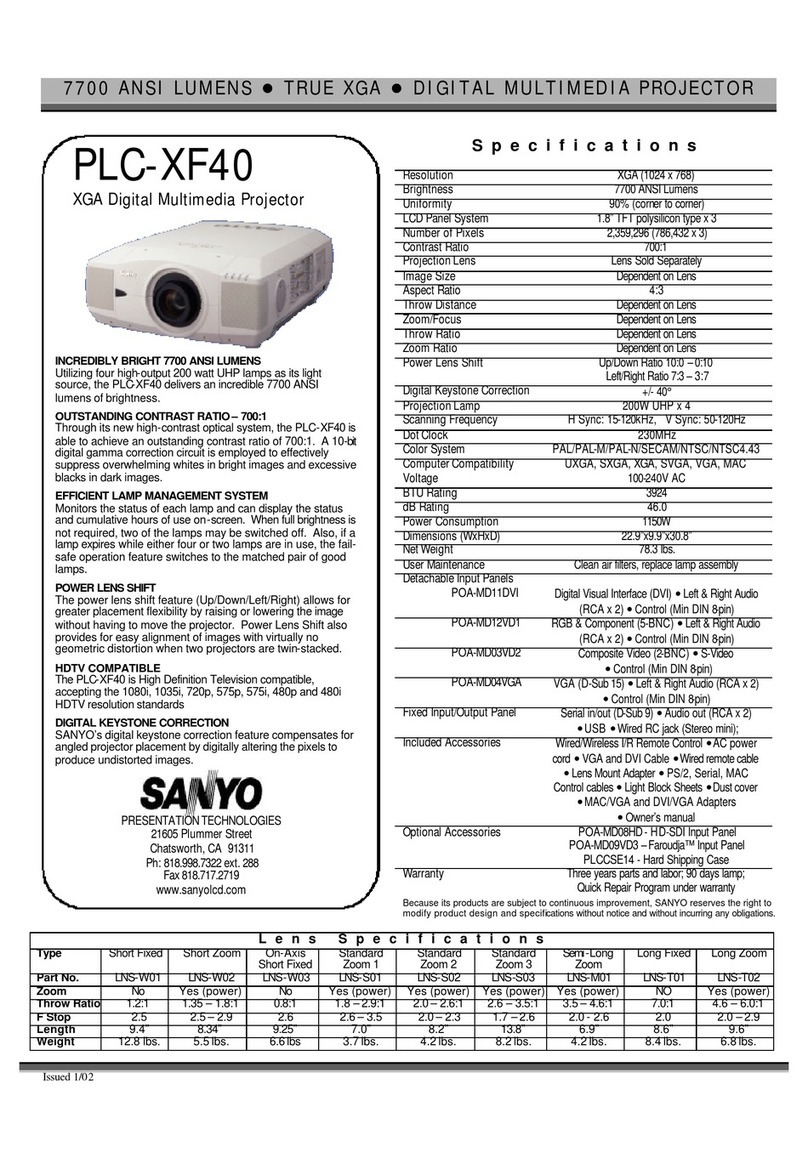
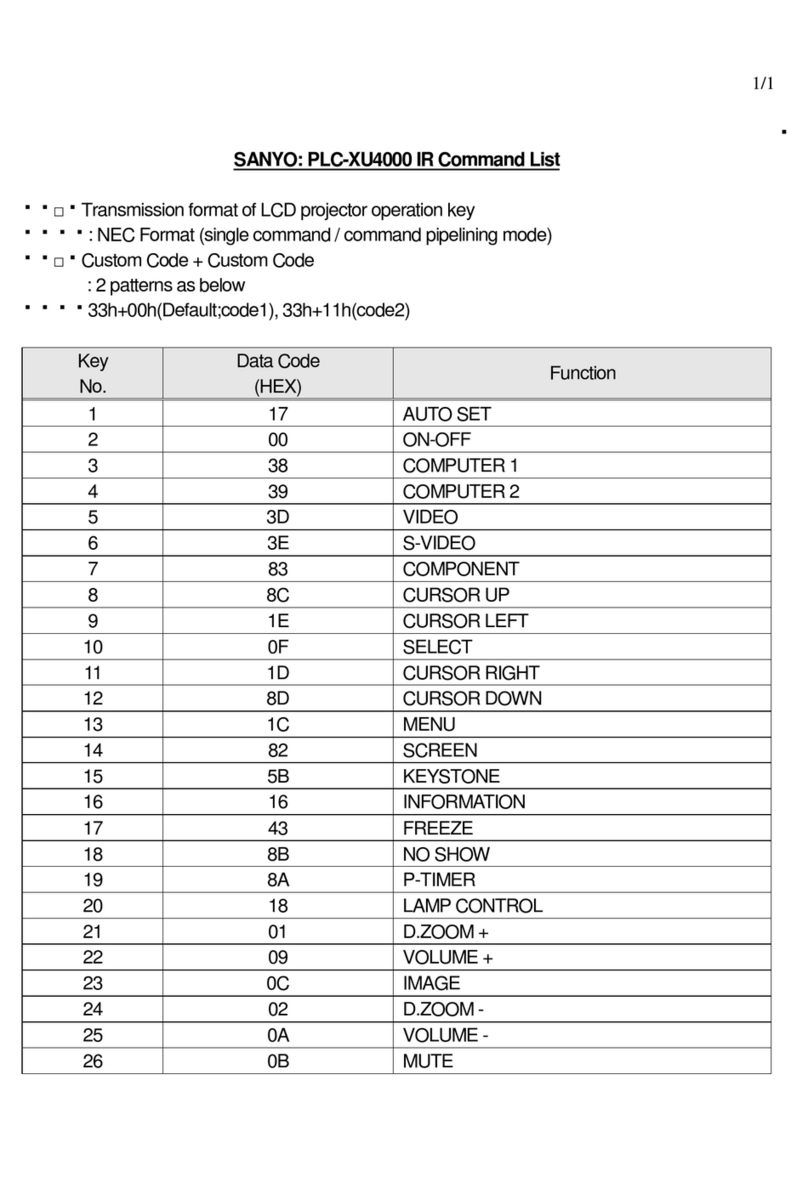
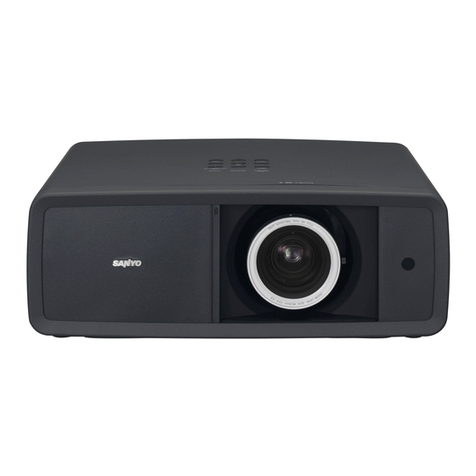
PLC-WL2503
©2011 SANYO
INTERACTIVE PEN FUNCTION
The PLC-WL2503 is equipped with an interactive function. Thanks to a
built in sensor and newly developed software, the projection white screen
allows it to be written on with a built-in infrared light pen while using a PC.
SHORT THROW PROJECTION FROM ONLY 34 INCHES AWAY
The PLC-WL2503 can project a full 80-inch diagonal image from a
distance of only 34 inches. Teachers can project images onto the screen
and produce no shadow on the screen. This means they can use large
images even in relatively small rooms.
WXGA, FITS A VARIETY OF APPLICATION SITUATIONS
Offering a wide XGA 1280 x 800 (16:10) resolution, the PLC-WL2503
makes it possible to project HD images with easy connection from your
DVD player via HDMI terminal.
NETWORKING CAPABILITY
The PLC-WL2503 is equipped with SANYO’s exclusive PJ Network
Interface for wired networking, a common feature among SANYO’s
extensive line of commercial projectors. Networking allows the monitoring
of projector functions and operation from long distance via a web browser,
allowing e-mails to be sent automatically to report operating status.
NEARLY MAINTENANCE FREE
This projector offers long periods (4,000 hours in ideal condition) of
maintenance-free use without the need for lamp and filter replacement.
The PLC-WL2503 is equipped with SANYO’s proprietary hybrid filter,
composed of multiple filter layers, and the lamp lifespan has been
improved. This longer life span saves time and money on maintenance.
EASY ON/OFF FUNCTION
The power turns on as soon as you connect the power cord. No need to
press any buttons on the remote control or projector. You can also
disconnect the power cord as soon as the power is turned off.
BLACKBOARD, COLOR BOARD MODE
In classrooms and other places where there is no screen available,
images can be projected onto the blackboard or colored boards. This
enables quick setup when making presentations or calling a quick
meeting.
CLOSED CAPTION
PLC-WL2503 is Closed Caption compatible.
Because its products are subject to continuous improvement, SANYO reserves the right to modify
product design and specifications without notice and without incurring any obligations.
* Lamp life may vary due to room conditions, usage, and maintenance. The replacement time is a
general estimate. The brightness of a lamp usually decreases over time and use.
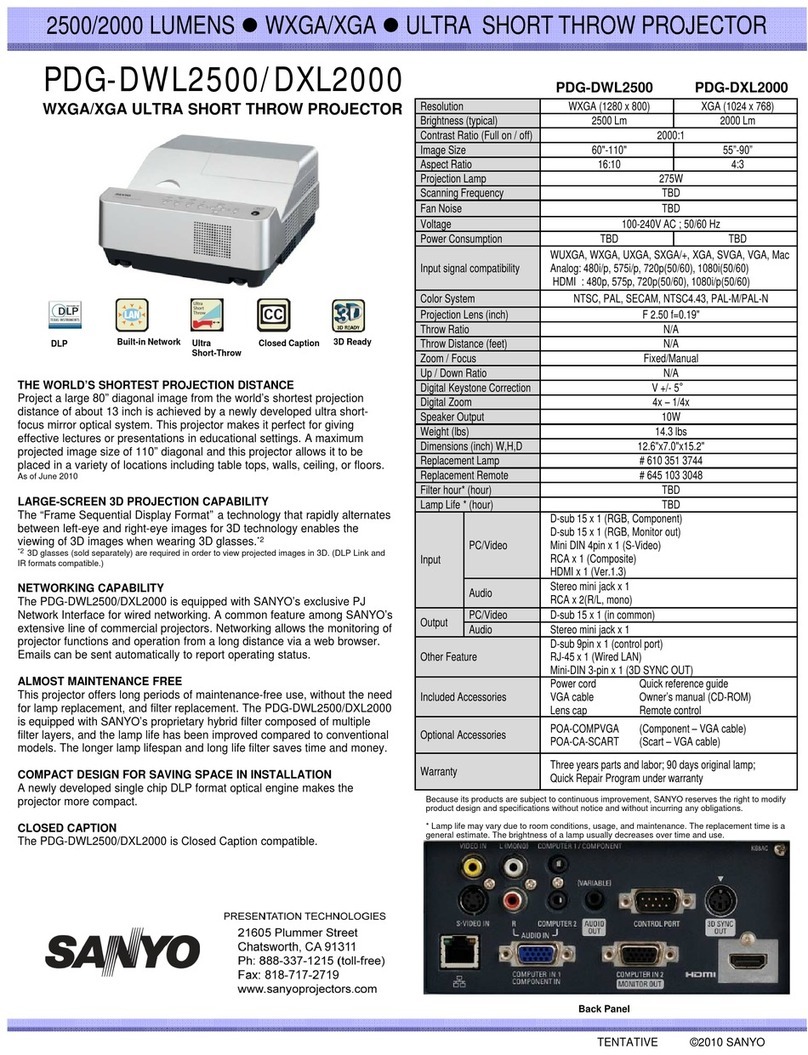
2500 LUMENS zWXGA zINTERACTIVE SHORT THROW PROJECTOR
WXGA INTERACTIVE SHORT THROW PROJECTOR
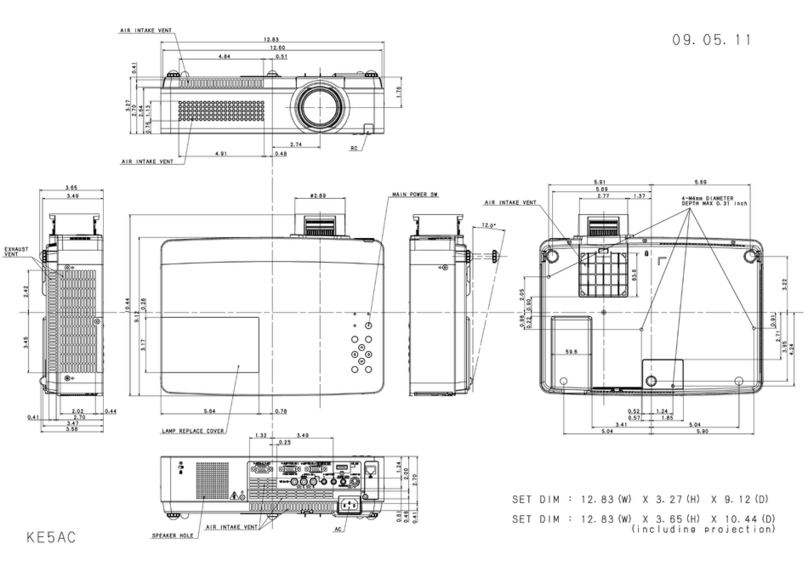
Back Panel
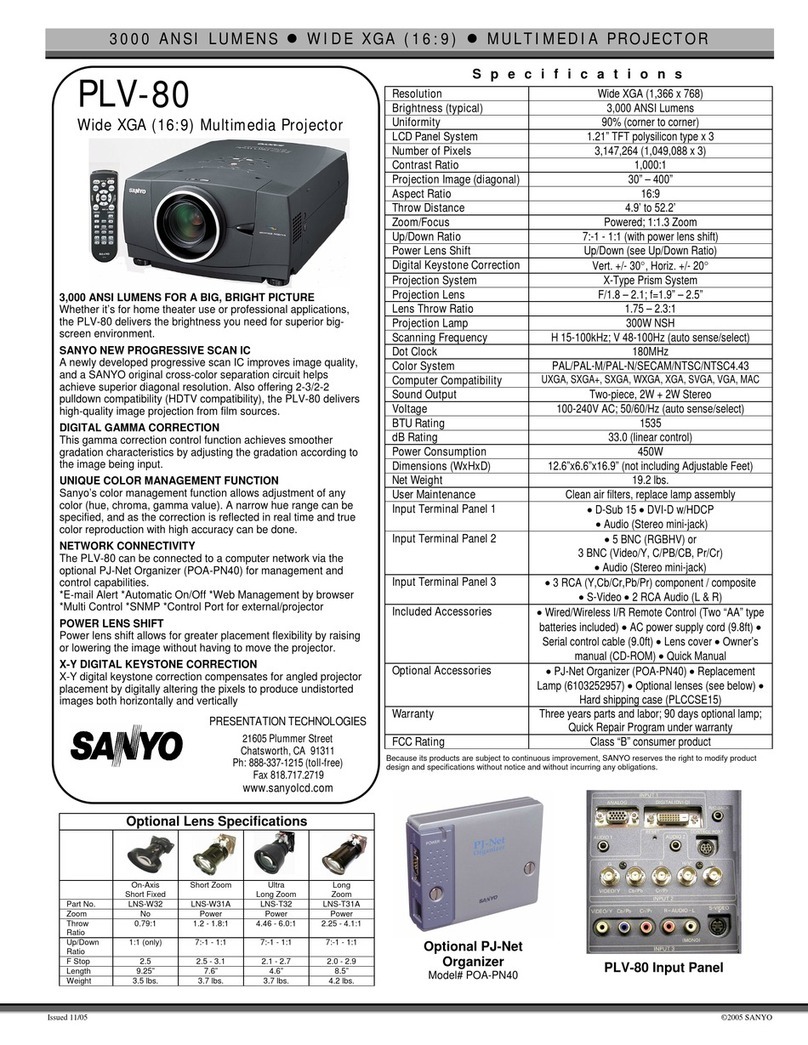
Resolution WXGA(1280 x 800)
Brightness (typical) 2500 Lm
Contrast Ratio (Full on / off) 500:1
Image Size 60"-110"
Aspect Ratio 16:10
Projection Lamp 230W
Scanning Frequency H:15-100kHz, V:50-100Hz
Fan Noise 29.0 dBA (Eco)
Voltage 100-240V AC (auto voltage) ; 50/60 Hz
Power Consumption 227W (Eco)
Input signal compatibility
WUXGA, WSXGA+, WXGA/+, UXGA, SXGA/+, XGA,
SVGA, VGA
Analog : 480i/p, 575i/p, 720p(50/60), 1080i(50/60)
HDMI : 480p, 575p, 720p(50/60), 1080i/p(50/60)
Color System NTSC, PAL, SECAM, NTSC4.43, PAL-M/PAL-N
Projection Lens (inch) F 1.80 f=0.26"
Throw Ratio 0.50 : 1
Throw Distance (feet) 2.1' - 3.9'
Zoom / Focus Fixed/Manual
Up / Down Ratio N/A
Digital Keystone Correction V +/- 20°(Auto Keystone)
Digital Zoom 16x - 1/4x
Speaker Output 10W
Weight (lbs) 10.4 lbs.
Dimensions (inch) W,H,D 13.8"x5.7"x15.0"
Replacement Lamp # 610 349 0847
Replacement Remote # 645 102 1724
Filter hour* (hour) 4000h(Eco)
Lamp Life * (hour) 4000h (Eco)
Input PC/Video
D-sub 15 x 1 (RGB, Component)
D-sub 15 x 1 (RGB, Monitor out)
Mini DIN 4pin x 1 (S-Video)
RCA x 1 (Composite)
HDMI x 1 (Ver.1.3)
Audio Stereo mini jack x 1
RCA x 2(R/L, mono)
Output PC/Video D-sub 15 x 1 (in common)
Audio Stereo mini jack x 1
Other Feature D-sub 9pin x 1 (control port)
RJ-45 x 1 (Wired LAN)
Included Accessories
Power cord
VGA cable
Lens cap
Pointer Pen w/batteries x2
USB cable
Quick reference guide
Owner’s manual (CD-ROM)
Remote control w/batteries
Interactive Soft (CD-ROM)
Optional Accessories POA-COMPVGA
POA-CA-SCART (Component – VGA cable)
(Scart – VGA cable)
Warranty Three years parts and labor; 90 days original lamp;
Quick Repair Program under warranty
3LCD Ultra
Short-Throw
Built-in Network Closed Caption
Interactive pens
( 2 types included )