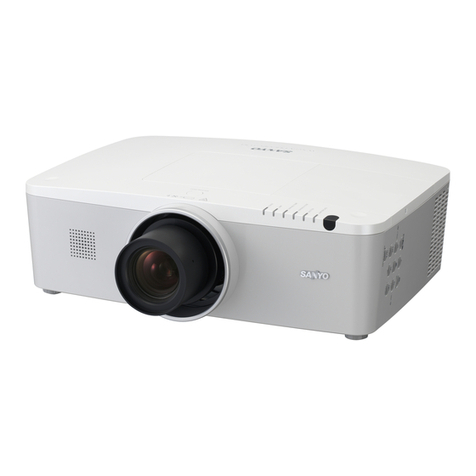
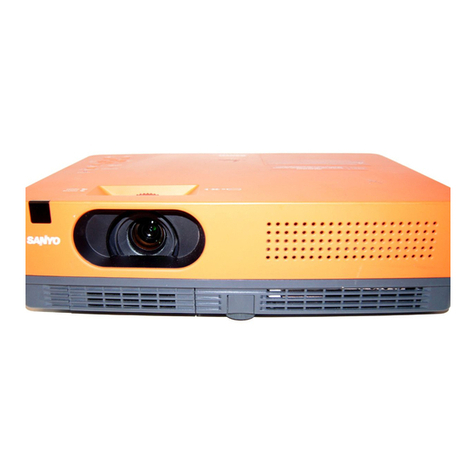
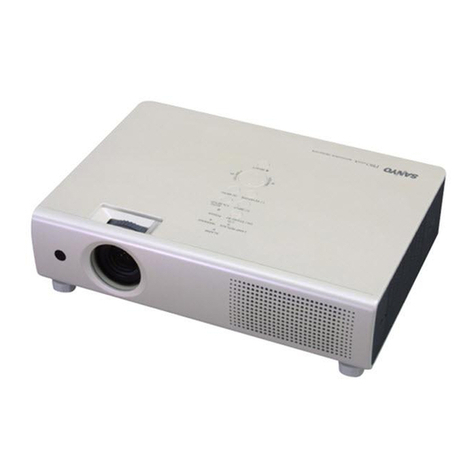
The wide XGA 1280 x 800 (16:10)
resolution of the PLC-WXU300 makes it
possible to project high quality HD
images from virtually any location. The
PLC-WXU300 achieves a high 2,500
lumens of brightness thanks to a number
of advanced technologies in its optical
engine and a 225-watt lamp.
PLC-WXU300 provides “Auto Setup
Function” that corrects vertical shape
distortion by searching for an input signal
and detecting projector incline, reducing
setup time. Furthermore, the “Screen
Guidance Function” allows projector set
up according to the displyaed guidance.
Along with its mobility, the PLC-WXU300
features high-output 7W speaker that
delivers sufficient audio volume for the
projector to be used in conference
rooms, classrooms, and other spaces
with the built-in speaker.
• HDMI (Ver.1.3b) terminal • Wired LAN Control • Power Off and Go
• PJ Link compatibility • 17-Language on-screen menu
• User logo (screen capture) • No show • Freeze • Presentation timer
Replacement Lamp Type No.: 610 343 2069
*1 Measurement, measuring conditions, and method of notation all comply with ISO 21118 international standards.
*2 Luminance Transient Improvement (LTI) and Color Transient Improvement (CTI) sharpen the detail.
*3 Lamp life may vary due to room conditions, usage, and maintenance. The replacement time is a general estimate.
The brightness of a lamp usually decreases over time and use.
*All product names and company names are trademarks or registered trademarks of their respective companies.
The wide-range 1.6x zoom lens
lets you project a 100” image
from as close as 8.3 feet from
the screen, to as far away as
13.5 feet. That makes it a lot
easier to find suitable places to
set the projector up.
The P in P and P by P functions let users simultaneously show images from
two PCs, or from a PC and a video device. P in P lets you show a subscreen
within the main screen. So, during a
seminar, you could have the lecture
content on the main screen while
showing views of the room on the
sub-screen. P by P shows two same-size
images side by side. For example, you
could show a product description from a
PC screen while simultaneously
displaying a commercial message
recorded onto a DVD.
4.9 ft
5.9 ft
6.6 ft
8.2 ft
12.5 ft
16.7 ft
21.0 ft
25.2 ft
8.2 ft
9.5 ft
10.8 ft
13.5 ft
20.3 ft
--
--
--
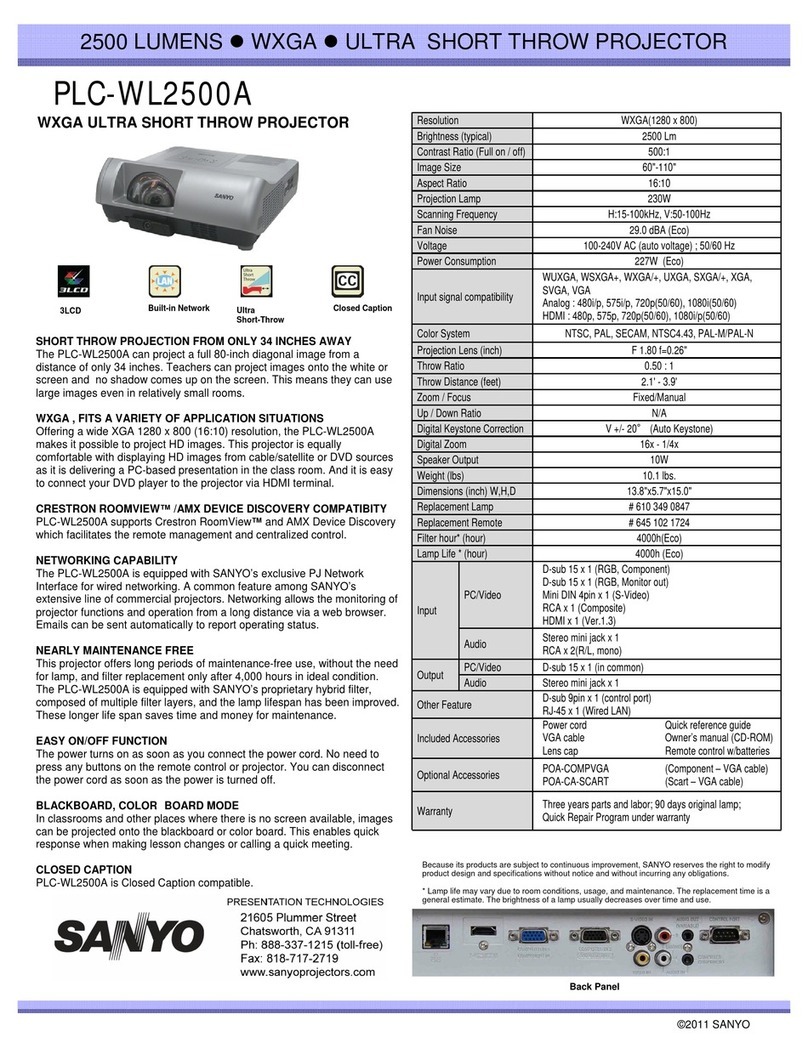
Specifications
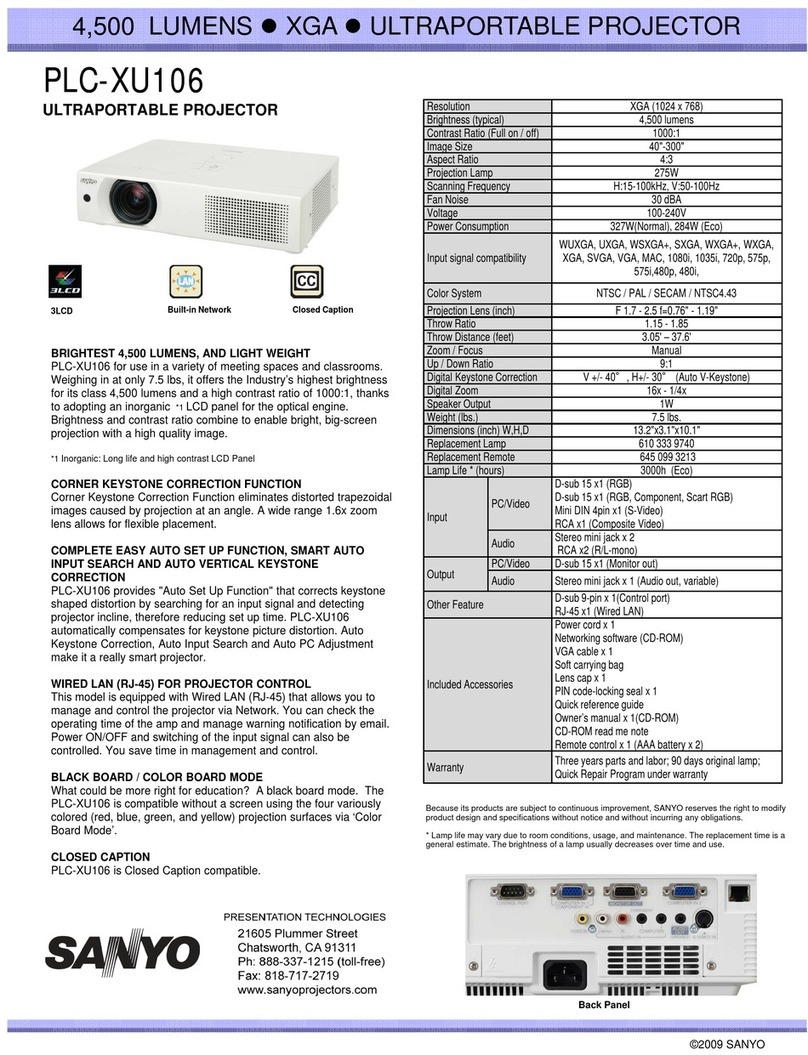
Model name PLC-WXU300
Panel 0.59 inch TFT p-Si x 3 with Micro Lens
Resolution 1280 x 800
Lamp wattage 225 W
Brightness (typical)*1 2500 lm
Contrast *1 500:1
Uniformity *1 85% (corner to center)
Projection lens F1.65 - 2.33 f= 0.6 - 1.0 inch
Screen Size 30” - 300” (2.4 - 25.3 ft) 100” (8.3 - 13.5 ft)
Zoom / Focus 1-1.6 Manual driven U:D = 49.1
SD/HDTV signals 480i, 480p, 575i, 575p, 720p, 1080i, 1080p (HDMI)
Color systems PAL / SECAM / NTSC / NTSC4.43 / PAL-M / N
Video Signal S-Video, Composite, Dsub-15pin for Component
Terminals
RCA: Composite Video Mini-DIN 4-pin: S-Video
HDMI for Digital signal, Dsub-15 for input/ compo-
nent, Dsub-15 for Input/Monitor Out
Computer compatibility WSXGA / WXGA / XGA / SVGA / MAC
Audio
RCA (L/R) for Video input Mini-Jack x 2 (Stereo)
for Computer input, Mini-Jack (Stereo) for output
(variable)
Communication Terminal Dsub-9 for Control Port (RS-232C), RJ-45 for LAN
Presentation Tool Freeze / Digital Zoom / No Show / Picture by
Picture / etc
Other Feature Progressive, 3-2 & 2-2 pull down, LTI & CTI. *2
User Logo
Scanning frequency H sync 15 - 100 kHz, V sync 50 - 100 Hz Dot clock
140 MHz
Sound output Watt Mono
Fan Noise 29 dBA (Eco mode)
Voltage 100 V-240 VAC (auto voltage)
Power consumption 100-120 VAC, 311 W (Normal) / 225 W (Eco) / 0.4
W (Standby Eco)
Dimensions (W x H x D) 12.8 x 3.3 x 9.1 inch
Weight 6.2 lbs
Lamp Life *3
(hours Normal/Eco) 4000h / 5000h (Normal / Eco)
Included accessories
Quick reference guide, User’s manual (CD-ROM),
CD-ROM read me note, PIN code label, Computer
cable (D-sub15-Dsub15) Remote control, AAA Bat-
tery x 2, Lens cap, PJ Network Manager Software
(CD-ROM), Soft Carrying Bag
PLC-WXU300
SANYO Presentation Technologies
© 2009 SANYO North America Corporation.
Toll free: 888-337-1215 www.sanyoprojectors.com