FUNCTION OPERATION
This unit contains the following special functions, press the
button to enter the setting mode and press button to
select one. The setting sequence is -
DEL
twice
DEL
PHONE BOOK LCD CONTRAST -
SET TIME - SET LANGUAGE - SET AREA& LDS - SET FLASH - HOUR
FORMAT- DATE FORMAT.
a. To add number and name to the phone book
sor
Press the button to confirm or press the
to exit.
t
DIAL
1. PHONE BOOK
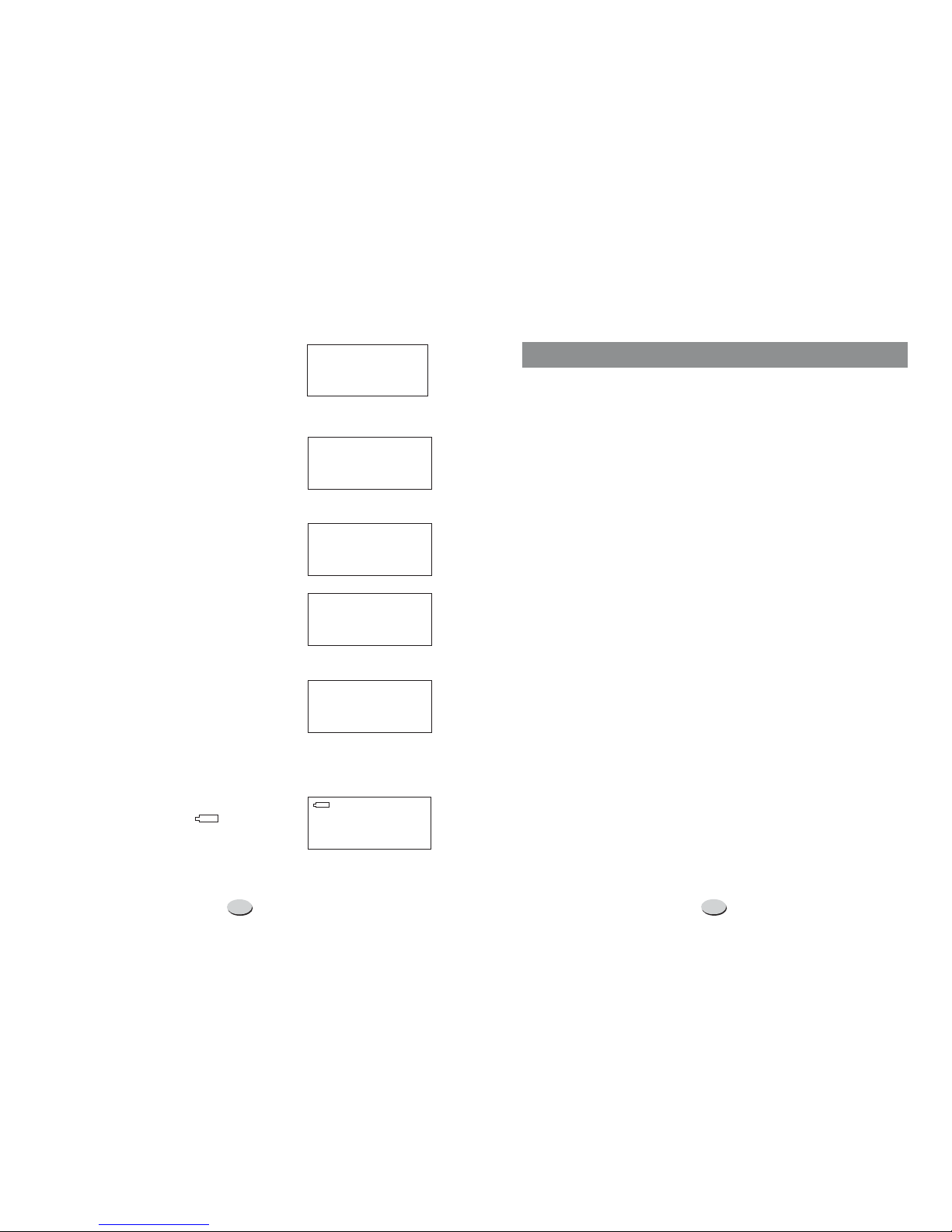
Press the button to select the phonebook menu and the
LCD will show: . Press to select the
menu. Press the button to enter the function of adding
name and number. (You can enter it directly by pressing and
holding the button.)
Enter the telephone number by keypad. Press the button to
delete the previous digit. The maximum number of digits to be
entered is , if the number exceeds , the LCD will show
and the exceeding digits will not be stored.
After finishing the number setting, press and hold the
button (or press the button) to enter the name setting, press
the appropriate keypad to get the following characters. If the
next character is on the same button as the previous one, you
should first press the button before the entering. Press
button to delete the previous character if necessary.
DIAL
REVIEW >> ADD >>
DIAL
DEL
20 20
DIAL
DIAL DEL
sor t
TOO
LONG
1.
2.
3.
11. -"()
2 A B Cabc2AAE
3 D E Fdef3
4 GHIghi4
5 J K Ljkl5
6 MNOmno6OON
7 PQRSpqrs7
8 TUVtuv8U
9 W X Y Zwxyz9
0 0 + & @/$%
Key Characters Key Characters
FUNCTION OPERATIONS
78
b. To review the number/name in phone book
Press the button to select the phonebook menu and the
LCD will show . Press the button to enter the
function of reviewing the name and number. (Also you can press
the button once, then the last record in the phone book will
show on the LCD.)
Use button to review. You can also quickly review the call
by the first letter of the name, when press the first letter of the
name, the LCD will display the matching name(s), then use
button to get the right one.
In the on-hook state, press to review.
e.g.: If you want to review the seventh number, just press , the
LCD will show the seventh number and name. In this state, you can
continue review the other numbers by pressing button.
DIAL
REVIEW >> DIAL
sequence of the number+#
7#
s
s
s
or
or
or
t
t
t
2.
When the setting is completed, press and hold the button
(or press the button once) to store the records and meanwhile
enter the next number presetting.
DIAL
4.
1.
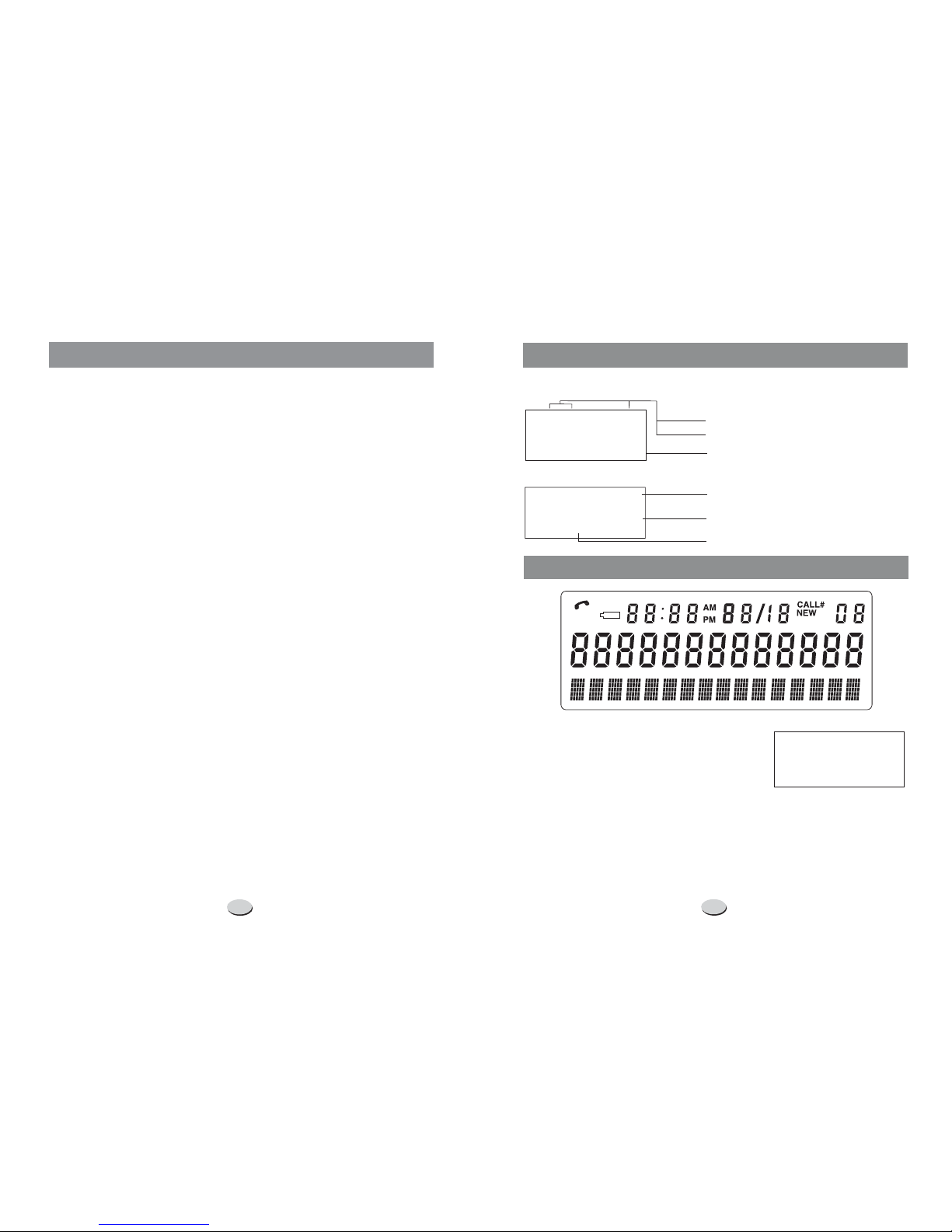
NOTE: If the number is longer than 13 digits, an arrow will show on the
bottom right of LCD, press button to review the other digits,
press button again to move on to the next record.
During the reviewing process, use button to select the number
you want, when it shows on the LCD, pick up the handset or press the
button to dial it out.
During the reviewing process, use button to select the number
you want. When it shows on the LCD, press and hold the button for
about 3 seconds, then the first character of the name will flash to
indicate you enter the function of name modification.
c. To speed dial the number from the phone book
d. To modify phone book name
s
s
s
s
or
or
or
or
t
t
t
t