the unit. Hold down this same button to power up the unit. The Apple icon
appears and then you may need to re-enter your password.
●The image does not appear and “Please Wait”is displayed.
・Has the battery of iPhone or iPad gotten too low?
Please try to use it with AC adapter. Recharge it and try again.
・The resolution input options are:1080p,1080i,720p, or 480p , each 60Hz. All
connectable equipment is not guaranteed to work.As stated earlier, we are
concerned that the purchaser be fully satisfied. For this reason, the purchaser has
10 business days after receipt of the product to insure that the VT-200 will work on
their critical devices. If the purchaser is not satisfied in this 10 day period, the
unit may be returned with all of the packaging and documentation for a full refund.
・In case of outputting from a PC, check whether its output is set to 60Hz.
・Not all equipment can connect with the VT-200. Test the particular device in
question to see if it can still connect to WiFi as it did previously.
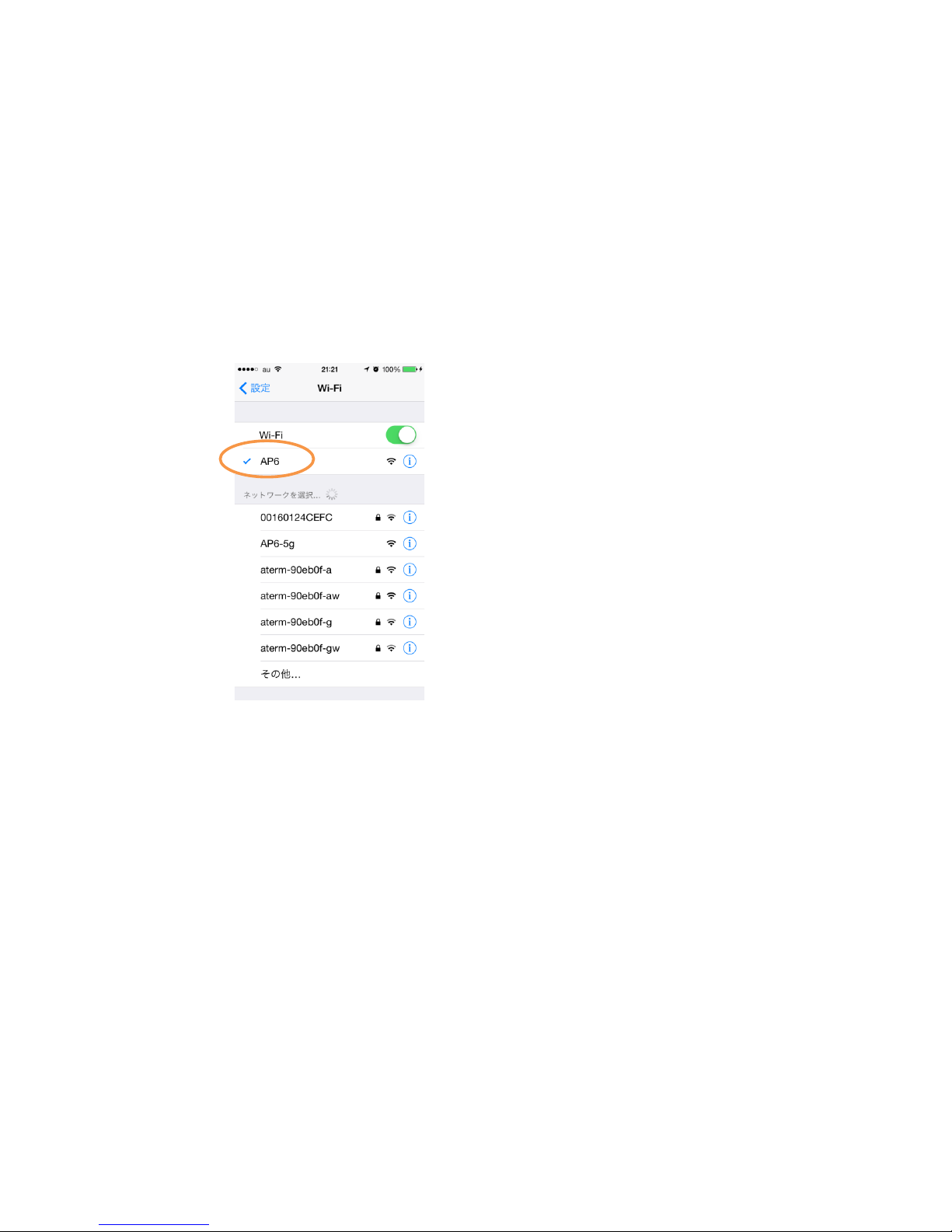
・In the iPhone or the iPad settings screen, was the Wi-Fi connection set to “VT-200-5G
(the factory default setting)? If it is not showing this “VT-200-5G , the reason may be
that the VT-200 may need to be turned off and then back on. The radio wave
environment may have changed and the connection has automatically been changed
on the router for internet. Try to re-connect.
・Restart “ScalarView” from the beginning.
[To completely shut down “ScalarView,” double tap the home button which displays
the tasks that are currently running. Then slide the "ScalarView" to quit the task.
Then, press the home button and restart “ScalarView.”]
・Delete the “ScalarView”and reinstall it .
[Tap the “ScalarView”icon for a while. When the (x) icon appears, tap the icon and
delete the “ScalarView.”] Press the home button and install “ScalarView” again.
●Suddenly the image is no longer displayed during normal operation orthe screen goes
black.
・Check the remaining amount of the battery power on the iPhone or iPad. Try to use
it with the AC adapter. Re-charge the unit and then try again.
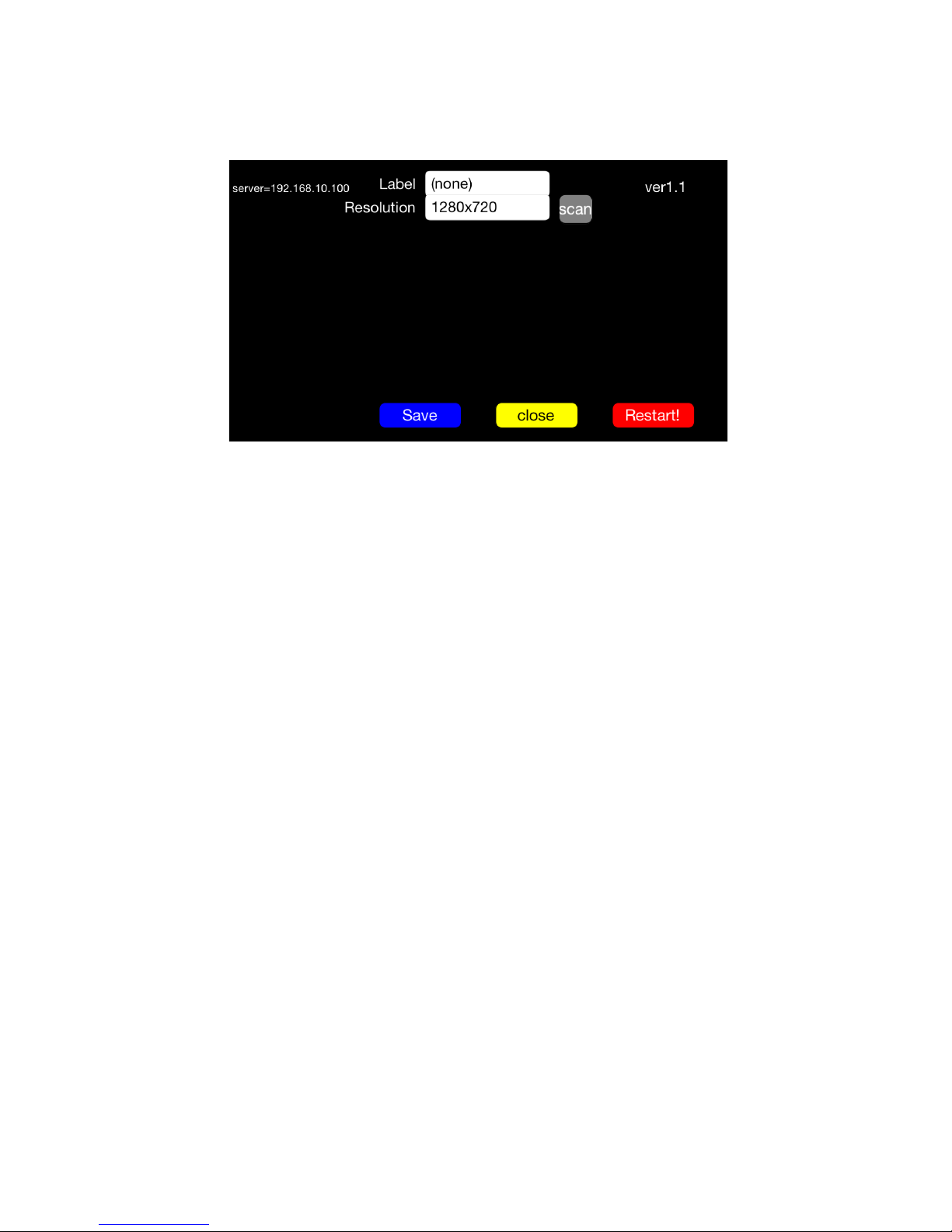
・If all LEDsfor READY, TX, and ERR go off , you might have accidentally tapped the
Setup or tapped the Restart! Please wait for about 20 or 30 seconds and then
reselect the channel.
●You do not kno w how to install the application on your iPhone or iPad.
・Refer to the explanation of installation of the application.