manuals.online logo
Brands
  1. Home
  2. •
  3. Brands
  4. •
  5. Schartec
  6. •
  7. Remote Control
  8. •
  9. Schartec FST-04 Instruction manual

Schartec FST-04 Instruction manual

Other Schartec Remote Control manuals

Schartec YET003-S User manual

Schartec

Schartec YET003-S User manual

Schartec SR-4 User manual

Schartec

Schartec SR-4 User manual

Schartec YET2168 User manual

Schartec

Schartec YET2168 User manual

Schartec YET003-2 User manual

Schartec

Schartec YET003-2 User manual

Schartec YET2168-H User manual

Schartec

Schartec YET2168-H User manual

Schartec YET026 User manual

Schartec

Schartec YET026 User manual

Schartec SR-4 User manual

Schartec

Schartec SR-4 User manual

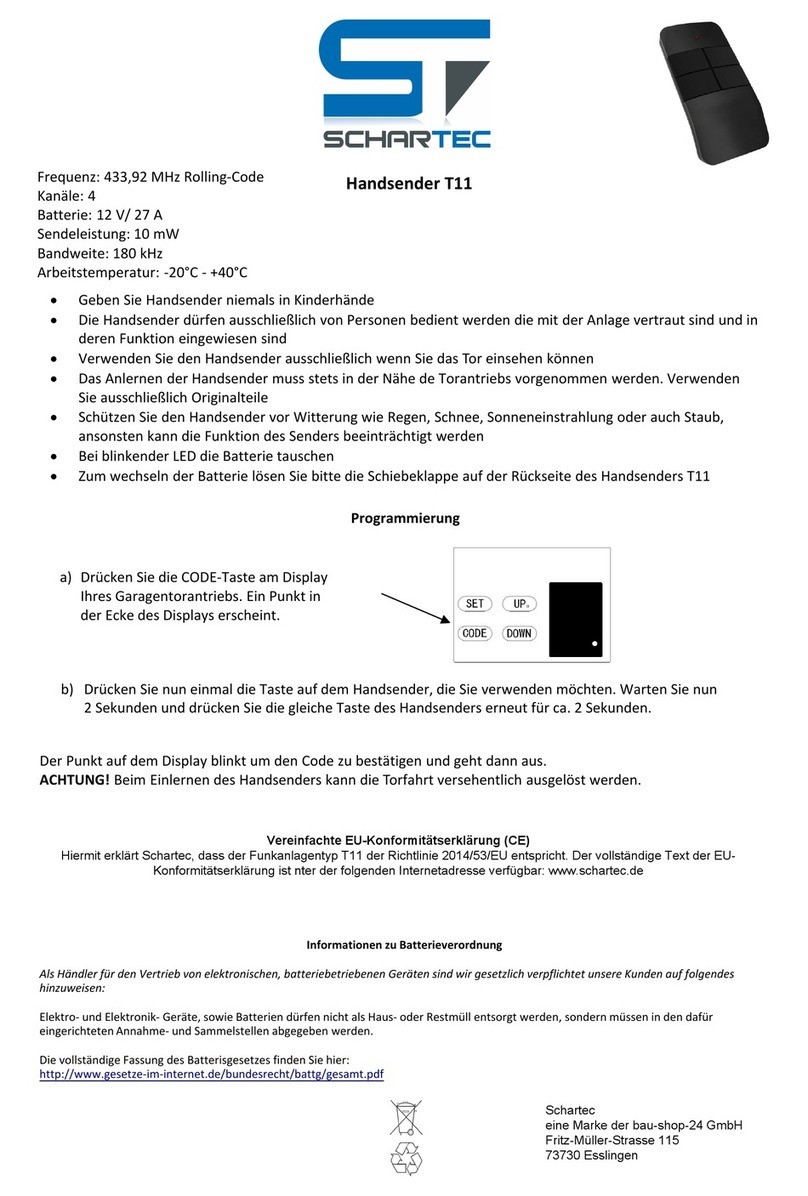
Schartec T11 Instruction manual

Schartec

Schartec T11 Instruction manual

Schartec YET2168 User manual

Schartec

Schartec YET2168 User manual

Schartec YET045 User manual

Schartec

Schartec YET045 User manual

Schartec RH15 User manual

Schartec

Schartec RH15 User manual

Schartec YET045 User manual

Schartec

Schartec YET045 User manual

Schartec YET2129 User manual

Schartec

Schartec YET2129 User manual

Schartec YET027 User manual

Schartec

Schartec YET027 User manual

Schartec SR-2 User manual

Schartec

Schartec SR-2 User manual

Schartec Jane Q User manual

Schartec

Schartec Jane Q User manual

Schartec T3501 Operating instructions

Schartec

Schartec T3501 Operating instructions

Schartec DC2700 User manual

Schartec

Schartec DC2700 User manual

Schartec T10 User manual

Schartec

Schartec T10 User manual

Schartec YET026 User manual

Schartec

Schartec YET026 User manual

Schartec YET003 User manual

Schartec

Schartec YET003 User manual

Schartec YET003-E User manual

Schartec

Schartec YET003-E User manual

Schartec YET2128-E User manual

Schartec

Schartec YET2128-E User manual

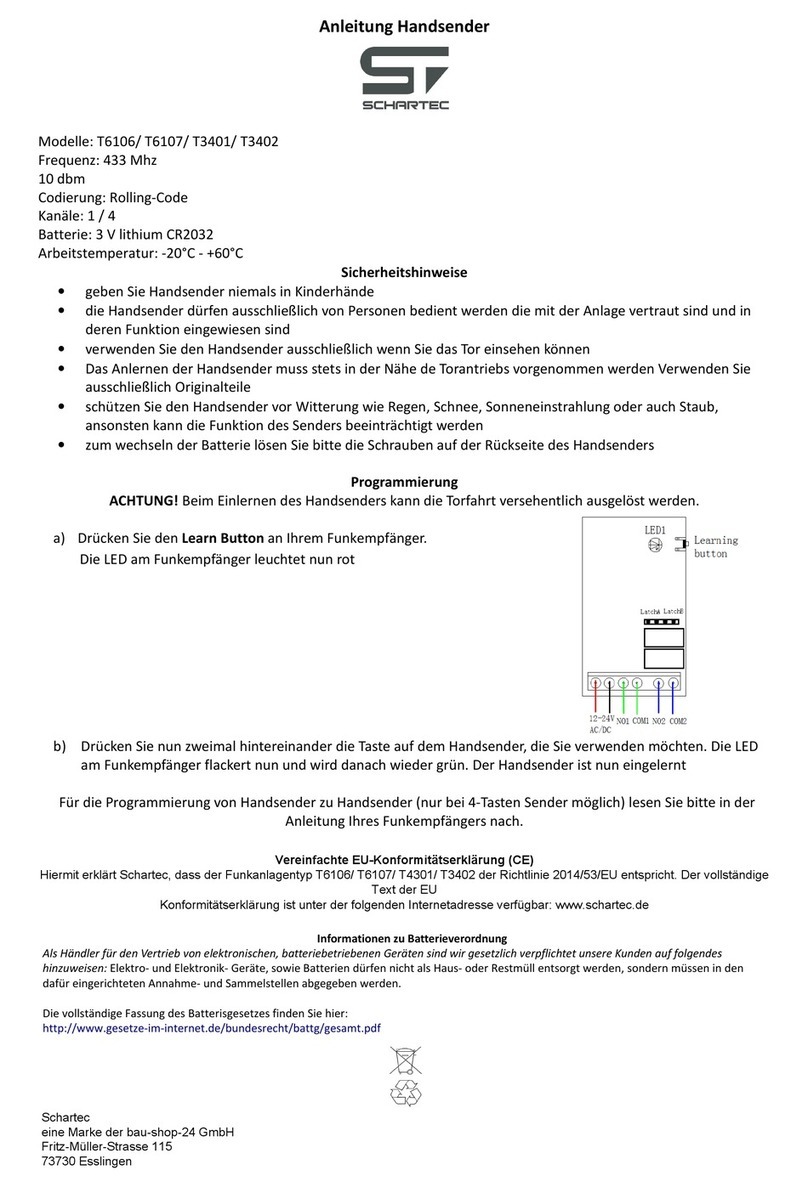
Schartec T6106 User manual

Schartec

Schartec T6106 User manual

Popular Remote Control manuals by other brands

Bircher Reglomat RC Duo 2 user guide

Bircher Reglomat

Bircher Reglomat RC Duo 2 user guide

Emerson RCBT100 owner's manual

Emerson

Emerson RCBT100 owner's manual

BILDA Element-6 user manual

BILDA

BILDA Element-6 user manual

Absima CR7P manual

Absima

Absima CR7P manual

Mitsubishi Electric PAR-32MAAG Instruction book

Mitsubishi Electric

Mitsubishi Electric PAR-32MAAG Instruction book

RCA RCRTBL08BE1 quick start guide

RCA

RCA RCRTBL08BE1 quick start guide

US Electronics NOVARI user guide

US Electronics

US Electronics NOVARI user guide

Panasonic EUR7622KB0 Operation guide

Panasonic

Panasonic EUR7622KB0 Operation guide

Bang & Olufsen Beo4 user manual

Bang & Olufsen

Bang & Olufsen Beo4 user manual

Marantz RC101 user guide

Marantz

Marantz RC101 user guide

FUTABA 9ZAP - PART2 manual

FUTABA

FUTABA 9ZAP - PART2 manual

HR Matic HR MULTI 3 quick start guide

HR Matic

HR Matic HR MULTI 3 quick start guide

Anritsu MP1777A Operation manual

Anritsu

Anritsu MP1777A Operation manual

Niles WVC100 Installation & operating guide

Niles

Niles WVC100 Installation & operating guide

Bang & Olufsen BEO6 Getting started

Bang & Olufsen

Bang & Olufsen BEO6 Getting started

GE 94901 instruction manual

GE

GE 94901 instruction manual

FUTABA R7108SB Full manual

FUTABA

FUTABA R7108SB Full manual

Invacare G91S user manual

Invacare

Invacare G91S user manual

manuals.online logo
manuals.online logoBrands
  • About & Mission
  • Contact us
  • Privacy Policy
  • Terms and Conditions

Copyright 2025 Manuals.Online. All Rights Reserved.

Handsender FST-04
ST104038
Technische Daten:




Arbeitsspannung: AC 3.3V
Batterietyp: CR2450
Arbeitsstrom: Max. 25mA
Frequenz: 433,92 MHz
Handsender programmieren:
a) Drücken Sie "Code" an Ihrem
Schartec Antrieb, ein roter Punkt
erscheint auf dem Display.
b) Drücken Sie eine beliebige Taste
an dem Handsender, der rote
Punkt am Display erlischt.
c) Drücken Sie die selbe Taste am Handsender erneut, der rote Punkt am Display blinkt. Der Handsender ist nun eingelernt.
Status-Taster zur Torstatusabfrage:
Status-Taste verwenden:Drücken Sie die Statustaste am Handsender und danach die einprogrammierte Taste.
Rote LED blinkt = Tor öffnet
Grüne LED blinkt = Tor schließt
Rote LED leuchtet für 5 Sek. = Tor ist geöffnet
Grüne LED leuchtet für 5 Sek. = Tor ist geschlossen
Rote LED und Grüne LED blinken abwechselnd = Tor ist nicht vollständig geöffnet oder geschlossen.
Bedienungsanleitung:
LED rot LED grün
Status-Taste
Rote LED Grüne LED
Remote Control FST-04
ST104038
Technical Data:




Working voltage: AC 3.3V
Battery: CR2450
Working current: Max. 25mA
Frequency: 433.92 MHz
Coding instructions:
a) Press the "Code" button on the
opener, a dot (.) will appear in
the corner.
b) Press any button on the remote
expect the status button; the dot
(.) on the display will go out.
c) Press the same button on the remote again; the dot (.) on the display will flash. The remote is now coded to the opener.
Status button for checking the garage door's position:
Instructions:Press the"Status" button and then press the button which you coded before.
If the Red light and the Green light flash alternately, it means the door was not opened/closed completely.
Operating instructions:
Red Light
Green Light
Status Button
Red Light Green Light
If the Red stays lit for 5 seconds: the door open
If the Green stays lit for 5 seconds: the door closed
Flashing Red = the door is opening
Flashing Green = the door is closing
Video zur Programmierung:
finden Sie auf www.schartec.de
Vereinfachte EU-Konformitätserklärung (CE)
Hiermit erklärt Schartec, dass der Funkanlagentyp FST-04 der Richtlinie 2014/53/EU entspricht. Der vollständige Text
der EU-Konformitätserklärung ist unter der folgenden Internetadresse verfügbar: www.schartec.de
Informationen zu Batterieverordnung
Als Händler für den Vetrieb von elektronischen, batterriebetriebenen Geräten sind wir gesetzlich verpflichtet unsere
Kunden auf folgendes hinzuweisen:
Elektro- und Elektronik- Geräte, sowie Batterien dürfen nicht als Haus- oder Restmüll entsorgt werden, sondern müssen
in den dafür eingerichteten Annahme- und Sammelstellen abgegeben werden.
Die vollständige Fassung des Batteriegesetzes finden Sie hier:
http://www.gesetze-im-internet.de/bundesrecht/battg/gesamt.pdf
Schartec
eine Marke der bau-shop-24 GmbH
Fritz-Müller-Straße 115
73730 Esslingen
Programming Video
Please visit www.schartec.de/en/
Simplified EU Declaration of Conformity (CE)
Schartec hereby declares that the remote control FST-04 complies with Directive 2014/53/EU. The full text of the EU
Declaration of Conformity is available at the following Internet address: www.schartec.de/en/
Information about battery regulation
As a dealer for the distribution of electronic, battery-operated devices, we are obliged by law to inform our customers about
the following: Electrical and electronic devices, as well as batteries, must not be disposed of as household or residual
waste, but must be delivered in the appropriate acceptance and collection points will.
The complete version of the battery law can be found here:
http://www.gesetze-im-internet.de/bundesrecht/battg/gesamt.pdf
Schartec
a trademark of bau-shop-24 GmbH
Fritz-Müller-Strasse 115
73730 Esslingen, Germany
•Geben Sie Handsender niemals in Kinderhände
•Die Handsender dürfen ausschließlich von Personen bedient werden die mit der Anlage
vertraut sind und in deren Funktion eingewiesen sind
•Verwenden Sie den Handsender ausschließlich, wenn Sie das Tor einsehen können
•Das Anlernen der Handsender muss stets in der Nähe des Torantriebs vorgenommen
werden. Verwenden Sie ausschließlich Originalteile
•Schützen Sie den Handsender vor Witterung wie Regen, Schnee, Sonneneinstrahlung
oder auch Staub, ansonsten kann die Funktion des Senders beeinträchtigt werden
•Zum Wechseln der Batterie lösen Sie bitte die Schrauben auf der Rückseite des
Handsenders
Achtung!

•Keep remotes out of reach of children.
•Remote controls may only be operated by persons who are familiar with the system
and have been instructed in their function.
•Use the remote control only when you are in sight of the door / gate.
•Coding in remote controls must always be carried out within the vicinity of the door
operator. Use only original parts.
•Protect remotes from rain, snow, sunlight or dust, otherwise the function of the
transmitter may be impaired
•To replace the battery, unscrew the screws on the back of the remote.
Attention!