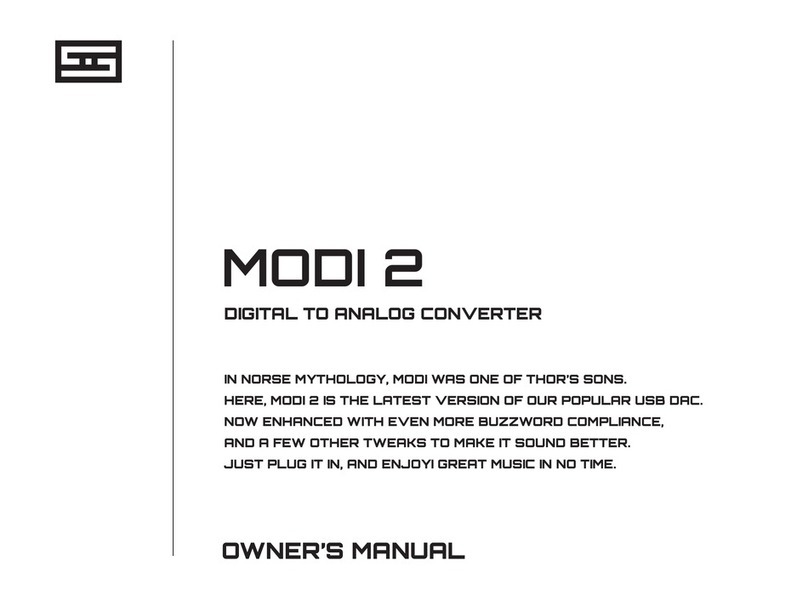
manuals.online logo
Brands
  1. Home
  2. •
  3. Brands
  4. •
  5. Schiit
  6. •
  7. Media Converter
  8. •
  9. Schiit MODI MULTIBIT 2 User manual

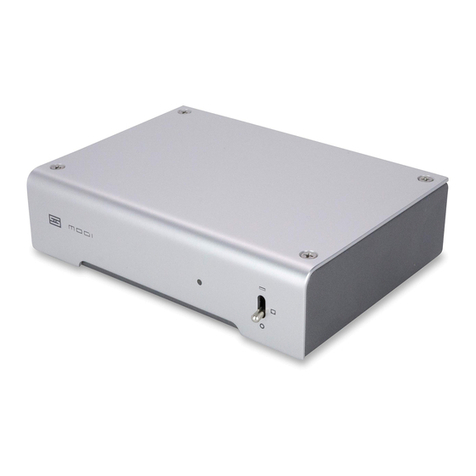
Schiit MODI MULTIBIT 2 User manual

Other Schiit Media Converter manuals

Schiit JIL User manual

Schiit

Schiit JIL User manual

Schiit YGGDRASIL User manual

Schiit

Schiit YGGDRASIL User manual

Schiit GUNGNIR User manual

Schiit

Schiit GUNGNIR User manual

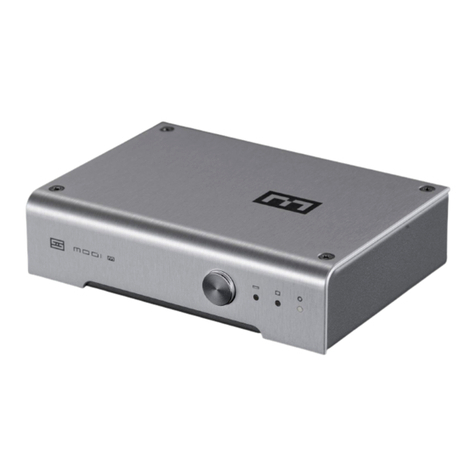
Schiit MODI 2 User manual

Schiit

Schiit MODI 2 User manual

Schiit Bifrost SCH-04 User manual

Schiit

Schiit Bifrost SCH-04 User manual

Schiit MODI+ User manual

Schiit

Schiit MODI+ User manual

Schiit FULLA 4 User manual

Schiit

Schiit FULLA 4 User manual

Schiit True Multibit Autonomy Bifrost User manual

Schiit

Schiit True Multibit Autonomy Bifrost User manual

Schiit YGGDRASIL SCH-10 User manual

Schiit

Schiit YGGDRASIL SCH-10 User manual

Schiit MODI UBER User manual

Schiit

Schiit MODI UBER User manual

Schiit Gungnir adapticlock SCH-06 User manual

Schiit

Schiit Gungnir adapticlock SCH-06 User manual

Schiit EITR User manual

Schiit

Schiit EITR User manual

Schiit Modi 2 Uber User manual

Schiit

Schiit Modi 2 Uber User manual

Schiit BIFROST User manual

Schiit

Schiit BIFROST User manual

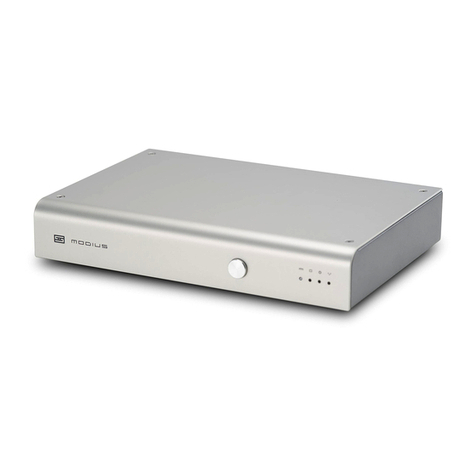
Schiit Modius User manual

Schiit

Schiit Modius User manual

Schiit Modi 3 User manual

Schiit

Schiit Modi 3 User manual

Schiit SCH-08-M User manual

Schiit

Schiit SCH-08-M User manual

Popular Media Converter manuals by other brands

TR-Electronic CMS582M-4096/4096 IOL DMS 14H7 KRF Assembly instructions

TR-Electronic

TR-Electronic CMS582M-4096/4096 IOL DMS 14H7 KRF Assembly instructions

Korenix JetCon 2301S user manual

Korenix

Korenix JetCon 2301S user manual

StarTech.com ET91000LCOAM manual

StarTech.com

StarTech.com ET91000LCOAM manual

Alesis AI-3 Reference manual

Alesis

Alesis AI-3 Reference manual

Caton Vpro 5100 user guide

Caton

Caton Vpro 5100 user guide

Cypress CSC-5500 Operation manual

Cypress

Cypress CSC-5500 Operation manual

H&B TX-100 Installation and instruction manual

H&B

H&B TX-100 Installation and instruction manual

Bolin Technology D Series user manual

Bolin Technology

Bolin Technology D Series user manual

IFM Electronic Efector 400 RN30 Series Device manual

IFM Electronic

IFM Electronic Efector 400 RN30 Series Device manual

GRASS VALLEY KUDOSPRO ULC2000 user manual

GRASS VALLEY

GRASS VALLEY KUDOSPRO ULC2000 user manual

Linear Technology DC1523A Demo Manual

Linear Technology

Linear Technology DC1523A Demo Manual

Lika ROTAPULS I28 Series quick start guide

Lika

Lika ROTAPULS I28 Series quick start guide

Weidmuller IE-MC-VL Series Hardware installation guide

Weidmuller

Weidmuller IE-MC-VL Series Hardware installation guide

Optical Systems Design OSD2139 Series Operator's manual

Optical Systems Design

Optical Systems Design OSD2139 Series Operator's manual

Tema Telecomunicazioni AD615/S product manual

Tema Telecomunicazioni

Tema Telecomunicazioni AD615/S product manual

KTI Networks KGC-352 Series installation guide

KTI Networks

KTI Networks KGC-352 Series installation guide

Gira 0588 Series operating instructions

Gira

Gira 0588 Series operating instructions

Lika SFA-5000-FD user guide

Lika

Lika SFA-5000-FD user guide

manuals.online logo
manuals.online logoBrands
  • About & Mission
  • Contact us
  • Privacy Policy
  • Terms and Conditions

Copyright 2025 Manuals.Online. All Rights Reserved.

DIGITAL TO ANALOG CONVERTER
IN NORSE MYTHOLOGY, MODI WAS ONE OF THOR’S SONS.
HERE, MODI MULTIBIT 2 IS ONE OF SCHIIT’S MODIS.
IT’S THE MOST AFFORDABLE MULTIBIT DAC WE MAKE.
BUT STILL WITH ALL THAT COMBOBURRITO GOODNESS!
MODI MULTIBIT 2
OWNER’S MANUAL
001234567
CONNECTIONS
1 Power Input. Connect the supplied 16VAC
wall-wart here. Modi Multibit 2 uses a 500mA-2A,
14-16V AC power adapter. It does not run on DC,
which are what most adapters output.
2USB Input. Connect your USB source to the
Modi Multibit’s USB-C input with a quality USB
cable, not more than 2 meters long.
3 Optical Input. Connect your optical source to
the optical input jack, using a quality Toslink
cable, 3 meters or less in length.
12
3
4
5
6
4 Coaxial Input. Connect your coax digital source
to the coax input jack, using a good RCA cable.
5 Analog Output. Connect the two RCA jacks, to
your preamplier, receiver, or integrated amplier,
using a good-quality RCA cable pair.
For USB, select Modi Multibit 2 as the output
device in Control Panel (Windows) or System
Preferences (Mac) AND in your music player
software.
6Turn it on and enjoy your music!
CONTROLS
001234567
1 Input Select. Press the button to cycle through
the three digital inputs—USB, optical, and coax.
Press and hold to go into NOS mode.
2 USB Input. This light turns on when you’ve
selected a USB source.
3 Optical Input. This light turns on when you’ve
selected an optical source. Simple enough.
4 Coax Input. This light turns on when you’ve
selected a coaxial digital source. But you already
knew that.
1
2
3
4
Note: Modi Multibit 2 ashes all three lights
(2, 3, and 4) in sequence for about 20 seconds
after you rst turn it on to prevent any thumps,
bumps, or other weird noises. Once the lights
stop ashing, you’re ready to use Modi Multibit 2.
Another Note: When in NOS mode, the selected
input light will slowly pulse.
And that’s it. This is a really simple device. Why
don’t you have a listen now?
SCHIIT.COM
[email protected]
Schiit Audio warrants to the original purchaser that this product shall be free from defects in material
and workmanship for two (2) years from the date of purchase. If a defect covered by this warranty oc-
curs during this period, Schiit Audio will repair the defective product, free of charge. Date of purchase
will be based on customer receipts, otherwise date of manufacturing will be used.
If you believe you need warranty service, contact us rst. Schiit Audio products sent back to us
without a Return Authorization (RA) will be returned to the sender without repair. To contact us and
obtain an RA, email [email protected].
Warranty Limitations. This warranty shall not apply if a product: (a) is modied or tampered with;
(b) is damaged by negligence, accident, unreasonable use, or other causes unrelated to defective
materials or workmanship, or (c) has had the serial number altered or removed.
Any implied warranties, including warranties of merchantability and tness for a particular purpose,
are hereby limited in duration to the warranty period of 2 years. In no event shall Schiit Audio be liable
for consequential or incidental damages resulting from the breach of any implied or expressed
warranties. Some states do not allow these limitations, so they may not apply to you. You may also
have other rights which vary from state to state or province to province.
2-YEAR LIMITED WARRANTY IN THE BOX
(1) Modi Multibit 2
(1) Wall-Wart
Application for Council Directives 72/23/EEC, 89/336 EEC
Conformity declared for EN60065, EN55022 Class B, EN50082-1
This equipment has been tested and found to
comply with the limits for a Class B digital device,
pursuant to part 15 of the FCC Rules.