WebSTAR Cable RG User Manual
- iv -
Contents
Chapter 1: Overview.........................................................................................................................................1
1.1 Physical Outlook .................................................................................1
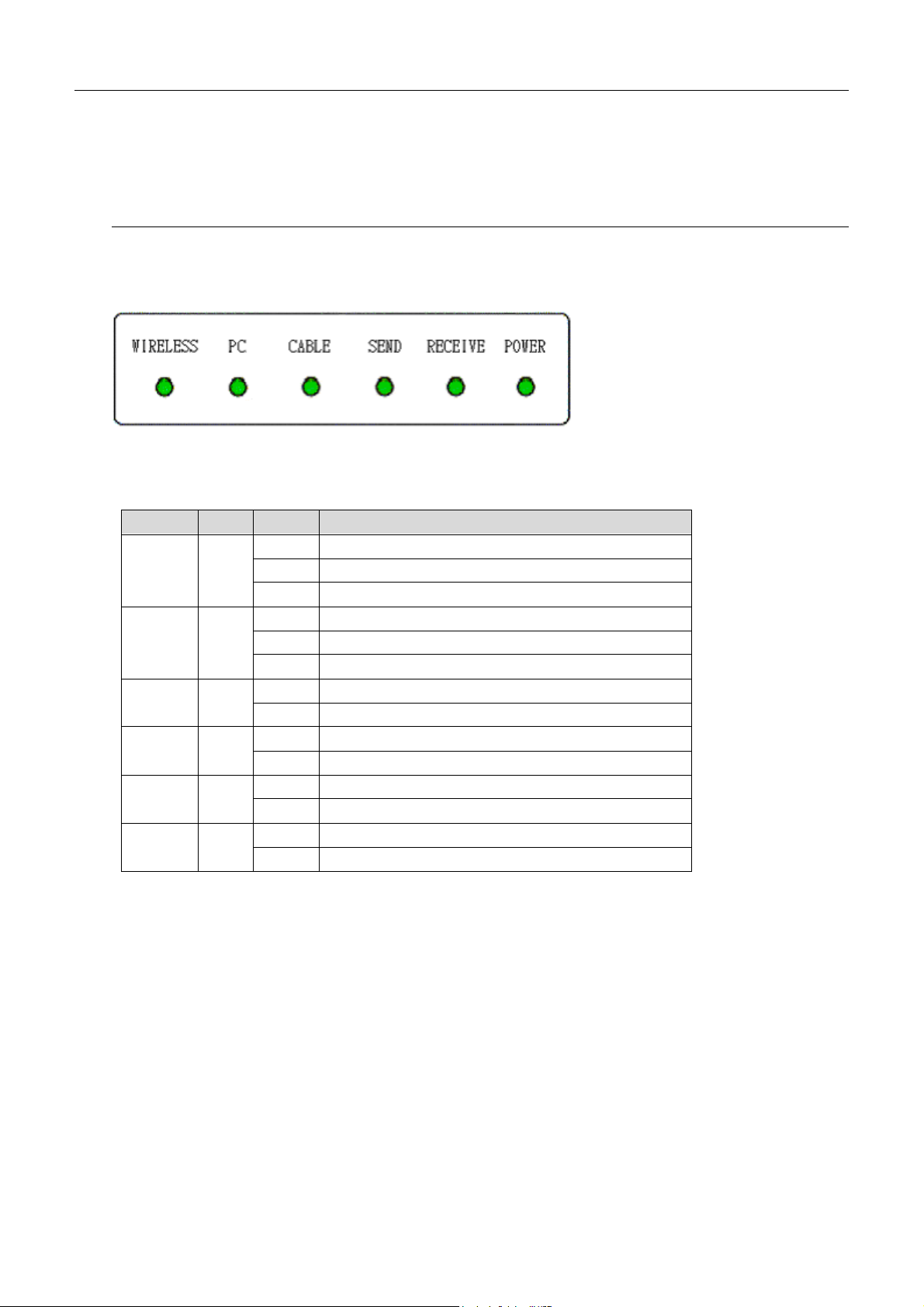
1.1-1 Front Panel ............................................................................1
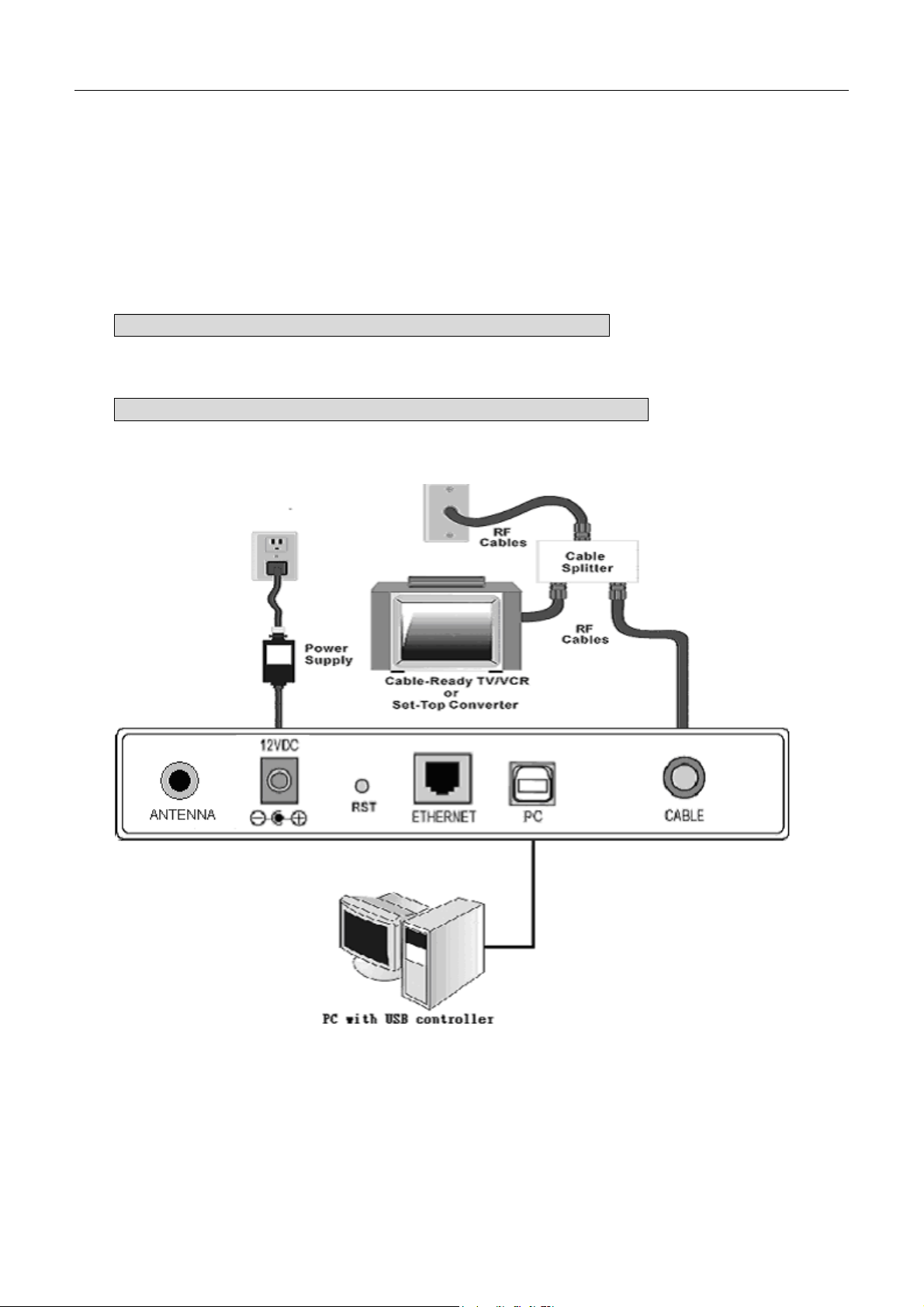
1.1-2 Rear Panel .............................................................................2
Chapter 2: Installation......................................................................................................................................3
2.1 Connecting the Cable Modem to Your Computer ......................................3
2.1-1 Installation Procedure for
Ethernet Interface
.................................3
2.1-2 Installation Procedure for USB Interface.....................................4
2.1-3 Installation Procedure for Wireless ............................................5
Chapter 3: Software Installation and Configuration.....................................................................................6
3.1 USB Driver Installation ........................................................................6
3.1-1 For Windows 98/Me ................................................................6
3.1-2 For Windows 2000/XP .............................................................8
3.2 Uninstall USB Driver..........................................................................10
3.2-1 For Windows 98/ME ..............................................................10
3.2-2 For Windows 2000/XP ........................................................... 10
3.3 Setting TCP/IP on Client PC ................................................................11
3.3-1 For Windows 98/Me ..............................................................11
3.3-2 For Windows 2000/XP ........................................................... 15
3.4 DHCP Server ....................................................................................18
3.4-1 For Windows 98/Me ..............................................................18
3.4-2 For Windows NT/2000/XP ......................................................19
3.4-3 For Apple Macintosh .............................................................. 20
3.5 Renew PC IP Address.........................................................................21
Chapter 4: Access Internet through Cable Modem .....................................................................................23
Chapter 5: Web Manager...............................................................................................................................24
5.1 System............................................................................................25
5.2 Signal ............................................................................................. 26
5.3 Status .............................................................................................27
5.4 Log .................................................................................................28
5.5 Setup.............................................................................................. 29
5.5-1 Basic Settings-Password Settings ............................................ 30
5.5-1 Basic Settings-Network Configuration ...................................... 31
5.5-1 Basic Settings-IP Address Management.................................... 32
5.5-1 Basic Settings-F
Fi
ix
xe
ed
d
C
CP
PE
E
I
IP
P
A
As
ss
si
ig
gn
nm
me
en
nt
t................................... 33
5.5-1 Basic Settings-R
Re
es
st
ta
ar
rt
t
C
Ca
ab
bl
le
e
M
Mo
od
de
em
m........................................34
5.5-2 Advanced Settings-Options ....................................................35
5.5-2 Advanced Settings-IP Address Filtering ....................................36
5.5-2 Advanced Settings-MAC Address Filtering................................. 37
5.5-2 Advanced Settings-Port Filtering .............................................38
5.5-2 Advanced Settings- Port Forwarding ........................................ 39
5.5-2 Advanced Settings- Port Triggers ............................................40
5.5-2 Advanced Settings-DMZ Host .................................................41
5.5-2 Advanced Settings- RIP Setup ................................................42
5.5-3 Firewall-Web Filters ..............................................................43