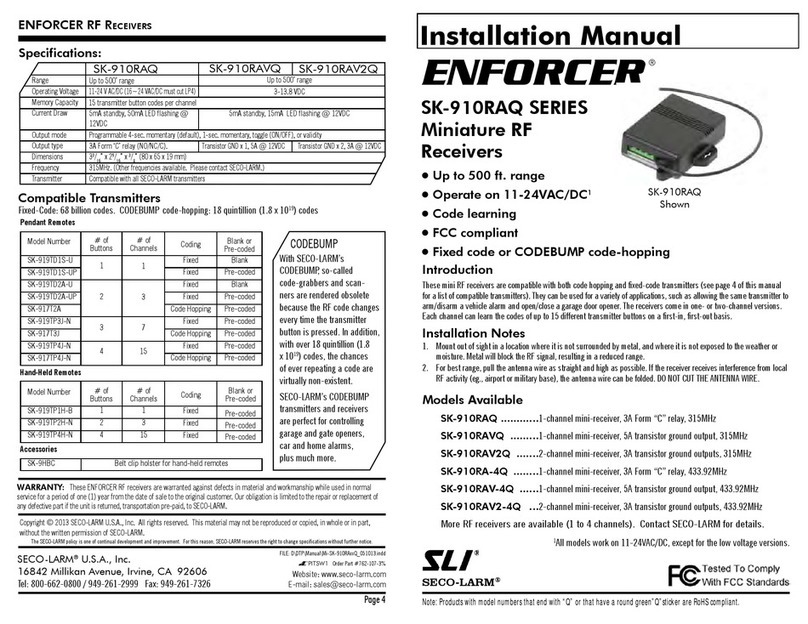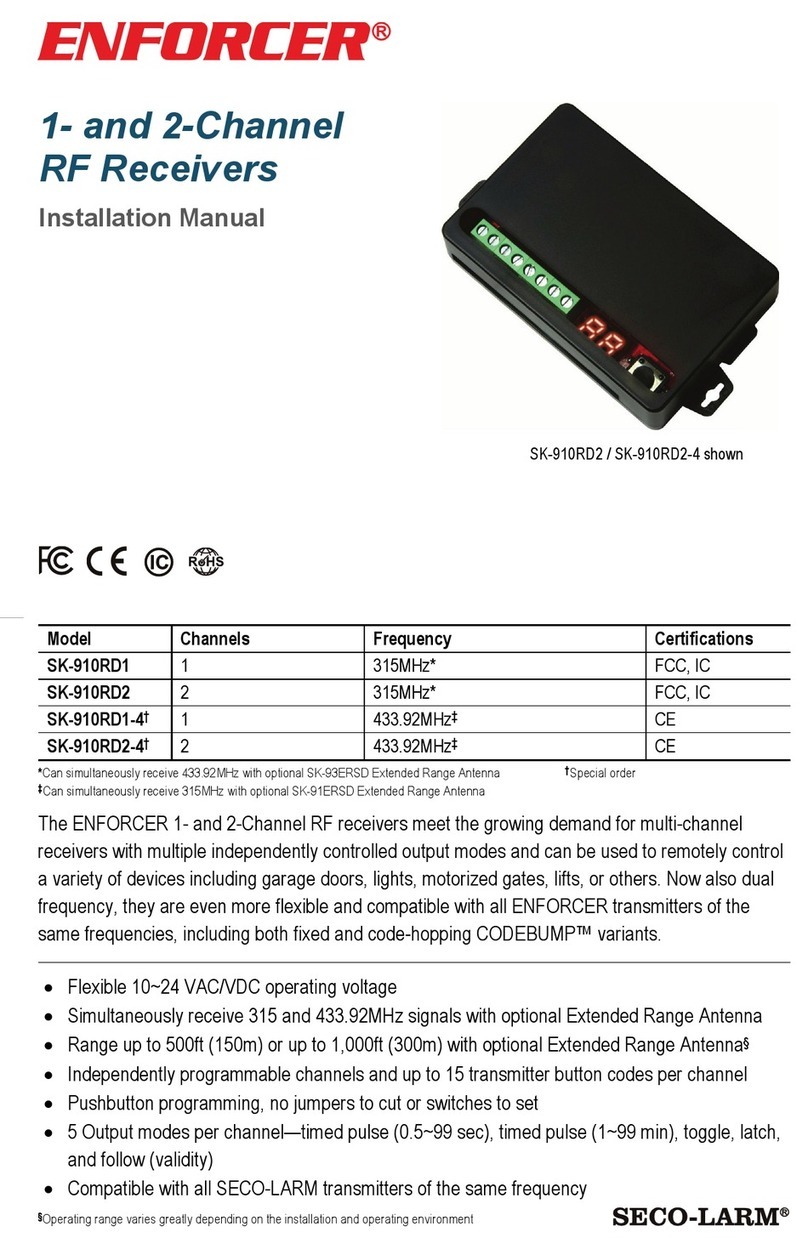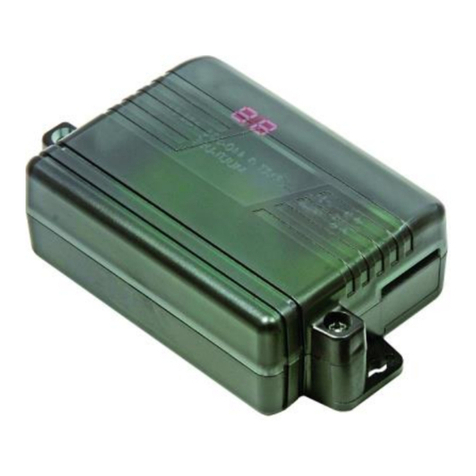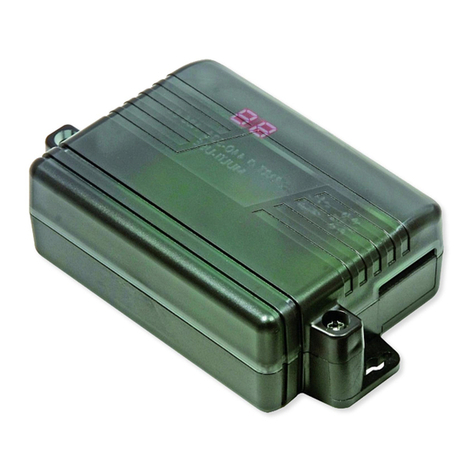
ENFORCER One- and Two-Channel RF Receivers
2 SECO-LARM U.S.A., Inc.
can be programmed for one of five
independently programmed to operate in a different function, depending on the u er’ application. The five function are:
1. 4-Second Ti ed Output (default) – When the tran mitter button i pre ed, the relay will turn ON for 4 econd .
2. Toggle Output – Work much like a toggle witch to turn a device ON & OFF alternately. Pre the tran mitter button
once, and the relay turn ON. Pre the tran mitter button again, and the relay turn OFF.
3. Latch Output – Pre the tran mitter button once, and the relay turn ON and tay ON. The channel relay will remain
ON regardle of whether a compatible tran mitter button i pre ed again or not. To turn the relay OFF, pre the
channel’ mode witch on the receiver once to re et.
4. Validity Output – The channel will turn the relay ON for a long a the tran mitter button i pre ed.
Note: Due to po ible interference or drop in tran mitter battery power while the tran mitter button i continuou ly
pre ed (even for hort period of time), the receiver may lo e the tran mitter’ ignal and turn the relay OFF.
5. 1-Second Ti ed Output – When the tran mitter button i pre ed, the relay will turn ON for 1 econd.
of the de ired channel for 3 econd or more. The channel’ LED will tart to fla h
quickly to indicate that it i in learning mode.
2. While the LED i fla hing, pre the button of the tran mitter to be learned one time. The receiver’ channel indicator
LED will fla h once to indicate the tran mitter button ha been ucce fully learned. After the button ha been learned,
the receiver will automatically exit learning mode. To learn further code , repeat tep 1 to re-enter learning mode.
NOTES:
•The channel mode witch(e ) can be found at the rear of the receiver’ ca e.
•The channel’ indicator LED will fla h a maximum of 15 econd . If no tran mitter button i pre ed during thi time, the
receiver will exit code learning mode, and the LED will turn off.
•If the code being learned ha already been learned, the channel indicator LED will turn teady ON and then tart fla hing
again. The code will not be learned a econd time.
•One channel can learn the code of a maximum of 15 tran mitter button . If you attempt to learn a ixteenth tran mitter
code, the earlie t code learned will be deleted and the new code will be learned.
Code Learning a New Trans itter Button:
Each receiver channel can learn the codes of up to 15 different transmitters on a first
procedure for code learning a new transmitter button.
for 3 econd or more until the
indicator LED fla he . Relea e, and then pre the witch again for 3 econd or more until the LED top fla hing. The
LED will then fla h twice to indicate that all code a ociated with that channel have been deleted.
a channel, pre that channel’
tored in the channel’ memory i equal to the number of time the channel indicator LED fla he .
a ing Channel Relay Output
Selecting the relay output function:
•Hold down the channel function witch for 3 or more
econd . The channel’ LED will fla h a number of
time equal to the output mode that it i in.
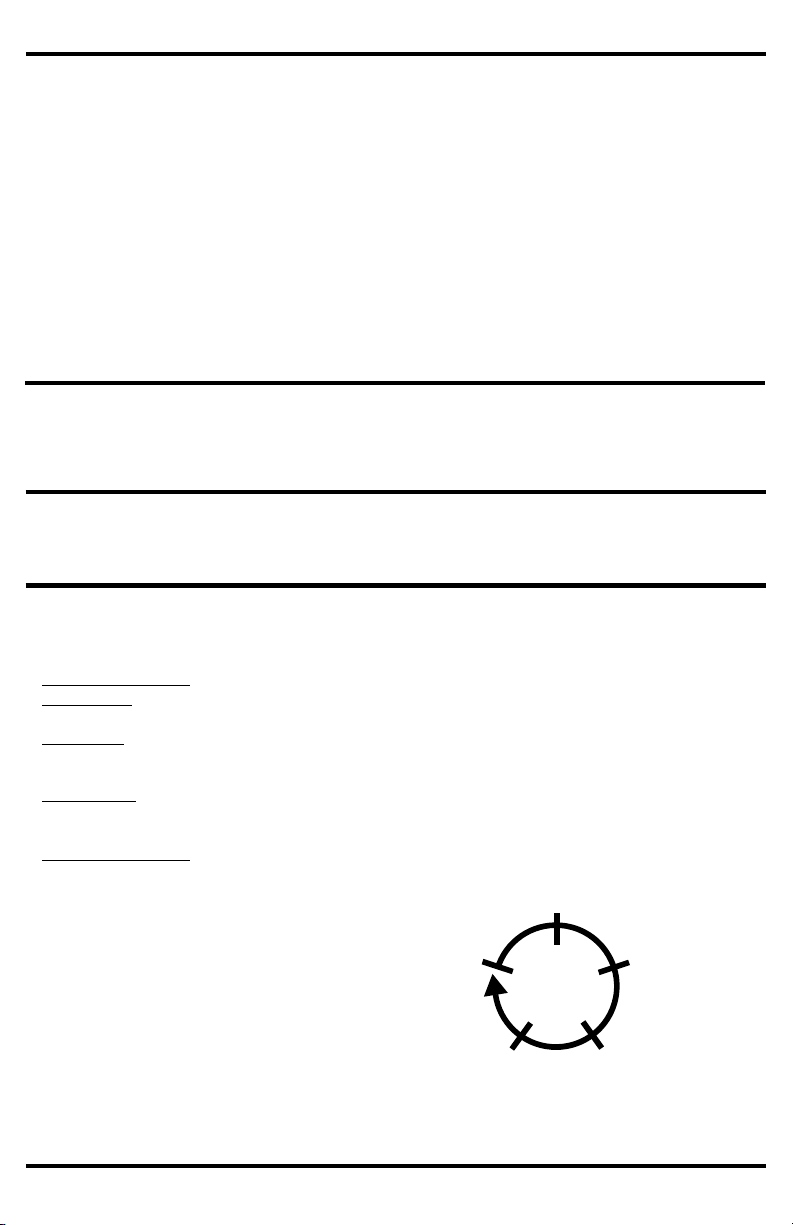
•To change a channel’ function, pre the channel’
function witch. Each pre move to the next
function in the equence a hown in the diagram to
the right.
•After changing function , count the number of time
the channel LED fla he to verify the channel i et
to the correct function.
•To exit function programming, hold the appropriate
function witch for 3 econd , or wait 15 econd .
For a diagram of the PC board, including the location of
the function witch(e ), plea e ee Overview, pg. 3.
Toggle Output
(2 fla he )
Validity Output
(4 fla he )
4- ec (default)
Timed Output
(1 fla h)
Latch Output
(3 fla he )
1- ec Timed Output
(5 fla he )