- 6 - 09/2023
2023, .
Note:
If the Bluetooth connection fails or is not possible,
make sure there are no solid obstacles between your
phone and the dehumidifier and that the two devices
are close together.
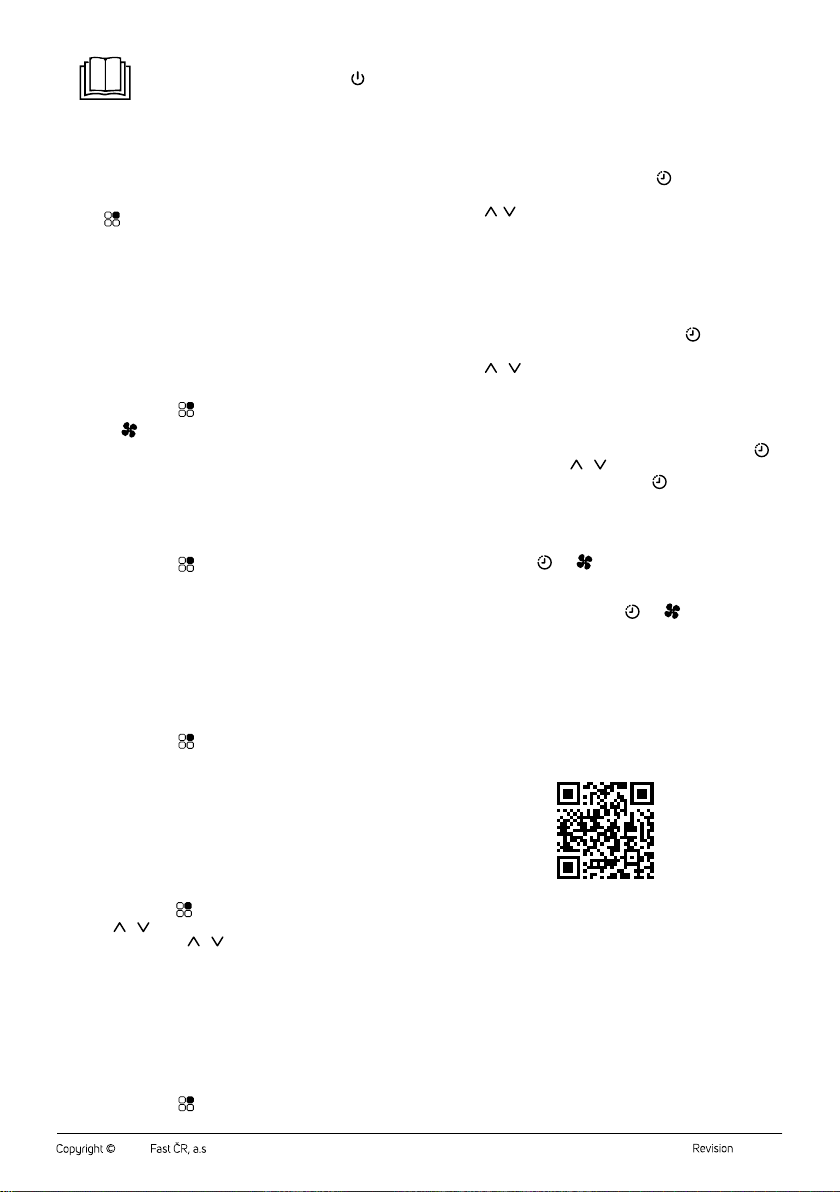
Adding the Dehumidifier to the Device Listvia aQR code
• The dehumidifier can also be added to the Sencor HOME application
using the QR code provided below. On the app'shome page, click the
“+” icon and on the add device screen, click “[-] Scan QR Code” in the
top right corner.
• You will be prompted toreset the device. Hold down the button for
about 5 seconds. The Wi-Fi indicator light is blinking. This means that
the dehumidifier is ready to be paired. Instructions can also be found
on the application screen.
• Inthe app, confirm that the (Wi-Fi) light is flashing and click on “Next”.
• The process of adding the device starts. Wait until the dehumidifier
is paired.
• In the device list on the main screen, click on the icon of the
dehumidifier to enter control interface.
QR Code forAdding the ControlPanelofthe Dehumidifier to the Sencor
HOME App
Manually Adding the Dehumidifierto the Device List
• On the main screen, click on “Add device” or “+” inthe upper right
corner andclick on “Add device”.
• Ascreen with appliance categories and alist of appliances will appear.
• Click on “Air quality” and select the dehumidifier model from the
product list.
• You will be prompted toreset the device. Hold down the button for
about 5 seconds. The Wi-Fi indicator light is blinking. This means that
the dehumidifier is ready to be paired. Instructions can also be found
on the application screen.
• Inthe app, confirm that the (Wi-Fi) light is flashing and click on “Next”.
• On the next screen, you will be prompted toselect aWi-Fi network.
Select the network, enter your password andclick “Next”.
• The process of adding the device starts. Wait until the dehumidifier
is paired.
• In the device list on the main screen, click on the icon of the
dehumidifier to enter control interface.
Wi-Fi Reset
While the dehumidifier is in operation, press and hold down button for
5 seconds. The Wi-Fi settings will be reset and the Wi-Fi icon will flash
quickly (twice per second).
EMPTYING THE FULLTANK (FIG. C)
• If the condensate tank becomes full while the dehumidifier is in
operation, the compressor and the fan will stop running, an audible
warning will sound and the full tank light will flash on the control
panel.
• Carefully pull the condensate tank out of the side of the dehumidifier
and pour out the condensate. Insert the tank back. Make sure that it is
properly inserted and the float rotates freely.
• When the condensate tank is reinstalled, the dehumidifier will
automatically resume operation. When the dehumidifier is in the
dehumidification mode, the compressor will start only after 3 minutes.
CONTINUOUS CONDENSATE DRAINING VIATHE DRAIN HOSE
Adrain hose must be connected for continuous condensate drainage.
Proceed as follows:
1. Remove the plastic plug at the rear of the outlet. Store the well for
future use.
Note:
If there is water in the outlet after removing the plug,
wipe it with adry cloth.
2. Insert the end of the drain hose into the outlet. The internal diameter
of the drain hose is 10 mm. Make sure the end of the hose is properly
inserted to prevent condensate leakage (see Figures D).
3. Locate the free end of the hose so that the condensate can flow out
freely. The container or the place where the condensate is drained
must be lower than the outlet. Do not bend the hose or step on it.
Note:
When not using the drain hose for continuous
draining of condensate, remove it, wipe away any
water and close the outlet using the plug.
. . . . . . . . . . . . . . . . . . . . . . . . . . . . . . . . . . . . . . . . . . . . . . . . . . . . . . . . . . . . . . . . . . . .
CLEANING AND MAINTENANCE
Disconnect the power plug from the power socket before cleaning.
Note:
Do not use abrasive cleaning agents, solvents, or any
substances to clean any parts of the appliance that
could damage the surface of the appliance.
Warning:
To prevent the risk of electric shock, do not submerge
the appliance, plug or power cord in water or any
other liquid.
Cleaning the Condensate Tank
• Empty out the condensate tank whenever you finish using the
appliance and wipe it using awiping cloth.
• To prevent undesirable bacteria, micro-organism or moulds from
multiplying inside the tank, clean it out at least once per month using
acloth dampened in lukewarm water with the addition of neutral
detergent. Then rinse it out thoroughly using clean water, wipe it dry
and insert it back into the appliance.
• Do not wash the condensate tank in adishwasher.
Cleaning the Protective Filter Grille
• Check and clean the protective grille at least once every two weeks, or
more often if you use the appliance every day.
• Remove the protective filter grille from thedehumidifier.
• You can remove the dust using abrush with gentle bristles. If the
filter grille is more heavily soiled, you can vacuum up the dust and
dirt using the vacuum cleaner on its lowest setting and the fitted
upholstery brush. Alternatively, you can soak the filter grille in warm
water (water temperature maximum 40°C) anduse asoft sponge to
clean it. Leave in adry, shady and well-ventilated place to dry. Do not
use adryer or hair dryer to dry. Do not dry in direct sunlight. Make sure
the filter grille is completely dry before inserting it into the appliance.
• Install back in place.
Warning:
Do not use the appliance without the protective filter
grille properly installed. Do not wash the protective
filter grille in adishwasher.
Cleaning the Outer Case
• To clean the outer casing, use acloth slightly dampened with
lukewarm water and alittle dishwashing liquid. Make sure that water
does not enter into the vents. In the event that air inlet and outlet grilles
are only dusty, avacuum cleaner may be used to clean them.