- 3 - 08/2023
2023, .
• Thank you for purchasing our SENCOR product; we hope you will be
satisfied with it.
• Before using this appliance, please familiarise yourself with the
user’smanual, even if you are already familiar with using similar
types of appliances. Use the appliance only as described in this
user'smanual. Keep the manual for future reference.
• We recommend to keep the original packaging, packaging materials,
receipt, and proof of the seller'sliability or warranty certificate for
aminimum of the duration of statutory right of faulty performance or
warranty of quality. When transporting the appliance, we recommend
packaging it again in the original box provided by the manufacturer.
. . . . . . . . . . . . . . . . . . . . . . . . . . . . . . . . . . . . . . . . . . . . . . . . . . . . . . . . . . . . . . . . . . . .
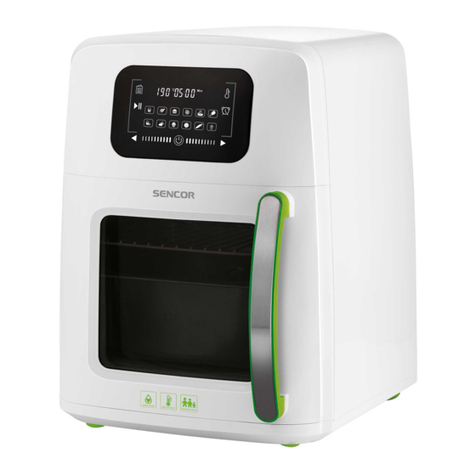
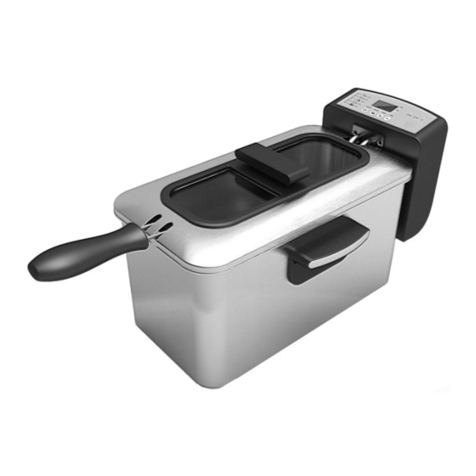
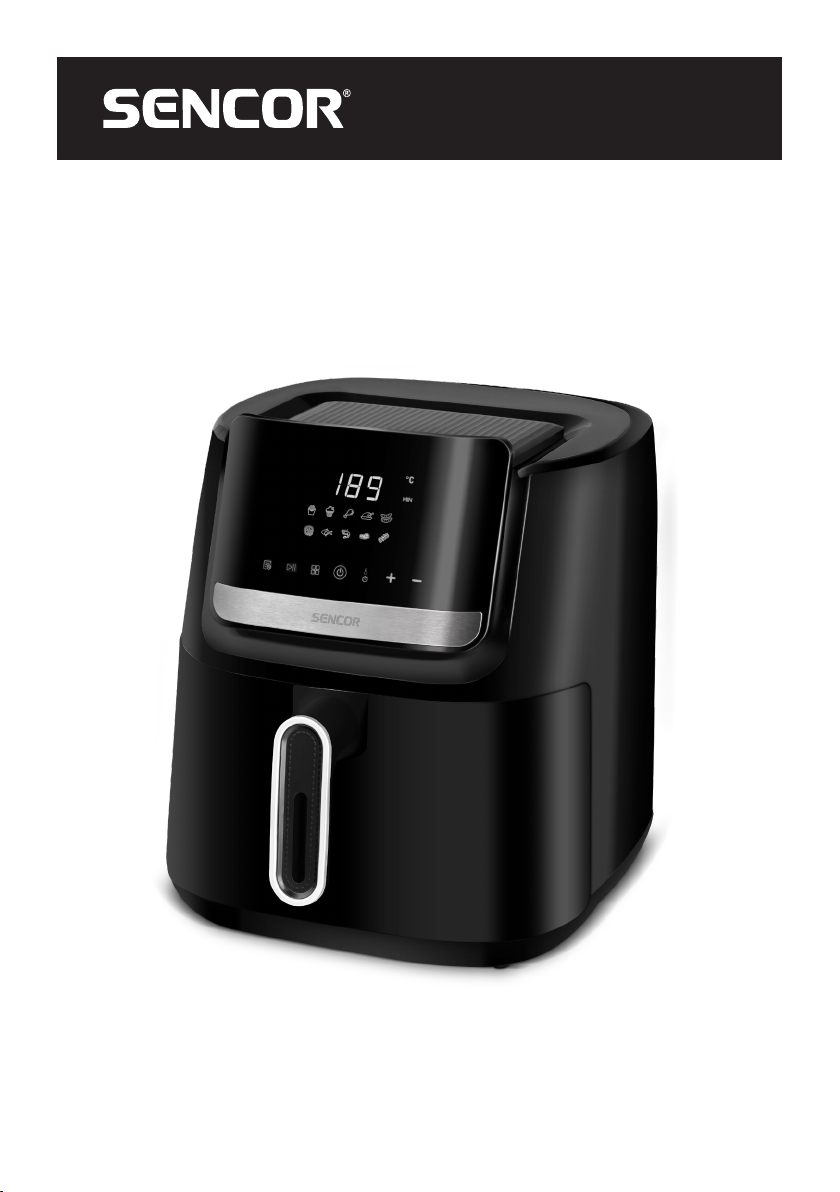
DESCRIPTION OF THE APPLIANCE
A1 Control display
A2 Frying container with mat
A3 Handle
A4 Ventilation holes (located at
the back)
A5 Fryer body
. . . . . . . . . . . . . . . . . . . . . . . . . . . . . . . . . . . . . . . . . . . . . . . . . . . . . . . . . . . . . . . . . . . .
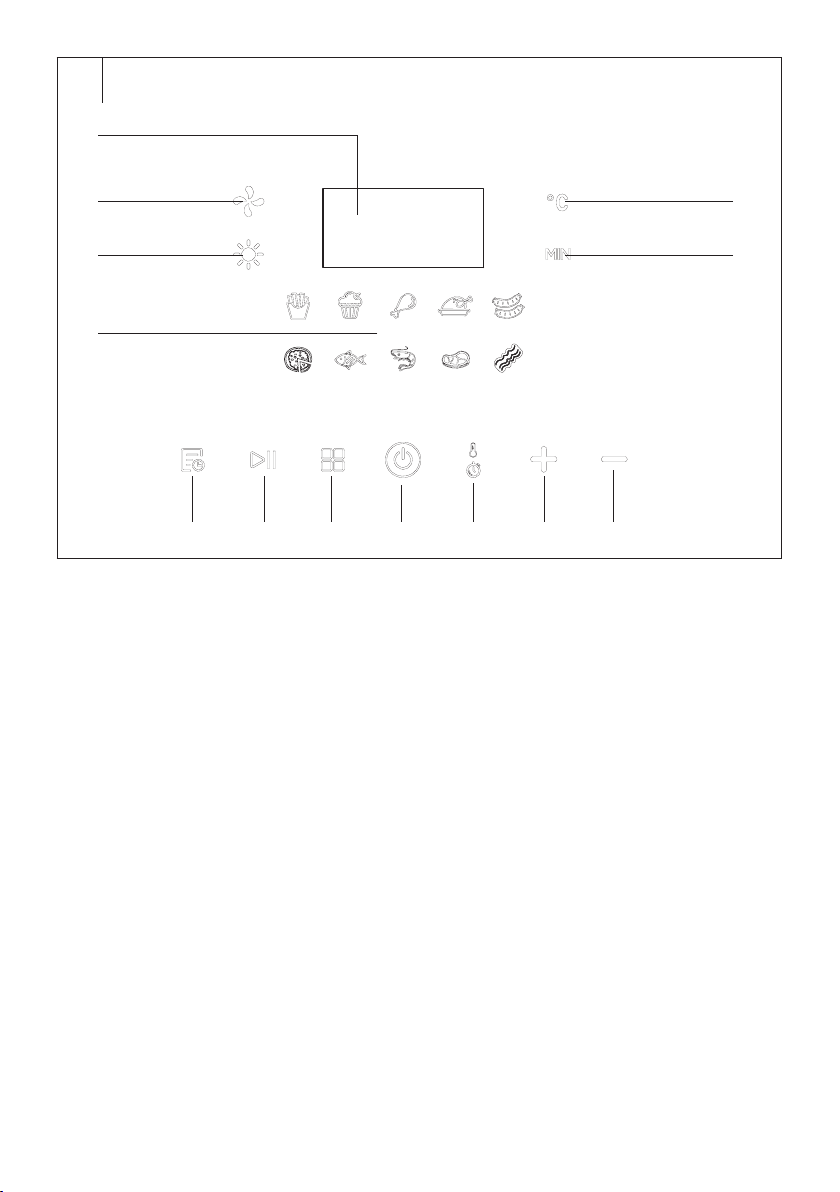
DESCRIPTION OF THE CONTROL PANEL
B1 Numeric display
B2 Indoor fan icon
B3 Fryer operation icon
B4 Icons of preset programmes
B5 Delayed start button
B6 Fryer start button
B7 Preset programme selection
button
B8 Button to turn on/off and start
the fryer
B9 Temperature / frying time
setting button
B10 button
B11 button
B12 MIN icon (preparation time)
B13 °C icon (temperature)
. . . . . . . . . . . . . . . . . . . . . . . . . . . . . . . . . . . . . . . . . . . . . . . . . . . . . . . . . . . . . . . . . . . .
BEFORE FIRST USE
• Before first use, remove the appliance and its accessories form the
packaging and remove all promotional labels and tags.
• Wipe the outer surface of the fryer with asoft sponge lightly
dampened with warm water. Wipe dry using aclean wiping cloth.
• Remove the frying container and mat and wash them in warm water
with alittle kitchen detergent. Rinse and wipe dry.
• Wipe the inside of the fryer with asoft sponge lightly dampened with
warm water. Wipe dry using aclean wiping cloth.
Note:
The frying container and mat can be washed in the dish-
washer.
. . . . . . . . . . . . . . . . . . . . . . . . . . . . . . . . . . . . . . . . . . . . . . . . . . . . . . . . . . . . . . . . . . . .
BASIC USE OF THE FRYER
1. Place the fryer on aflat, firm and stable surface well away from the
mains socket.
2. Remove the frying container from the fryer. Place the food you wish
to cook inside andreturn the container to the deep fryer.
3. Insert the mains cord plug into apower socket.
4. Ashort audible warning sounds and the control panel lights up
briefly. It then goes out and the fryer switches to standby mode.
5. Turn on the fryer with the button. The button will flash andthe
display will show the temperature “180 °C” and the cooking time “15
min”.
6. Select the cooking programme or set the cooking time
andtemperature manually – more in the next part of the
user'smanual.
7. Press the button and the fryer starts. The display shows the set
temperature and cooking time and starts the countdown.
8. The cooking time and temperature will be displayed alternately on
the numeric display during cooking.
9. During preparation, regularly check the condition of the food being
prepared. Some foods will need to be stirred during preparation.
Carefully remove the frying container and the fryer operation is
interrupted. Mix the food and put the frying container back in. The
operation of the fryer will resume.
10. When the set cooking time has elapsed, the countdown will start for
20 seconds andan acoustic warning will sound, the fryer will switch
off andswitch to standby mode.
11. Check the baking status of the food. If the food is not yet fully
cooked, put the frying container back andset the desired
temperature and cooking time.
12. If the food is sufficiently cooked, remove it from the frying container
using pliers andleave it to drain on aplate lined with apaper kitchen
towel.
Note:
Do not turn the frying container upside down. The oil that
accumulates on the bottom leaks onto the prepared food.
13. If you need to cancel the preparation at any time, press and hold the
button.
14. After use, unplug the power cord from the mains socket.
15. Prior to cleaning, maintenance or other handling, let the fryer cool
down.
Note:
If you remove the container during preparation, the fryer
will turn off. After reinserting the container into the fryer, you
will need to switch it on again and select the programme /
cooking time and temperature.
Warning:
During use, the fryer is warmed up andmay reach
high temperatures. The fryer remains hot even after
use. Mishandling may lead to serious burns. Take
extra care while handling. We recommend using
kitchen mitts. Always use the available thermally
insulated handle.
Note:
Never use metal utensils or knives as they may scratch
anti-stick coating of the frying container.
Selecting a Preset Programme
The air fryer is equipped with eight pre-set cooking programmes. Each
has apreset temperature and cooking time that can be changed.
1. Turn on the fryer with the button.
2. Press the button repeatedly andselect one of thepreset
programmes – more in thetable below.
3. If you need to change the temperature, press the button
repeatedly until the temperature and“°C” appear on the numeric
display. Use the +/- buttons to change the temperature between 80
and 200 °C.
4. If you need to change the preparation time, repeatedly press the
button until the preparation time and “MIN” appear on the numeric
display. Press the + / - buttons to change the cooking time from 1 to
60 minutes.
5. Press the button to start the fryer.
EN Vita Fryer
User’sManual