10/2019
- 6 -
Copyright © 2019, Fast ČR, a.s.
1. WEIGHING MODE
■The scale is equipped with an “Auto-On” function, which automatically
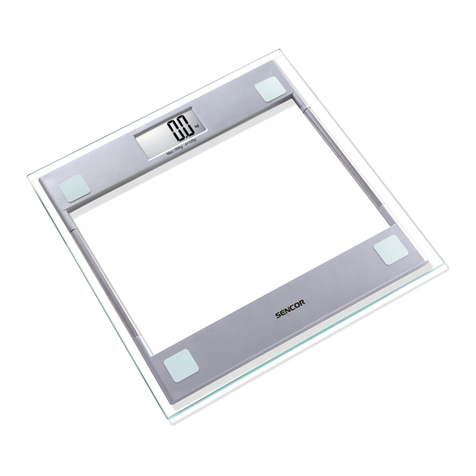
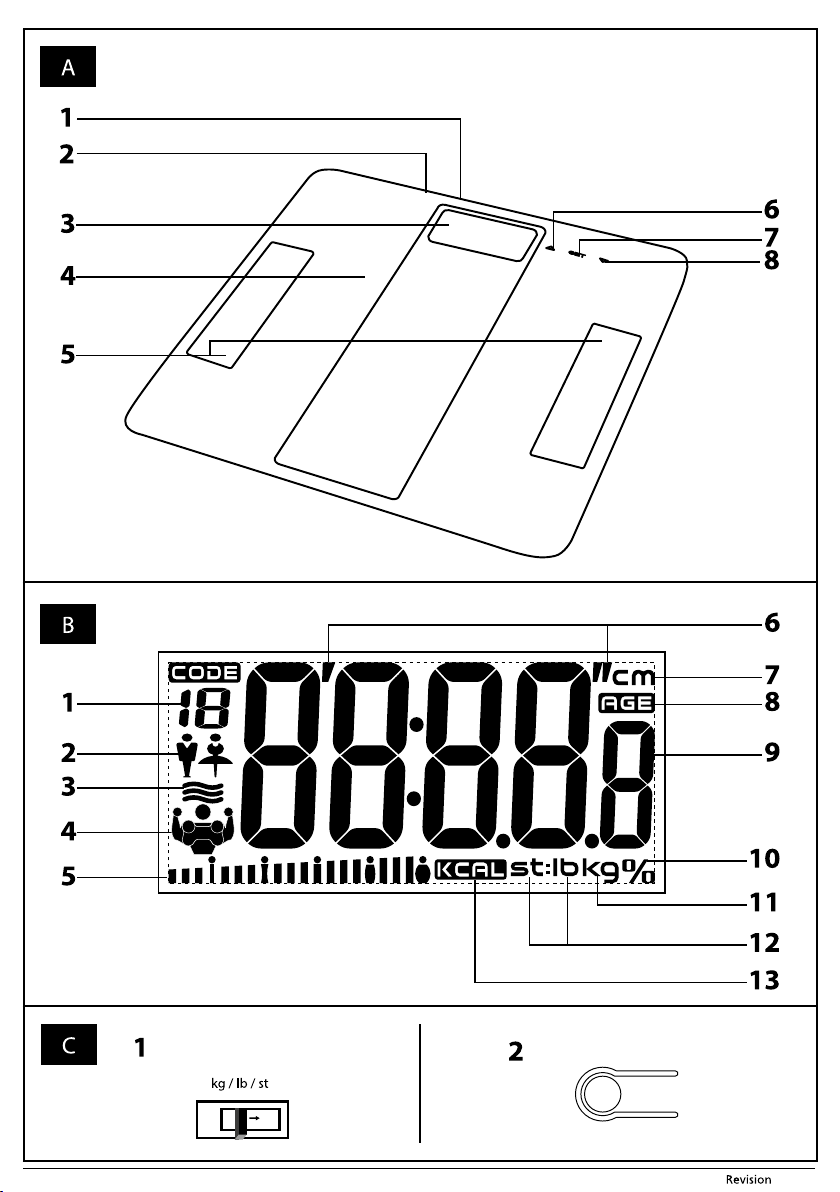
starts the weighing process immediately after the weighing platform A4
is stepped on.
■Stand with both feet on the weighing platform A4 and wait for the measured
weight shown on the display A3 to stabilise. The displayed measured
weight will ash once and then the scale will turn o automatically.
■Before the scale turns o automatically, you may increase the load on it and
continue weighing. To get anew weight measurement, each subsequent
load must be at least 2 kg. For example, if you wish to weigh your child, rst
measure yourself, then pick up your child without stepping o the scale
and weight yourselves together. In this way you will get the total weight.
The weight of your child is equal to the dierence between the current and
previous weight.
2. WEIGHING MODE WITH MEASUREMENT AND
ANALYSIS OF BODY PARAMETERS
■Press the SET button A7 and enter your personal parameters. When rst
turned on and after the installation of new batteries, the default parameters
are set as follows: personal user code – 01, gender – female, height 165cm
(5’05.0”) and age 25 years. Personal parameters can be set in the range:
personal user code 01–12, gender – female/male, height 100 to 250cm
(3’03.5”– 8’02.5”) and age 10 to 100 years.
■To select the personal user code, use buttons A6 andA8. To conrm the
settings, press the SET button A7. Use buttons A6 and A8 to select agender
and conrm the selection with the SET button A7. In the same manner, set
the height and age.The setting of parameters is sped up by holding down
button A6 or A8. Once you enter your age, tap your foot on the weighing
platform A4 or wait 6 seconds.The display A3 will show azero weight and
after afew seconds the scale will turn o automatically.
Note:
If you do not press any button in the parameter setting mode
within 6 seconds then azero weight will be shown on the
display A3. This signalises that weighing with measurement
and analysis of body parameters has started. Parameters that
were set before the scale switched to the weighing mode are
automatically stored in memory. Pressing and holding down
the SET button A7 for 3 seconds will return you to the personal
parameter setting mode.
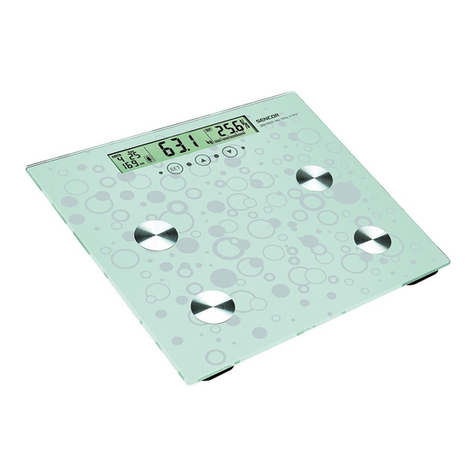
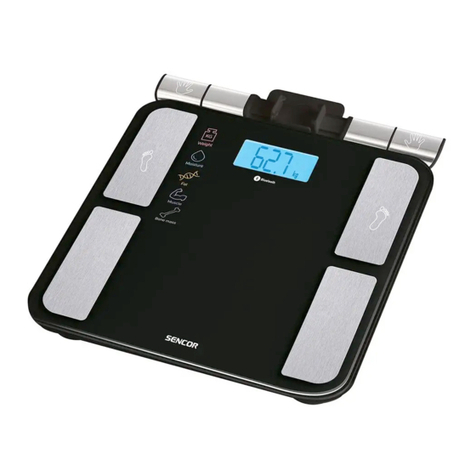
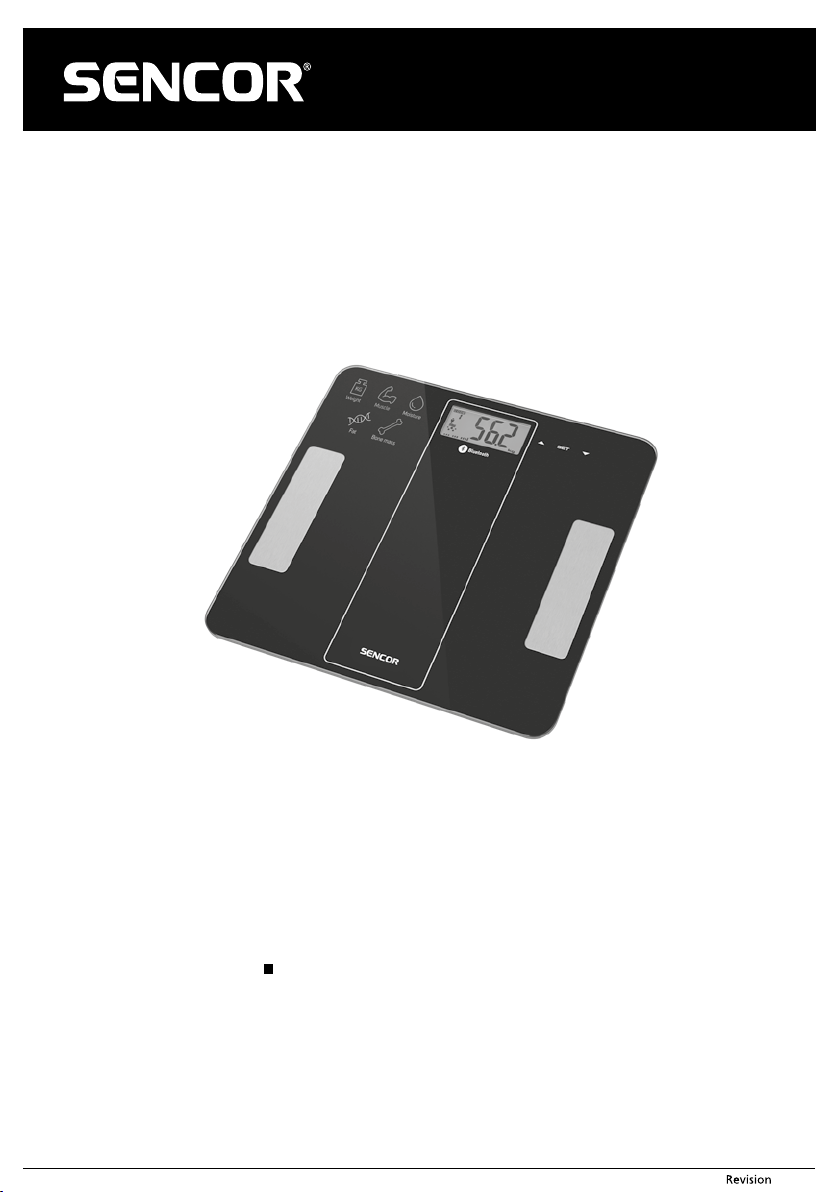
■To turn on the scale, press the SET button A7. The display A3 will show the
parameters of the last user or the default setting. Use buttons A6 andA8
to select auser code under which your personal parameters are stored.Tap
on the weighing platform A4 with your foot. Zero weight will be shown on
the display A3. Make sure that your feet are clean and dry, then stand on
the weighing platform A4 in such away that both feet are located on the
electrodes A5. Otherwise, measurement and analysis of body parameters
will not occur. Stand still on the scale and wait for your measured weight
shown on the display A3 to stabilise.The measured weight will ash once.
Subsequently, the measurement and analysis of body parameters takes
place. Within ashort time, the display A3 will gradually show three times
the measured weight, body fat percentage in % with agraphical display of
the body fat percentage, body water content in %, muscle tissue percentage
in %, bone tissue percentage in %, and the recommended daily energy
intake in kcal (BMR). The scale will then turn itself o automatically. The
measurement results will be stored in memory and shown on the display
A3 during the next measurement.
3. BODY PARAMETER ASSESSMENT
■The human body contains on average 45–85% water, whilst the water
content in muscles is around 90% and in fat tissue around 45%. Whereas
the body of an infant may have awater content of up to 85%, with
increasing age, body water content declines, bodily proteins dehydrate
and extracellular uids are lost. For this reason, older people have awater
content in their body below the 55% level. Productive age men have an
average body water content of 62% and women 56%. The lower value for
women is the result of their higher body fat content.
■For men, the normal body fat percentage should be in the range
15–25%. For physiological reasons, women have afat level of 18–28%. The
percentage of fat increases with age, e.g. abody fat percentage of 33–35%
is quite normal in women over 50 years of age.
Age
Females Males Assessment of
condition
Graphical
illustration (shown
on the display)
Body fat
(%)
Hydration
(%)
Body fat
(%)
Hydration
(%)
≤ 30
4.0–16.0 66.0–57.8 4.0–11.0 66.0–61.2 Very low body
fat percentage
16.1–20.5 57.7–54.7 11.1–15.5 61.1–58.1 Low body fat
percentage
20.6–25.0 54.6–51.6 15.6–20.0 58.0–55.0 Normal body
fat percentage
25.1–30.5 51.5–47.8 20.1–24.5 54.9–51.9 High body fat
percentage
30.6–60.0 47.7–27.5 24.6–60.0 51.8–27.5 Very high body
fat percentage
> 30
4.0–20.0 66.0–55.0 4.0–15.0 66.0–58.4 Very low body
fat percentage
20.1–25.0 54.9–51.6 15.1–19.5 58.3–55.3 Low body fat
percentage
25.1–30.0 51.5–48.1 19.6–24.0 55.2–52.3 Normal body
fat percentage
30.1–35.0 48.0–44.7 24.1–28.5 52.2–49.2 High body fat
percentage
35.1–60.0 44.6–27.5 28.6–60.0 49.1–27.5 Very high body
fat percentage
Note:
The above mentioned information is only of informative
character.
4. RECOMMENDED DAILY ENERGY INTAKE
■During the body parameter and measured value analysis, the recommended
daily energy intake (BMR) is calculated.That is energy necessary for ensuring
basic life functions of the organism in still mode per 24 hours.The BMR takes
into account weight, height, age and gender. Any mental or physical activity
such as, for example running, walking, etc., increases energy consumption,
which needs to be reected in the total daily energy intake. The more active
aperson is, the higher the daily energy consumption.
■If you wish to lose weight, the most eective method is the corresponding
daily energy intake, abalanced diet and asucient amount of physical
activity.
5. OVERVIEW OF MESSAGES SHOWN ON THE
DISPLAY
■If “C” appears on the display A4 when you step o the scale, it means that
aweighing error occurred. Weigh yourself again.
■In the event that the maximum weighing capacity is exceeded, “Err” will
appear on the display A3. To prevent damaging the scale, it is necessary
to step o the weighing platform A4.
■In the event that“ErrL”appears on the display A3, then the measured body
fat percentage is too low.
■In the event that“Errh”appears on the display A3, then the measured body
fat percentage is too high.
■When“Lo”appears on the display A3, then the battery is almost at.
6. WEIGHT UNIT SELECTION
■Switch A1 enables selecting either metric (kg) or imperial (lb, st) weight
units.
■The appearance and location of the switch A1 depends on the type of scale.
Unit conversion is performed by:
– sliding the switch to the required position kg-lb-st, see gure C1.
– pressing the switch, when the scale is turned on, see gure C2. When
the button A1 is pressed for the rst time, the display A3 will show the
currently set weight units. Press the button A1 again to convert the units.
Note:
1kg (kilogram) = 2.2lb (pounds)
1lb (pound) = 0.454kg (kilograms)
1 st (stone) = 14lb (pounds) = 6.35kg (kilograms)
7. WEIGHING CAPACITY AND PRECISION
■The maximum weighing capacity is 180kg / 400lb. In the event that the
maximum weighing capacity is exceeded,“Err” will appear on the display
A3. To prevent damaging the scale, it is necessary to step o the weighing
platform A4.
■The weighing precision of ±0.1kg / ±0.2lb may not be guaranteed for items
weighing less than 2kg / 4.4lb.