Q4) Unable to connect by wire.
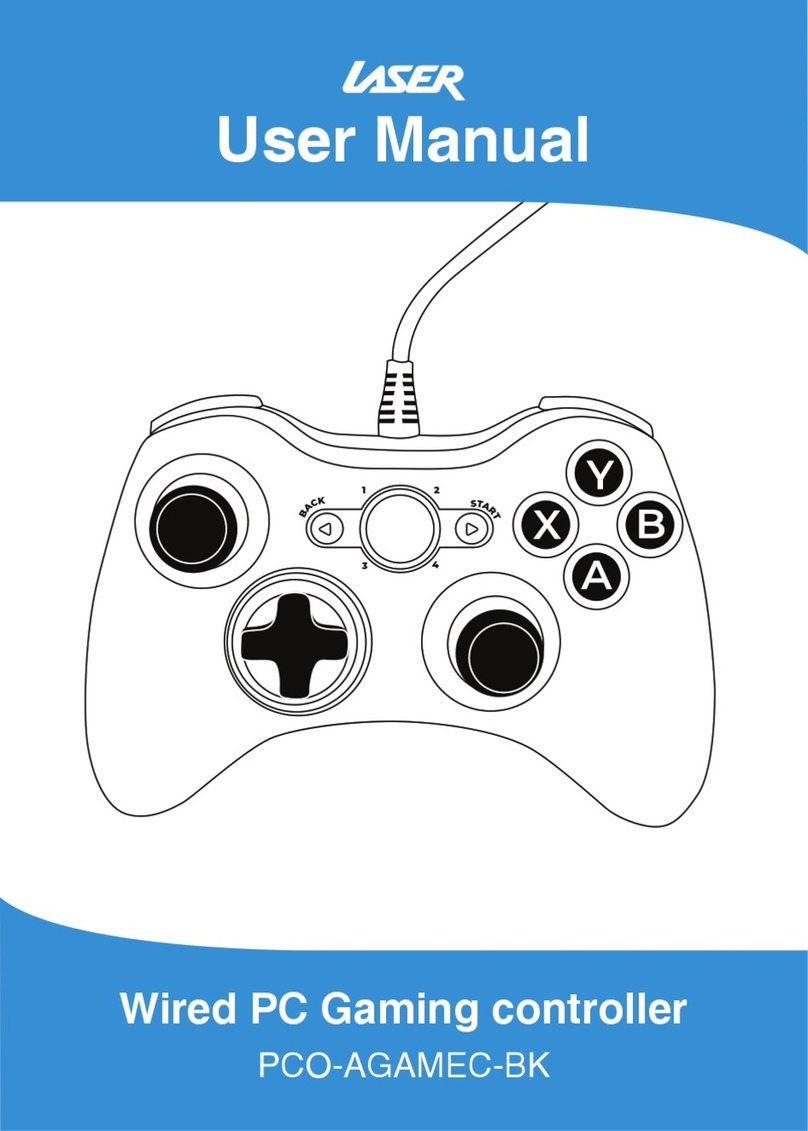
① First, please turn off gamepad and connect cable to your PC.
Refer to 5. Xinput(Wired) mode
② If it doesn't work well, try using a different USB cable.
③ The length of the USB cable must not exceed 5m in total.
Q5) If my PC doesn’t support Bluetooth, how can I connect?
① Please purchase Bluetooth-Dongle and try connecting to PC.
Refer to 2. Xinput(Wireless) mode.
② You can connect S5i via 5. Xinput(Wired) mode without
connecting via Bluetooth.
Q6) I connected S5i via Bluetooth, but it doesn’t work.
①Re-run the game. Check if the game supports gamepad
(DirectInput or XInput) or not.
② Check if S5i is connected in 2. Xinput(Wireless) mode
(5th LED).
③ Please reset the gamepad and restart it.
④ If there is a USB 3.0 product near the Bluetooth dongle,
please keep it at a distance through the USB extension or
disconnect the USB 3.0 product from your computer.
⑤ If gamepad is connected to PC successfully via Bluetooth,
but the gamepad is not connected, delete the gamepad
from Bluetooth device list and turn off & on Bluetooth.
Try reconnecting or restart the PC.
Q7) S5i doesn’t work in certain games.
① Check if the game supports gamepad(DirectInput or Xinput)
and then change to the appropriate mode.
② Please check if you are using setting in game or controller
-related programs.
Q8) Can I play with 4 gamepads on PC?
Yes, up to 4 gamepads can be connected.
Q9) How do I check the status of S5i?
You can check it in App for Windows.
Q&A - PC Connection