manuals.online logo
Brands
  1. Home
  2. •
  3. Brands
  4. •
  5. Shark
  6. •
  7. Vacuum Cleaner
  8. •
  9. Shark Vertex DuoClean PowerFins User manual

Shark Vertex DuoClean PowerFins User manual

This manual suits for next models

1

Other Shark Vacuum Cleaner manuals

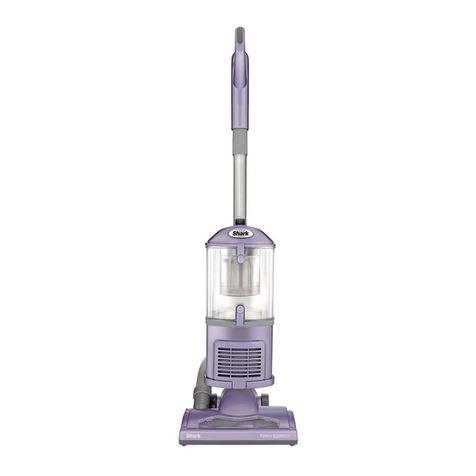
Shark NV350UK Series User manual

Shark

Shark NV350UK Series User manual
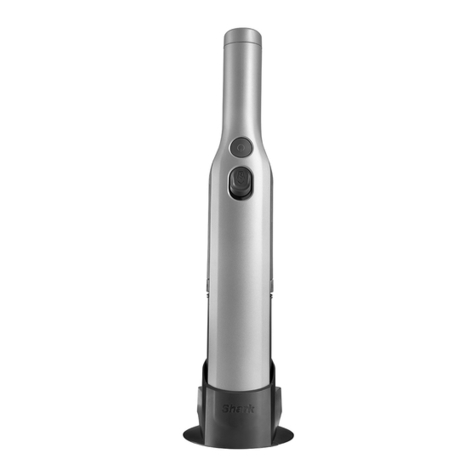
Shark WV200EU User manual

Shark

Shark WV200EU User manual

Shark WANDVAC WV361EU User manual

Shark

Shark WANDVAC WV361EU User manual
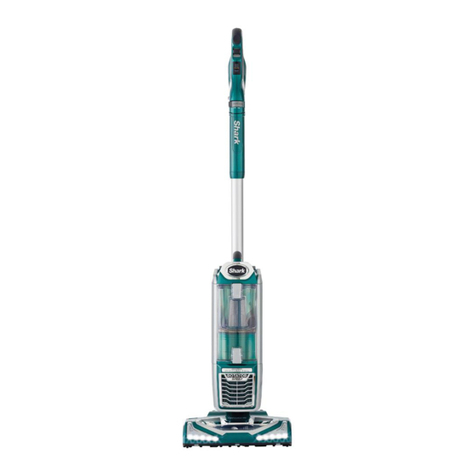
Shark Rotator User manual

Shark

Shark Rotator User manual
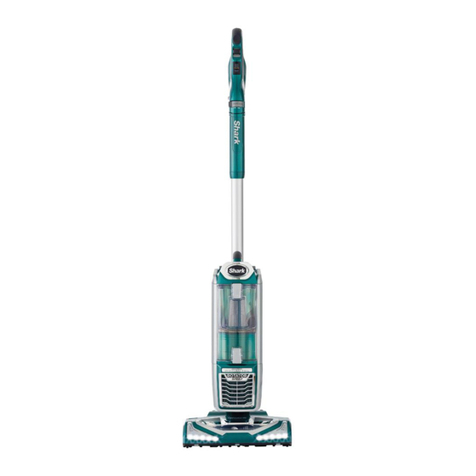
Shark Rotator User manual

Shark

Shark Rotator User manual
Shark VAC-THEN-STEAM MV2010 User manual
Shark

Shark VAC-THEN-STEAM MV2010 User manual

Shark Navigator User manual

Shark

Shark Navigator User manual
Shark Bagless Stick Shark EP601 HEPA User manual
Shark

Shark Bagless Stick Shark EP601 HEPA User manual

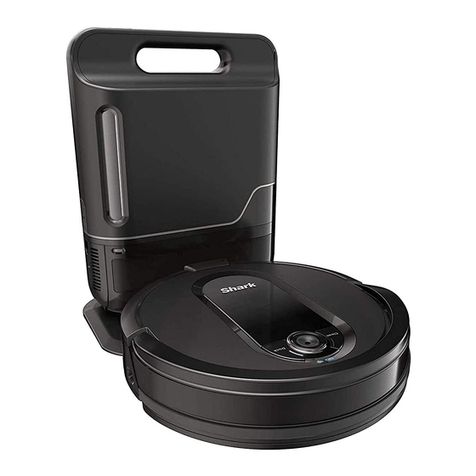
Shark ION ROBOT RV720 Series User manual
Shark

Shark ION ROBOT RV720 Series User manual

Shark Rotator NV500NZV2 User manual

Shark

Shark Rotator NV500NZV2 User manual

Shark Steam Pocket Mop SE450 User manual
Shark

Shark Steam Pocket Mop SE450 User manual

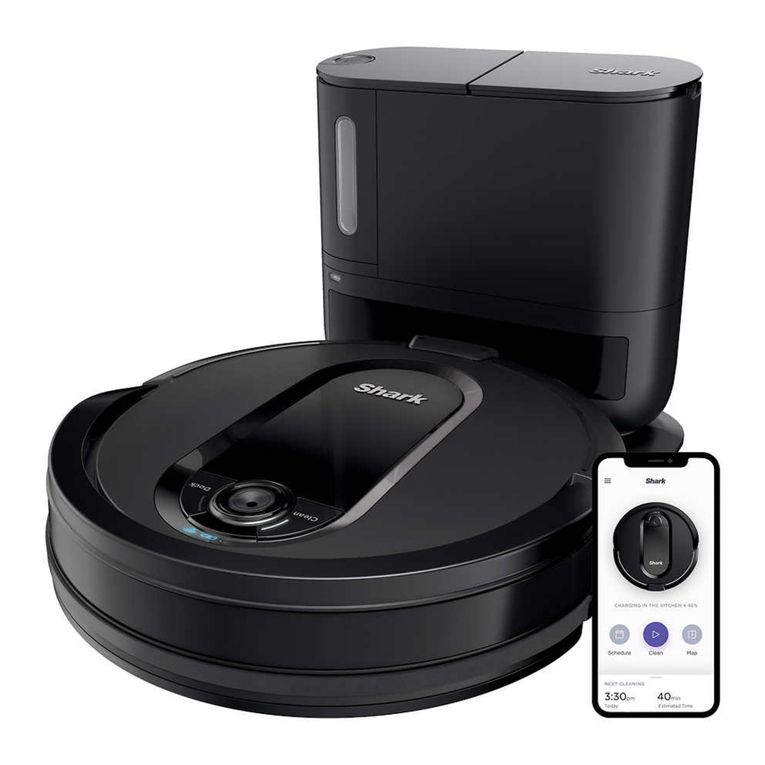
Shark AI Robot User manual

Shark

Shark AI Robot User manual
Shark RV2001EU User manual

Shark

Shark RV2001EU User manual
Shark APEX DuoClean AZ1000 Series User manual
Shark

Shark APEX DuoClean AZ1000 Series User manual

Shark NAVIGATOR NV350W User manual

Shark

Shark NAVIGATOR NV350W User manual

Shark SV780SP 14 User manual

Shark

Shark SV780SP 14 User manual
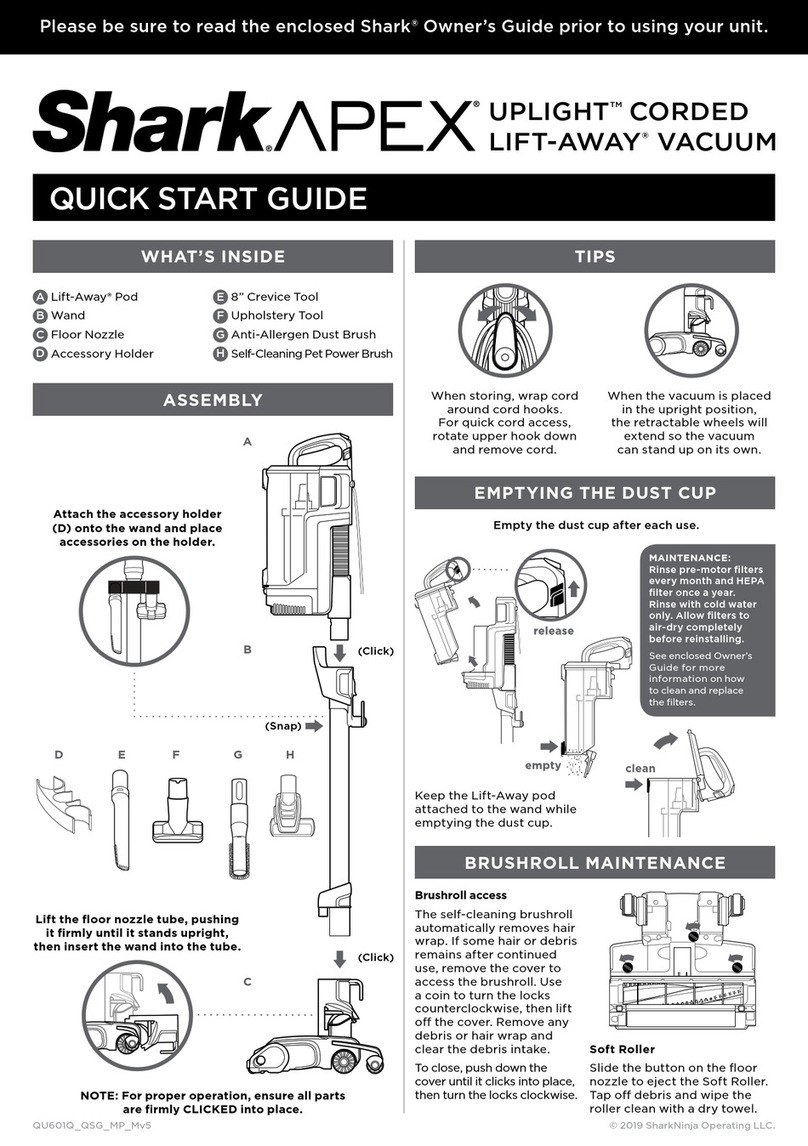
Shark APEX UPLIGHT LIFT-AWAY QU601Q User manual
Shark

Shark APEX UPLIGHT LIFT-AWAY QU601Q User manual

Shark ROTATOR NV500 SERIES User manual
Shark

Shark ROTATOR NV500 SERIES User manual

Shark Rocket Pro PowerFins IZ362H User manual

Shark

Shark Rocket Pro PowerFins IZ362H User manual

Shark NZ801UKT User manual

Shark

Shark NZ801UKT User manual

Shark AI ULTRA User manual

Shark

Shark AI ULTRA User manual

Shark IQ ROBOT 1000AE Series User manual

Shark

Shark IQ ROBOT 1000AE Series User manual

Shark IQrobot User manual

Shark

Shark IQrobot User manual

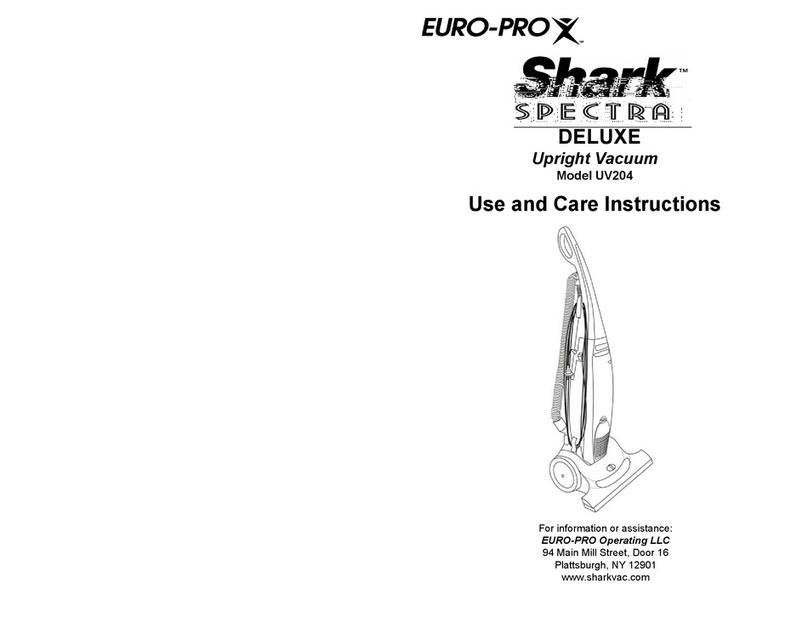
Shark UV204 Quick reference guide

Shark

Shark UV204 Quick reference guide

Popular Vacuum Cleaner manuals by other brands

Bissell LittleGreen Proheat 1425 Series user guide

Bissell

Bissell LittleGreen Proheat 1425 Series user guide

Panasonic MC-YL637S147-AE Service manual

Panasonic

Panasonic MC-YL637S147-AE Service manual

LG A9 Series owner's manual

LG

LG A9 Series owner's manual

Oreck Cordless Captura BK51700 Series user guide

Oreck

Oreck Cordless Captura BK51700 Series user guide

Kogan KAVACROBVWA user manual

Kogan

Kogan KAVACROBVWA user manual

Kränzle VENTOS 50 ID Use and maintenance

Kränzle

Kränzle VENTOS 50 ID Use and maintenance

NEFF N17XH10 0 Series instruction manual

NEFF

NEFF N17XH10 0 Series instruction manual

EVVO Ai35 instruction manual

EVVO

EVVO Ai35 instruction manual

DeWalt DWH200D instruction manual

DeWalt

DeWalt DWH200D instruction manual

Pontec Pondomatic Vacuum Cleaner operating instructions

Pontec

Pontec Pondomatic Vacuum Cleaner operating instructions

Cleanmaxx PC-P007E instruction manual

Cleanmaxx

Cleanmaxx PC-P007E instruction manual

RIDGID WD1685AU0 owner's manual

RIDGID

RIDGID WD1685AU0 owner's manual

Ezviz RE4P manual

Ezviz

Ezviz RE4P manual

STG global TANVAC HDV3000 Operator's manual

STG global

STG global TANVAC HDV3000 Operator's manual

Factory M3340 operating manual

Factory

Factory M3340 operating manual

Shop-Vac VN92 SERIES user manual

Shop-Vac

Shop-Vac VN92 SERIES user manual

Nobles 608669 Operator and parts manual

Nobles

Nobles 608669 Operator and parts manual

Craftsman CMCVS001D1 instruction manual

Craftsman

Craftsman CMCVS001D1 instruction manual

manuals.online logo
manuals.online logoBrands
  • About & Mission
  • Contact us
  • Privacy Policy
  • Terms and Conditions

Copyright 2025 Manuals.Online. All Rights Reserved.

QUICK
START
GUIDE
Please make sure to read the enclosed Shark®Owner’s Guide prior to using your vacuum.
IZ440H_QSG_MP_Mv4
EMPTYING THE DUST CUP
MultiFLEX
Lock Release
Wand Release
Button
Dust Cup
Release Button
IZ1440H
For questions, visit us online
at sharkclean.com/support
©2020 SharkNinja Operating LLC.
DUOCLEAN, MULTIFLEX, and SHARK are registered trademarks of SharkNinja Operating LLC.
VERTEX is a trademark of SharkNinja Operating LLC.
DuoClean® PowerFins Cordless Vacuum
with Self-Cleaning Brushroll
STORE ANYWHEREREACH ANYWHERE
Press the MultiFLEX Lock Release button
and fold the handheld vacuum forward.
To vacuum, lift up the handheld vacuum,
until the wand locks in place.
Press the MultiFLEX® Lock Release
button to lower the angle of the
wand to increase your reach.
1. To empty dust cup,
first disconnect the
handheld vacuum
from the wand by
pressing the Wand
Release button and
pulling up on the
handheld vacuum.
2. Position dust cup
over a trash bin and
slide the lid release
button forward.
POWERFINS
AHandheld Vacuum
BDuoClean® PowerFins Floor Nozzle
CMultiFLEX® Wand
DCrevice Tool
EDusting Brush
FCharger
GHEPA Post-Motor Filter (Pre-Installed)
WHAT’S INSIDE: POWER SETTINGS
LI-ION BATTERY
ASSEM B LY
OFF BARE FLOOR
SETTING CARPET SETTING BOOST MODE
Slide switch to the
top to turn o power.
To begin vacuuming
in Standard Mode,
slide switch to the
appropriate setting.
Bare Floor/Area Rugs
Slide switch to the
middle. The brushroll
spins slowly to clean
bare floors and small
arearugs.
Carpet
Slide switch to the
bottom. The brushroll
spins faster to pick up
debris below the surface
ofyour carpets.
For an added boost in
power, pull the Trigger
on the handheld
vacuum. Release it
to return to standard
power.
NOTE: For deep cleaning per ASTM F 608 (embedded dirt in carpets) please select the Carpet setting and pull the
trigger to go into Boost mode.
NOTE: Select Carpet setting for stuck-on dirt and debris.
In Use
Full
Charge
Mid
Charge
Low
Charge
Nearly
Empty
No
Charge
Charging
Low
Charge
Mid
Charge
Nearly
Full
Full
Charge
NOTE: Full charge takes approximately 3 hours.
CHARGING
To charge, remove the
handheld vacuum from the
wand by pressing the Wand
Release button and pulling
up. Plug the charger into
the charging port.
To put the vacuum in storage
mode, press the MultiFLEX
Lock Release button while
folding the handheld vacuum
forward until the wand clicks
and locks. Plug the charger
into the charging port on
the battery.
Battery Indicator Lights
Battery Runtime
MODE MINUTES
Hand Vac 50
Bare Floor/
Standard Mode 34
Carpet Mode/
Standard Mode 23
Boost Mode
(Hand Vac) 10
NOTE: The battery comes
partially charged. Charge fully
before first use.
E
F G
D
For additional parts and accessories, visit sharkclean.com
A
B
C
2
(Click)
1
(Click)