manuals.online logo
Brands
  1. Home
  2. •
  3. Brands
  4. •
  5. Shure
  6. •
  7. Microphone
  8. •
  9. Shure PE565 User manual

Shure PE565 User manual

Other Shure Microphone manuals

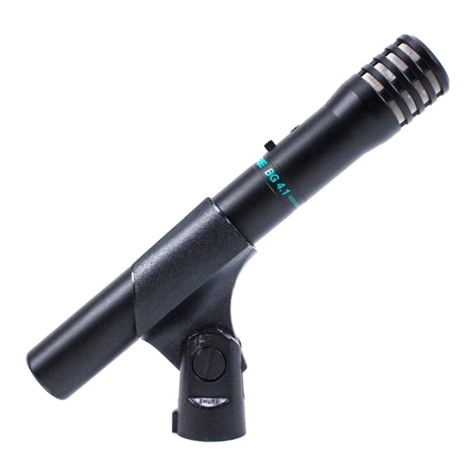
Shure BG 4.1 User manual

Shure

Shure BG 4.1 User manual

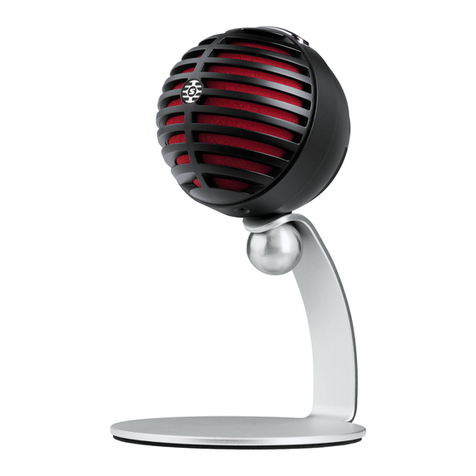
Shure MV5 User manual

Shure

Shure MV5 User manual

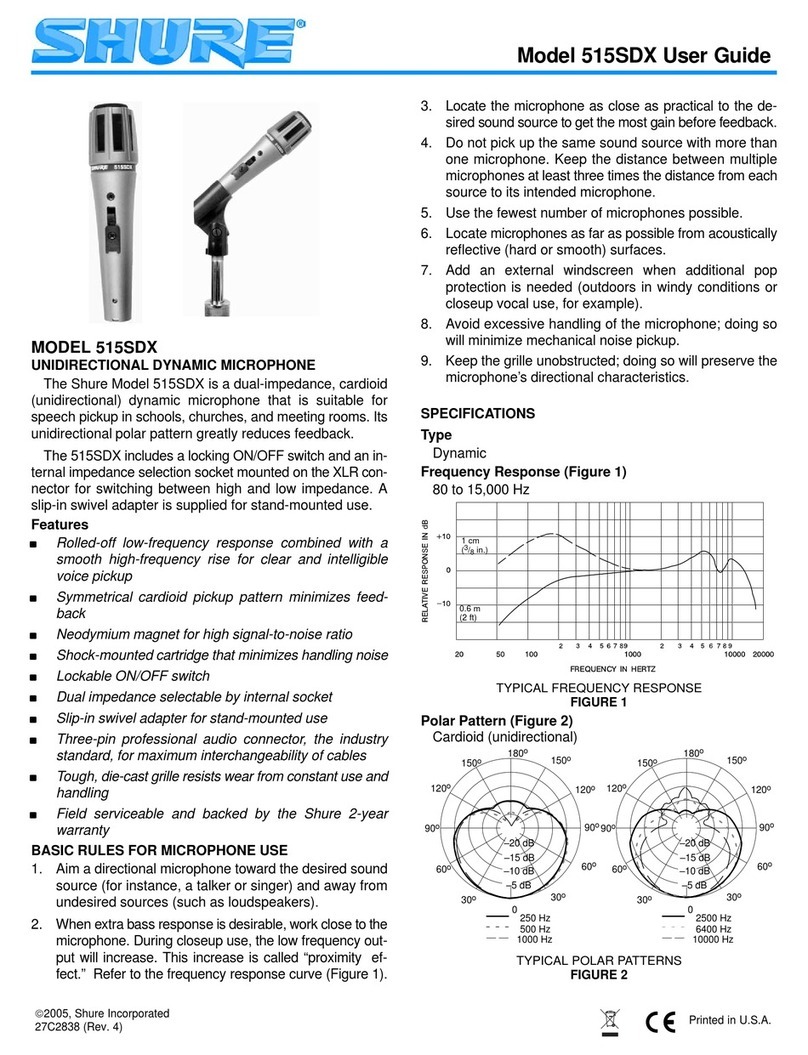
Shure 515SDX User manual

Shure

Shure 515SDX User manual

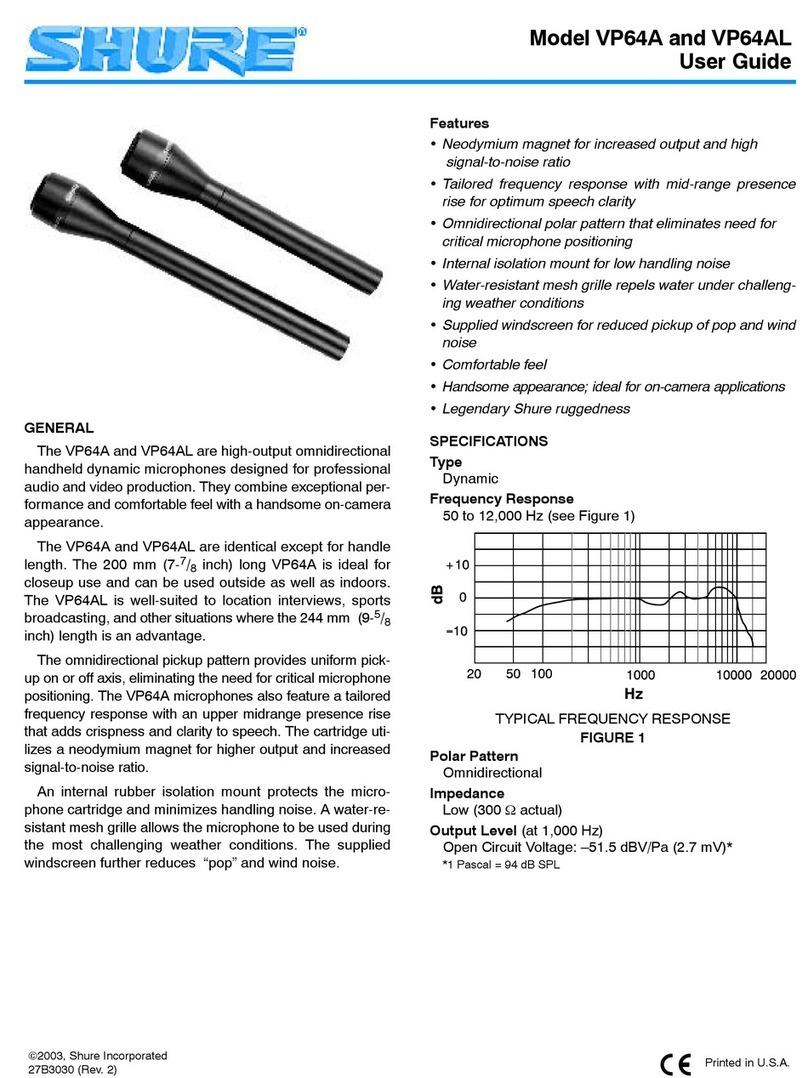
Shure VP64A User manual

Shure

Shure VP64A User manual

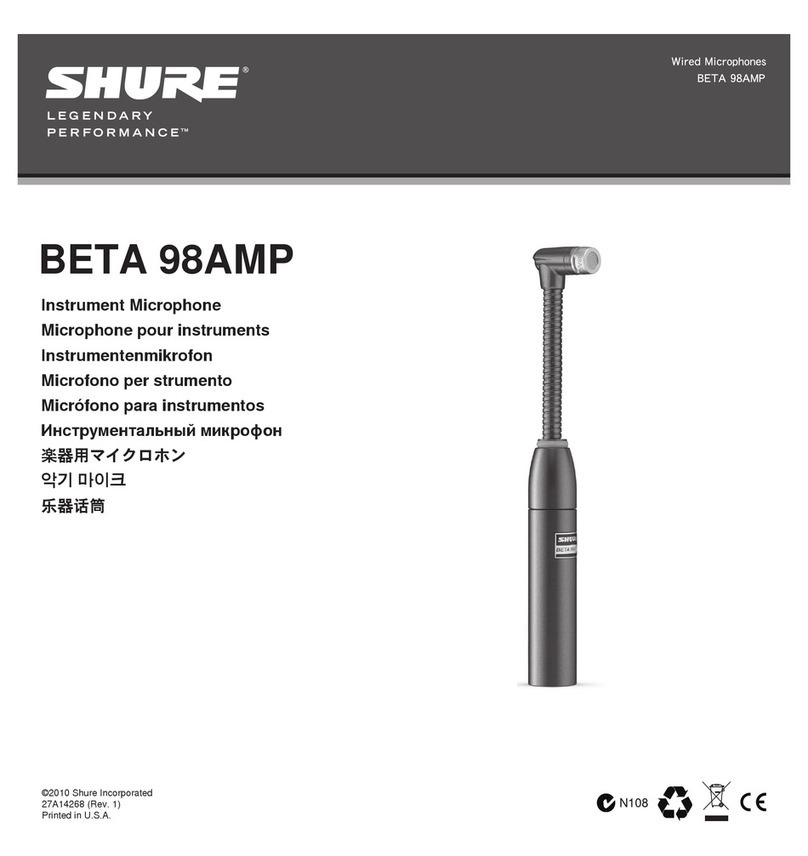
Shure BETA 98AMP User manual

Shure

Shure BETA 98AMP User manual

Shure VP83 User manual

Shure

Shure VP83 User manual

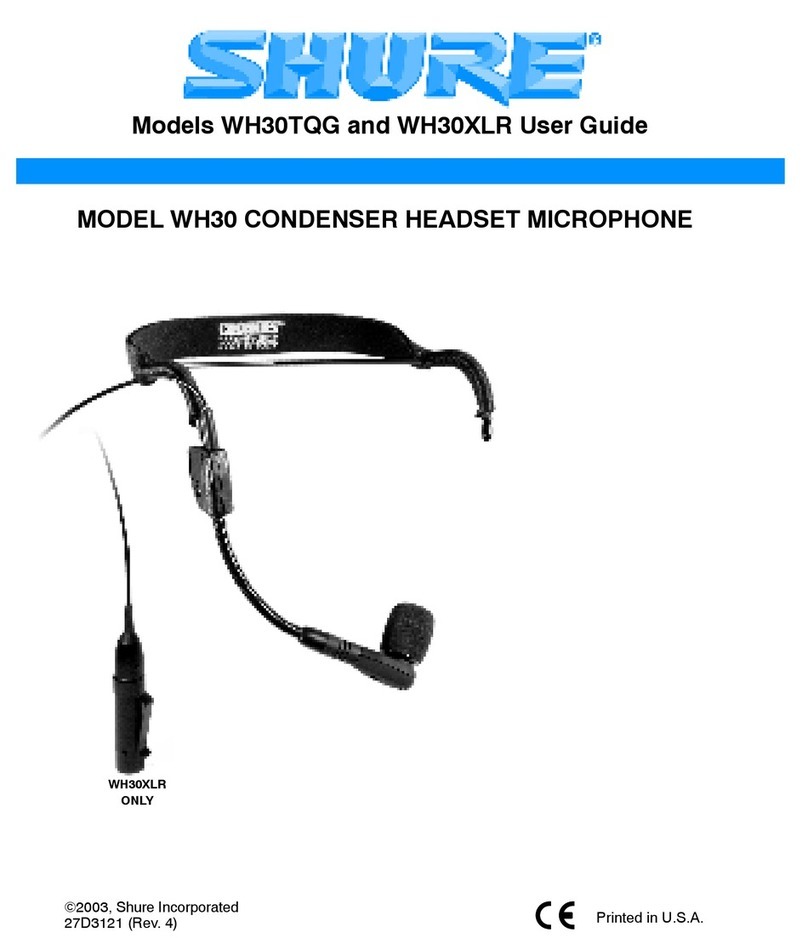
Shure WH30XLR User manual

Shure

Shure WH30XLR User manual

Shure 550T User manual

Shure

Shure 550T User manual

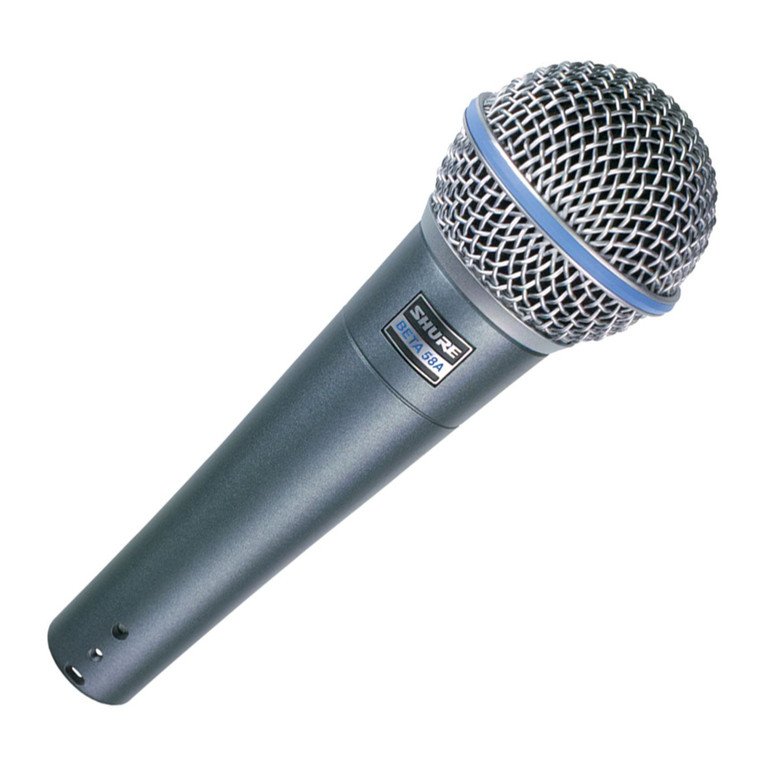
Shure BETA58A User manual

Shure

Shure BETA58A User manual

Shure MV5 User manual

Shure

Shure MV5 User manual

Shure microphone system User manual

Shure

Shure microphone system User manual

Shure KSM9HS User manual

Shure

Shure KSM9HS User manual

Shure Unidyne B 515BG User manual

Shure

Shure Unidyne B 515BG User manual

Shure SM48 User manual

Shure

Shure SM48 User manual

Shure Microflex MX395 User manual

Shure

Shure Microflex MX395 User manual

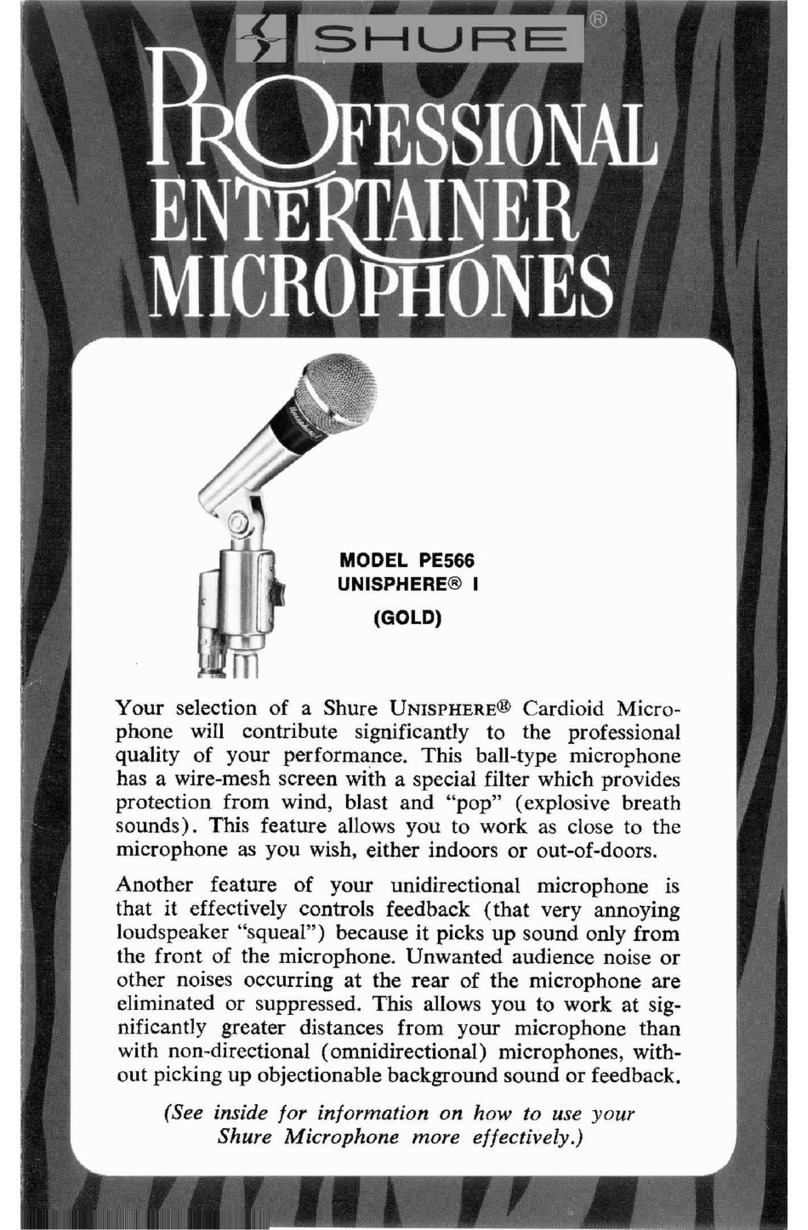
Shure Unisphere I PE566 User manual

Shure

Shure Unisphere I PE566 User manual

Shure ROSWELLITE KSM313 User manual

Shure

Shure ROSWELLITE KSM313 User manual

Shure ROSWELLITE KSM313 User manual

Shure

Shure ROSWELLITE KSM313 User manual

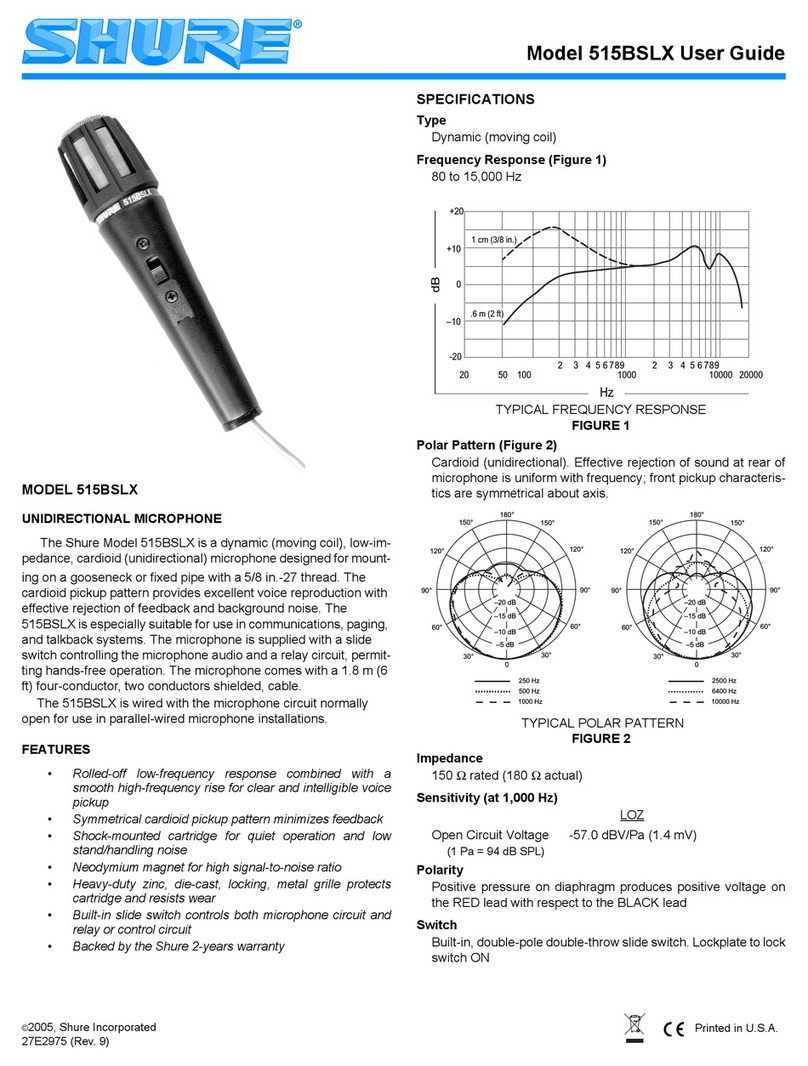
Shure 515BSLX User manual

Shure

Shure 515BSLX User manual

Shure R98B User manual

Shure

Shure R98B User manual

Shure PE15H-LC User manual

Shure

Shure PE15H-LC User manual

Shure ALTA PGA181-XLR User manual

Shure

Shure ALTA PGA181-XLR User manual

Shure 545D User manual

Shure

Shure 545D User manual

Shure PEISL-SP User manual

Shure

Shure PEISL-SP User manual

Popular Microphone manuals by other brands

IK Multimedia iRig Stream MIC PRO user manual

IK Multimedia

IK Multimedia iRig Stream MIC PRO user manual

DAPAudio RM-101 user manual

DAPAudio

DAPAudio RM-101 user manual

AKG CHM 21 User instructions

AKG

AKG CHM 21 User instructions

Sennheiser evolution wireless series EM 100 instruction manual

Sennheiser

Sennheiser evolution wireless series EM 100 instruction manual

Sony C-48 operating instructions

Sony

Sony C-48 operating instructions

GIGAMEDIA GGM PAMICUHFG user manual

GIGAMEDIA

GIGAMEDIA GGM PAMICUHFG user manual

auna PRO MIC-900 manual

auna PRO

auna PRO MIC-900 manual

AKG D 3800 User instructions

AKG

AKG D 3800 User instructions

MAIIN SOUND IIN style instruction manual

MAIIN SOUND

MAIIN SOUND IIN style instruction manual

Earthworks TC25 user manual

Earthworks

Earthworks TC25 user manual

Alesis MicLink Wireless user guide

Alesis

Alesis MicLink Wireless user guide

DSPPA D6234 manual

DSPPA

DSPPA D6234 manual

Monacor IMG STAGELINE ECM-300B manual

Monacor

Monacor IMG STAGELINE ECM-300B manual

Ansr Audio Scan16 user manual

Ansr Audio

Ansr Audio Scan16 user manual

Sennheiser evolution D1 user manual

Sennheiser

Sennheiser evolution D1 user manual

JLab GO TALK manual

JLab

JLab GO TALK manual

Renkforce TY-109 operating instructions

Renkforce

Renkforce TY-109 operating instructions

Trust 31008 Quick installation guide

Trust

Trust 31008 Quick installation guide

manuals.online logo
manuals.online logoBrands
  • About & Mission
  • Contact us
  • Privacy Policy
  • Terms and Conditions

Copyright 2025 Manuals.Online. All Rights Reserved.

~)E~
PE56.5
S
L’KC
I
FIC
AT1
Type
:
Dynamic,
C’ardioid
(Unidirectional).
Frequency
Respome
:
50
to
15,000
H7 (cps).
Impedance: High.
Output Level:
55
db
(
1.76
niv) below
1
volt
per niicr
o-
bar.
Shock Mount: Internal Vihration-Isoldtion unit
of
rub-
ber construction
Chrome-plated, die-c‘ist
md
steel mesh
grille.
(’ase
:
Net Weight:
10%.
ounces
(298
grams).
C
hie:
Model
C5-4,
20-foot
(6
1
m)
one-
conductor, shielded, with connector and
\tandard phone plug attached.
Swivel Adapter: Model
A25B
positive action to
fit
%‘‘-21
stand thread.
GUARANTEE: Each microphone
is
guaranteed
to
be
free from electrical and mechanical defects
for
a
period
of
one year trom date
ot
shipment from factory, provided
all
Instructions are complied with fully. In case
of
damage,
return
the microphone to the factory for
repairs
Our
e
is
voided
if
the microphone
IS
subjected to xci-
tl-ure
or
if
the
cdse
15
opened.
222 Hartrey Avenue
Evanston, Illinois 60204
USA
Copyright
1966
Shure
Brothers,
liic
27A383
(3-66)
Printed
in
U
8
A
U
5
Patent
3,132,713
Your
selection
of
a Shure Unisphere
contribute significantly to
the
p
performance. This ball-type mi
screen with
a
special filter whic
wind, blast and “pop” (explosive breath sounds).
Thi\
feature allows you
to
work as close to the microphone
a5
you wish, either
indoors
or
out-of-doors.
Another
feature of your unidirectiona~ micr[~phone
15
that
it
effectively controls feedback
(that
very annoying
loudrpeaker “rqueal”) because
it
picks up
round
only
from
the front
of
the
~icrophone.
Unwanted audience noise
or
other
nokes
occurring at rear
of
the microphone are
eliminated
or
wppressed
T
allows
you
to
work
at
sig-
~ii~ean~lygreater distances
from
your
niicro
with
n~~n-d~rectional
(oninid
tional)
~i~icr~~phoner,
with-
out picking up ~~b~estIo~ia1b ground round
or
See~bask
is “feedback.” This is a harsh, shrill squeal which occurs
when the microphone picks up sound from the loudspeak-
ers, re-amplifies and rebroadcasts it over and over again.
But take heart, you have already taken the best possible
step to defeat feedback by selecting
a
Shure Unisphere
Microphone. The unidirectional (frontal pickup) charac-
teristics
of
the microphone are valuable in rejecting the
sound from the loudspeakers
so
that feedback does not
occur.
Another factor to remember in the prevention
of
feedback
is the position
ot
the loudspeakers in relation to the micro-
phone. Even with a Unisphere Microphone, feedback can
occur if the front (live) end of the microphone picks up
sufficient sound coming
t
rom loudspeakers. Keep the
loudspeakers
as
far to the sides as possible-and
so
they
do
not point toward the front
of
the microphone.
Wheri-
ever possible, it
is
good practice to keep the microphone
between the performer and the loiid\peakers.
If you are in a room with hard walls,
floor,
and ceiling,
the sound from the loudspeakers may bounce back into

the microphone and create feedback. Solve this problem by

turning down the amplifier volume control and working
closer to the microphone.
microphone technique will add to the over-all effectiveness
with which you project yourself
to
your audience. Keep
owing points in mind when using the microphone:
ntain the proper distance from the microphone.
en you wish to achieve an intimate tonal quality,
get closer to the microphone and lower your voice.
For
wide-open “driving” effects, raise your voice and
back away from the microphone
so
that you do not
your distance from the micro-
ct the
level
of
sound coming
erdrive your amplifier
to
distortion.
3.
Consider the microphone as an instrument and prac-
tice your technique to enhance your performance.
USING MORE THAN ONE MIC
It will often be desirable
for a
group
to use
a
separate
microphone for each individual performer.
In
this case,
the following points should he remembered.
1.
It is best if the microphones are individually controlled
at the amplifier for volume,
or
through
a
separate
microphone mixer.
If
this is not possible,
it
is desirable
that each performer
use
the saine type and model
of
inicrophone
so
that the performance
of
the group as
a
whole
will
he “balanced.”
2.
Check the placement of the microphones with relation
to loudspeakers (as mentioned before)
so
that feed-
back is minimized.
Your Shure Microphone
is
ruggedly built and should give
you years
of
uninterrupted service; however, remember
that it is
a
sensitive electronic instrument. Avoid dropping
the unit,
or
subjecting it to unnecessary rough treatment
Normal usage, of course, will not impair performance
of
the unit. Use the protective carrying case to prevent dam-
age not only when traveling, but also when storing the
microphone.
(~I~~Cr~-LIST
IZ
1.
Check microphone connector-is It plugged into the
high impedance input
of
the mplifier”
2.
Check microphone cable connector\ to niicrophonc
‘tnd
to amplifier-are they tightly plugged in)
3.
Check amplifier.
a.
Is
it turned on‘)
b.
Is
volume control for microphone turned up’
If
microphone still does not appear
to
he
operating
C
hech
microphone on
a
spare ccible.
It
microphone
\till
doe\
not
appear
to
be operating, have unit checked by
your
Shrrie
Professional Entertainer Products
Deder,
or writc Service