7
KH 997
GB
IE
CY
Operation
Preparation
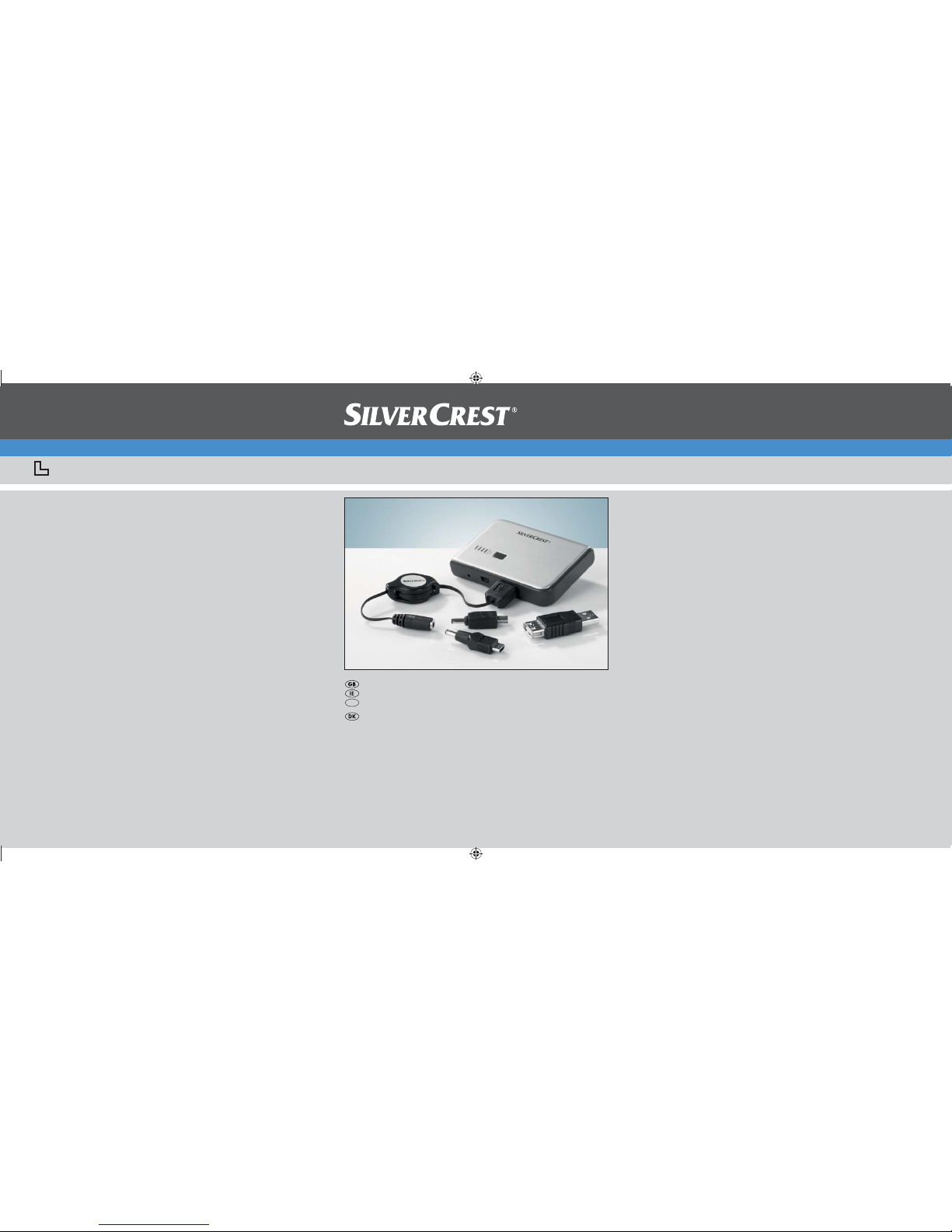
Select the correct mains power plug (o, p, a)for your country
and insert this into the mains power plug unit s. Make sure that the
mains power plug completely locks into place. To release the mains
power plug press on the area marked PRESS and pull the mains
power plug up and away.
Charging the Power Pack with the mains power unit
1. Activate the rechargeable battery test button 2.One to three
of the charging indicator 1LEDs light up and thus shows the
current rechargeable battery status. If all four LEDs light up then
the Power Pack is fully charged.
2. Connect the retractable USB cable uto the mains power plug unit s.
3. Connect the Mini USB plug connection attachment rto the other
end of the retractable USB cable u.
4. Plug the Mini USB plug connection attachment rinto the socket
INPUT DC 5V 4of the Power Pack.
5. Connect the mains power plug unit sto a mains power wall
socket. The mains power wall socket should be easily accessible
so that, in the event of a malfunction, the power plug unit can be
quickly pulled from it. The charging indicator 1LEDs blink one
after the other and thus indicate that the rechargeable battery is
charging. If all of the charging indicator's 1LEDs are constantly
alight then the rechargeable battery is fully charged.
6. Disconnect the Power Pack from the mains power plug unit sand
pull the unit out of the mains power wall socket.
NOTE
You can also charge the Power Pack via the USB output of a► PC/Notebook. For this connect the retractable USB cable u
to the USB output of the PC and plug the Mini USB plug con-
nection attachment r into the INPUT DC 5V 4socket of the
Power Pack. The charging process could take longer due to the
reduced current output.