- 4 -
Toasting
Attention:
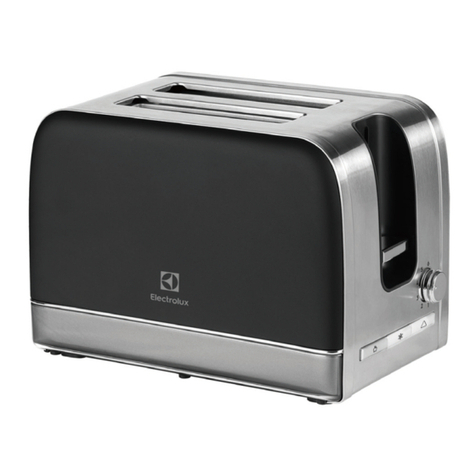
When the appliance is in operation, do NOT cover
the toasting slots 2. There would be a risk of fire!
The appliance could be irreparably damaged!
• After setting the desired browning level, place
the bread into the toasting slots 2.
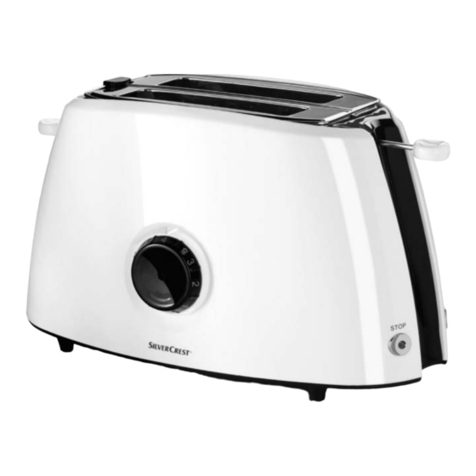
• Press the operating button 3downwards. The
control lamp in the stop button 5glows. The
automatic bread aligner centres the inserted
bread into the toasting slots 2.
When the desired level of browning has been
reached the toaster switches itself off automatically
and the slices are ejected to the top.
This appliance has a lifting function, which ma-
kes it easier and safer for you to take the hot sli-
ces of toast from the toasting slots 2. For this,
slide the operating button 3upwards.
Interrupting the toasting
process
If you wish to interrupt the toasting process, press
the STOP button 5. The toaster switches itself off.
The control lamp extinguishes. The slices of bread
are ejected.
Warming function
The warming function 7makes it possible for you
to warm bread without browning it. For example,
toast that has gone cold. The bread is only briefly
warmed.
• Insert the bread and press the operator button 3
down.
• Activate the button for the warming function 7.
The control lamp integrated into the button for
the warming function 7glows.
• The toaster switches itself off automatically, the
control lamp extinguishes and the bread slices
are ejected.
Thaw function
Through activation of the thaw function 6frozen
bread can also be thawed. With this, the toaster
slowly warms the bread.
• Place the toasting dial 4at setting 1.
• Insert the bread and press the operator button 3
down.
• Activate the button for the thaw function 6.
The control lamp integrated into the button for
the defrosting function 6glows.
• The toaster switches itself off automatically, the control
lamp extinguishes and the bread slices are ejected.
If you set the browning control 4to a higher
level than 1, it could happen that the bread be-
comes slightly browned.
Crumb tray
When toasting, crumbs that fall from the bread are
collected in the crumb tray 8. To empty the crumb
tray, simply pull it 8out to the side.
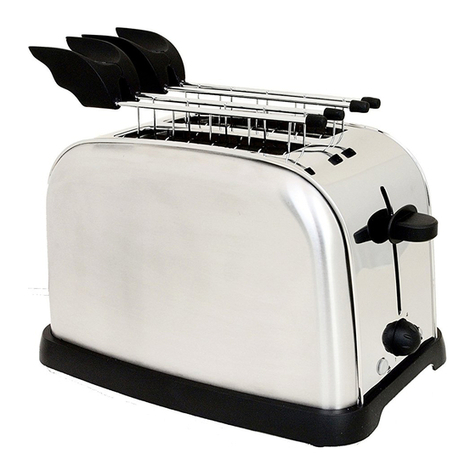
Bread roll holder
• NEVER lay bread rolls directly onto the toaster,
ALWAYS use the bread roll holder 1.
• Press the button for the bread roll holder 9
down. The bread roll holder 1elevates itself.
• Lay the bread rolls on it and start the toasting
procedure. Position the toasting dial 4at level
4 - 5. To discover the positioning that best meets
your personal preference, try out several set-
tings. Subject to the desired level of browning, or
the type of product to the toasted, the adjustment
of the toasting dial 4is variable.