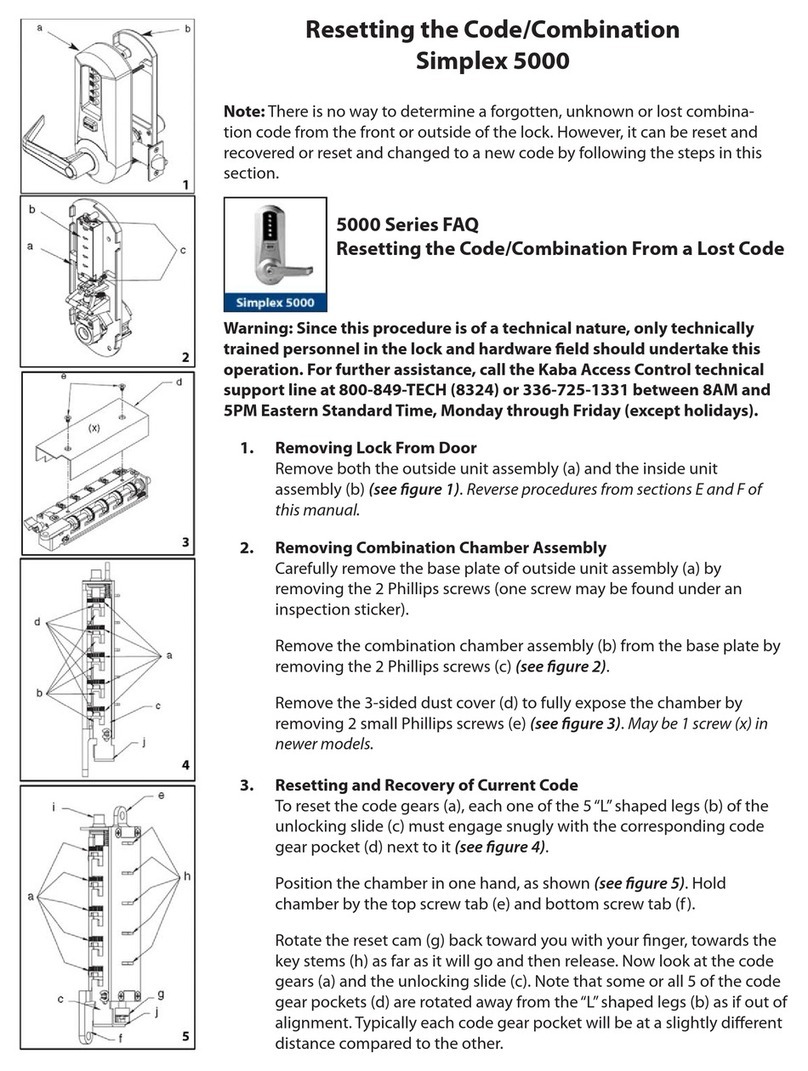
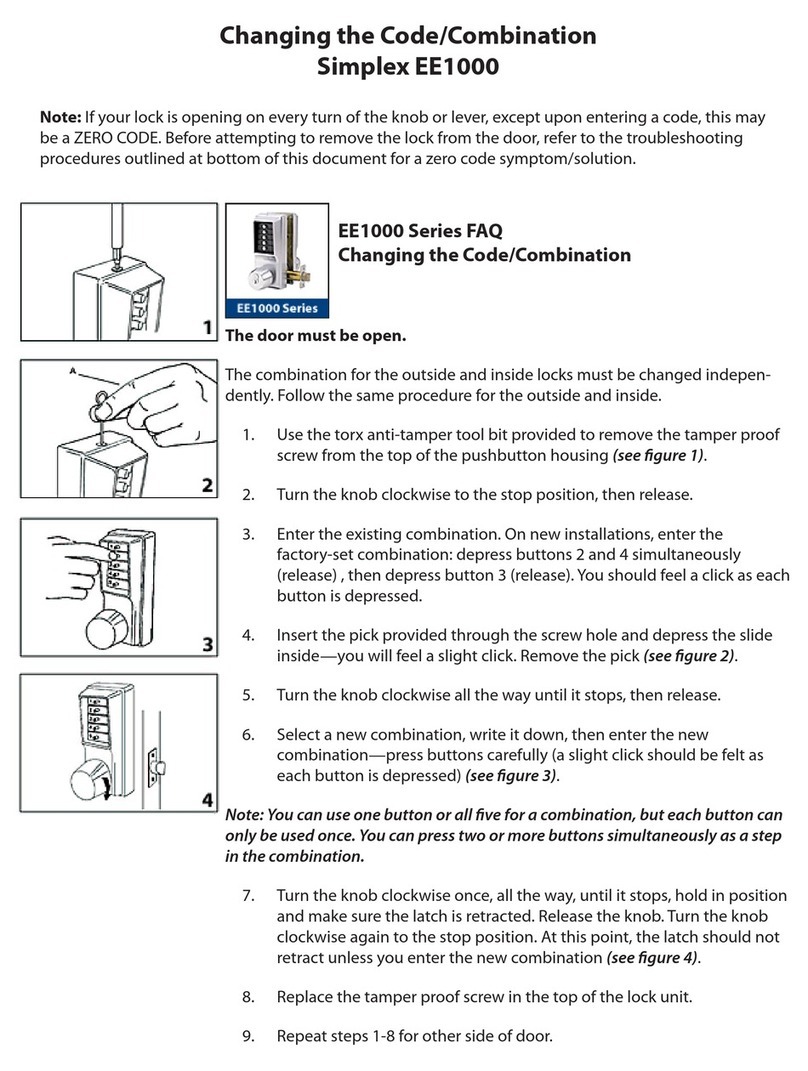
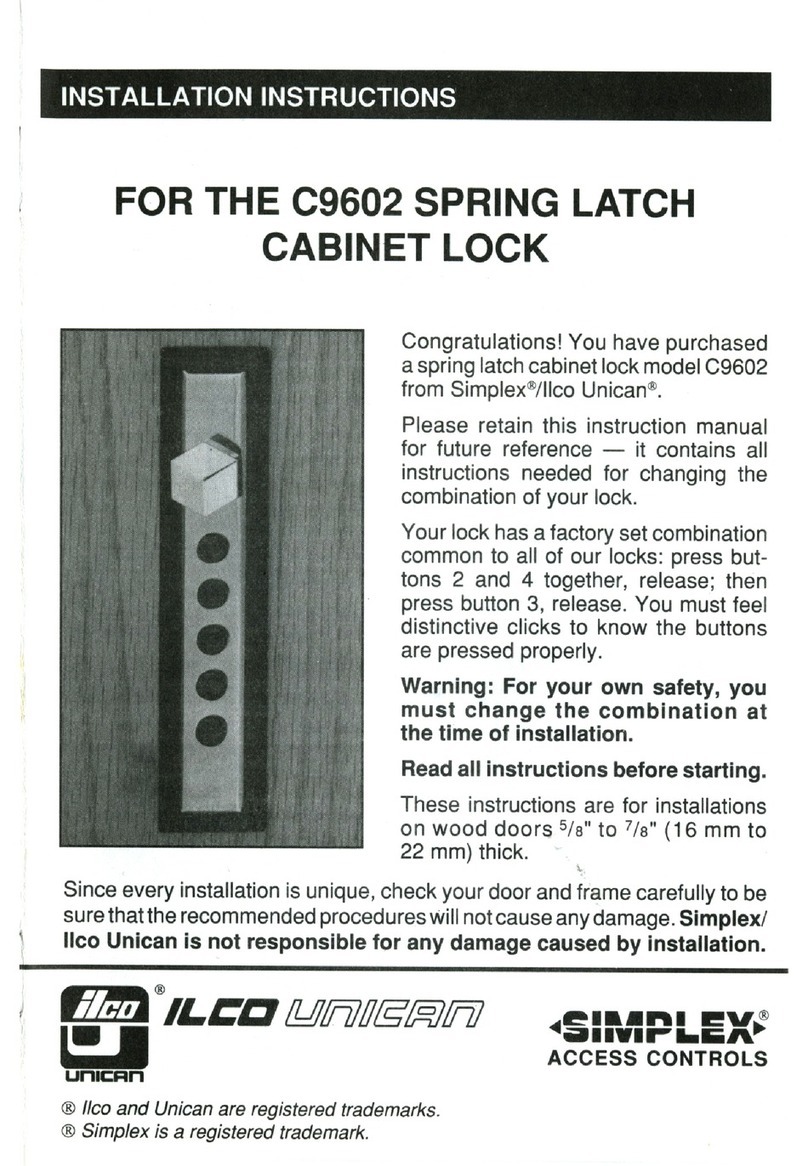
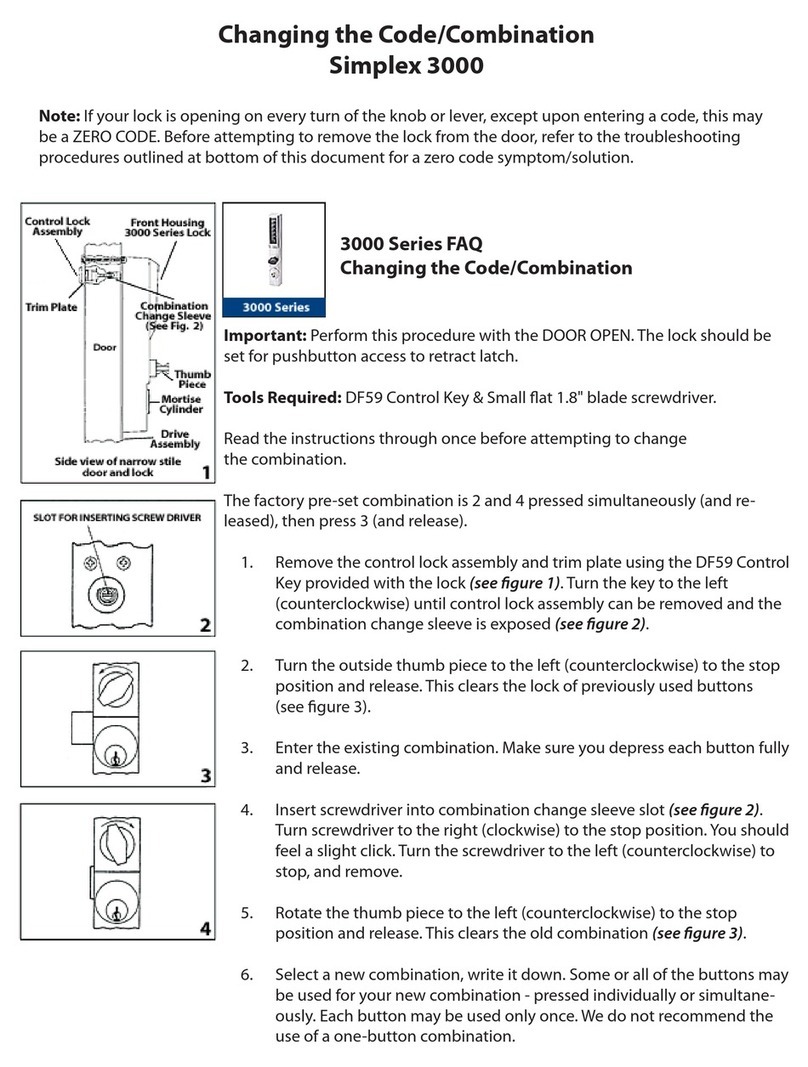
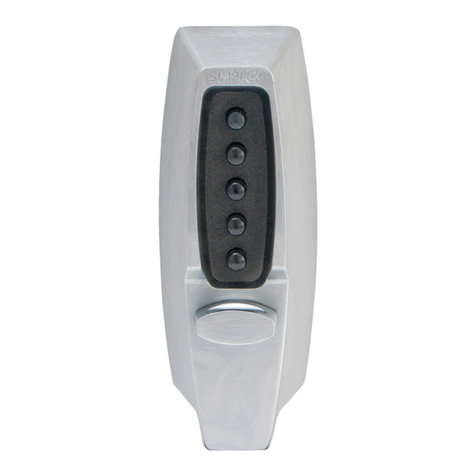
Simplex DL50 User manual

DL50
USER’S MANUAL

SimplexGrinnell
Page 2
For questions about the operation of this door lock, please
contact our Support Hotline at (800) 224-1881 or
(404) 591-3199.
THIS EQUIPMENT COMPLIES WITH FCC CLASS-A REQUIREMENTS
PURSUANT SUBPART J OF PART-15
This device complies with Part 15 of the FCC Rules. Operation is subject to the following two conditions: (1)
this device may not cause harmful interference, and (2) this device must accept any interference received,
including interference that may cause undesired operation.
WARNING: Changes or modifications to this product not expressly approved by the party responsible for
compliance could void the user’s authority to operate this equipment.
NOTE: This equipment has been tested and found to comply with the limits for a Class A digital device,
pursuant to Part 15 of the FCC Rules. These limits are designed to provide reasonable protection against
harmful interference in a business installation. This equipment generates, uses, and can radiate radio
frequency energy and, if not installed and used in accordance with the instructions, may cause harmful
interference to radio communications. However, there is no guarantee that interference will not occur in a
particular installation. If this equipment does cause harmful interference to radio or television reception,
which can be determined by turning the equipment off and on, the user is encouraged to try to correct the
interference by one or more of the following measures:
This Class A digital apparatus complies with Canadian ICES-003.
Simplex DL50
User’s Guide
© 2011 SimplexGrinnell LP. All rights reserved.
SimplexGrinnell is continually improving its products; specifications are subject to
change without notice. SimplexGrinnell, Simplex and Be Safe are trademarks of
Tyco International Services AG or its affiliates. License numbers available at
www.simplexgrinnell.com or contact your local SimplexGrinnell office.
MC109-151-619
Rev 1/2011


DL50 User’s Manual
Page 3
IMPORTANT! Please Read First:
The DL50 is designed for INTERIOR use only.
The DL50 is not reversible from Right hand to Left hand or vice-
versa. Note: When facing the door from exterior, if hinges are on
the right, you need a right hand DL50.
Attempting to reverse the handle will void the warranty.
There are 2 backup keys included for emergency purposes.
SimplexGrinnell does not manufacture or stock extra keys.
Make sure your door is between 1 3/8” – 2 1/8” thick.
Lock requires 4 AA (1.5 volt) alkaline batteries not included.

SimplexGrinnell
Page 4
Introduction
The DL50 is a keyless proximity door lock that fits most standard
doors. Simply replace your existing cylindrical style door handle
with the DL50 for an economical access control system for your
business or home. The locks provide stand alone operation and
do not require the use of a computer or any external device for
programming. They are powered by standard alkaline batteries
eliminating the need for wiring. The DL50 uses radio frequency
technology to instantly identify proximity badges and key fobs.
No transaction history is retained.
DL50 Features
User-installable access control
120 user capacity per lock
Operates for 1 year or 4,000 activations on batteries
Heavy duty all metal construction
Lighted display & audio alerts for badge authorization
Stand-alone operation - no computer required
One year warranty
Installation
Please refer to the separate Quick Start Guide enclosed with the
lock for basic installation instructions. More detailed installation
instructions, including the preparation of new doors, are
contained in the back of this User’s Guide.

DL50 User’s Manual
Page 5
Using the DL50
When a badge or key fob is placed over the reader window of
the DL50, it instantly reads its unique encoded ID number and
verifies that it has been authorized to open the door. The DL50
comes with five preprogrammed badges which can be used
immediately following installation with no additional setup
required.
Reader
Window
Handle
Keyhole
Cover

SimplexGrinnell
Page 6
Good Badge
If the badge or key fob has been programmed into to the lock,
the DL50 flashes a blue light, sounds a positive tone, and
engages the door handle to allow access. The default unlock
window to open the door is 5 seconds, but this can be
customized for each lock to 3 or 10 seconds (see Customizing
Unlock Window).
Bad Badge
If a badge or key fob has not been programmed into the lock, the
DL50 will flash a red light and a sound a negative tone. The
handle will not engage the latch and the door will not open.
Light
Flashes
BLUE
Touch
Badge to
Reader
Window
Press
Handle
Down to
Open Door
Light
Flashes
RED
Handle Will
Not Open
Door

DL50 User’s Manual
Page 7
Badges and Key Fobs
The DL50 supports the use of SimplexGrinnell proximity ID
badges (included with lock) or optional SimplexGrinnell proximity
key fobs that users can simply attach to their key chains. The
use of badges or key fobs is an individual user preference, and
they can be used interchangeably on any lock.
A badge or key fob can be programmed to be one of two distinct
types of users of the DL50: Master or User
Master Badges
The Master not only allows access through the door, but also
provides additional administrative rights to the holder so they can
add and remove users as needed. The DL50 supports up to two
(2) Master badges or key fobs. Each Master can add up to 59
individual Users. Therefore, the DL50 supports up to 120 total
authorized users including the two Masters. The DL50 comes
with one preprogrammed Master badge, which is identified by
the global key sticker located in the lower left corner of one of the
badges. This Master badge can begin accessing the lock and
adding or removing users as needed without any additional
programming (see Adding a Master).
Master
Badge
Sticker

SimplexGrinnell
Page 8
User Badges
A User badge or key fob allows access through the door. User
badges or key fobs are added by a Master badge. There can be
up to 59 User badges assigned to each Master card. The DL50
comes with four (4) preprogrammed User badges. These
badges do not have the global key sticker like the Master badge.
These User badges can begin accessing the lock immediately
with no additional programming needed.

DL50 User’s Manual
Page 9
Backup Keys
The keys enclosed with your DL50 are for backup purposes in
the event of badge loss or battery failure only. Keep your keys in
a protected and easy-to-remember location. SimplexGrinnell
does not manufacture or stock extra keys. You are responsible
for their safekeeping.
1. The keyhole cover is attached using a high-powered magnet.
Your backup keys also have a smaller magnet embedded on
one side to assist in removing the keyhole cover. Or, you
can use your fingernail to pry open the cover.
2. After removing keyhole cover, place key in keyhole with
arrow and notch pointing up to align with dot above keyhole.
3. Insert key and turn to the right until key stops.
4. While key is turned, push handle down to open door.

SimplexGrinnell
Page 10
Adding a Master Badge
Remove the interior handle from over the battery compartment.
Press the Program Button four times, one right after another.
The blue light will appear and you will hear a long beep.
Program
Button
Press
and
Release
4 Times
Light
Turns
BLUE
Table of contents
Other Simplex Lock manuals

Simplex
Simplex 7100 User manual

Simplex
Simplex 2015 Series User manual

Simplex
Simplex 5000 Series User manual

Simplex
Simplex 3000 Series Installation guide

Simplex
Simplex ILCO Unican C9602 User manual

Simplex
Simplex 9600 Series Installation guide

Simplex
Simplex EE1000 Series User manual

Simplex
Simplex 900 Series User manual