manuals.online logo
Brands
  1. Home
  2. •
  3. Brands
  4. •
  5. Sirius Satellite Radio
  6. •
  7. Automobile Accessories
  8. •
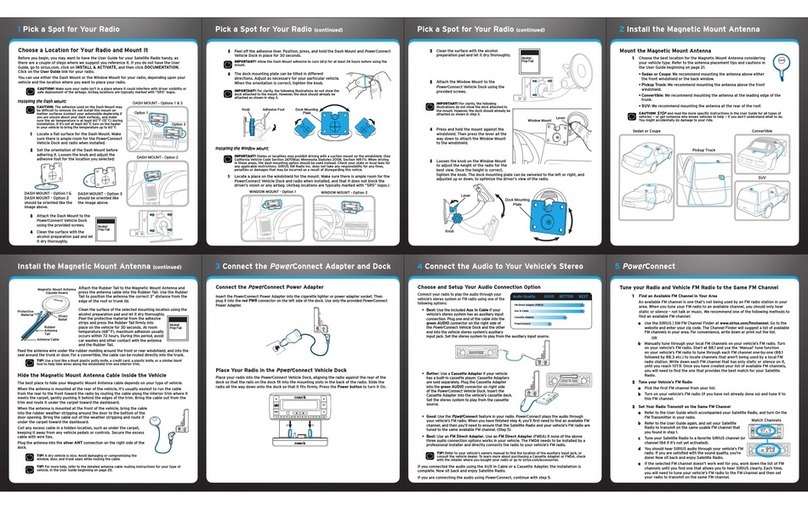
  9. Sirius Satellite Radio SL2GSGV100107 User manual

Sirius Satellite Radio SL2GSGV100107 User manual

Other Sirius Satellite Radio Automobile Accessories manuals

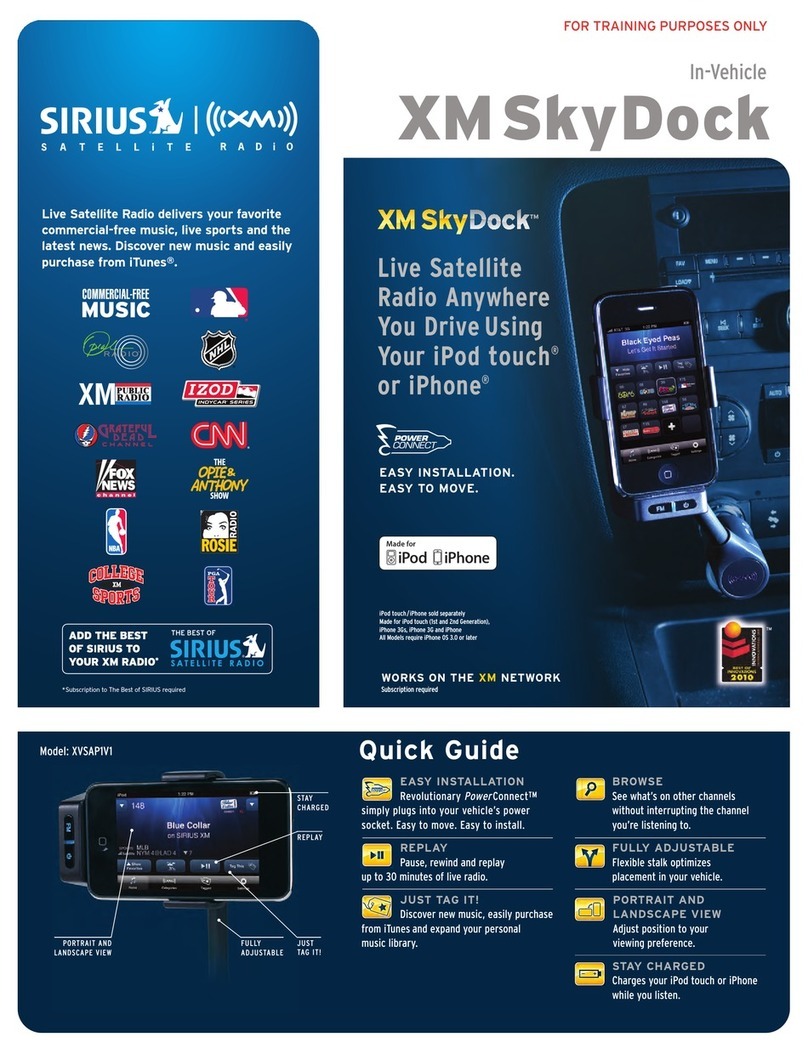
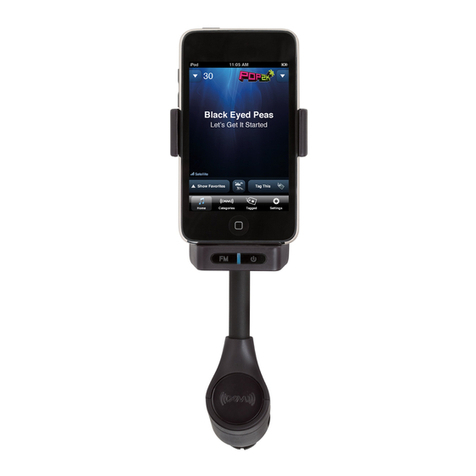
Sirius Satellite Radio XM Sky Dock XVSAP1V1 User manual

Sirius Satellite Radio

Sirius Satellite Radio XM Sky Dock XVSAP1V1 User manual

Sirius Satellite Radio PowerConnect XMP3I User manual

Sirius Satellite Radio

Sirius Satellite Radio PowerConnect XMP3I User manual

Sirius Satellite Radio S50 User manual

Sirius Satellite Radio

Sirius Satellite Radio S50 User manual

Sirius Satellite Radio Starmate Replay STV2 User manual

Sirius Satellite Radio

Sirius Satellite Radio Starmate Replay STV2 User manual

Sirius Satellite Radio PowerConnect User manual

Sirius Satellite Radio

Sirius Satellite Radio PowerConnect User manual

Sirius Satellite Radio XM Sky Dock XVSAP1V1 User manual

Sirius Satellite Radio

Sirius Satellite Radio XM Sky Dock XVSAP1V1 User manual

Sirius Satellite Radio Stiletto Stiletto Vechicle Kit Satellite... User manual

Sirius Satellite Radio

Sirius Satellite Radio Stiletto Stiletto Vechicle Kit Satellite... User manual

Sirius Satellite Radio PowerConnect XMP3IVKUG0210 User manual

Sirius Satellite Radio

Sirius Satellite Radio PowerConnect XMP3IVKUG0210 User manual

Sirius Satellite Radio XM SkyDock User manual

Sirius Satellite Radio

Sirius Satellite Radio XM SkyDock User manual

Sirius Satellite Radio Streamer GTR User manual

Sirius Satellite Radio

Sirius Satellite Radio Streamer GTR User manual

Popular Automobile Accessories manuals by other brands

James Baroud Odyssey user guide

James Baroud

James Baroud Odyssey user guide

Motorola i50sx owner's manual

Motorola

Motorola i50sx owner's manual

Yakima 9MM STANDARD BIKE MOUNT instructions

Yakima

Yakima 9MM STANDARD BIKE MOUNT instructions

Feniex T3 instruction manual

Feniex

Feniex T3 instruction manual

Kia E8300-4D000 manual

Kia

Kia E8300-4D000 manual

Brink 756843 installation instructions

Brink

Brink 756843 installation instructions

Whispbar K085W Fitting instructions

Whispbar

Whispbar K085W Fitting instructions

v.link CI-VL2-PC-HSD manual

v.link

v.link CI-VL2-PC-HSD manual

Viking Stack-Rack Assembly and use instructions

Viking

Viking Stack-Rack Assembly and use instructions

Aries 203015 installation manual

Aries

Aries 203015 installation manual

Choetech AT0005 user manual

Choetech

Choetech AT0005 user manual

ZZ2 ZZAIR-PRO instruction manual

ZZ2

ZZ2 ZZAIR-PRO instruction manual

Holman 4A80L installation guide

Holman

Holman 4A80L installation guide

Thule 2075 parts manual

Thule

Thule 2075 parts manual

Motorola T325 quick start guide

Motorola

Motorola T325 quick start guide

TAUBENREUTHER 16-3950 FITTING INSTRUCTION

TAUBENREUTHER

TAUBENREUTHER 16-3950 FITTING INSTRUCTION

DV8 FBJL-02 Product installation manual

DV8

DV8 FBJL-02 Product installation manual

Prorack K1163 manual

Prorack

Prorack K1163 manual

manuals.online logo
manuals.online logoBrands
  • About & Mission
  • Contact us
  • Privacy Policy
  • Terms and Conditions

Copyright 2025 Manuals.Online. All Rights Reserved.

Getting Started SL2 (SL2GSGV100107)
00.ABCD1.001

SIRIUS Satellite Radio Inc.
1221 Avenue of the Americas
New York, NY 10020
888.539.SIRIUS(7474)
























Getting Started
Thanks for giving your Stiletto 2 a good home.
You’re probably anxious to get started.
Before you decide to install this kit yourself,
we’d like to suggest getting a pro to help. We
want you to be 100% satised with your satellite
radio experience. Just visit your local retailer for
installation, or visitsirius.com to learn more.
Here’s a simple guide for those who prefer doing
this kind of stuff themselves. For more detailed
info, check out your User Guide or click the
“INSTALL + ACTIVATE“ link on our homepage.



 
 
 
 
 
 
 
 
 
 
 



























A. Attach the mount
to vehicle dock.



B. Attach to dash.












Refer to page 17 in the
User Guide if you prefer
more detailed instructions.
optionsdisplay
backhome
1 2 3 4 5
6
fmtune preset
jump
789 0
Radio mount placement options for air vent

optionsdisplay
backhome
12345
6
fm tunepreset
jump
78 9 0




BE SAFE:
Make sure your radio
isn’t in a place where
it could interfere
with driver visibility
or safe deployment
of the airbags.
BE SMART:
Additional vehicle
installation accessories
are available at your
satellite radio retailer
or visit 

 for
more information.



Here are some general
guidelines. For more tips
and details, check out
your User Guide or go to

A. Placing the antenna
outside.











B. Hiding the antenna
wire inside.
























12 3 4 5
6
fm tune presetjump
78 9 0

12 3 4 5
6
fm tune presetjump
78 9 0
BE CAREFUL:
STOP and read
the more detailed
instructions —
or get a pro to
help if you don’t
understand what to
do next. You might
accidentally do
damage to your ride.
BE SAFE:
Not properly placing
or installing the
antenna can create
safety hazards
during an accident.
BE SMART:
A dry car is nice.
Avoid damaging
or compromising
the window and
trunk seals.
BE SMART:
Use a tool like a
blunt plastic putty
knife to help hide
wires along the trim.
Antenna placement options
for other vehicles.
PICKUP TRUCK
Above front windshield,
on the roof toward front
of cab. Centered between
right and left sides.
CONVERTIBLE
On trunk lid, at
least 3” from seam.
Centered between
right and left sides.



Audio Quality GOOD BETTER BEST
A. Wireless FM
B. Cassette Adapter
C. Auxiliary Input
BE SMART:
Other options–
like a direct
FM connection
or rear Auxiliary
Input – may
give you better
audio quality, but
may require pro
installation.
1 2 3 4 5
6
fm tune presetjump
7 8 9 0

1 2 3 4 5
6
fm tune presetjump
7 8 9 0
First, power up.



OPTION A Wireless FM













OPTION B Cassette Adapter

OPTION C
Input Jack (Aux / Line In)



Test your radio and get its ID.




Activate your radio.










A. Positioning FEA inside.




B. Cleaning the suction cup area.



C. Attaching the FEA.




D. Connecting to the vehicle dock.


E. Hiding the wires.



OPTION A Wireless FM
BE SMART:
Because of the various
FM antennas found
in vehicles and their
numerous locations,
SIRIUS suggests pro-
fessional installation of
this item. Consult your
User Guide for more info.
BE CAREFUL:
Test mount your FEA
rst using the suction
cup mounts provided.
Once a good location has
been found, permanently
adhere the FEA using the
adhesive mounts.
BE SMART:
Clean the area where
the suction cups will
be mounted with the
supplied alcohol swab.
BE SAFE:
In some states it may
not be legal to put
the FEA on the front
windshield glass. In
these cases, the FEA
should be mounted on
the A-Pillar adjacent
to the FM antenna.
BE SMART:
Be sure FEA is as
close to FM antenna
as possible.






FM Antenna options for other vehicles.




 



 
SIRIUS ID
XXX ############
1 2 3 4 5
6
fm tune presetjump
7 8 9 0