manuals.online logo
Brands
  1. Home
  2. •
  3. Brands
  4. •
  5. SMART-AVI
  6. •
  7. Media Converter
  8. •
  9. SMART-AVI AVS4P User manual

SMART-AVI AVS4P User manual

Other SMART-AVI Media Converter manuals
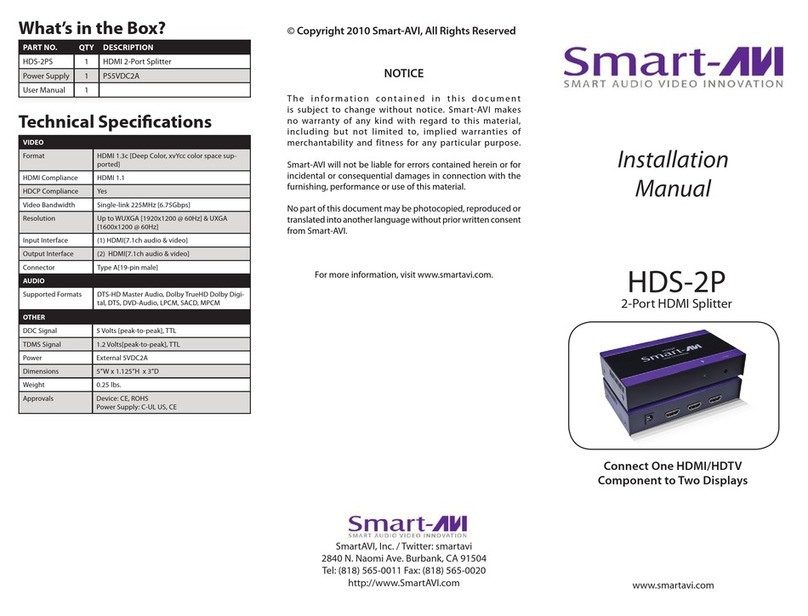
SMART-AVI HDS-2PS User manual

SMART-AVI

SMART-AVI HDS-2PS User manual

SMART-AVI EZWALL-pro 3x3 v3 User manual

SMART-AVI

SMART-AVI EZWALL-pro 3x3 v3 User manual

SMART-AVI EZWall-Pro V2 User manual

SMART-AVI

SMART-AVI EZWall-Pro V2 User manual

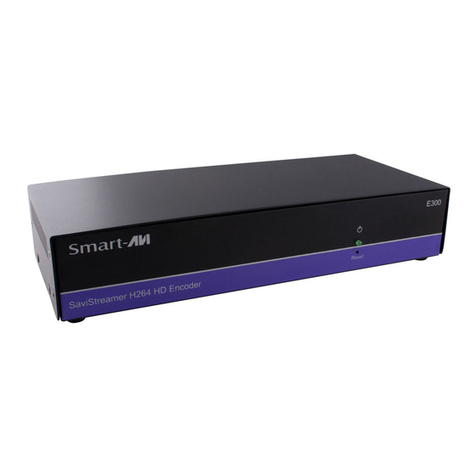
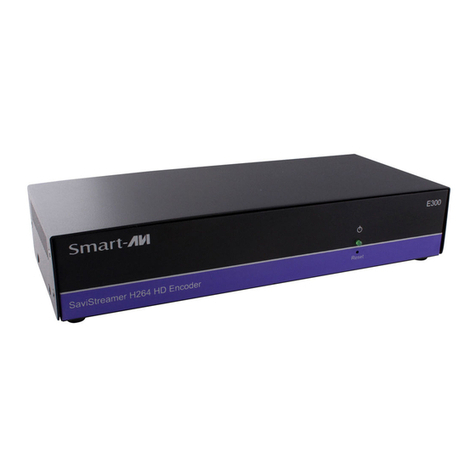
SMART-AVI SaviStreamer E300 User manual

SMART-AVI

SMART-AVI SaviStreamer E300 User manual

SMART-AVI V2V Series User manual

SMART-AVI

SMART-AVI V2V Series User manual

SMART-AVI SaviStreamer E300 User manual

SMART-AVI

SMART-AVI SaviStreamer E300 User manual

SMART-AVI UUX-PLUS User manual

SMART-AVI

SMART-AVI UUX-PLUS User manual

SMART-AVI SMCYPB2VGA User manual

SMART-AVI

SMART-AVI SMCYPB2VGA User manual

SMART-AVI DVS8PS User manual

SMART-AVI

SMART-AVI DVS8PS User manual

SMART-AVI V2V-MPC User manual

SMART-AVI

SMART-AVI V2V-MPC User manual

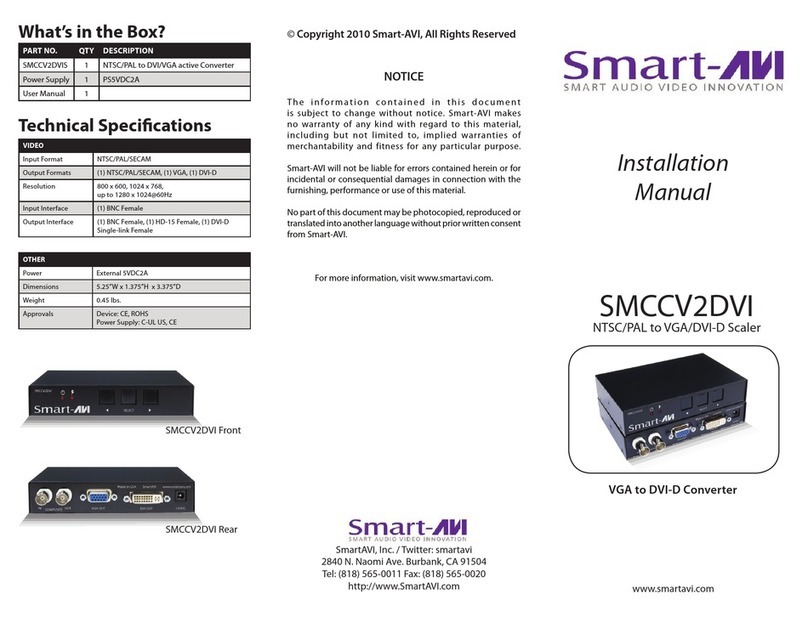
SMART-AVI SMCCV2DVI User manual

SMART-AVI

SMART-AVI SMCCV2DVI User manual

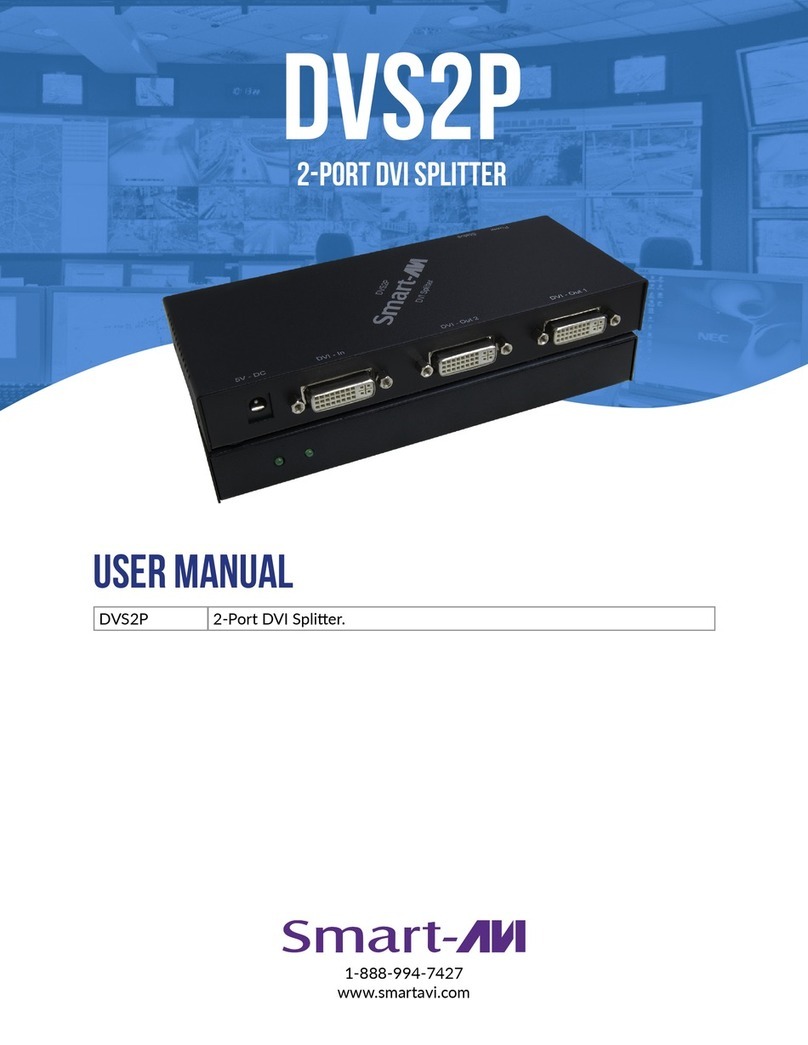
SMART-AVI DVS2P User manual

SMART-AVI

SMART-AVI DVS2P User manual

SMART-AVI V2V-H2V-01 User manual

SMART-AVI

SMART-AVI V2V-H2V-01 User manual

SMART-AVI VS2P User manual

SMART-AVI

SMART-AVI VS2P User manual

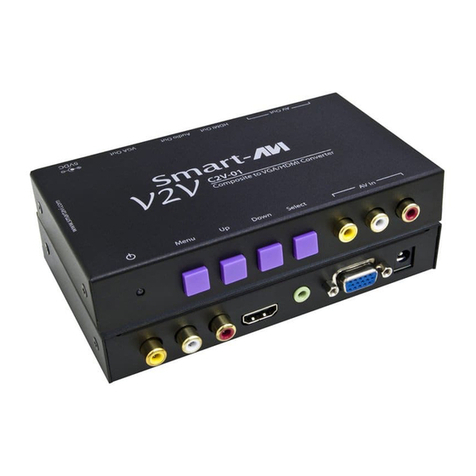
SMART-AVI V2V-C2V01 User manual

SMART-AVI

SMART-AVI V2V-C2V01 User manual

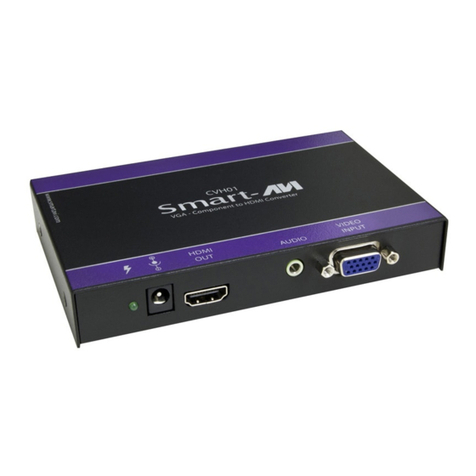
SMART-AVI CVH-01 User manual

SMART-AVI

SMART-AVI CVH-01 User manual
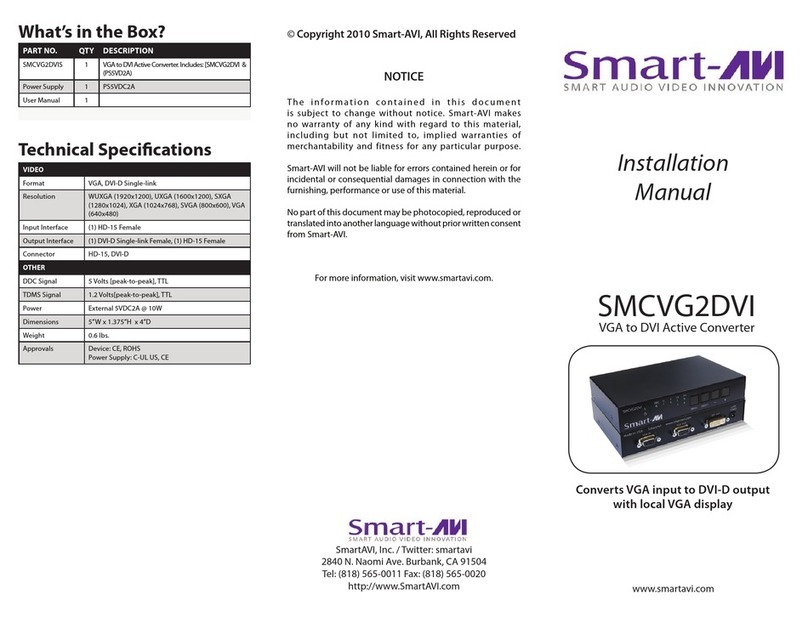
SMART-AVI SMCVG2DVI User manual

SMART-AVI

SMART-AVI SMCVG2DVI User manual

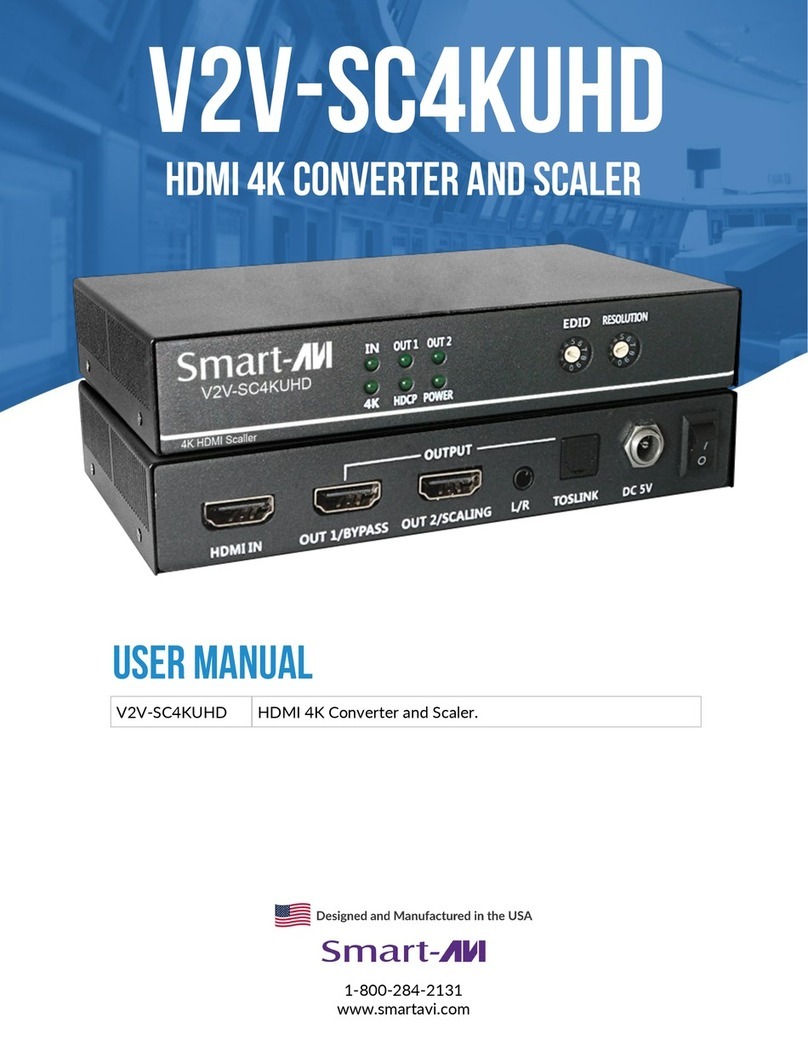
SMART-AVI V2V-SC4KUHD User manual

SMART-AVI

SMART-AVI V2V-SC4KUHD User manual

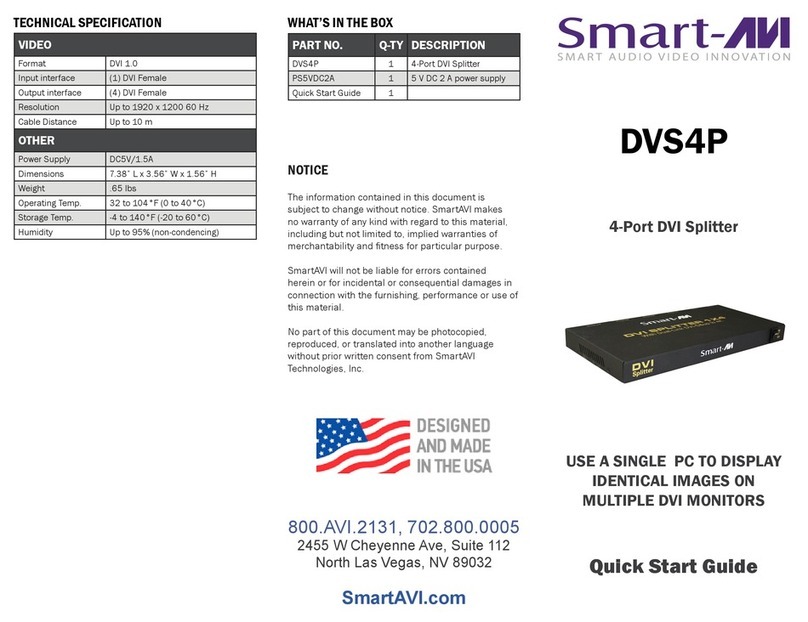
SMART-AVI DVS4P User manual

SMART-AVI

SMART-AVI DVS4P User manual
SMART-AVI VS4PS User manual

SMART-AVI

SMART-AVI VS4PS User manual

SMART-AVI RGB2VGA User manual

SMART-AVI

SMART-AVI RGB2VGA User manual

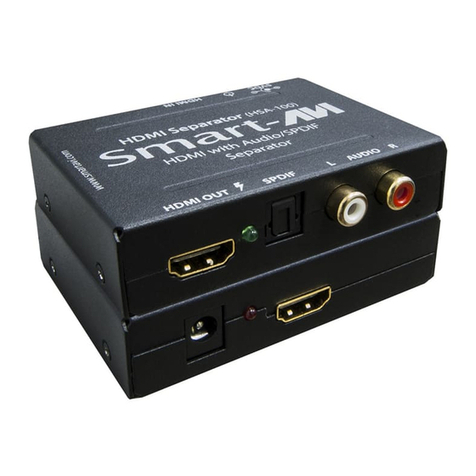
SMART-AVI HSA-100 User manual

SMART-AVI

SMART-AVI HSA-100 User manual
SMART-AVI SaviStreamer E300 User manual

SMART-AVI

SMART-AVI SaviStreamer E300 User manual

SMART-AVI V2V-SC4KUHD User manual

SMART-AVI

SMART-AVI V2V-SC4KUHD User manual
Popular Media Converter manuals by other brands

SoundTraxx Blunami BLU-2200 user guide

SoundTraxx

SoundTraxx Blunami BLU-2200 user guide

SPROLINK VA1 user manual

SPROLINK

SPROLINK VA1 user manual

Acclaim Lighting DDC-1-AC user guide

Acclaim Lighting

Acclaim Lighting DDC-1-AC user guide

Nikon AF-S TC-20E III user manual

Nikon

Nikon AF-S TC-20E III user manual

Axis AXIS Q7406 user manual

Axis

Axis AXIS Q7406 user manual

Omega TAC80B-J instruction sheet

Omega

Omega TAC80B-J instruction sheet

Zoom Thunderbolt TAC-2R Operation manual

Zoom

Zoom Thunderbolt TAC-2R Operation manual

OST iConverter 10/100M quick start guide

OST

OST iConverter 10/100M quick start guide

Vertiv Netsure user manual

Vertiv

Vertiv Netsure user manual

birddog MINI user guide

birddog

birddog MINI user guide

Roland GI-10 owner's manual

Roland

Roland GI-10 owner's manual

Wallenstein WX310 Operator's manual

Wallenstein

Wallenstein WX310 Operator's manual

Pace MSS 200-1 Service manual

Pace

Pace MSS 200-1 Service manual

Solar Converters EQ 12/24-50 manual

Solar Converters

Solar Converters EQ 12/24-50 manual

CYP EL-7400V Operation manual

CYP

CYP EL-7400V Operation manual

TIE MIDI 1i1o user manual

TIE

TIE MIDI 1i1o user manual

DCS Vivaldi Upsampler user manual

DCS

DCS Vivaldi Upsampler user manual

Westermo MCW-211 SERIES user guide

Westermo

Westermo MCW-211 SERIES user guide

manuals.online logo
manuals.online logoBrands
  • About & Mission
  • Contact us
  • Privacy Policy
  • Terms and Conditions

Copyright 2025 Manuals.Online. All Rights Reserved.

© Copyright 2009 Smart-AVI, All Rights Reserved
Notice
The information contained in this document is
subject to change without notice. Smart-AVI makes
no warranty of any kind with regard to this material,
including but not limited to, implied warranties
ralucitrapynarofssentifdnaytilibatnahcremfo
purpose.
Smart-AVI will not be liable for errors contained
herein or for incidental or consequential damages
in connection with the furnishing, performance or
use of this material.
,deipocotohpebyamtnemucodsihtfotrapoN
reproduced or translated into another language
with
out prior written consent from Smart-AVI.
The AVI-I 4 port splitter allows you to use
a single PC/MAC to display
identical images on multiple monitors.
AVS4P
www.smartavi.com
User Manual
2840 N. Naomi Ave.
Burbank, California 91504
Phone: (818) 565-0011
Facsimile: (818) 565-0020
Technical Specifications
Connector
Bandwidth
Format
Sync
Video
Impedance
Audio
Bandwidth
Connector
Analog signal level
Impedance
Signal level
VGA/SVGA/XGA/UXGA/
RGBHV/RGsB
TTL horizontal
SyncRange: 15 to 130
400 MHz
75 ohms
1Volt
20KHz
High density HD15
10K ohms
3.5mm jack socket
0dB
Voltage
Requirements
Current Requirments
Maximum Output
Range
Signal Bandwidth
Enclosure
Dimensions (LxWxH)
Regulatory
Input Connectors
Output Connectors
5VDC
1000mA
75ft
400 MHz
Black, metal
7.38” x 3.56” x 1.56”
(201.6mm x 90.5mm x 39.7mm)
HD15 male
4 HD15 female
CE, FCC
Introduction
The AVS4P splitter allows you to use a single PC to
display identical images on multiple monitors.
AVS Splitter is ideal for:
 Test bench facilities
 Data Center
 Help Desks
Package Contents
 1 AVS4P 4Port AVI splitter
 1 User Manual
 1 Power Adapter 5VDC 1A
Installation Diagram
Features














Supports high resolution clear video up to 1900x1200.
400 MHz Bandwidth.
Sends high-resolution VGA and Stereo Audio signals
from one source too up to 4 monitors/speakers.
Broadcast too up to 4 Audio/Video output devices
through daisy chain capability.
Each output reach up to 100ft.
Compatable with VGA, XGA, Sun, MAC and SGI signals.
Supports high-resolution clear video, up to
1900 x 1200.
Sync Format/Polarity Preservation.
Compatable with Line Level Stereo Audio signals.
High ground loop immunity.
Built-in lightning, power surge and transient protection.
Remote units come with 2 buffered outputs.
Designeted trimmer in the remote unit to compensate
for cable length.
Metal case enclosure.
Installation
1. Turn off the box
2. Connect the HD-15 video cable betwee
the “video output” of PC and “video in” port of the
video/audio splitter.use a male to female cable.
3. Connect the audio cable between the audio
output device and the “audio in” port of
video/audio splitter use a male to male cable.
4. Connect all monitors to the ports labeled out
5. Connect all the speakers to audio lebeled out
6. Turn on the box