manuals.online logo
Brands
  1. Home
  2. •
  3. Brands
  4. •
  5. SMC Networks
  6. •
  7. IP Phone
  8. •
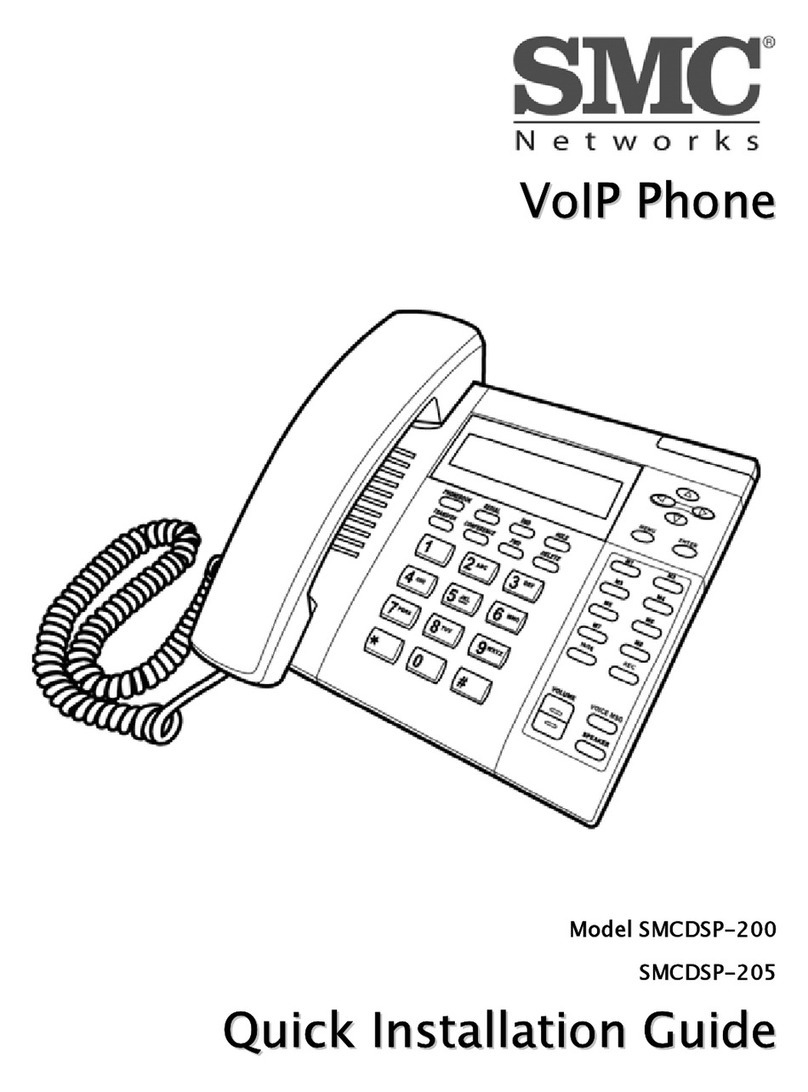
  9. SMC Networks TigerVoIP SMCDSP-200 User manual

SMC Networks TigerVoIP SMCDSP-200 User manual

Other manuals for TigerVoIP SMCDSP-200

1

Other SMC Networks IP Phone manuals

SMC Networks TigerVoIP SMCDSP-200 User manual

SMC Networks

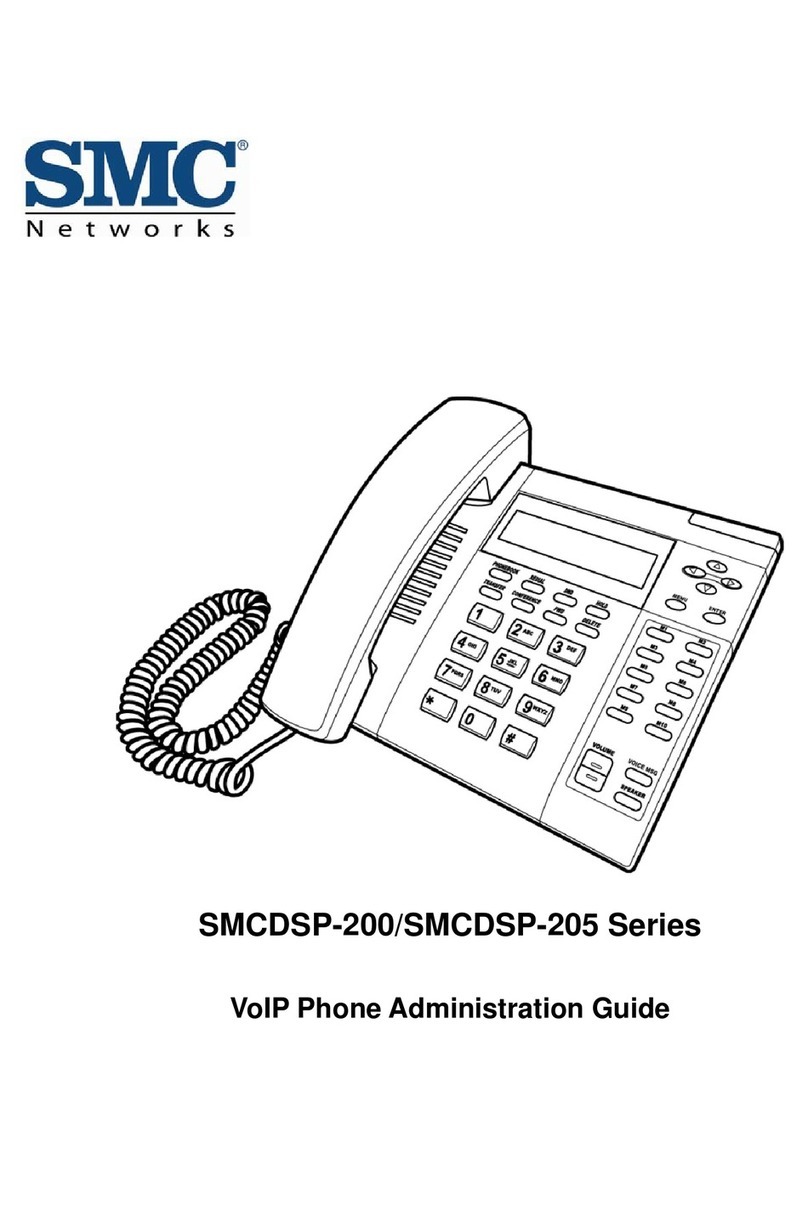
SMC Networks TigerVoIP SMCDSP-200 User manual

SMC Networks TigerVoIP SMCDSP-205 Instruction Manual

SMC Networks

SMC Networks TigerVoIP SMCDSP-205 Instruction Manual

SMC Networks TigerVoIP SMCWSP-100 User manual

SMC Networks

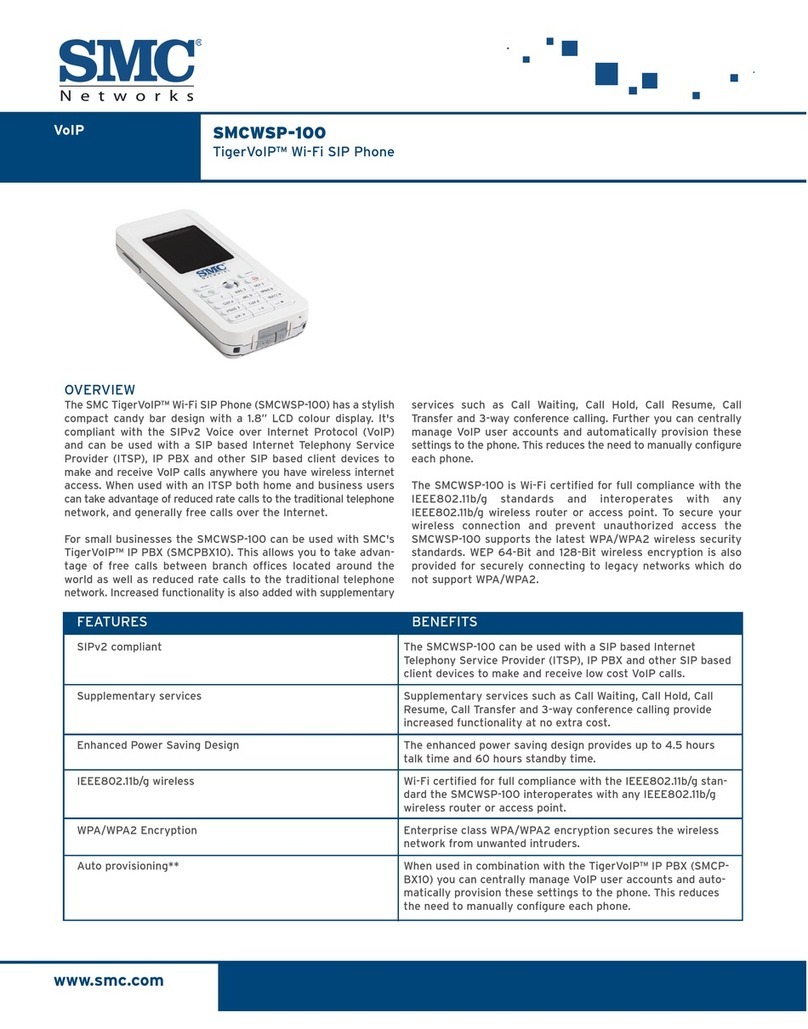
SMC Networks TigerVoIP SMCWSP-100 User manual

SMC Networks DSP-200 User manual

SMC Networks

SMC Networks DSP-200 User manual

SMC Networks TigerVoIP SMCWSP-100 User manual

SMC Networks

SMC Networks TigerVoIP SMCWSP-100 User manual

SMC Networks DSP-200 User manual

SMC Networks

SMC Networks DSP-200 User manual

SMC Networks TigerVoIP SMCDSP-205 User manual

SMC Networks

SMC Networks TigerVoIP SMCDSP-205 User manual

SMC Networks DSP-200 User manual

SMC Networks

SMC Networks DSP-200 User manual

SMC Networks TigerVoIP SMCWSP-100 User manual

SMC Networks

SMC Networks TigerVoIP SMCWSP-100 User manual

Popular IP Phone manuals by other brands

Cortelco C62 VoIP Phone user guide

Cortelco

Cortelco C62 VoIP Phone user guide

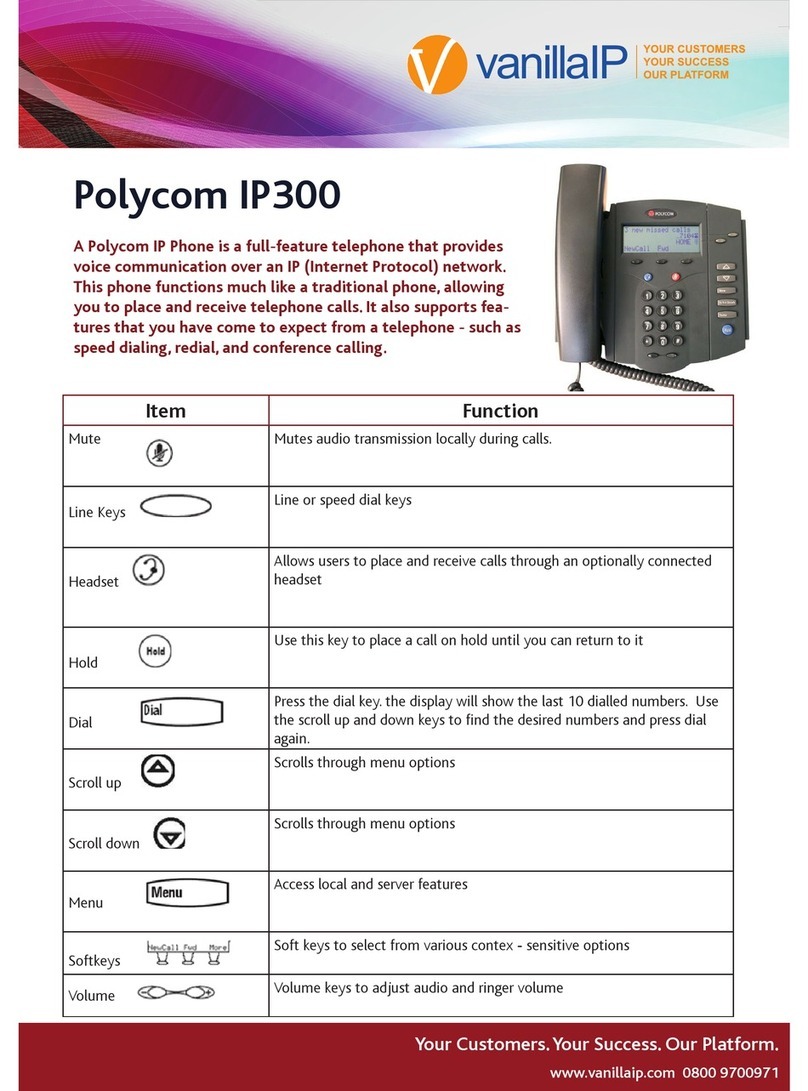
VanillaIP Polycom IP300 user manual

VanillaIP

VanillaIP Polycom IP300 user manual

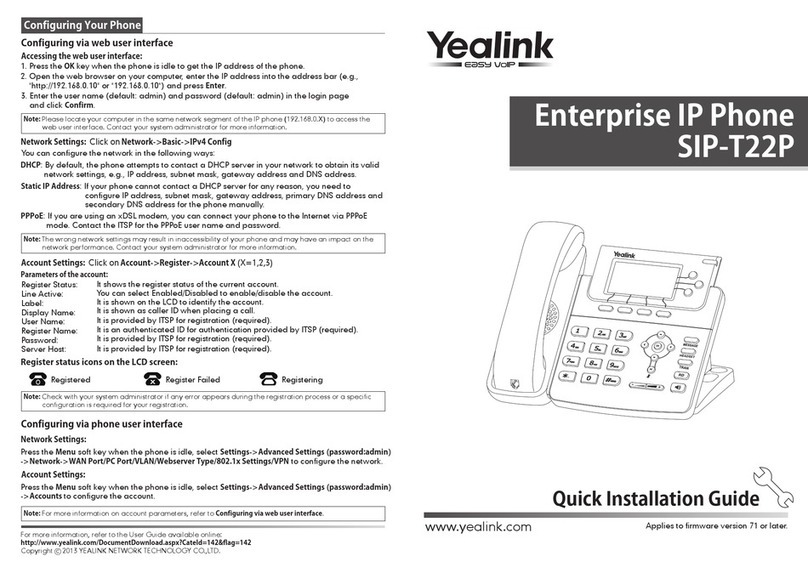
Yealink Yealink SIP-T22P Quick installation guide

Yealink

Yealink Yealink SIP-T22P Quick installation guide

Viking SR-IP product manual

Viking

Viking SR-IP product manual

Yealink VP59 Teams user guide

Yealink

Yealink VP59 Teams user guide

Panasonic KX-UT133-B Administrator's guide

Panasonic

Panasonic KX-UT133-B Administrator's guide

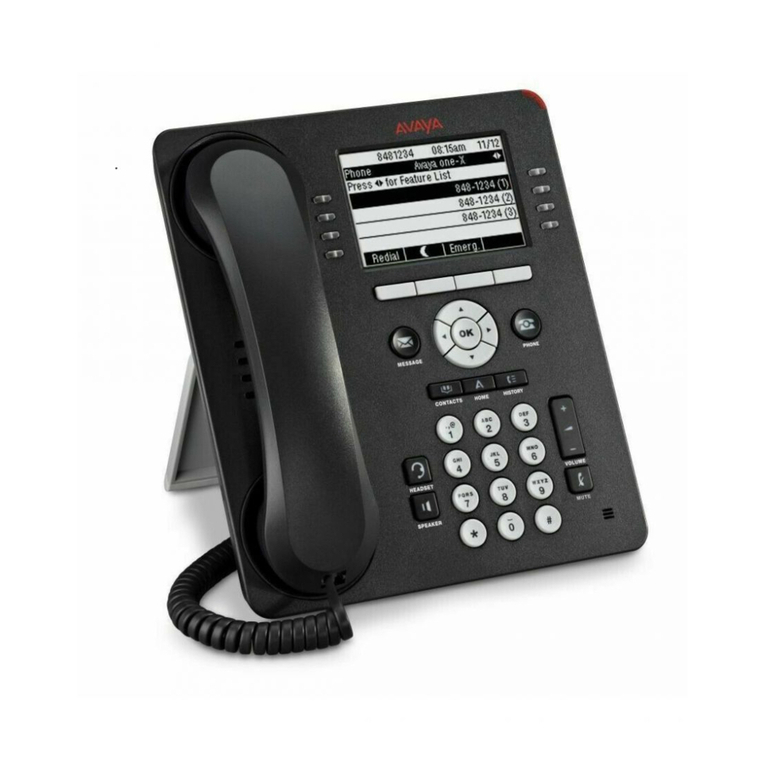
Avaya one-X 9600 Series overview

Avaya

Avaya one-X 9600 Series overview

AVA Enterprises B179 Installation and administration guide

AVA Enterprises

AVA Enterprises B179 Installation and administration guide

Cisco Unified 7900 Series System guide

Cisco

Cisco Unified 7900 Series System guide

Polycom SoundPoint IP 450 datasheet

Polycom

Polycom SoundPoint IP 450 datasheet

Cisco SPA-500 Series user guide

Cisco

Cisco SPA-500 Series user guide

IPitomy IP290 user manual

IPitomy

IPitomy IP290 user manual

Polycom SoundPoint IP 650 user guide

Polycom

Polycom SoundPoint IP 650 user guide

Proximus Maestro 3016 IP quick start guide

Proximus

Proximus Maestro 3016 IP quick start guide

Polycom IP 450 user guide

Polycom

Polycom IP 450 user guide

Fanvil X4 user manual

Fanvil

Fanvil X4 user manual

Snom 320 quick start guide

Snom

Snom 320 quick start guide

Avaya Integral 5 R3.0 user guide

Avaya

Avaya Integral 5 R3.0 user guide

manuals.online logo
manuals.online logoBrands
  • About & Mission
  • Contact us
  • Privacy Policy
  • Terms and Conditions

Copyright 2025 Manuals.Online. All Rights Reserved.

VoIP SMCDSP-200
TigerVoIP™ Desktop SIP Phone
www.smc.com
The SMC TigerVoIP™ Desktop Phone (SMCDSP-200) is compli-
ant with the SIPv2 Voice over Internet Protocol (VoIP) and can
be used with a SIP based Internet Telephony Service Provider
(ITSP), IP PBX and other SIP based client devices to make and
receive VoIP calls anywhere you have internet access. When
used with an ITSP both home and business users can take
advantage of reduced rate calls to the traditional telephone net-
work, and generally free calls over the Internet.
For small businesses the SMCDSP-200 can be used with SMC's
TigerVoIP™ IP PBX (SMCPBX10). This allows you to take advan-
tage of free calls between branch offices located around the
world as well as reduced rate calls to the traditional telephone
network. Increased functionality is added with supplementary
services such as Call Waiting, Call Hold, Call Resume, Call
Transfer, Call forwarding and 3-way conference calling. You can
also centrally manage VoIP user accounts and automatically
provision these settings to phones.
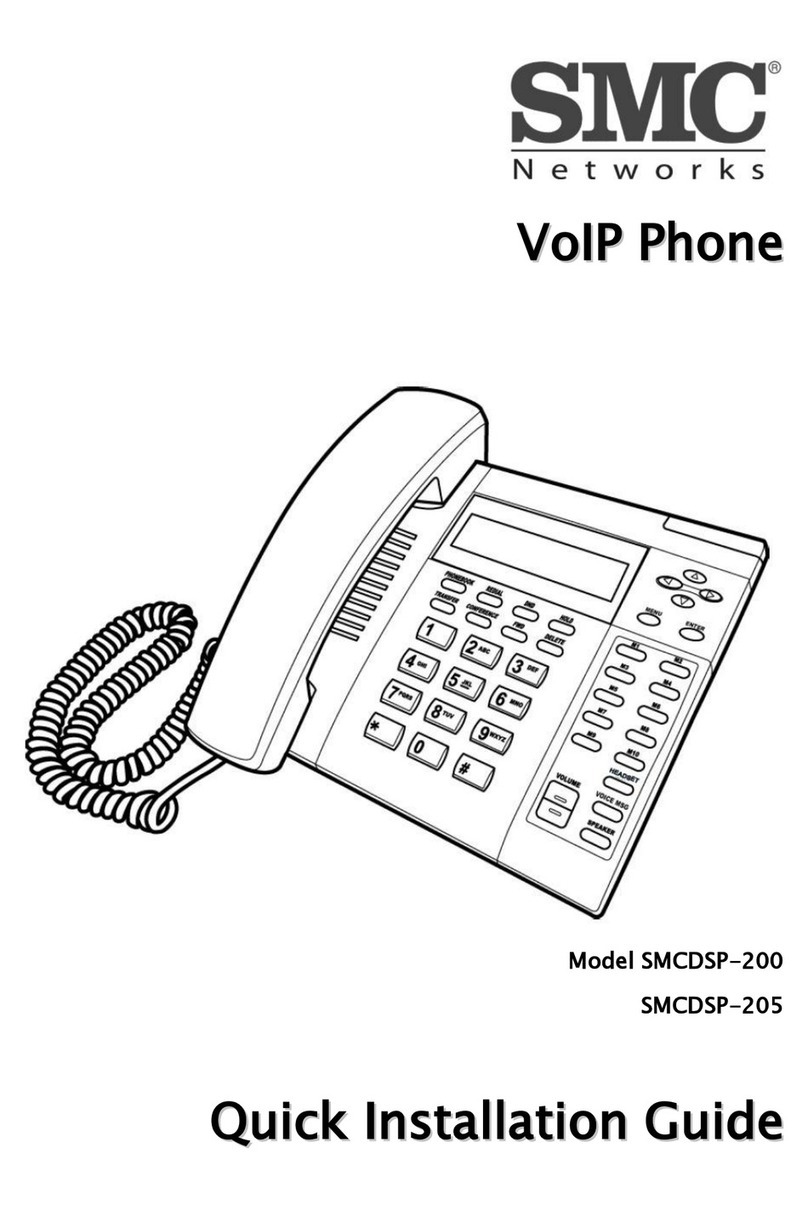
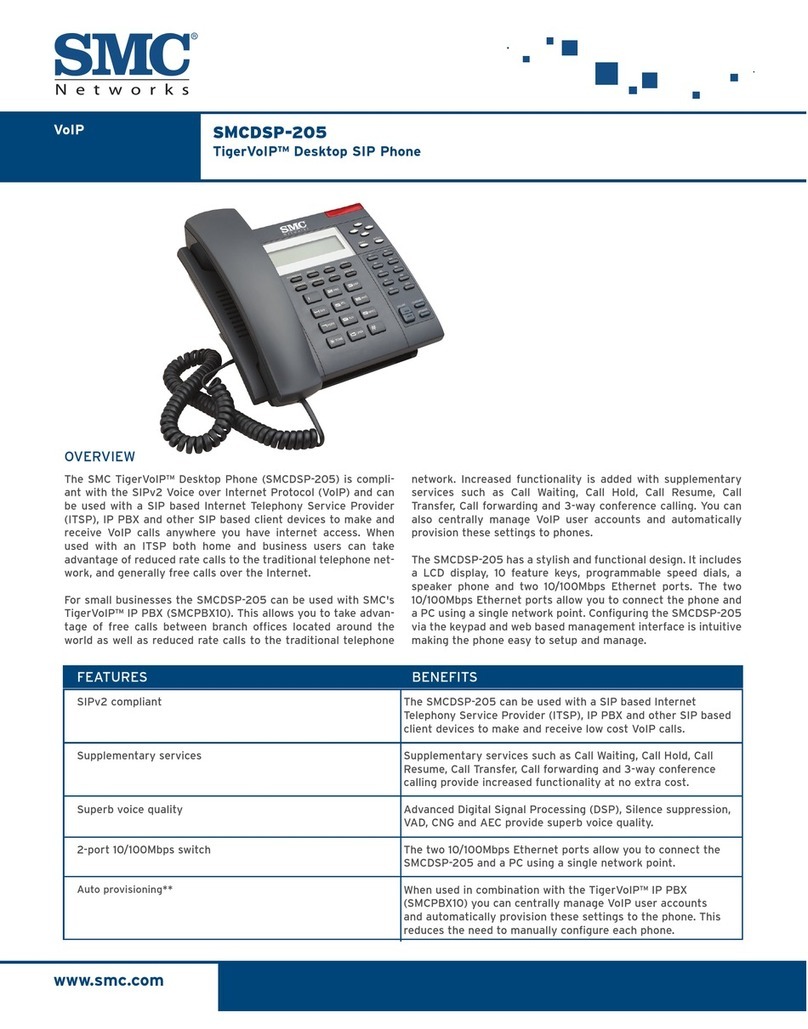
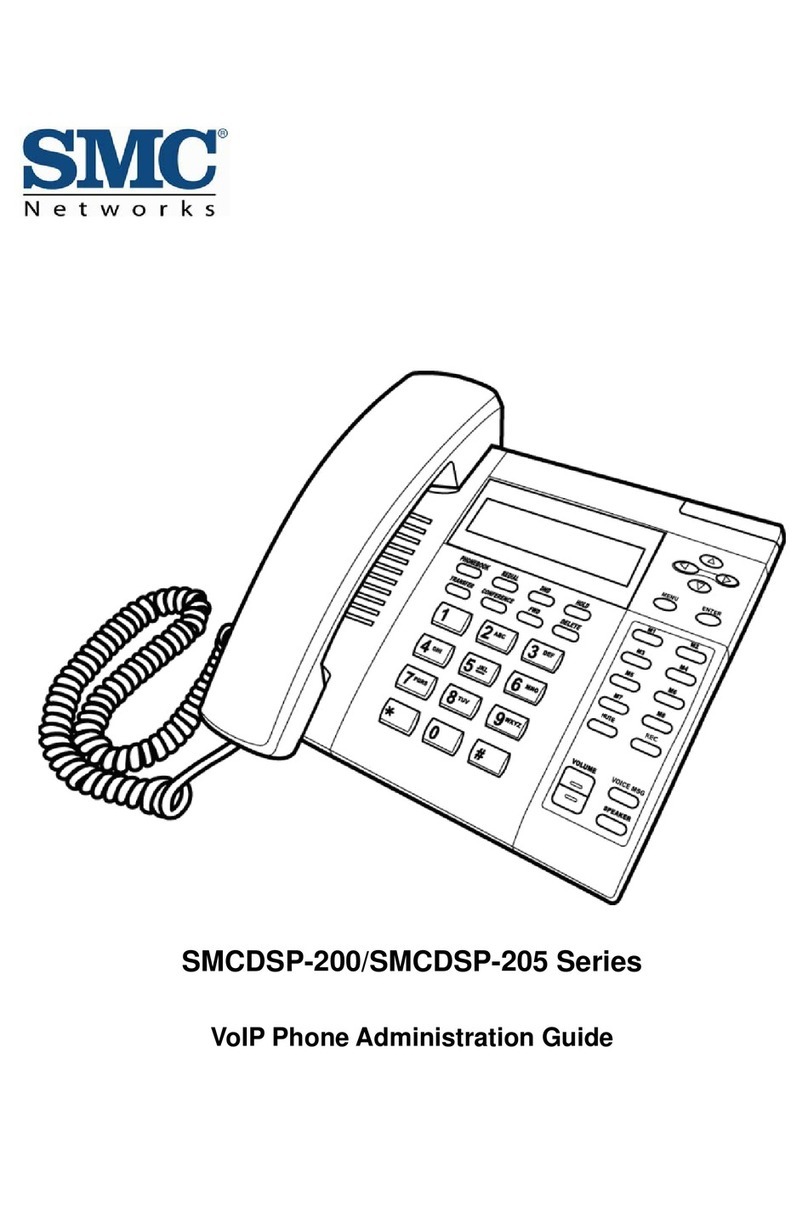
The SMCDSP-200 has a stylish and functional design. It includes
a LCD display, 10 feature keys, programmable speed dials, a
speaker phone, two 10/100Mbps Ethernet ports and support for
Power over Ethernet (PoE). The two 10/100Mbps Ethernet ports
allow you to connect the phone and a PC using a single network
point, while PoE eliminates the need to locate a power outlet
next to the phone. Configuring the SMCDSP-200 via the keypad
and web based management interface is intuitive making the
phone easy to setup and manage.
FEATURES
SIPv2 compliant
Supplementary services
Superb voice quality
2-port 10/100Mbps switch
Power over Ethernet
Auto provisioning**
BENEFITS
OVERVIEW
The SMCDSP-200 can be used with a SIP based Internet
Telephony Service Provider (ITSP), IP PBX and other SIP based
client devices to make and receive low cost VoIP calls.
Supplementary services such as Call Waiting, Call Hold, Call
Resume, Call Transfer, Call forwarding and 3-way conference
calling provide increased functionality at no extra cost.
Advanced Digital Signal Processing (DSP), Silence suppression,
VAD, CNG and AEC provide superb voice quality.
The two 10/100Mbps Ethernet ports allow you to connect the
SMCDSP-200 and a PC using a single network point.
Supports 802.3af Power over Ethernet (PoE). When used with a
compatible PoE switch the phone is powered over the network
connection. This reduces the need to locate a power outlet next
to the phone.
When used in combination with the TigerVoIP™ IP PBX (SMCP-
BX10) you can centrally manage VoIP user accounts and auto-
matically provision these settings to the phone. This reduces
the need to manually configure each phone.

TECHNICAL SPECIFICATIONS SMCDSP-200
PHONE FEATURES
• LCD display
• Four way directional key for menu navigation
• Message Waiting Indicator (MWI) light
• Voicemail message retrieval button
• 10 Feature keys
• Volume control button
• Standard 12 button dialling keypad
• Programmable speed dials
• Speaker phone
• Phone book
• Multiple ring tones
• Multiple user accounts - up to 3
• Multiple lines - up to 2
• 2-port 10/100Mbps switch
• 802.3af Power over Ethernet (PoE)
• PoE Class 0
• Max Wattage Draw: 5.85W
• VLAN (802.1Q)
CALL FEATURES**
• Call Waiting
• Call Hold/Resume
• Call Forward
• Call Transfer
• 3-Way Conference Call
• Caller ID
• Call History
• Redial
• Call Recording
VOICE FEATURES
• SIPv2 (RFC3261)
• SIP INFO (RFC2976)
• SIP RPORT(RFC 3581)
• SDP (RFC2327)
• RTP (RFC1889)
• RTCP (RFC1890)
• G.711u-/a-law**
• G.726**
• G.729A/B**
• G.723.1**
• Voice Activity Detection (VAD)
• Comfort Noise Generation (CNG)
• G.167 Acoustic Echo Cancellation (AEC)
• Adaptive Jitter Buffer (AJB)
• DTMF: In-band and Out-band (RFC2833) (SIP INFO)
NAT TRAVERSAL
• STUN (RFC3489)
• Outbound Proxy
MANAGEMENT
• Keypad configuration
• Web based management interface (HTTP)
• Telnet
• Auto provisioning**
• Remote firmware upgrade**
SECURITY
• HTTP 1.1 Basic/Digest Authentication for web setup
• MD5 for SIP authentication (RFC2069/RFC2617)
TEMPERATURE
• Operating: 0odegrees C to 40odegrees C
• Storage: -20odegrees C to 70odegrees C
HUMIDITY
• Operating: 10% to 85% Non-condensing
• Storage: 5% to 90% Non-condensing
DIMENSION
• 200 x 173 x 108 mm
• 7.9 x 6.8 x 4.3 in
WEIGHT
• 0.883Kg
• 1.95Ibs
POWER INPUT
•6V,1A
CERTIFICATIONS
•FCC
•CE
SYSTEM REQUIREMENTS
• Available 10/100Base-T Ethernet port
• A SIP based VoIP user account
• We recommend using this product
with the SMCPBX10 and SMC6826MPE
PACKAGE CONTENTS
• One Desktop SIP Phone (SMCDSP-200)
• One handset
• One power adapter
• One RJ-45 Ethernet cable
• Quick Start Guide
• Documentation CD
WARRANTY
• Limited Lifetime
**Requires network support
North America
20 Mason
Irvine, CA 92618
1-800-SMC-4YOU
24/7 Technical Support
Europe/ Africa
Fructuos Gelabert 6-8
08970 Sant Joan Despí
Barcelona, Spain
Check www.smc.com for your local
country contact information
www.smc.com
Contact