manuals.online logo
Brands
  1. Home
  2. •
  3. Brands
  4. •
  5. Soleus Air
  6. •
  7. Air Conditioner
  8. •
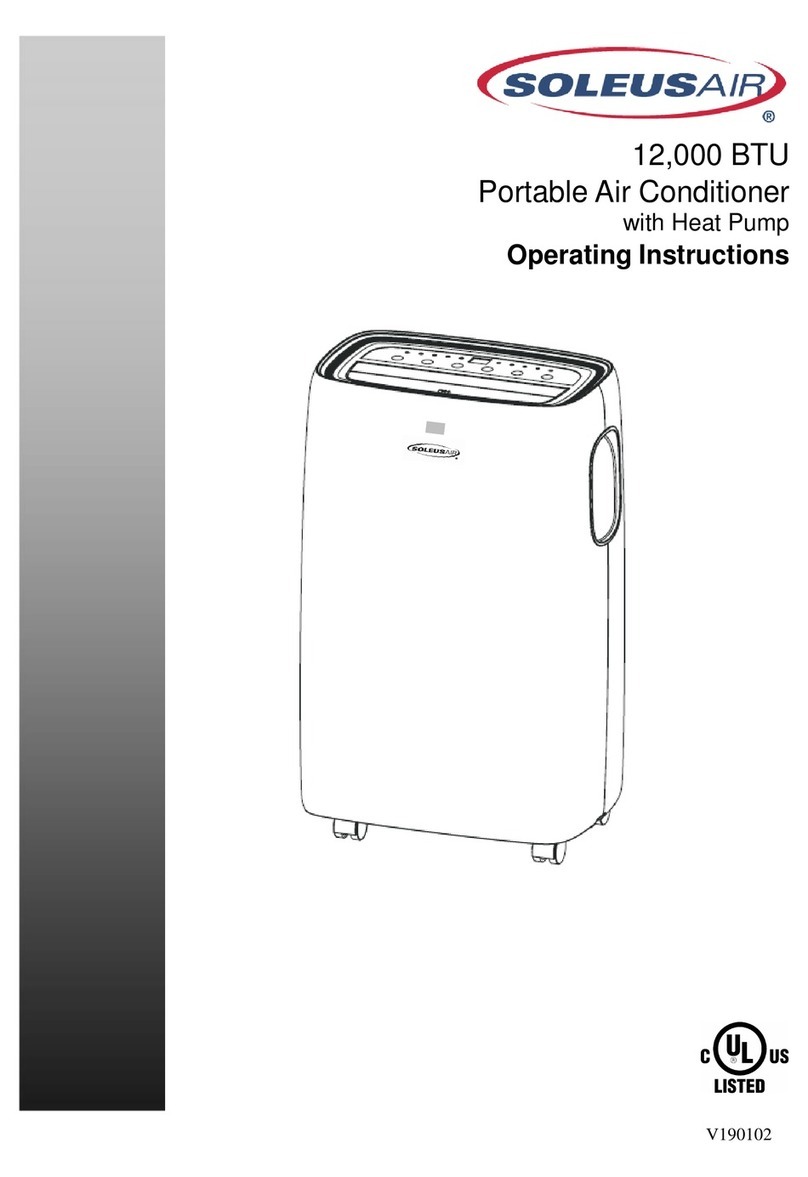
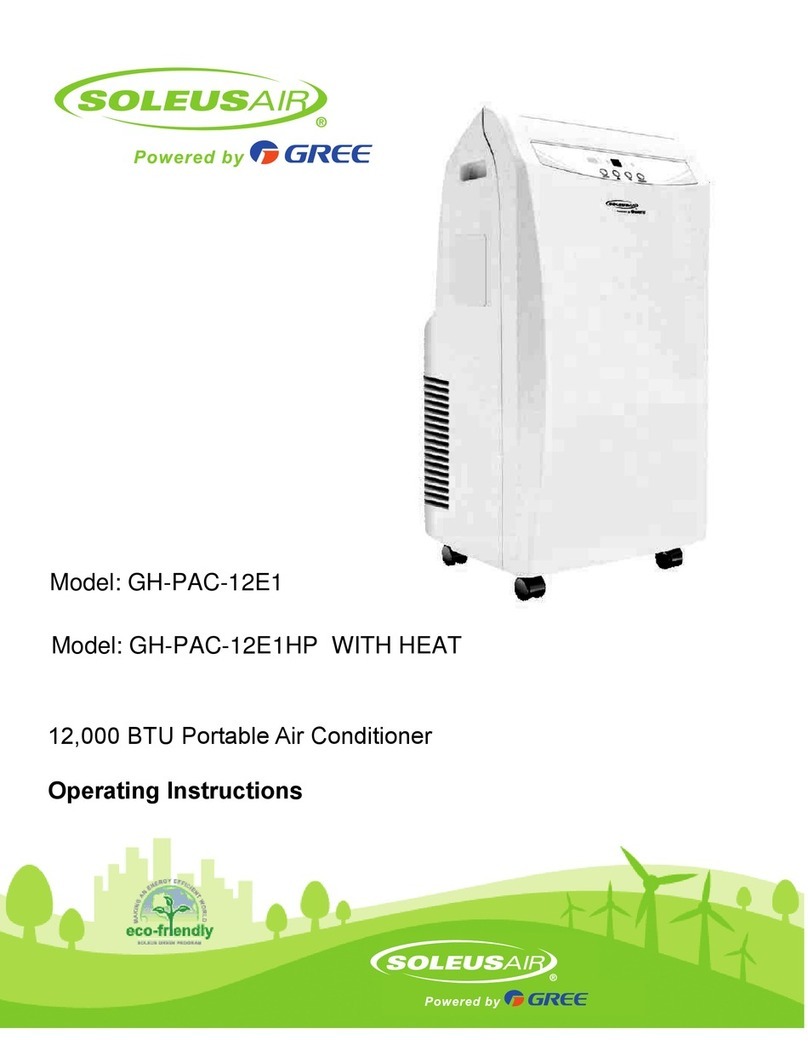
  9. Soleus Air PAC12 User manual

Soleus Air PAC12 User manual

Other manuals for PAC12

1

This manual suits for next models

2

Other Soleus Air Air Conditioner manuals
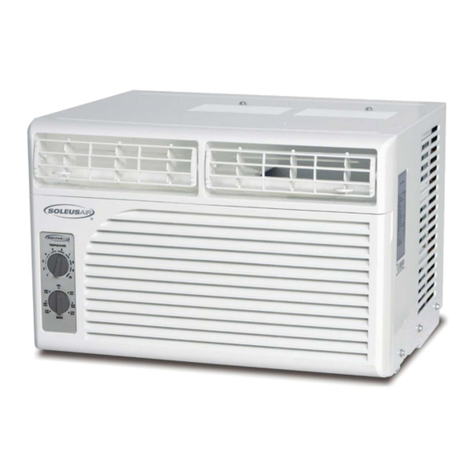
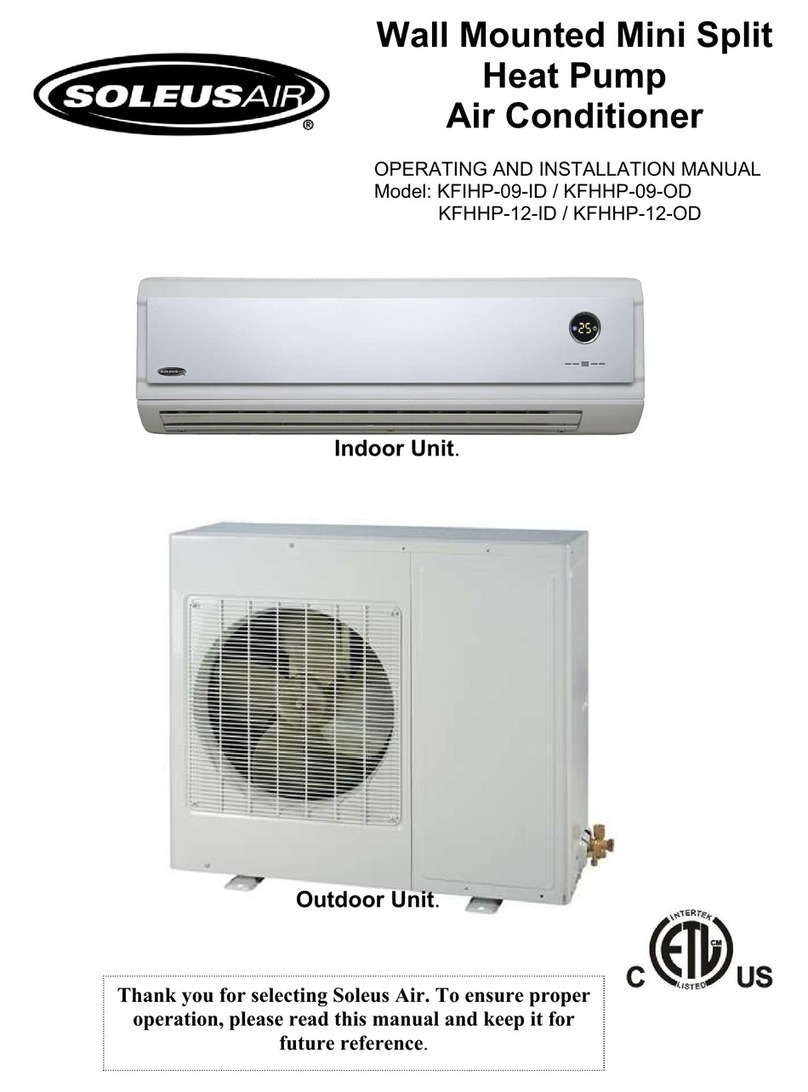
Soleus Air KFIHP-09-ID User manual

Soleus Air

Soleus Air KFIHP-09-ID User manual

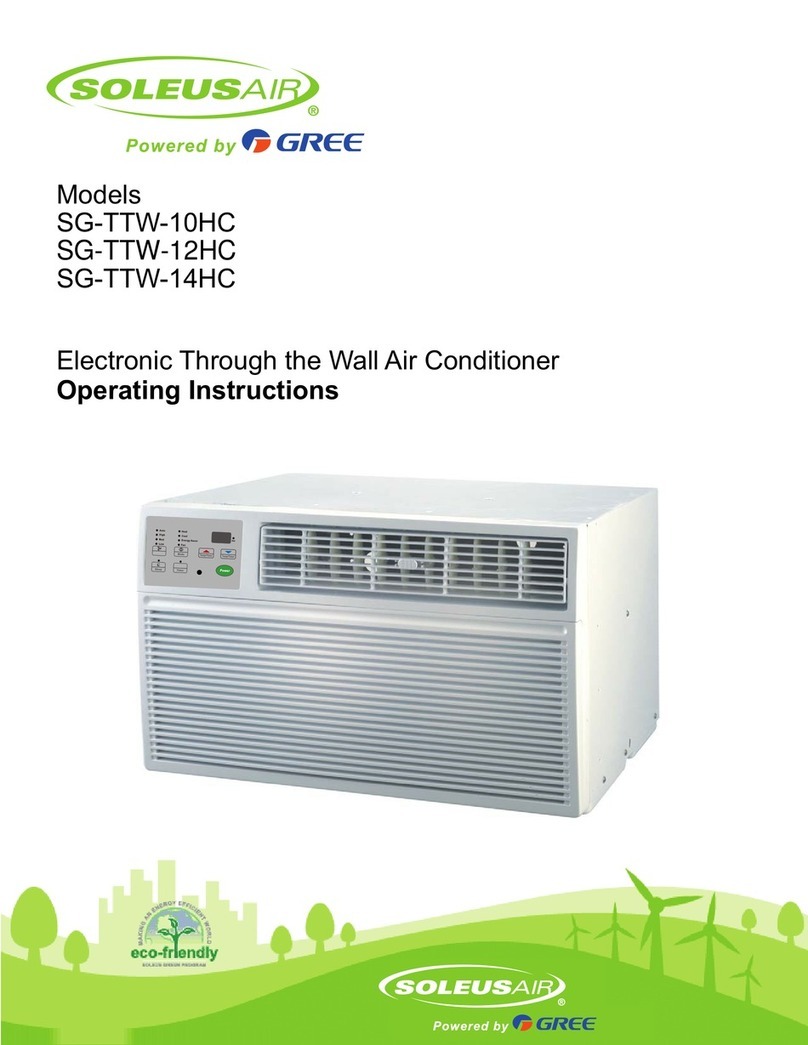
Soleus Air TTW-SLG User manual

Soleus Air

Soleus Air TTW-SLG User manual

Soleus Air KFHHP-18 User manual

Soleus Air

Soleus Air KFHHP-18 User manual

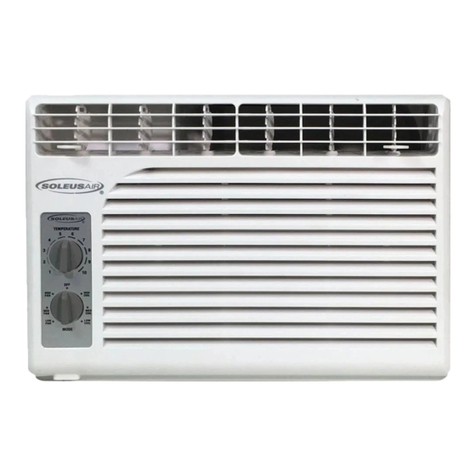
Soleus Air GM-WAC-06SE-C User manual

Soleus Air

Soleus Air GM-WAC-06SE-C User manual

Soleus Air SG-PAC-12E1HP User manual

Soleus Air

Soleus Air SG-PAC-12E1HP User manual

Soleus Air LX-140 User manual

Soleus Air

Soleus Air LX-140 User manual

Soleus Air SG-WAC-25HCE User manual

Soleus Air

Soleus Air SG-WAC-25HCE User manual

Soleus Air PE2-07R-62 User manual

Soleus Air

Soleus Air PE2-07R-62 User manual

Soleus Air KFHHP-18-ID Specification sheet

Soleus Air

Soleus Air KFHHP-18-ID Specification sheet

Soleus Air PE2-09R-32 User manual

Soleus Air

Soleus Air PE2-09R-32 User manual

Soleus Air KFH-18 User manual

Soleus Air

Soleus Air KFH-18 User manual

Soleus Air PH-3-12R-03 User manual

Soleus Air

Soleus Air PH-3-12R-03 User manual

Soleus Air PE6-10R-03 User manual

Soleus Air

Soleus Air PE6-10R-03 User manual

Soleus Air WS4-10EHW-301 User manual

Soleus Air

Soleus Air WS4-10EHW-301 User manual

Soleus Air SG-PAC-10E5 User manual

Soleus Air

Soleus Air SG-PAC-10E5 User manual

Soleus Air HP-12 User manual

Soleus Air

Soleus Air HP-12 User manual

Soleus Air 000 BTU Evaporative Portable Air Conditioner and... User manual

Soleus Air

Soleus Air 000 BTU Evaporative Portable Air Conditioner and... User manual

Soleus Air KFR/KFS Series User manual

Soleus Air

Soleus Air KFR/KFS Series User manual

Soleus Air MAC 7500 User manual

Soleus Air

Soleus Air MAC 7500 User manual
Soleus Air GM-WAC-15ESE-C User manual

Soleus Air

Soleus Air GM-WAC-15ESE-C User manual

Soleus Air Soleus LX-100 LX-100 User manual

Soleus Air

Soleus Air Soleus LX-100 LX-100 User manual

Soleus Air PE4-11R-03 User manual

Soleus Air

Soleus Air PE4-11R-03 User manual

Soleus Air PH3-09R User manual

Soleus Air

Soleus Air PH3-09R User manual

Soleus Air SG-WAC-18HCE User manual

Soleus Air

Soleus Air SG-WAC-18HCE User manual

Popular Air Conditioner manuals by other brands

Panasonic CS-E12HKEW operating instructions

Panasonic

Panasonic CS-E12HKEW operating instructions

Mitsubishi Electric MSZ-GE60VA null

Mitsubishi Electric

Mitsubishi Electric MSZ-GE60VA null

Samsung AVMFC052EA0(4) null

Samsung

Samsung AVMFC052EA0(4) null

Haier HSU-09H03/R null

Haier

Haier HSU-09H03/R null

Haier HSU-24C03 null

Haier

Haier HSU-24C03 null

Mitsubishi Electric MSZ-GE22VA null

Mitsubishi Electric

Mitsubishi Electric MSZ-GE22VA null

Samsung AVMCH052CA1 null

Samsung

Samsung AVMCH052CA1 null

nedis ACMB1WT7 quick start guide

nedis

nedis ACMB1WT7 quick start guide

Daikin FCFV50A Operation manual

Daikin

Daikin FCFV50A Operation manual

Fujitsu Inverter ASBA30JFC operating manual

Fujitsu

Fujitsu Inverter ASBA30JFC operating manual

Toshiba RAS-M10SMUV-E installation manual

Toshiba

Toshiba RAS-M10SMUV-E installation manual

Daikin FXLQ20MAVE Operation manual

Daikin

Daikin FXLQ20MAVE Operation manual

CIAT Magister 2 Series Installation, Operation, Commissioning, Maintenance

CIAT

CIAT Magister 2 Series Installation, Operation, Commissioning, Maintenance

Bestron AAC6000 instruction manual

Bestron

Bestron AAC6000 instruction manual

Frigidaire FFRE0533S1E0 Use & care guide

Frigidaire

Frigidaire FFRE0533S1E0 Use & care guide

Samsung AS09HM3N user manual

Samsung

Samsung AS09HM3N user manual

Frigidaire CRA073PU11 use & care

Frigidaire

Frigidaire CRA073PU11 use & care

McQuay MCK020A Technical manual

McQuay

McQuay MCK020A Technical manual

manuals.online logo
manuals.online logoBrands
  • About & Mission
  • Contact us
  • Privacy Policy
  • Terms and Conditions

Copyright 2025 Manuals.Online. All Rights Reserved.

USER MANUAL
Portable Air Conditioner and Heater
With Heat Pump Technology
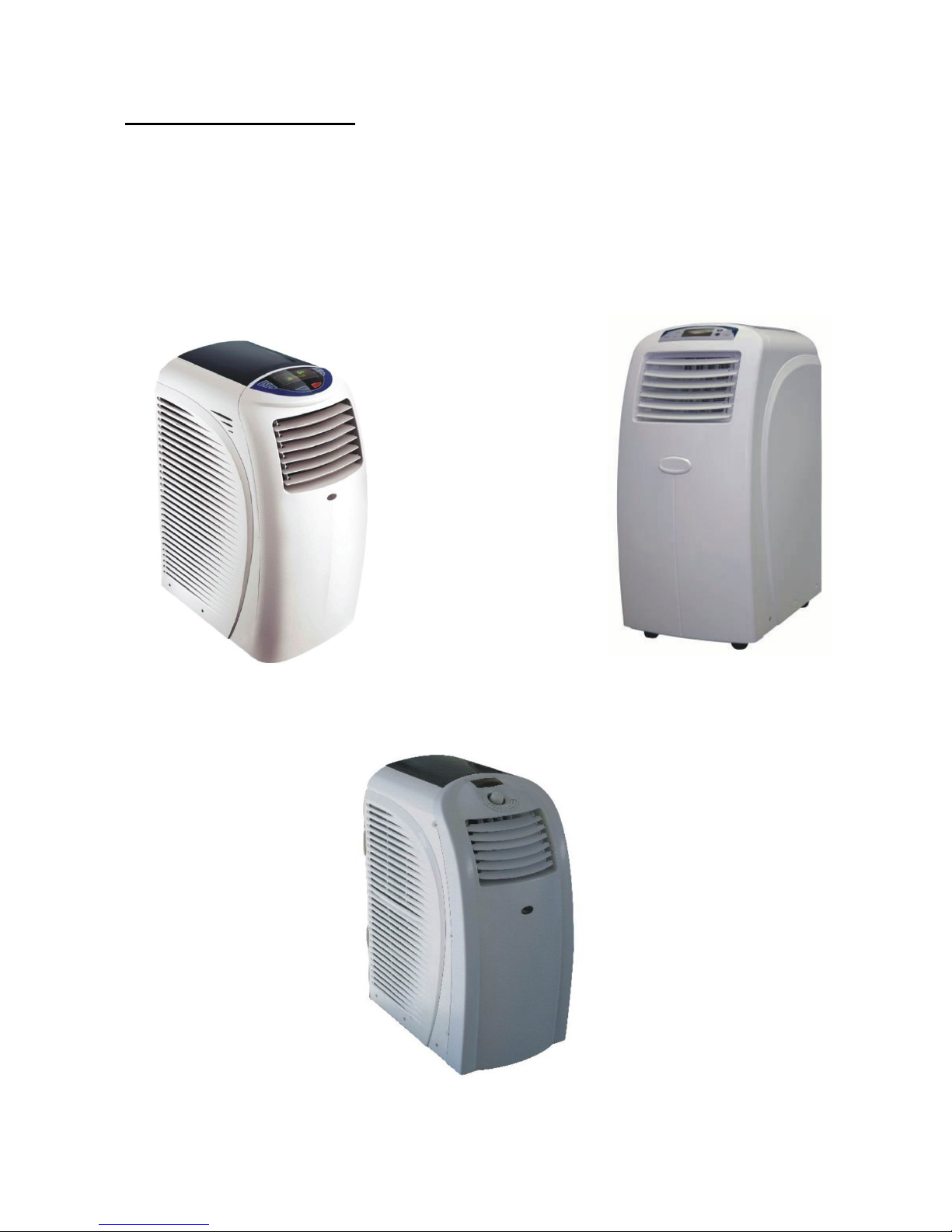
PAC12 PAC15
PAC18
Please read this manual carefully pri r t perating the pr duct.
2
TABLE OF CONTENTS
INTRODUCTION.....................................................................................................................................................................................
IMPORTANT SAFEGUARDS.................................................................................................................................................................. 4
PRODUCT DIAGRAM.......................................................................................................................................................................... 5-6
INSTALLATION ....................................................................................................................................................................................... 7
WINDOW KIT INSTALLATION................................................................................................................................................................ 8
CONTROL PANEL AND MULTI-COLOR DISPLAY
(
PAC12
)
............................................................................................................. 9
CONTROL PANEL AND MULTI-COLOR DISPLAY
(
PAC15
)
........................................................................................................... 10
CONTROL PANEL AND MULTI-COLOR DISPLAY
(
PAC18
)
............................................................................................................11
CONTROL PANEL FUNCTIONS .......................................................................................................................................................... 12
COOLING
MODE .................................................................................................................................................................................. 1
DEHUMIDIFYING
MODE...................................................................................................................................................................... 1
FAN
MODE............................................................................................................................................................................................ 1
HEATING
MODE................................................................................................................................................................................... 1
AUTO
MODE......................................................................................................................................................................................... 1
SLEEP
MODE ....................................................................................................................................................................................... 14
REMOTE CONTROL & OPERATION................................................................................................................................................... 14
WATER DRAINAGE.............................................................................................................................................................................. 15
MAINTENANCE .................................................................................................................................................................................... 16
TROUBLESHOOTING .......................................................................................................................................................................... 17
TECHNICAL SUPPORT / CUSTOMER SERVICE CONTACT ............................................................................................................. 17
3
INTRODUCTION
Thank you for purchasing the PAC12, PAC15 or PAC18 Portable Air Conditioner and Heater. This unit is designed to
improve indoor living and working comfort by providing cooling, dehumidifying, heating, and ventilation with minimal
installation.
Please complete the following information for future reference. Retain this owner’s manual with your sales receipt as a
permanent record of your purchase.
Serial Number: _________________________________________________________
Date of Purchase: _______________________________________________________
Place of Purchase: _______________________________________________________
4
IMPORTANT SAFEGUARDS
Before installing and using your portable air conditioner and heater, it is important that you read this owner’s manual
carefully. Store this manual in a safe place for future reference.
This instruction manual is used for guidance and does not form part of a contract. It reserves the right to make technical
changes without prior notice.
1. Always place the unit on a level surface.
2. The appliance shall be installed in accordance with national wiring regulation.
. The unit must be connected to a correctly grounded power supply. For your safety, this unit is grounded through
the power cord plug when connected to a grounded wall outlet. Do not use an adapter plug or extension cord.
4. Do not install the unit in an area where gas leakage may occur and/or in an explosive atmosphere.
5. Do not apply an insecticide or any type of flammable spray on the unit.
6. Confirm drainage piping is connected properly.
7. Do not start or stop the unit by inserting or pulling out the power plug.
8. Do not operate with wet hands.
9. Close supervision is necessary when the unit is used near children. The unit in not intended for use by children.
10. Do not insert anything into the air outlet. Do not obstruct air inlet or outlet grills.
11. Do not expose skin or eyes directly to cool air for a long period of time.
12. If an abnormal odour or smoke comes out of the unit, disconnect the unit immediately and contact a qualified
service technician.
1 . When opening the filter cover, do not touch the metal parts in the unit’s interior.
14. Do not immerse the unit in water or any type of liquid. Do not use the unit in the immediate surroundings of a
bath, shower, or swimming pool, or in any other steamy, wet areas.
15. When cleaning the unit, always turn the unit off and unplug the power cord.
16. Always inspect the power cord for signs of damage before use. If the power cord is damaged, it must be
replaced by the manufacturer or a qualified service technician.
17. Do not place a plant or allow a pet in the direct path of the airflow to avoid injury.
18. Do not put a stove, etc, where it would be exposed to the direct airflow. It may affect combustion.
19. Do not sit on the unit or place anything on it.
20. Before storing, the water must be drained from the unit and the filters cleaned.
5
PRODUCT DIAGRAM
FRONT
(
((
(
PAC12
)
))
)
A. Control panel
B. Vertical air louvers
C. Air outlet
D. Castors
E. Cable (power cord and plug)
FRONT
(
((
(
PAC15
)
))
)
A
.
Control panel
B
.
Vertical air louvers
C
.
Air outlet
D
.
Horizontal air louvers
E
.
Castors
F
.
Cable (power cord and plug)
FRONT
(
((
(
PAC18
)
))
)
A
.
Control panel
B
.
Vertical air louvers
C
.
Air outlet
D
.
Castors
F
.
Cable (power cord and plug)
AB
C
D
F
6
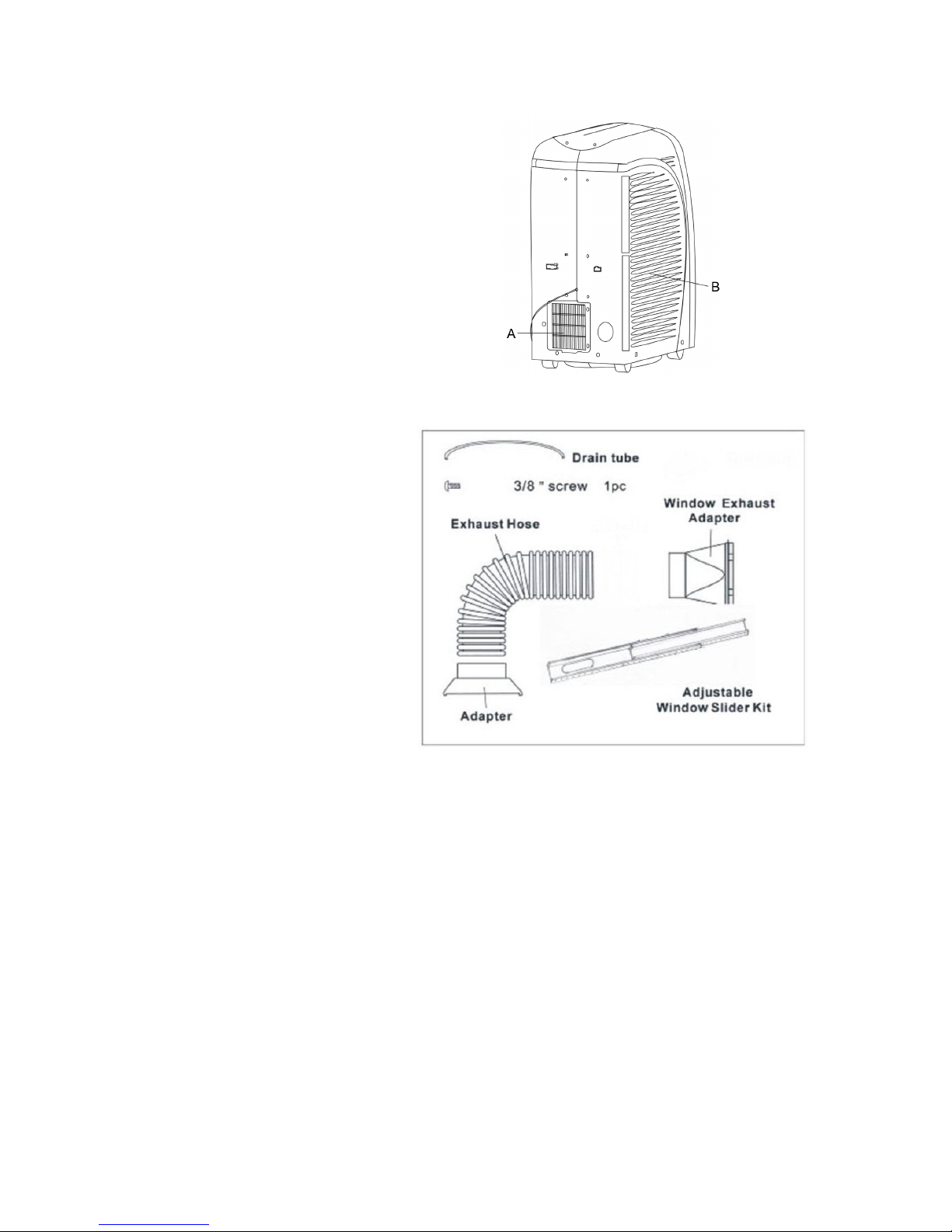
BACK
A. Hot air outlet grill
B.
Lower air inlet grill
ACCESSORIES
Flexible exhaust hose with 2 adapters
• -piece set
• stretches from 14 1/4” to 60 5/8”
( 6cm to 150cm)
Window exhaust adapter
Adjustable window slider kit
• -piece set
• adjusts 1/2” to62” (85cm to 157.5cm)
Drain tube
Drain pan
7
INSTALLATION
SELECTING THE LOCATION
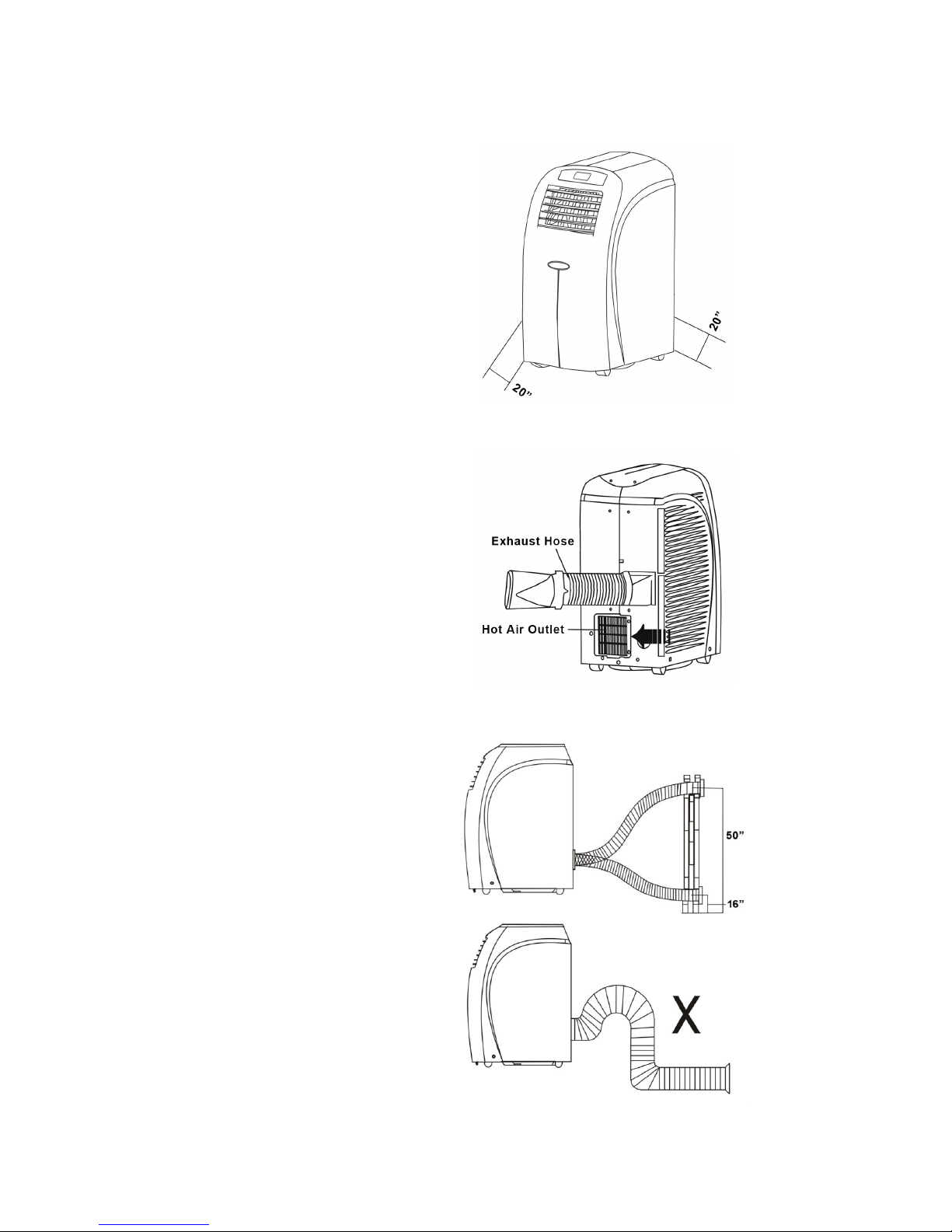
Place the unit in a flat location where the air
outlets are not obstructed. Place the unit at
least 20” (50cm) away from a wall or other
obstacle.
MOUNTING THE EXHAUST HOSE
Slide the square end of the exhaust duct over
the hot air outlet on the back of the unit.
The exhaust hose should be kept as short and
straight as possible. Prevent any sharp bends in
the exhaust hose, as this will trap hot exhaust
air.
The hot exhaust air can be vented through the
wall or out a window. If mounting in the wall, the
height of the hole should be 16 to 50 inches
(40cm to 1 0cm).
8
WINDOW KIT INSTALLATION
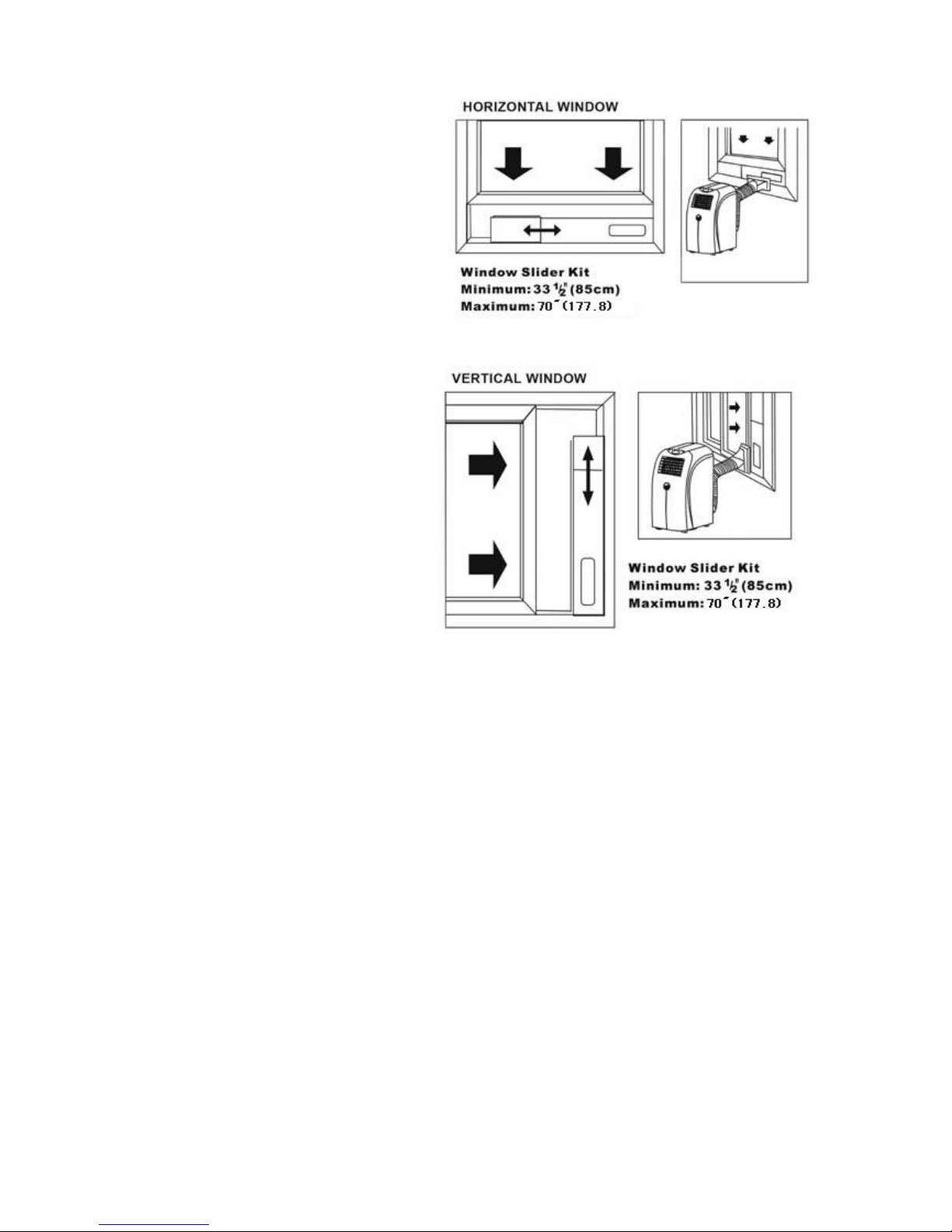
The window kit is designed to fit into most
standard vertical and horizontal windows.
However, it may be necessary to modify some
aspects of the installation process for certain
window types.
1. Open the window or sliding door and adjust
the length of the window kit to fit the
opening. Mark and cut down a single panel
of the window kit if necessary.
2. Place the window kit between the window
and the window frame as shown in the
images to the right. Close the window onto
the window kit to form a tight seal.
. Attach the exhaust duct adapter to the
window kit. Tabs located on the adapter will
lock into place securing the adapter to the
window kit.
9
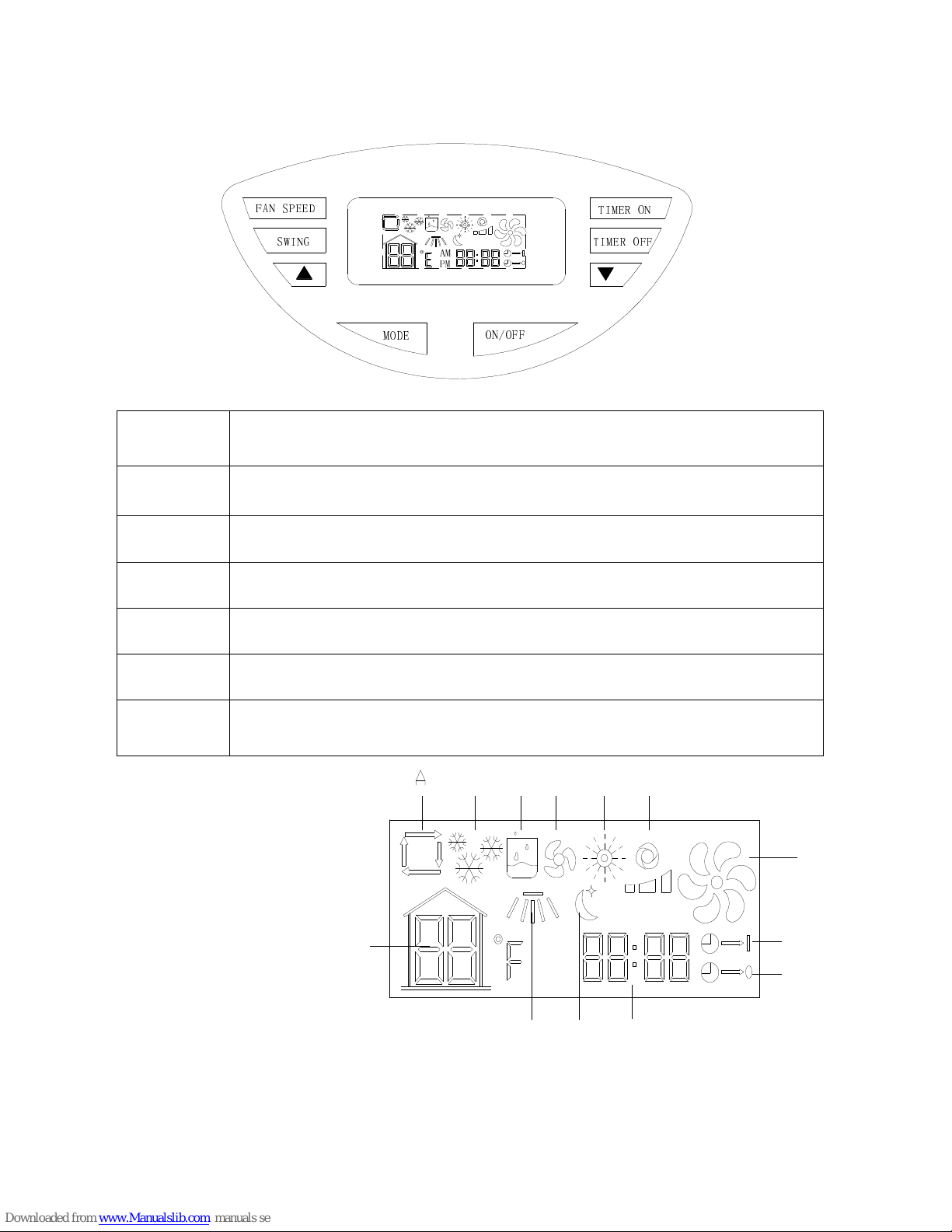
CONTROL PANEL AND MULTI-COLOR DISPLAY(PAC12)
CONTROL PANEL
A. Auto Mode
B. Cool Mode
C. Dehumidify Mode
D. Fan Mode
E. Heat Mode
F. Fan Speed (Low, High, Medium)
G. Temperature
H. Swing Mode
I. Sleep Mode
J. Clock and Timer
K. Timer On
L. Timer Off
M. Compressor is on
M
L
K
J
E F
PM
AM
G
H
B C D
I
FAN SPEED
Button
Press this button to choose high, medium or low fan speed. In dehumidifying mode, this button is
inoperable.
SWING Button Press this button to oscillate the vertical louvers or to stop oscillation.
∨
Button This button decreases the room temperature/timer hours.
∧
Button This button increases the room temperature/timer hours.
Power Button Press this button to turn the unit on or off.
MODE Button Press this button to select the mode (auto, cooling, dehumidifying, fan or heating).
TIMER Button Press this button to turn the timer on/off.
AM
PM
FAN SPEED
SWING TIMER OFF
MODE
TIMER ON
ON/OFF
10
CONTROL PANEL AND MULTI-COLOR DISPLAY
(
((
(
PAC15
)
))
)
CONTROL PANEL
FAN SPEED
Button
Press this button to choose high, medium or low fan speed. In dehumidifying mode, this button is
inoperable.
SWING Button Press this button to oscillate the vertical louvers or to stop oscillation.
∨
Button This button decreases the room temperature/timer hours.
∧
Button This button increases the room temperature/timer hours.
Power Button Press this button to turn the unit on or off.
MODE Button Press this button to select the mode (auto, cooling, dehumidifying, fan or heating).
TIMER Button Press this button to turn the timer on/off.
MULTI-COLOR DISPLAY
A. Auto Mode
B. Cool Mode
C. Dehumidify Mode
D. Fan Mode
E. Heat Mode
F. Fan Speed (Low, High, Medium)
G. Temperature
H. Swing Mode
I. Sleep Mode
J. Clock and Timer
K. Timer On
L. Timer Off
M. Compressor is on