logo
Brands
  1. Home
  2. •
  3. Brands
  4. •
  5. Sony
  6. •
  7. Headphones
  8. •
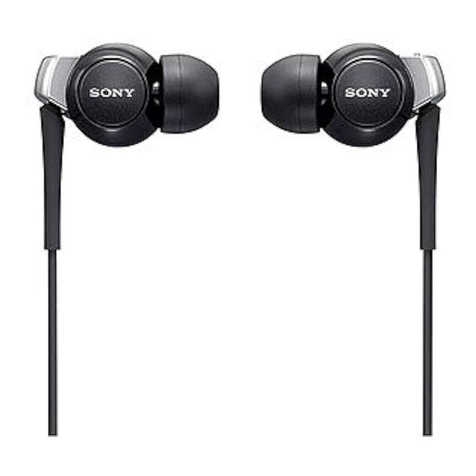
  9. Sony DR-EX12iP/VLT User manual

Sony DR-EX12iP/VLT User manual

This manual suits for next models

1

Other Sony Headphones manuals

Sony MDR-IF245RK User manual

Sony

Sony MDR-IF245RK User manual

Sony DR-EX14VP/BLK User manual

Sony

Sony DR-EX14VP/BLK User manual

Sony XBA-N3AP User manual

Sony

Sony XBA-N3AP User manual

Sony MDR-EX1000 User manual

Sony

Sony MDR-EX1000 User manual

Sony MDR-XB600iP User manual

Sony

Sony MDR-XB600iP User manual

Sony MDR-XB500 User manual

Sony

Sony MDR-XB500 User manual

Sony h.ear on MDR-100AAP User manual

Sony

Sony h.ear on MDR-100AAP User manual

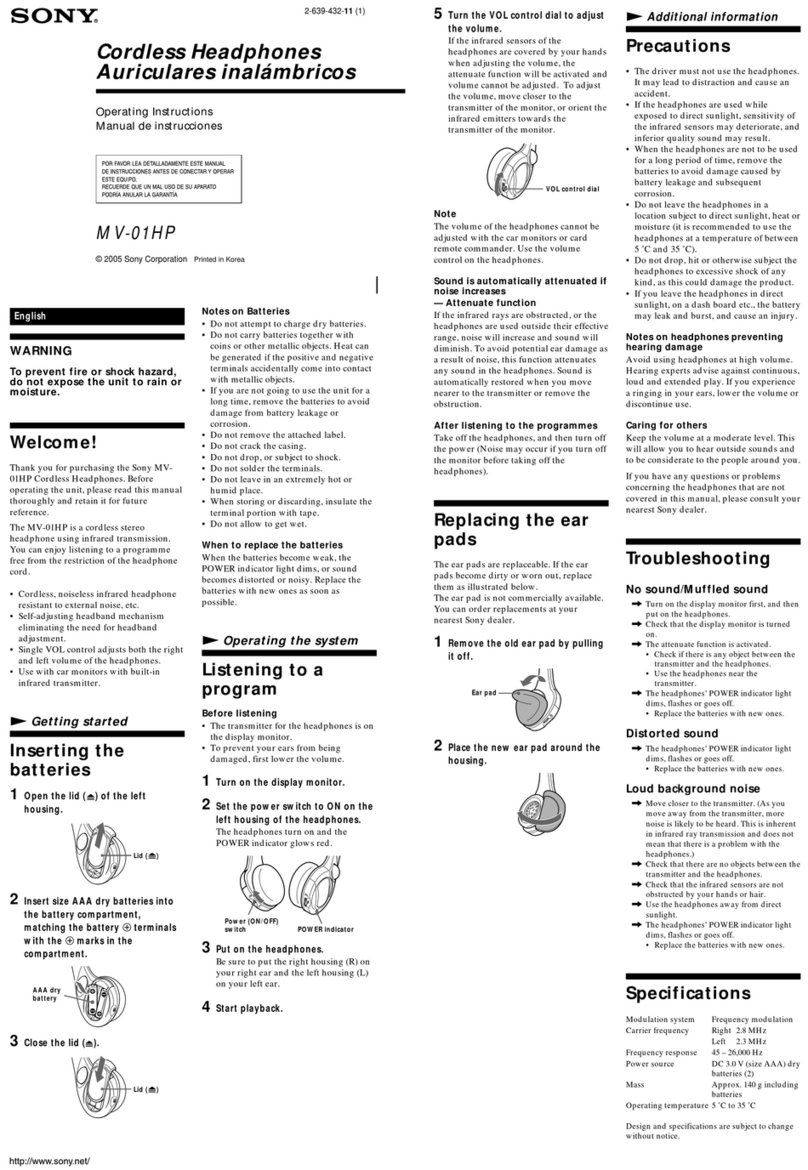
Sony MV-01HP User manual

Sony

Sony MV-01HP User manual

Sony MDR-EX300SL User manual

Sony

Sony MDR-EX300SL User manual

Sony MDR-EX15LP User manual

Sony

Sony MDR-EX15LP User manual

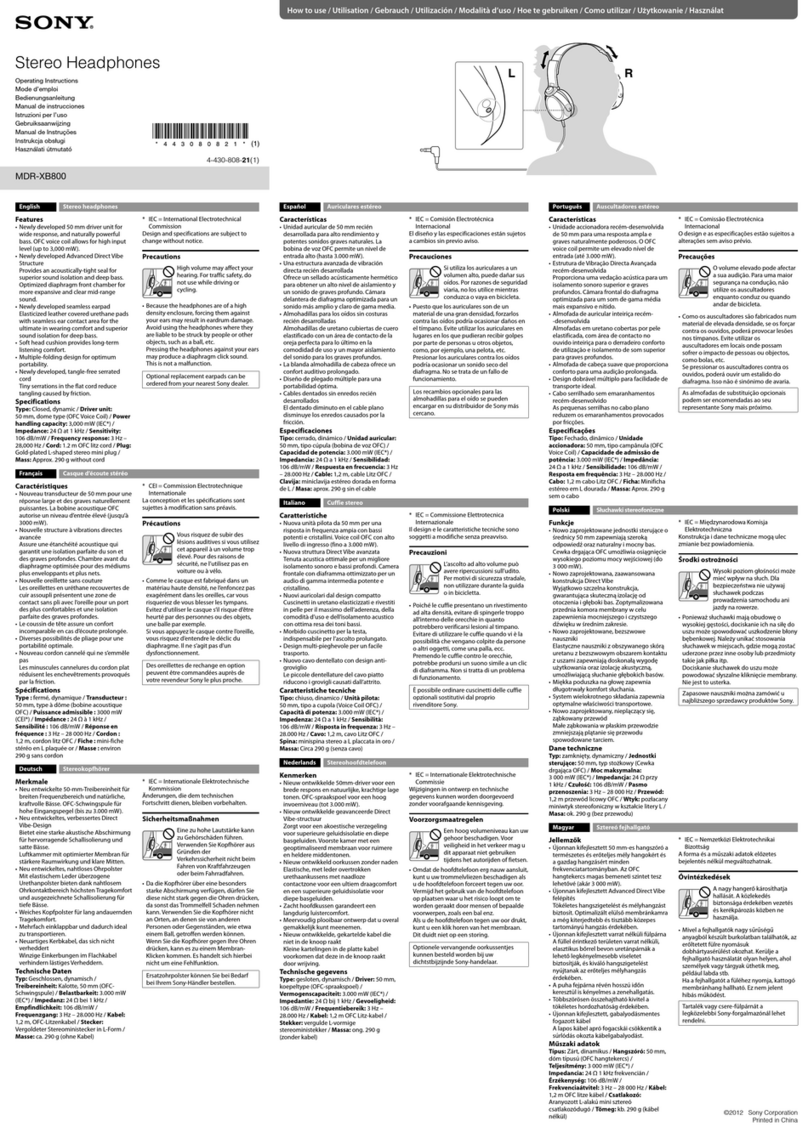
Sony MDR-XB800 User manual

Sony

Sony MDR-XB800 User manual

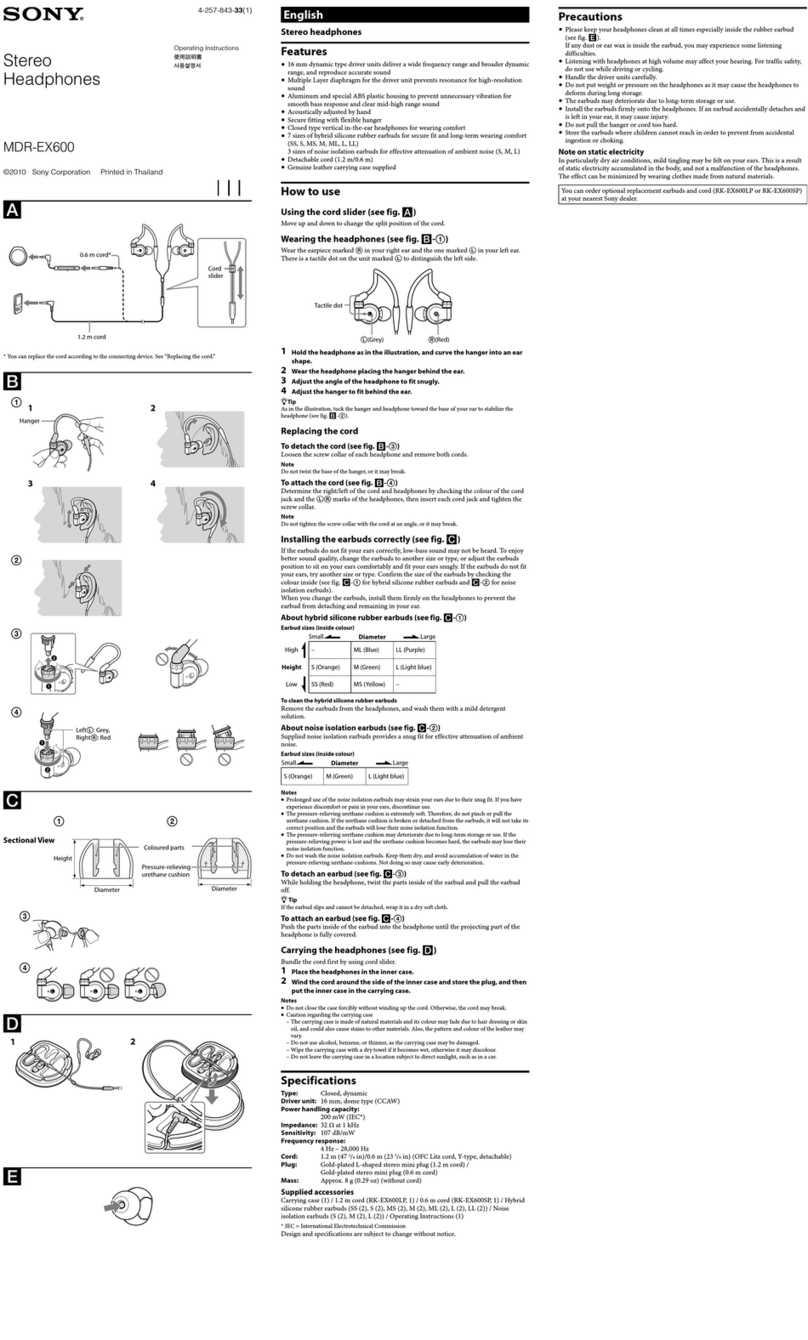
Sony MDR-EX600 User manual

Sony

Sony MDR-EX600 User manual

Sony Walkman NWZ-S764BT User manual

Sony

Sony Walkman NWZ-S764BT User manual

Sony MDR-RF925R User manual

Sony

Sony MDR-RF925R User manual

Sony MDR-HW700DS User manual

Sony

Sony MDR-HW700DS User manual

Sony MDR-EX25LP User manual

Sony

Sony MDR-EX25LP User manual

Sony MDR-EX10LP User manual

Sony

Sony MDR-EX10LP User manual

Sony MDR-AS20J User manual

Sony

Sony MDR-AS20J User manual

Sony MDR SA5000 User manual

Sony

Sony MDR SA5000 User manual

Sony MDR-MA500 Installation instructions manual

Sony

Sony MDR-MA500 Installation instructions manual

Sony MDR-J20 User manual

Sony

Sony MDR-J20 User manual

Sony MDR-Z1R User manual

Sony

Sony MDR-Z1R User manual

Sony MDR V500DJ User manual

Sony

Sony MDR V500DJ User manual

Sony MDR-PQ2 User manual

Sony

Sony MDR-PQ2 User manual

Popular Headphones manuals by other brands

Panasonic RP-WF810 null

Panasonic

Panasonic RP-WF810 null

AUSounds AU-Stream quick start guide

AUSounds

AUSounds AU-Stream quick start guide

ENERGY SISTEM Style 7 user manual

ENERGY SISTEM

ENERGY SISTEM Style 7 user manual

Philips SHE3622 Specifications

Philips

Philips SHE3622 Specifications

Insignia NS-CAHBTSPORT quick start guide

Insignia

Insignia NS-CAHBTSPORT quick start guide

Movie Vision HP-400 Operation manual

Movie Vision

Movie Vision HP-400 Operation manual

MobiFren SM Pro user guide

MobiFren

MobiFren SM Pro user guide

Motorola solutions PMLN8120 user manual

Motorola solutions

Motorola solutions PMLN8120 user manual

Jaybird freedom Faq

Jaybird

Jaybird freedom Faq

HiFuture Tidy Buds Pro user manual

HiFuture

HiFuture Tidy Buds Pro user manual

Creative CB2530 user guide

Creative

Creative CB2530 user guide

Renkforce RF FTVK-100 operating instructions

Renkforce

Renkforce RF FTVK-100 operating instructions

Philips SHQ3000 Specifications

Philips

Philips SHQ3000 Specifications

Sennheiser 500371 instruction manual

Sennheiser

Sennheiser 500371 instruction manual

Califone 2924AV Specifications

Califone

Califone 2924AV Specifications

Philips EARGEAR HE205 Series Specifications

Philips

Philips EARGEAR HE205 Series Specifications

Technics EAH-AZ80 manual

Technics

Technics EAH-AZ80 manual

Bose On-Ear Headphone Limited warranty

Bose

Bose On-Ear Headphone Limited warranty

https://manuals.online logo
https://manuals.online logoBrands
  • About & Mission
  • Contact us
  • Privacy Policy
  • Terms and Conditions

Copyright 2026 Manuals.Online. All Rights Reserved.

The DR-EX12iP headphones deliver powerful bass and clear treble
sound in a lightweight and comfortable in-ear design. An in-line remote
provides track and volume controls for iPod® or iPhone® and the built-in
microphone lets you take calls on the go.
In-line remote control
Use the in-line remote control to navigate your iPod® library - skip tracks and keep the volume
under control - without ever taking your player out of your pocket.¹
Mic’d to go
Take calls on the go with the in-line microphone for iPhone®. Answer calls easily while your phone
stays safely tucked away. When the conversation is over, go right back to enjoying your music.
VoiceOver support
The simple press of a button activates
VoiceOver mode where the iPod® states the name of the currently playing song or
playlist (on enabled devices).
Sound story
The DR-EX12iP headphones deliver powerful bass with high-resolution treble and midrange in a
lightweight and comfortable in-ear design. 9mm driver units combined with 400 kJ/m³ high power
neodymium magnets produce crystal clear sound.
Secure Fit
Hybrid silicone rubber earbuds maximize sound quality and comfort.
Colors to suit your mood
The subtle yet stylish color options – black, white, blue, pink, red and violet – let you match your
iPod®, your clothes or your mood.
Specications
Audio
Driver Unit Closed, Dynamic
9 mm, dome type (CCAW)
Frequency Response 8 - 22,000 Hz
Impedance 16 ohms at 1kHz
Sensitivity (db) 100 dB/mW
Volume Control Yes
Convenience
Remote Control Functions Volume, FF, RW, Play, Pause, Mic
General
Design Earbud
Headband None
Magnet Neodymium
Plug Four-conductor gold-plated stereo mini plug for iPod with remote function
Power Handling Capacity 100 mW (IEC)
Type of Use Portable
Hardware
Cord 47 1/4 in. (1.2 m), Litz cord Y-Type
Headphone Type In-Ear
DR-EX12IP/VLT Headphones for iPod®& iPhone®

1. Works with iPad®, iPhone 3GS, iPhone 4, iPod classic® 120GB & 160 GB (2009), iPod
nano® 4th, 5th & 6th generation, iPod shue® 3rd & 4th generation, and iPod touch® 2nd,

3rd & 4th generation.
© 2011 Sony Electronics Inc. All rights reserved. Reproduction in whole or in part without
written permission is prohibited. Sony is a trademark of Sony. iPod, iPod classic, iPod shue,
iPod nano, iPod touch, iPad and iPhone are trademarks of Apple Inc.. All other trademarks
are trademarks of their respective owners. Features and specications are subject to
change without notice. Non-metric weights and measures are approximate and may vary.
/Updated: December 21, 2011
Microphone Yes
Inputs and Outputs
Digital Audio Input(s)
Compatibility-
The terms: iPod, iPhone and iPad are collectively described as “iPod” except in special
cases.
iPhone 4
iPhone 3GS
iPod touch® 4th generation
iPod touch 3rd generation
iPod touch 2nd generation
iPod nano® 6th generation
iPod nano 5th generation
iPod nano 4th generation
iPod classic® 120GB 160GB (2009)
iPod shue® 4th generation
iPod shue 3rd generation
iPad®
Weights and Measurements
Weight (Approx.) .11 oz. (3 g) without cord
Accessories
Supplied Accessories
Earbuds - S (2), M (2), L (2)
Operating Instructions (1)
Warranty Card (1)