4GB
Table of Contents
Getting Started
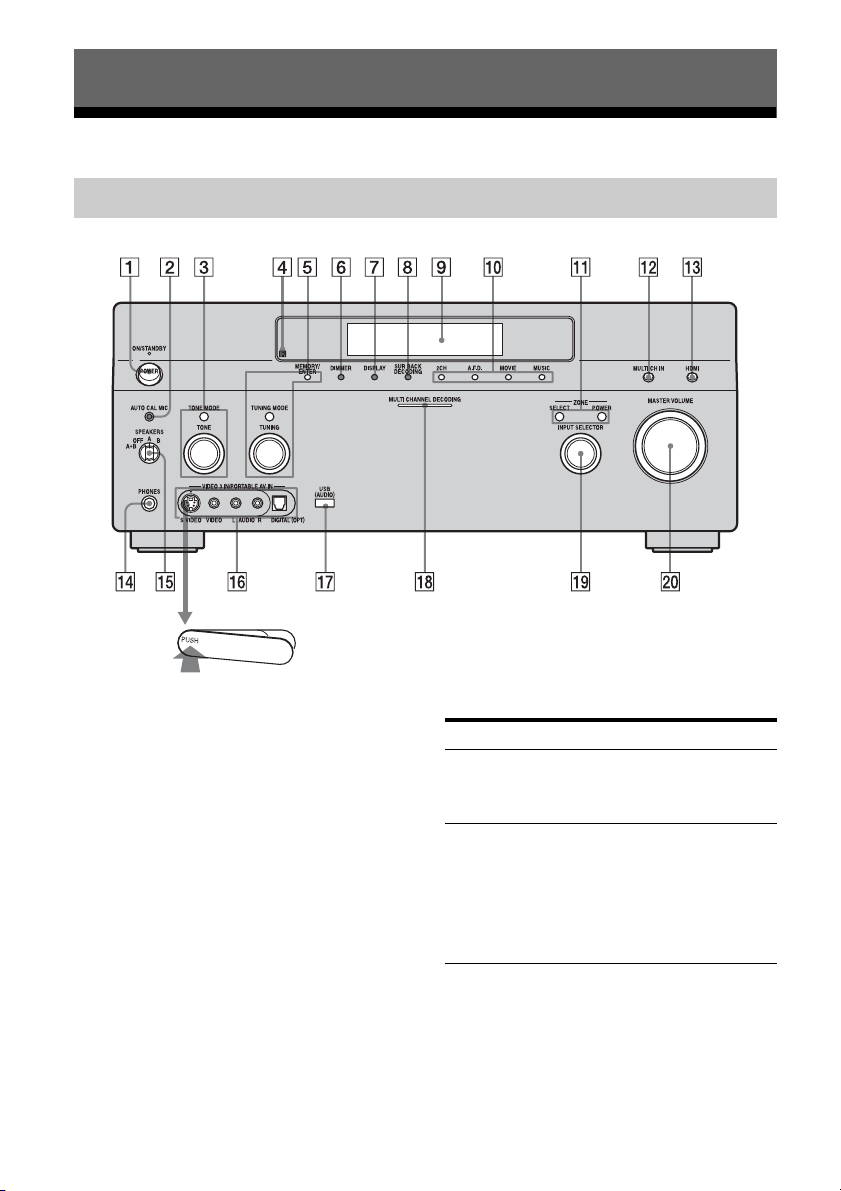
Description and location of parts ..................6
1: Installing speakers ..................................15
2: Connecting speakers ...............................17
3: Connecting the monitor for displaying
menus .....................................................19
4a: Connecting the audio components ........21
4b: Connecting the video components .......26
5: Connecting the antennas (aerials) ...........35
6: Preparing the receiver and the remote ....36
7: Navigating through menus .....................38
8: Setting the speakers ................................40
9: Calibrating the appropriate settings
automatically
(AUTO CALIBRATION) ......................42
Playback
Selecting a component ................................48
Listening to a Super Audio CD/CD ............50
Watching a DVD .........................................51
Enjoying video games ................................52
Watching video ...........................................53
Amplifier Operations
Overview of the menus ...............................54
Settings for the audio
(Audio settings menu) ...........................55
Settings for the video
(Video settings menu) ............................56
Settings for the system
(System settings menu) .........................57
Enjoying Surround Sound
Enjoying a pre-programmed sound field ....58
Adjusting the sound effect ..........................63
Using the surround back decoding mode ...65
Enjoying the surround effect at low volume
levels (NIGHT MODE) .........................67
Advanced Speakers Setting
Up
Adjusting the speaker settings manually .... 69
Adjusting the equalizer .............................. 75
Tuner Operations
Listening to FM/AM radio ......................... 77
Storing FM stations automatically
(AUTOBETICAL) ................................ 79
Presetting radio stations ............................. 80
Using the Radio Data System (RDS) ......... 82
Other Operations
Converting analog video input signals ....... 84
Listening to the music of a USB device ..... 86
Naming inputs ............................................ 88
Switching between digital and analog audio
(INPUT MODE) ................................... 89
Enjoying the sound/images from other
inputs ..................................................... 90
Changing the display ................................. 93
Using the Sleep Timer ............................... 97
Recording using the receiver ...................... 97
Listening to the sound in another zone
(ZONE 2/ZONE 3 operations) .............. 98
Using a bi-amplifier connection ............... 103
Using the CONTROL S Control
System ................................................. 104
Operating without a GUI
(Graphical User Interface) .................. 105
Using the Remote
Operating each component using the
remote ................................................. 110
Programming the remote ......................... 112
Performing several commands in sequence
automatically (Macro Play) ................ 115