To view manuals, videos, drivers, downloads, technical drawings, and more visit www.startech.com/support
Table of Contents
Compliance Statements................................................................................... i
Safety Statements .............................................................................................. ii
Warning Statements.......................................................................................... iii
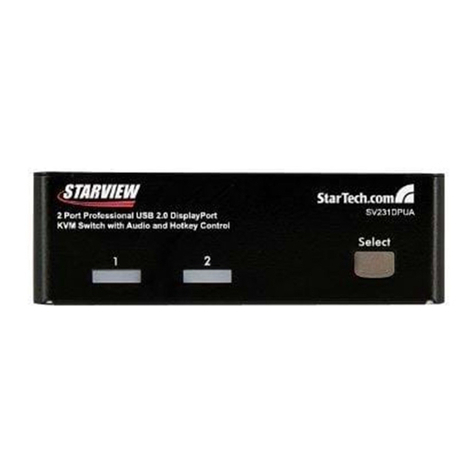
Product Diagram ................................................................................................ 1
Front View.................................................................................................................................................... 1
Rear View...................................................................................................................................................... 1
Product Information.......................................................................................... 2
Package Contents ..................................................................................................................................... 2
Requirements ............................................................................................................................................. 2
Installation............................................................................................................ 3
Attach the Rubber Foot Pads................................................................................................................ 3
Connect the Console ............................................................................................................................... 3
Connect the PC .......................................................................................................................................... 4
Operation.............................................................................................................. 5
Power-On Sequence ............................................................................................................................... 5
Select a Port ................................................................................................................................................ 5
Hotkey Commands ............................................................................................ 6
Troubleshooting................................................................................................. 7
Warranty Information ....................................................................................... 9