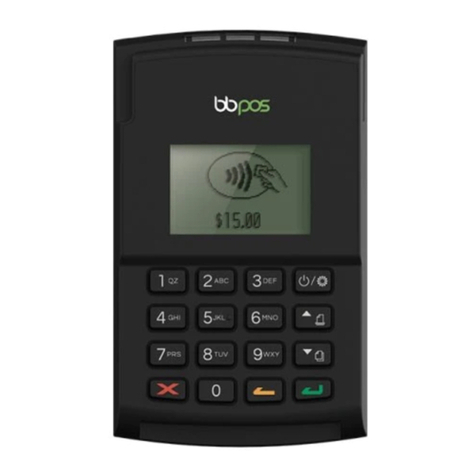
Turning the Move 5000 ON and OFF
Turning the terminal OFF
— Press the Func and Clear button on the terminal simultaneously.
Turning the terminal ON
— Press the Enter button or place the terminal in the docking station connected to power.
Accessing the Menu
Mobile EFTPOS Terminal (Move5000) Countertop EFTPOS Terminal (Move2500)
Press the MENU button on the right
hand side of the terminal below the screen
Press the MENU button on the right
hand side of the terminal below the screen
Ways to Process Transactions
Cards can be processed on the EFTPOS terminal in the following ways:
— Tap using the Contactless Functionality
Tap the contactless-enabled card against the contactless sign on the printer cover. Apple
Pay, Google Pay, Samsung Pay and other "Pays" are accepted in the same manner as
contactless enabled cards.
— Insert using the chip
Hold the card face-up with the chip towards the EFTPOS
terminal; insert the card as far as it will go into the chip
reader on the EFTPOS terminal. The card must remain in
the EFTPOS terminal until prompted to remove the card. If
there is an error reading the chip on the customer’s card, the
EFTPOS terminal may prompt you to swipe the card.