manuals.online logo
Brands
  1. Home
  2. •
  3. Brands
  4. •
  5. superbrightleds
  6. •
  7. Work Light
  8. •
  9. superbrightleds NFLSK-x300X3-UC User manual

superbrightleds NFLSK-x300X3-UC User manual

Other superbrightleds Work Light manuals

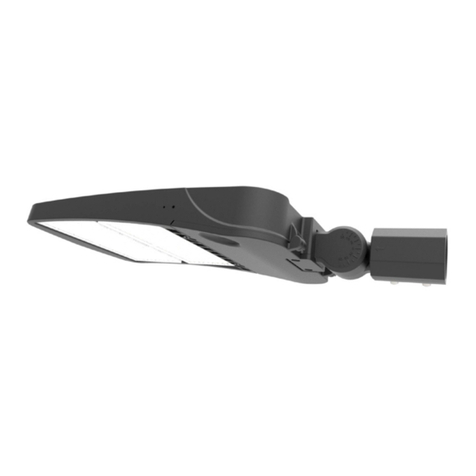
superbrightleds PLLD2 Series User manual

superbrightleds

superbrightleds PLLD2 Series User manual

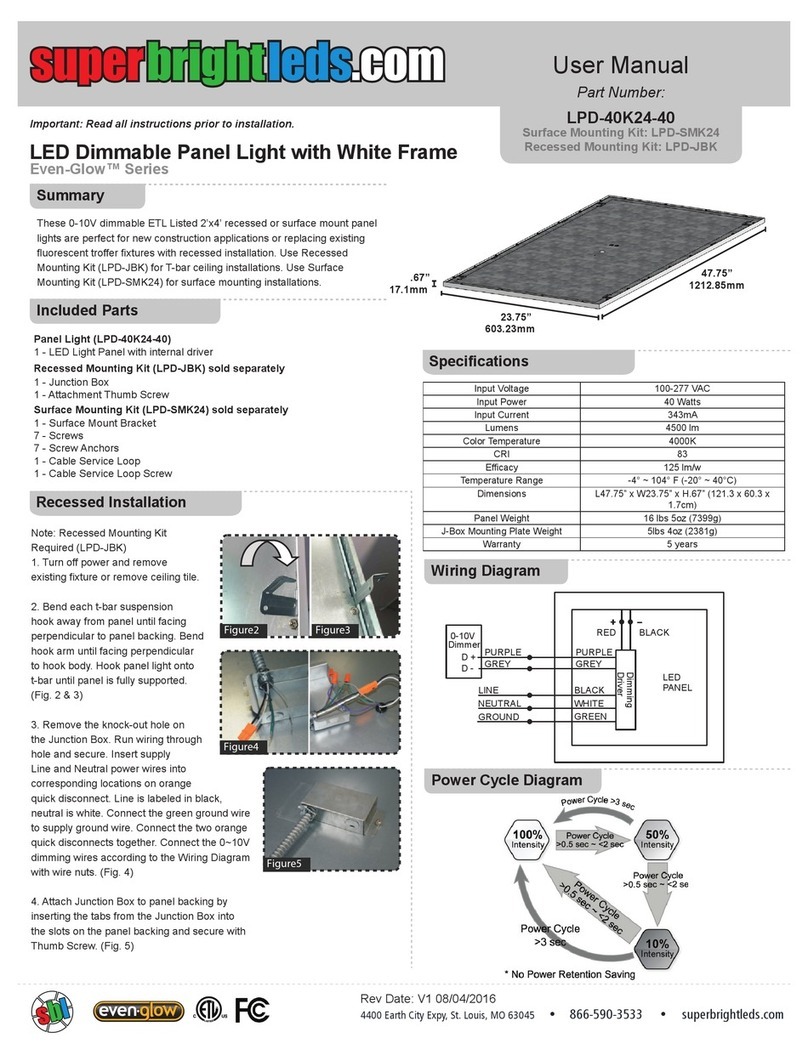
superbrightleds Even-Glow LPD-40K24-40 Series User manual

superbrightleds

superbrightleds Even-Glow LPD-40K24-40 Series User manual

Popular Work Light manuals by other brands

Conrad 77 70 78 operating instructions

Conrad

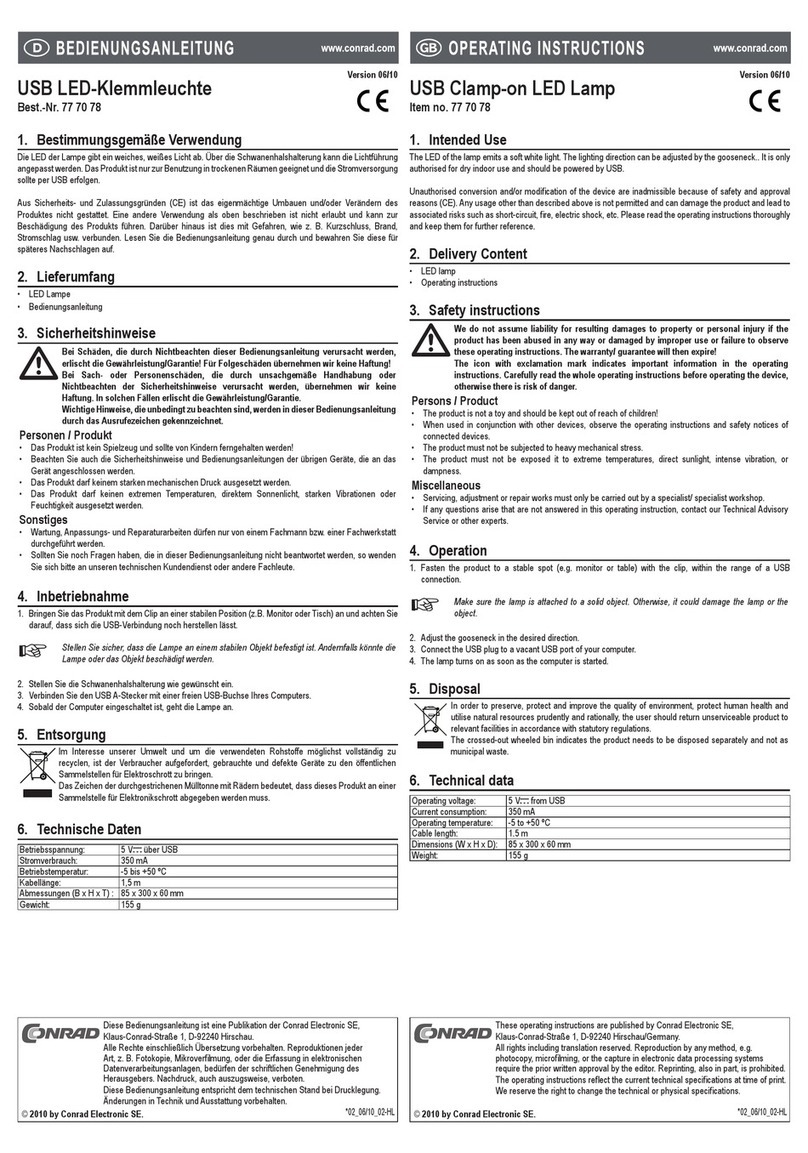
Conrad 77 70 78 operating instructions

EBS Seeberg 1 Operation manual

EBS

EBS Seeberg 1 Operation manual

Pelican 9460 user manual

Pelican

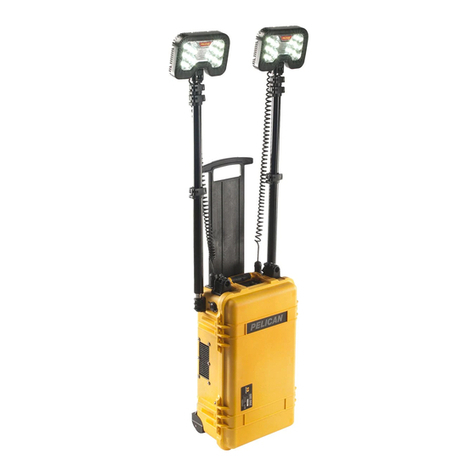
Pelican 9460 user manual

Anslut 425-080 User instructions

Anslut

Anslut 425-080 User instructions

Govee H6071 user manual

Govee

Govee H6071 user manual

LumX INSPEC LED instruction manual

LumX

LumX INSPEC LED instruction manual

LED2WORK TECLED User instructions

LED2WORK

LED2WORK TECLED User instructions

ANSMANN POWERLIGHT 5.1 operating instructions

ANSMANN

ANSMANN POWERLIGHT 5.1 operating instructions

RTRMAX RTX1868 instruction manual

RTRMAX

RTRMAX RTX1868 instruction manual

FeinTech LAL00220 quick start guide

FeinTech

FeinTech LAL00220 quick start guide

Bunker Hill Security 64735 user manual

Bunker Hill Security

Bunker Hill Security 64735 user manual

Goobay 30450 user manual

Goobay

Goobay 30450 user manual

REV Ritter SPOT Assembly and operating instructions

REV Ritter

REV Ritter SPOT Assembly and operating instructions

Ignition Stagepix Line 100 IP user manual

Ignition

Ignition Stagepix Line 100 IP user manual

SCANGRIP DUO CONNECT manual

SCANGRIP

SCANGRIP DUO CONNECT manual

Bosch GLI 18 V operating instructions

Bosch

Bosch GLI 18 V operating instructions

Bayco SL-1514 instruction manual

Bayco

Bayco SL-1514 instruction manual

EUFAB SMD LED 8+1 operating instructions

EUFAB

EUFAB SMD LED 8+1 operating instructions

manuals.online logo
manuals.online logoBrands
  • About & Mission
  • Contact us
  • Privacy Policy
  • Terms and Conditions

Copyright 2025 Manuals.Online. All Rights Reserved.

Under Cabinet LED
Flexible Light Strip Kit
NFLSK-x300X3-UC
Instruction Sheet
Part Number:
Parts Included
Important: Read all instructions prior to installation.
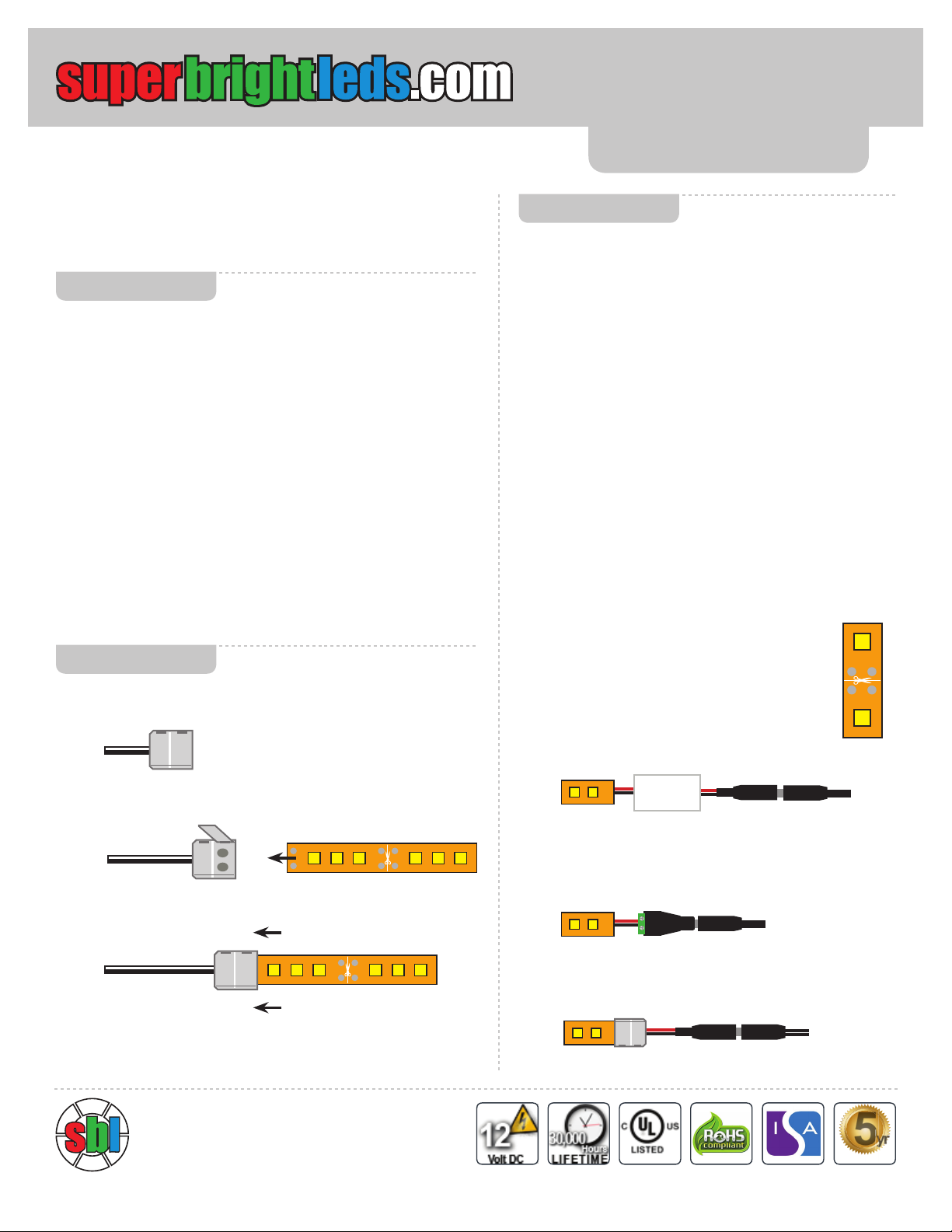
Pre-test & Confi gure
Remove strip from reel and make connections to power supply
and dimmer (see “Method 1” diagram). Briefl y turn on strip using
dimmer power button to ensure proper operation of the strip,
power supply, dimmer, and remote.
Layout strip on counter below cabinets, hold strips up under
cabinets to determine lengths of strip segments needed for your
installation. See below for cutting instructions.
Connect all strip segments using appropriate length connectors,
see “Connecting Strips” section and “General Diagram” for
guides. Connect strip. Connect strip assembly to power supply
to ensure all segments are connected properly, then remove
power.
Ensure all installation surfaces are clean and dry.
Begin to remove strip’s backing while adhering to bottom front
edge of cabinets for optimal illumination. Press  rmly to secure
strips to surface. Route strip interconnectors under cabinet
seams, windows, and other spaces between cabinets. Attach
dimmer and power supply to desired location using included
foam tape.
Cutting
Cut strips to appropiate length using scissors on lines
indicated with scissor icon. Strip can only be cut on
these lines, which are spaced every 3 LEDs.
+
-
Light Strip Dimmer
(MCBRF-15A)
Pigtail CPS Power Adapter Cable
(CPS-PT)
Power Supply
+
-
Light Strip
Female Terminal Screw Adapter
(CPS-F2ST)
Power Supply
+
-
(Method 2) Without Dimmer
+
-
Light Strip
CPS Adapter Cable Clamp
(NFLS10-2CHCPS)
Power Supply
+
-
(Method 3) Without Dimmer
Instructions
(Method 1) With Dimmer
Connecting Strips
Note: Dimmer must be used between
the light strip and power supply.
+
-
+
-
+
-
+
-
+
-
+
-
Gently pull out locking tab on face of Flexible Light Strip
Interconnect (NFLS10-2CSH)
Insert strip  rmly into Interconnect making sure the polarity is
correct by lining up the + symbol on the strip with the white wire
on the connector.
Return the locking tab to the closed position on the Interconnect
by pushing back in.
1.
2.
3.
Troubleshooting Tips: If the light strip does not light up, check that the
polairty is correct. + symbol connecting to + symbol on all segments. Make
sure strips are fully inserted in clamp-on connectors.
+
-
+
-
1 - 16.5’ (5m) LED Flexible Light Strip (NFLS-x300X3-UC)
1 - Single Color LED Controller - Wireless RF Remote (MCBRF-15A)
1 - 12VDC 60W Desktop Power Supply (TPZ-1200500A2)
1 - Female Terminal Screw Adapter (CPS-F2ST)
1 - Pigtail CPS Power Adapter Cable (CPS-PT)
2 - CPS Adapter Cable Clamp-On (NFLS10-2CHCPS)
4 - Flexible Light Strip Interconnect (NFLS10-2CSH)
3 - Solderless Clamp-On Pigtail Adapter (NFLS10-2CPTH)
1 - LC2 Male Power Connector Pigtail (LC2M-PT)
1 - LC2 Female Power Connector Pigtal (LC2F-PT)
10 - 22-16 AWG Grey Wire Nuts (WN-2216)
1 - 8’ Length 24 AWG Two Conductor Power Wire (WP24-2)
8 - Double-Sided Foam Pads (3M-FTP)
If your installation requires additional parts, visit superbrightleds.com and
enter the part number above in the search box.
5yr
WARRANTY
4400 Earth City Expy
St. Louis, MO 63045
+
-
+
-
+
-
+
-
OUTPUT
INPUT
+
-+
-

+
-
+
-
+
-
+
-
+
-
+
-
Light Strip (with stock female LC2 Connector)
Dimmer
Pigtail CPS Power Adapter Cable
+
-
+
-
+
-
Light Strip (with stock female LC2 Connector)
Power Supply
+
-
+
-
+
-+
-
+
-
+
-
+
-
+
-
Solderless Clamp On
Pigtail Adapter
Light Strip
Light Strip
Solderless Clamp On
Pigtail Adapter
Solderless Clamp On
Pigtail Adapter
Interconnect
8’ Power Wire
(cut to size)
8’ Power Wire
(cut to size)
+
-
+
-
+
-
+
-
+
-
+
-
Bottom View of Cabinet
Cabinet Seams
Cabinet Lip Flat Bottom of Cabinet
Light Strip Light Strip
Interconnect
Note: This conguration is for over-the-stove microwave’s that have above cabinet storage with an existing outlet as a power source for the power
supply. Wiring may vary based on cabinet conguration and outlet availability.
General Diagram
DO NOT connect LED strip directly to 120V AC power. This kit requires a 12V DC Adapter (included power supply) to be powered.
DO NOT connect more than one 16.5’ section of light strips to the included power supply. Overloading the included power supply may cause
overheating, shorting, and possibly re.
Be sure the power supply is not plugged into an outlet before connecting or disconnecting any of the kits components.
DO NOT expose the light strip to direct or indirect moisture.
Always observe proper polarity when connecting power and load.
Safety
866-590-3533 [email protected]
Note: If not using the Dimmer, see the
front of this sheet for additional options for
connecting to the power supply.
Female Terminal
Screw Adapter
(CPS-F2ST)
Flexible Light
Strip Interconnect
(NFLS10-2CSH)
LC2 Female Power
Connector Pigtail
(LC2F-PT)
CPS Adapter
Cable Clamp
(NFLS10-2CHCPS)
Solderless
Clamp-On Pigtail
Adapter
(NFLS10-2CPTH)
Pigtail CPS
Power Adapter
Cable
(CPS-PT)
LC2 Male Power
Connector Pigtail
(LC2M-PT)
+
-
+
-
+
-
+
-
OUTPUT
INPUT
+
-+
-