10
USING THE HANDSET
Turning the power on/off
• To power on, press and hold for 1 second.
• To power off, press and hold for 3 seconds.
Turning off the alarm
If the tamper alarm is triggered, press or to turn off the alarm on the doorbell and handset.
Waking up the display
When the handset is idle after 15 seconds, the display turns off.
• To wake up the display, press any button on the handset.
Answering/Rejecting a call
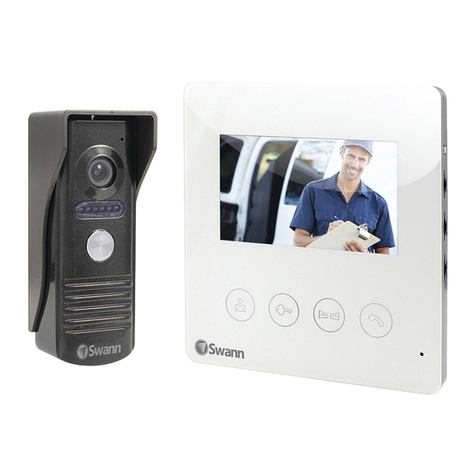
When a visitor presses the button on the doorbell, the handset rings and shows live video from the doorbell camera.
• To answer the call, press . You can talk for up to 45 seconds before the call is automatically ended.
• To reject the call, press .
Using Monitor mode
Monitor mode allows you to view live video from the doorbell camera at any time and discreetly monitor the doorbell's
surroundings.
Note: If the doorbell is powered by batteries, the Monitoring function will only work when the doorbell is operating in
Normal Power mode. See "Changing the Doorbell Battery Setting" on page 8.
• To enter Monitor mode, press Mon.
Note: If you have 2 doorbells registered, you need to select which doorbell camera you want to view.
• In Monitor mode, you can start talking over the microphone by pressing .
• To stop monitoring and end the live video, press . Monitor mode will also automatically end after 45 seconds.