10
HANDSET
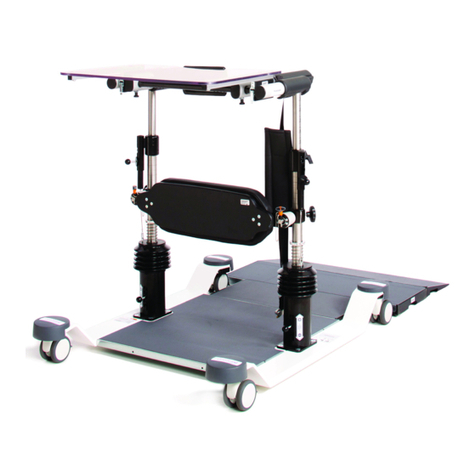
The three main mechanisms are operated by the
handset shown to the left. There are six buttons to
operate the head, tilt and lift functions.
Follow the guide on the next page on how to the
adjust the ACHEEVA® head, tilt and lift using the
handset.
* - When operating the the ACHEEVA®
will stop tilting when the leg section reaches a
horizontal position. If you wish to tilt beyond the
horizontal position release the button and
push again to pass through the position. If the
ACHEEVA® is too low to tilt without a potential
clash, a warning tone will sound when the button
is pressed. To prevent this the height should be
adjusted using the to an appropriate level
to allow the tilt to work.
** - If the ACHEEVA® is lowered and the tilt in space is active, a potential clash may be
detected. If this occurs it will level itself before continuing to lower.
To isolate the handset push the button “O”down, when any handset button is pressed a
beep will be heard indicating handset is isolated. To reinstate use of handset push the “I”
down, when the handset is first used a beep will initially sound for a second, keep the
button pressed to initialise the handset.
The battery can be charged with the switch in either position.
The handset can be isolated via
a switch to stop unauthorised
use of the handset. This switch
is located at the left hand side
foot end of the bed underneath
the chrome push handles.
HANDSET OPERATION
HANDSET ISOLATION