Positioning your Roam
Distance between Router and Antenna
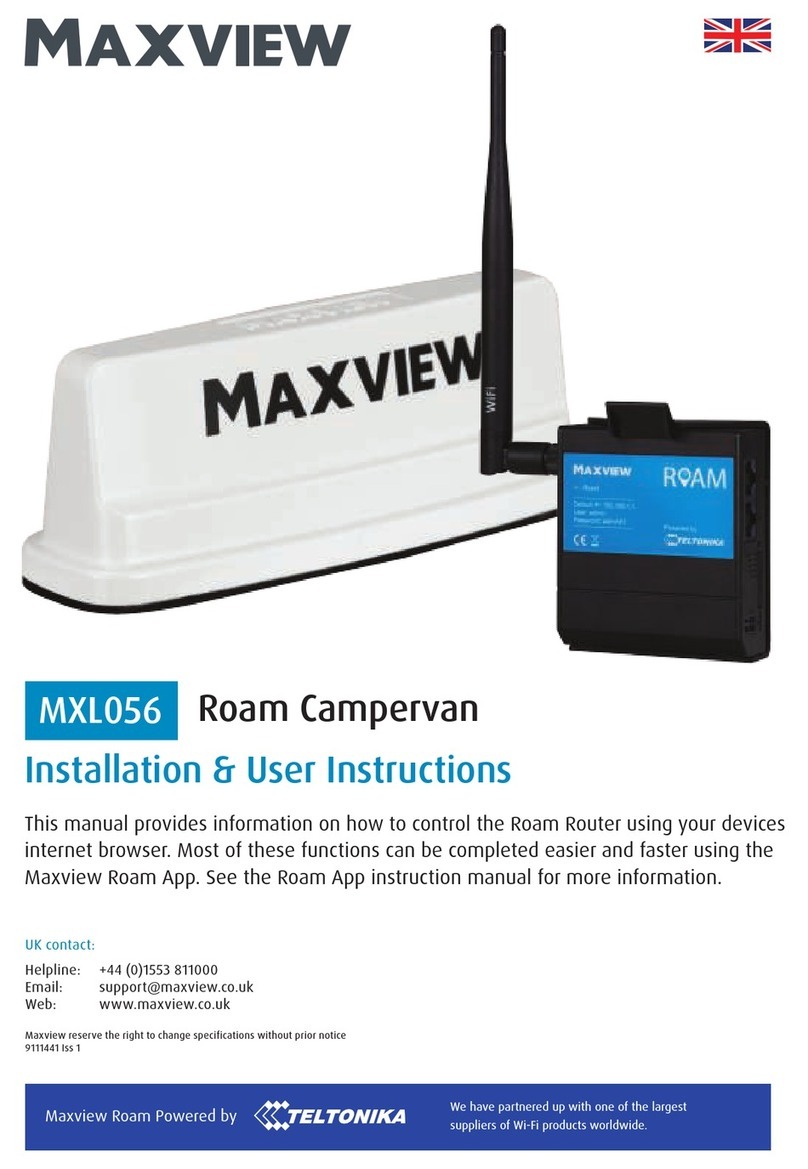
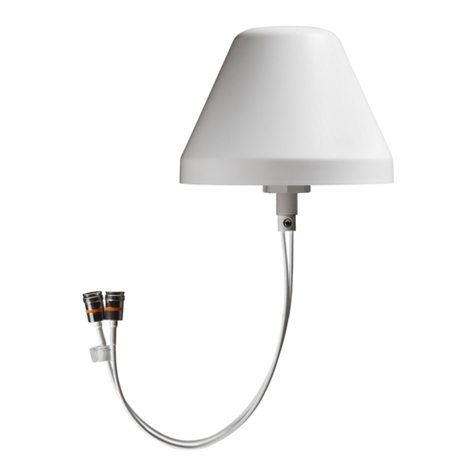
For best performance, we recommend mounting the router in close proximity to the roof mounted
antenna. For best performance, only use the antennas standard 0.8m coaxial cables.
This means, once you have a suitable location for the router inside the vehicle, you must also ensure there is
a suitable space on the roof to position the antenna in close proximity to the router. For example, if you would
like to position your router in an overhead cupboard, we recommend mounting the antenna directly above the
cupboard space.
Roof Antenna Space
We recommend leaving 30cm gap from obstacles around the antenna to avoid interference issues.
Router Wi-Fi Antenna Space
The internal router can be mounted in a horizontal or vertical orientation. However, bear in mind that the Wi-Fi
antenna must be vertical for maximum performance. You must leave enough space for this.
Power Supply
The router comes with 12V cigarette adaptor. You should ensure your router power supply can reach your
preferred power source.
1. The 3M seal provides a permanent installation.
The adhesive is extremely strong and the antenna is
not designed to be removed. Please ensure you are
completely happy with your antenna’s position and
orientation before installation.
2. The Roam antenna is designed to be mounted
directly to a horizontal, flat and smooth surface such as
GRP (Glass Reinforced Plastic) with the coaxial cables
passing directly through the roof underneath the
centre of the antenna. The standard installation is
designed for roof thicknesses from 10mm up to 50mm.
If this does not suit your installation, please see our
mounting accessories (page 4) for a more suitable
mounting option.
6
Important Antenna Installation Information
10 - 50mm