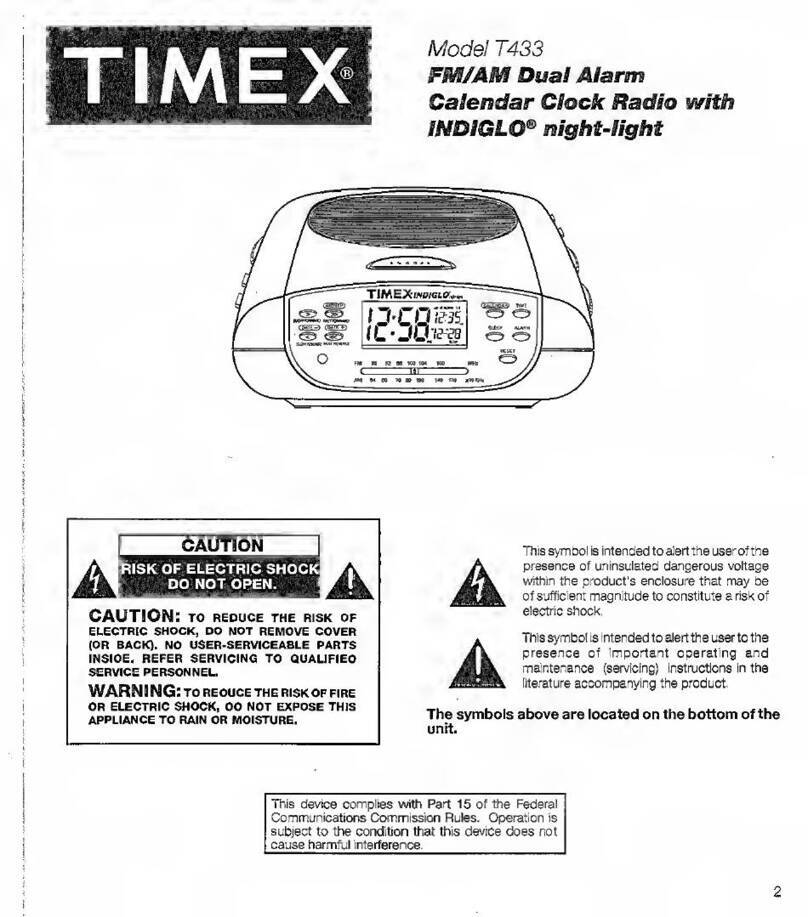
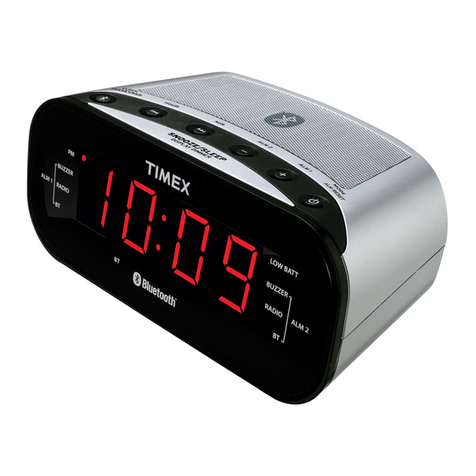
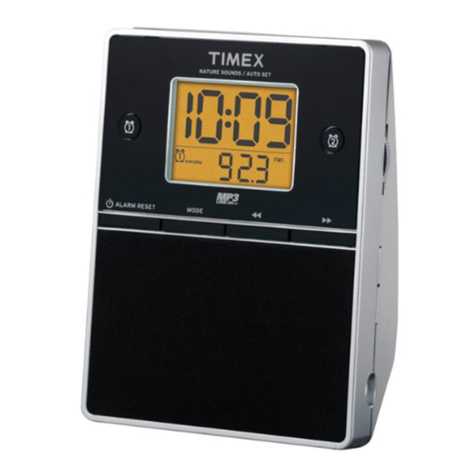
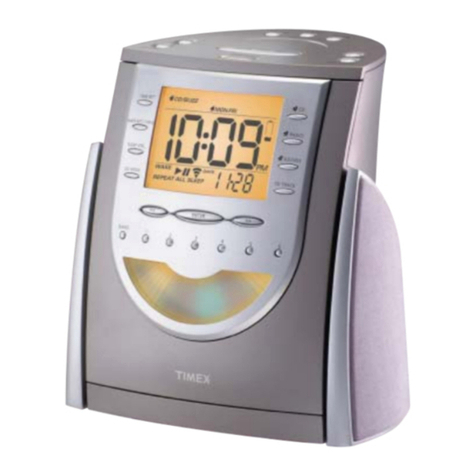
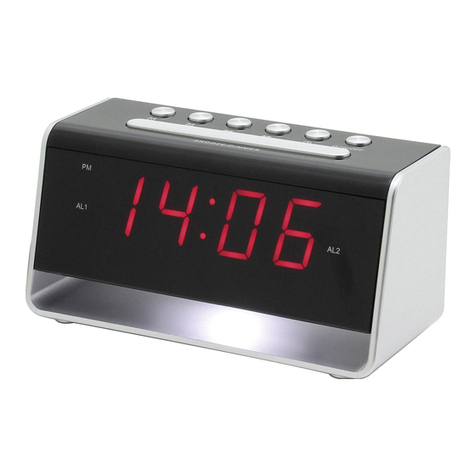
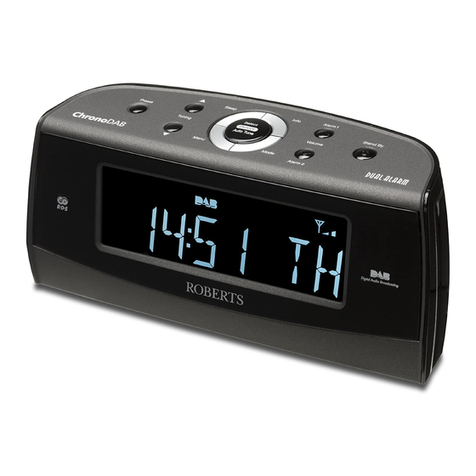
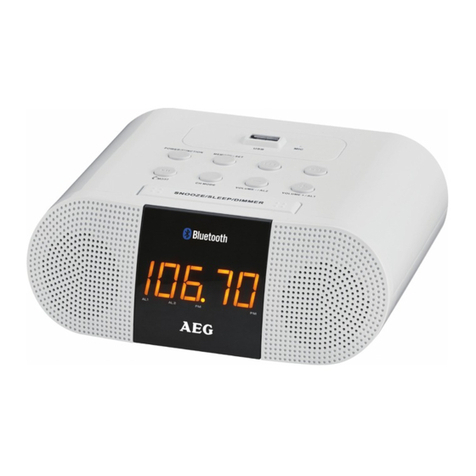
This clock radio features a dual alarm system, with two alarms that can be operated independently. The alarms can be
set to wake two people at different times, or to have a main alarm and a backup. One alarm features your choice of radio
stations as an alarm wake sound, while the second features a nature sound or buzzer as an alarm wake sound. You can
set the radio alarm, the nature sound/buzzer alarm, or both alarms.
Setting the Alarm 1 for AM/FM Radio
1. Press and hold the 2Radio Alarm 1 Button. The display will flash and the Radio Alarm Indicator will appear. If
you do not begin setting the time within ten seconds of pressing the button, the display will stop flashing and you will
need to press the 2Radio Alarm 1 Button again.
2.
While the display flashes, press the
1Reverse and 6Forward Buttons
to set the wake time. Hold a button for a few
seconds to set the time rapidly. Be sure to set the correct AM/PM time, as shown by the PM Indicator.
3. After setting the radio alarm time, while the display is still flashing you will need to select the station. First, press the
LMode/DST Button to select a radio frequency. Next, select a station using the MMemory Set 1-6 Buttons. For
more information on programming radio stations into memory, see the Programming Radio Station Settings section of
this manual. Rotate the OVolume Thumbwheel to set the wake sound volume.
4. After setting the radio alarm wake time and sound, you will need to select the 7-5-2 setting. The 7-5-2 setting lets you
set the alarm for a full week, weekdays only, or the weekend. Before setting the alarm, be sure that the correct date
is set, as shown in the “Auto-Set” and Manual Time and Date Settings section of
the manual. While the display is still
flashing, press the
9 Date/7-5-2 Button
until the desired setting is shown.
5. After you have set the radio alarm wake time, sound, and 7-5-2 setting, press the 4 Enter Button. The Radio Alarm
Indicator will appear on the display, showing that the radio alarm has been set.
Setting Alarm 2 for Nature Sounds/Buzzer
1. Press and hold the 7Nature Sounds/Buzzer Alarm 2 Button until the Alarm 2 settings and Sounds Alarm
Indicator appear on the display.
2. Press the 1Reverse or 6Forward Button to set the Alarm 2 time.
3. Use the LMode/DST Button to select a nature sound or the buzzer to wake to. There is a choice of five sounds:
Sound #1: Ocean Surf
Sound #2: Birds
Sound #3: Brook
Sound #4: Wind Chimes
buz: Buzzer
4. See Note #4 in the Setting Alarm 1 section for instructions on setting the 7-5-2 alarm setting for Alarm 2.
5. After you have programmed the Alarm 2 settings, press the 4Enter Button or wait ten seconds to return to the clock
display. The Sounds Alarm Indicator will appear on the display, showing that the alarm is set.
8
Operating the Dual Alarm System