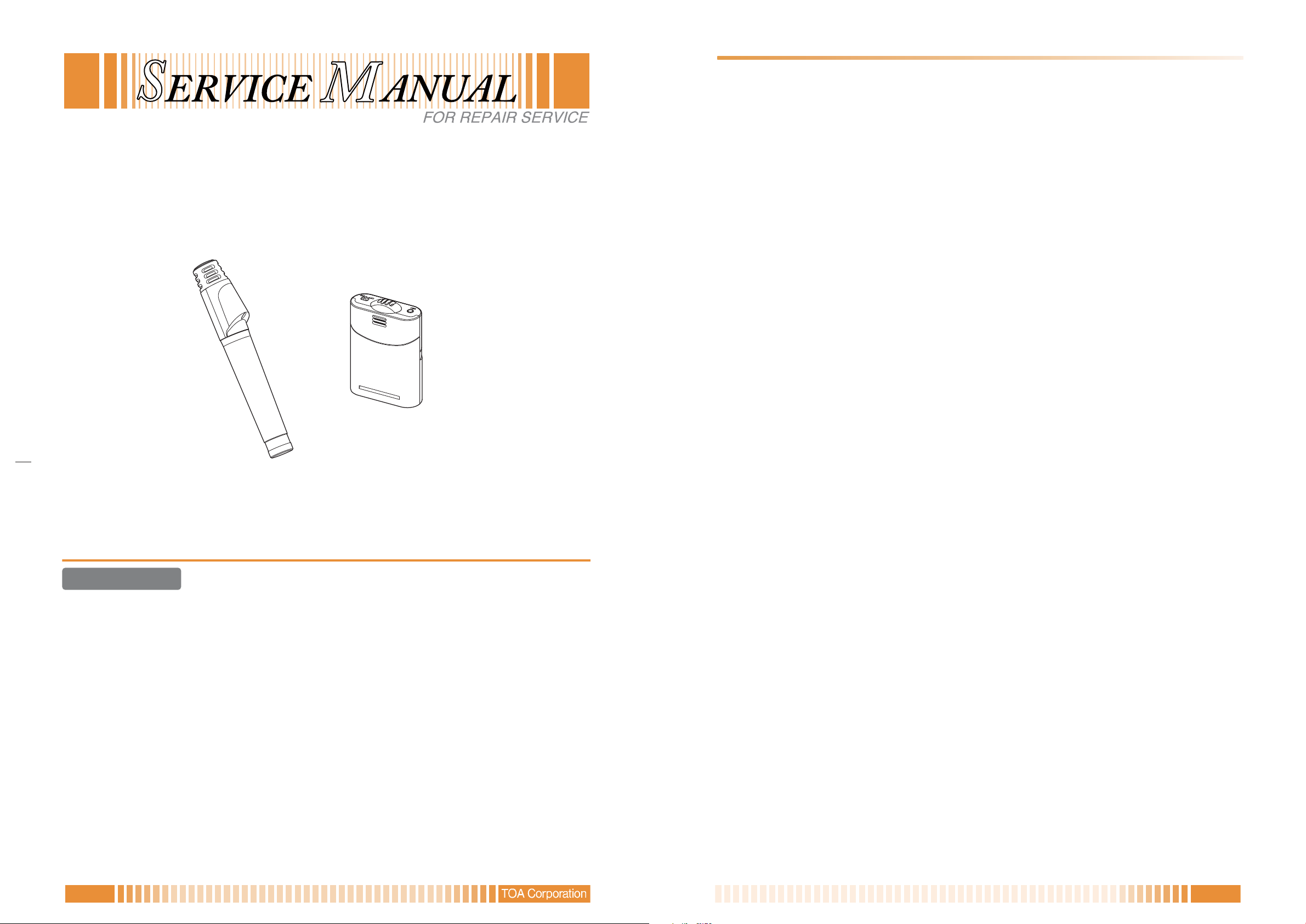
IR-200M, IR-300M Y
8 8ADJUSTMENT PROCEDURE
• Adjustment and Check Method
· IR-200M
(Conditions)
Room temperature : 15 - 35 °C (59 - 95 °F)
Power source : 2.4 ± 0.1 V DC
Power switch (SW102) : ON
Power selector switch (SW101) : "N" (Normal) position
Channel selector switch (SW100) : "B" position (Channel B)
Oscillation frequencies of Channels A and B are as follows.
Channel A: 3.100 MHz ± 20 kHz
Channel B: 3.350 MHz ± 20 kHz
Note: Setting the selector to the positions except “A” and “B” provides no output.
1. VCO check
1-1. Turn on the power switch (SW102) at Channel B.
Confirm that the current consumption is 250 ± 20 mA and LED100 lights green.
1-2. Connect the spectrum analyzer to the RF output (TP200), then confirm that the transmitting
frequency is 3.350 MHz ± 20 kHz and the output level is 90 dBμV or more.
2. Oscillation frequency check
Change the Channel selector switch (SW100) position, and turn OFF the power switch (SW102).
After more than 2 seconds, turn ON the power switch again.
Confirm the following signals are output depending on the selector switch positions.
Channel A position: 3.100 MHz ± 20 kHz
Positions except “A” and “B”:No output
(In this case, also confirm the power indicator alternately flashes green and red.)
3. Maximum frequency deviation adjustment
3-1. Connect the AF generator output of audio analyzer to the AF input (CN300), then apply
1 kHz /-6 dBV signal to the AF input.
3-2. Connect the modulation analyzer to the RF output (TP200), then adjust the AF level control (VR300) for
the frequency deviation of 40 ± 1 kHz. [Filter OFF, (p-p)/2]
3-3. Disconnect the modulation analyzer, and connect the spectrum analyzer to the RF output (TP200) again.
Then, confirm the tone signal (32.768 kHz) level is -32 dBC ± 3 dB.
4. Frequency response check
4-1. Connect the modulation analyzer to the RF output (TP200), and also the AF generator output of audio
analyzer to the AF input (CN300). Then, apply 400 Hz/-40 dBV signal to the AF input.
4-2. Confirm the modulation analyzer reads the following values when setting the audio frequencies to 100 Hz
and 8 kHz keeping the audio input level constant.
100Hz : -5.0±3.0dB
8kHz : +20.0±1.5dB
4-3. After the measurement above, disconnect the modulation analyzer from the RF output (TP200).
5. RF modulation level adjustment
5-1. Set the Channel selector switch (SW100) to "B" position, and turn OFF the power switch (SW102).
After more than 2 seconds, turn ON the power switch again.
5-2. Connect the oscilloscope to the check point (TP201) of brightness modulation level. Then, adjust the RF
level control (VR1) so that 3.350 MHz signal shows the following values.
DC voltage : 100 ± 10 mV
Carrier signal level : 150 mVp-p ± 10 mV
5-3. Connect the oscilloscope to the check point (TP202) of brightness modulation level, and confirm the
following value is obtained.
DC voltage : 100 ± 10 mV
Carrier signal level : 150 mVp-p ± 10 mV
5-4. Shift the Power selector switch (SW101) to "H" position, and confirm the following value is obtained at
TP202.
DC voltage : 100 ± 10 mV
Carrier signal level : 150 mVp-p ± 10 mV
Current consumption: 340 ± 20 mV
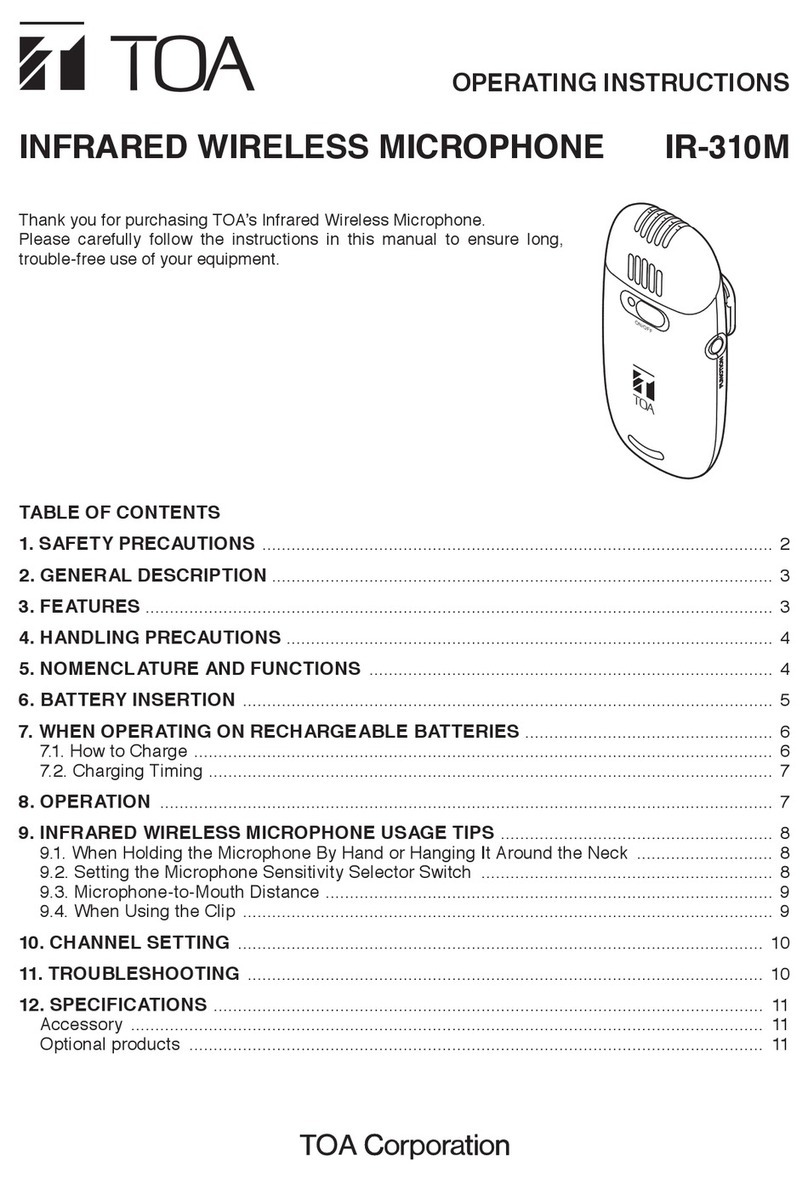
· IR-300M
(Conditions)
Room temperature : 15 - 35 ºC (59 - 95 ºF)
Power source : 2.4 ± 0.1 V DC
Power switch (SW300) : ON
Microphone level control (VR301) : “H” (Maximum) position
Power selector switch (SW201) : “N” (Normal) position
Channel selector switch (SW200) : “B” position (Channel B)
Oscillation frequencies of Channels A and B are as follows.
Channel A: 3.100 MHz ± 20 kHz
Channel B: 3.350 MHz ± 20 kHz
Note: Setting the selector to the positions except “A” and “B” provides no output.
1. VCO check
1-1. Turn on the power switch (SW300) at Channel B.
Confirm that the current consumption is 250 ± 20 mA and the power switch (SW300) lights green.
1-2. Connect the spectrum analyzer to the RF output (TP201), then confirm that the transmitting frequency is
3.350 MHz ± 20 kHz and the output level is 90 dBμV or more.
2. Oscillation frequency check
Change the Channel selector switch (SW200) position, and turn OFF the power switch (SW300).
After more than 2 seconds, turn ON the power switch again.
Confirm the following signals are output depending on the selector switch positions.
Channel A position: 3.100 MHz ± 20 kHz
Positions except “A” and “B”: No output
(In this case, also confirm the power switch alternately flashes green and red.)
3. Maximum frequency deviation adjustment
3-1. Connect the AF generator output of audio analyzer to the AF input (CN300), then apply 1 kHz /-15 dBV
signal to the AF input.
3-2. Connect the modulation analyzer to the RF output (TP201), then adjust the AF level control (VR300) for
the frequency deviation of 40 ± 1 kHz. [Filter OFF, (p-p)/2]
3-3. Disconnect the modulation analyzer, and connect the spectrum analyzer to the RF output (TP201) again.
Then, confirm the tone signal (32.768 kHz) level is -32 dBC ± 3 dB with the Microphone level control
(VR301) set to "L" (Minimum) position.
4. Frequency response check
4-1. Connect the modulation analyzer to the RF output (TP201), and also the AF generator output of audio
analyzer to the AF input (CN300). Then, apply 400 Hz/-52 dBV signal to the AF input.
4-2. Confirm the modulation analyzer reads the following values when setting the audio frequencies to 100 Hz
and 8 kHz keeping the audio input level constant.
100Hz : -5.0±3.0dB
8kHz : +20.0±1.5dB
4-3. After the measurement above, disconnect the modulation analyzer from the RF output (TP201).
5. RF modulation level adjustment
5-1. Set the Channel selector switch (SW200) to "B" position, and turn OFF the power switch (SW300).
After more than 2 seconds, turn ON the power switch again.
5-2. Connect the oscilloscope to the check point (TP203) of brightness modulation level. Then, adjust the RF
level control (VR1) so that 4.725 MHz signal shows the following values.
DC voltage : 100 ± 10 mV
Carrier signal level : 150 mVp-p ± 10 mV
5-3. Connect the oscilloscope to the check point (TP204) of brightness modulation level, and confirm the fol-
lowing value is obtained.
DC voltage : 100 ± 10 mV
Carrier signal level : 150 mVp-p ± 10 mV
5-4. Shift the Power selector switch (SW201) to "H" position, and confirm the following value is obtained at
TP204.
DC voltage : 100 ± 10 mV
Carrier signal level : 150 mVp-p ± 10 mV
Current consumption: 340 ± 20 mV